







Recently, I received an email from Disqus about placing ads in the comment section. At first, I didn’t mind since I’ve been using it for free for so long. However, after seeing the bizarre ad content and lengthy ads, I decided to switch! After comparing several comment systems, I finally chose Waline.
I looked at a few open-source comment systems and summarized them briefly.
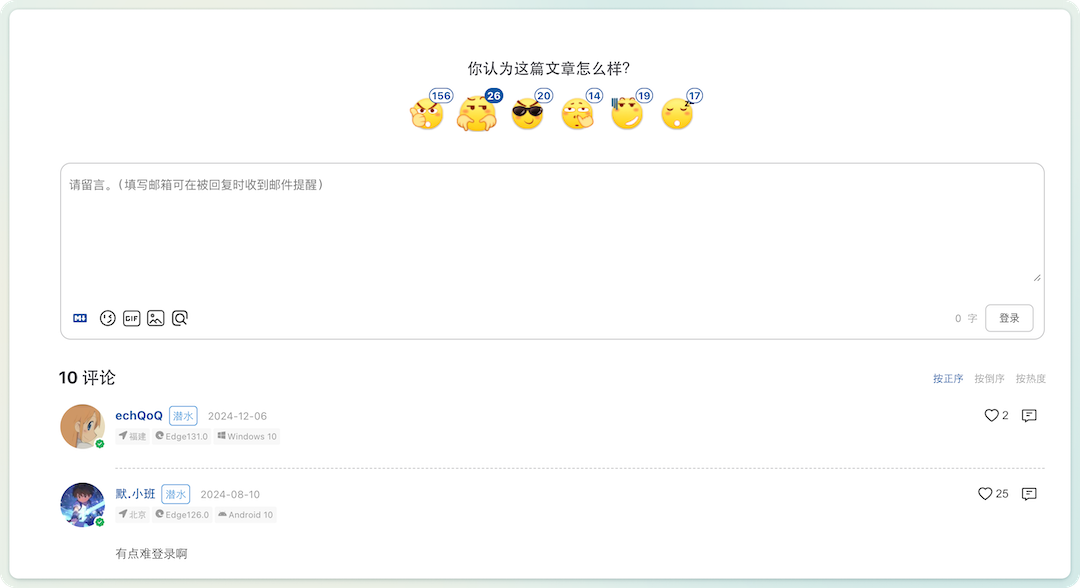
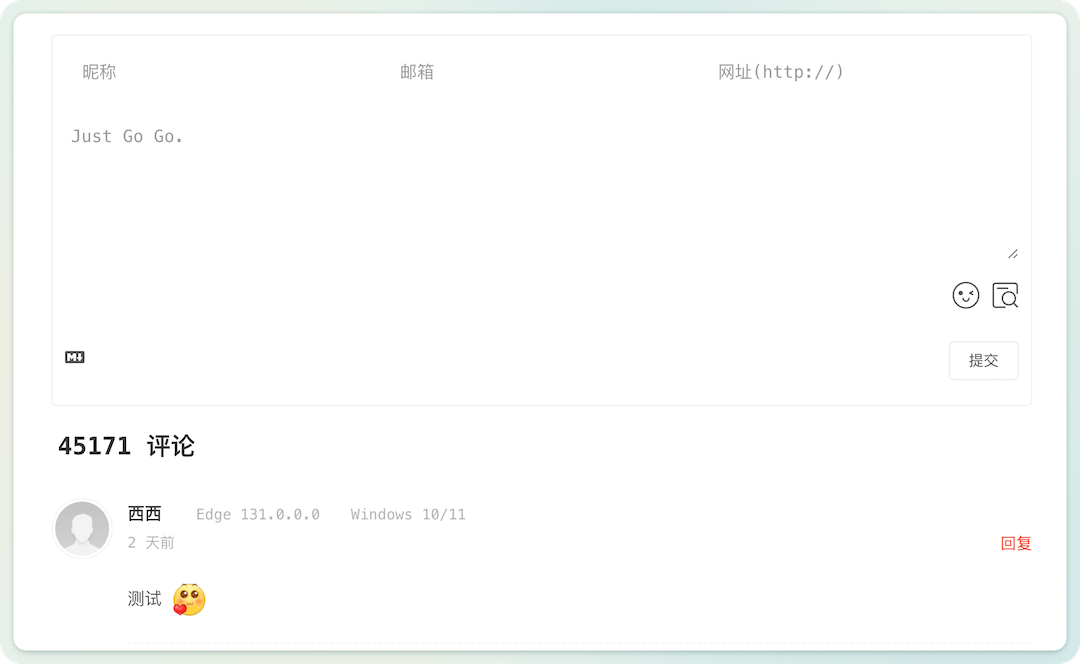
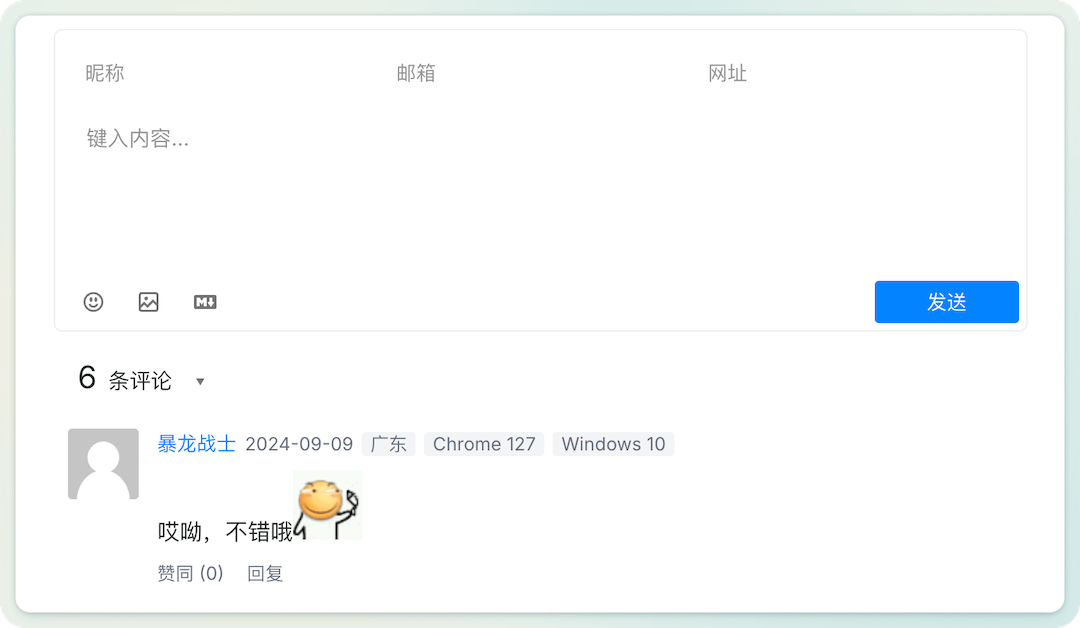
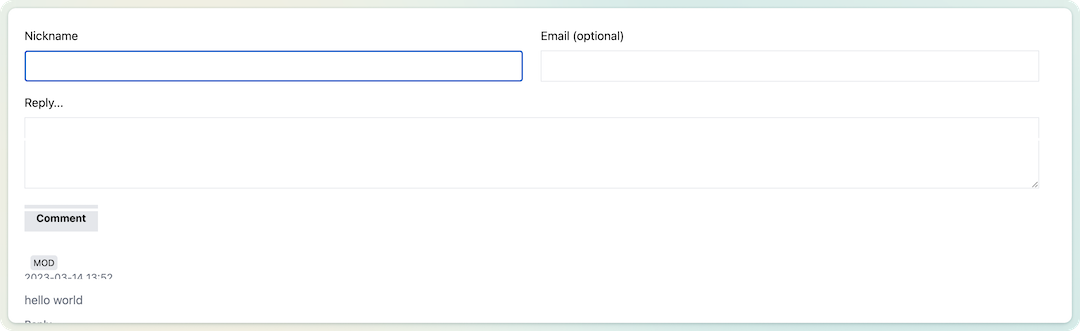
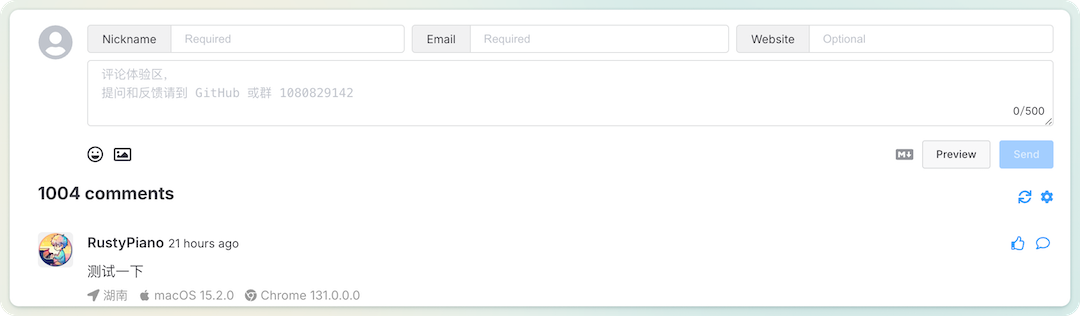
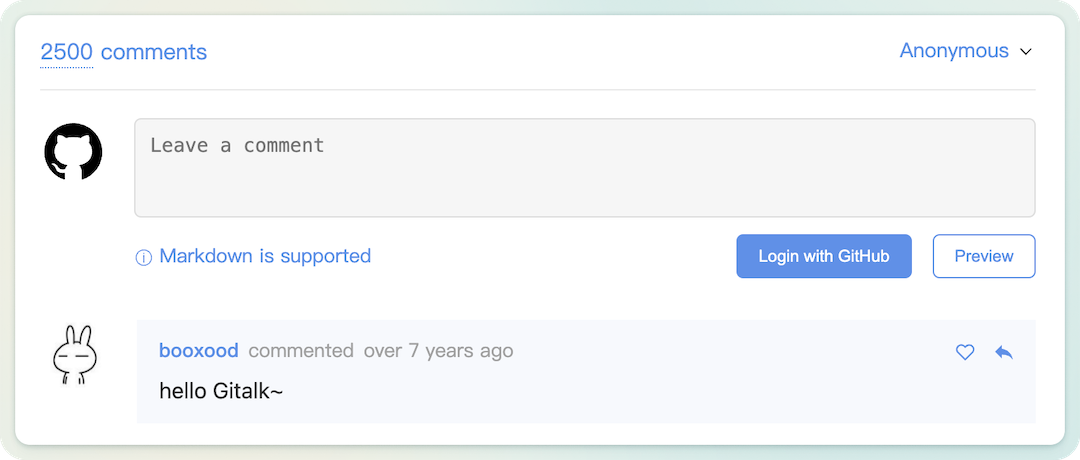
After reviewing several comment systems, I found that their core functionalities are quite similar, focusing on being lightweight, secure, and easy to deploy. Among them, I think Waline is the best looking and most feature-rich, with comprehensive documentation. However, Gitalk is the most unique, as it requires no database configuration and uses GitHub issues to store comments, which is a brilliant idea.
The official guide for using LeanCloud + Vercel is quite complete, but I decided to use docker + sqlite to set it up and migrate the existing Disqus data. The official guide lacks some details, so I’ll share my process here.
The official guide provides a database template waline.sqlite, which you can download directly. It already has three tables set up, so you can use this database as is.

Admin. Then choose the Export option under the comments section to export the data.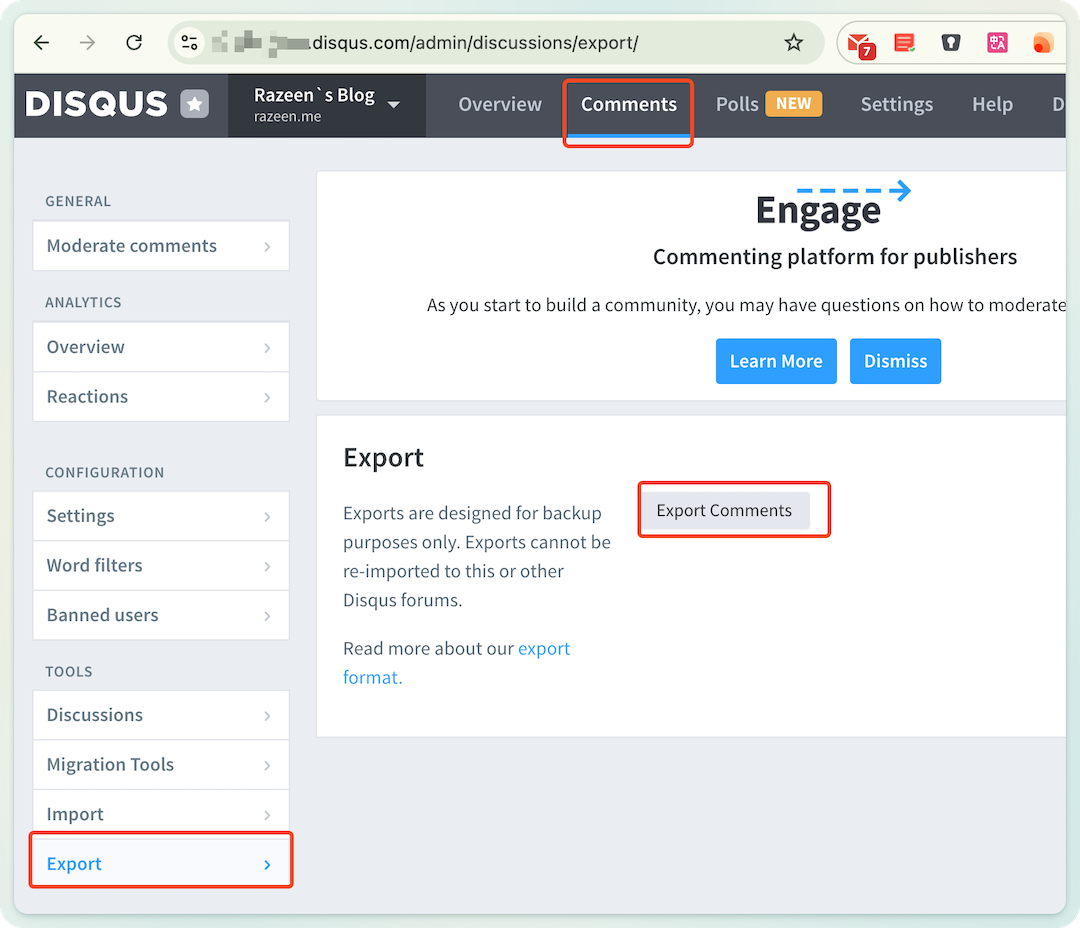
The exported file will be sent to your email as a compressed XML file. After extracting it, you will get an XML file.
CSV file.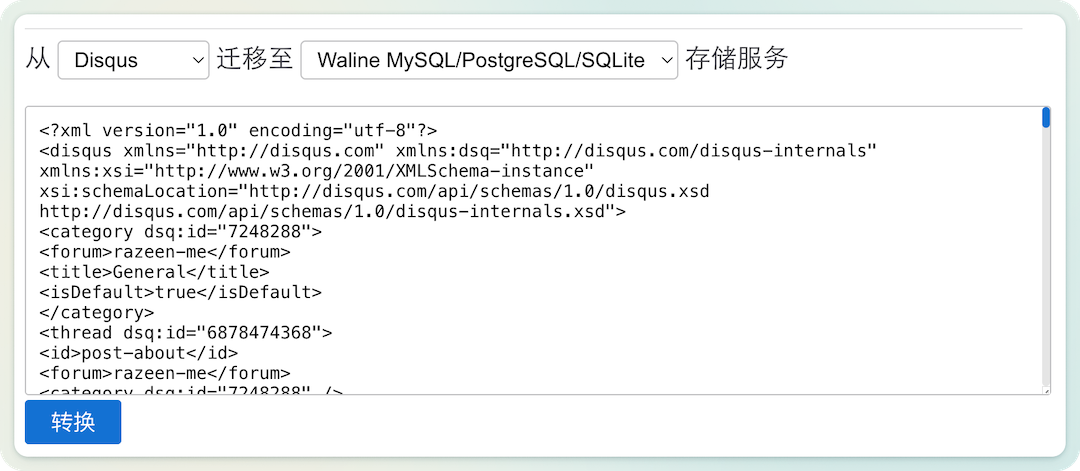
CSV data into the prepared waline.sqlite database.There are many database tools available, such as DataGrip, Navicat, etc. Open the downloaded waline.sqlite in the tool and use the import function to import the data. For example, when using DataGrip, make sure to select the first row as the header, and it will automatically match the fields for you.
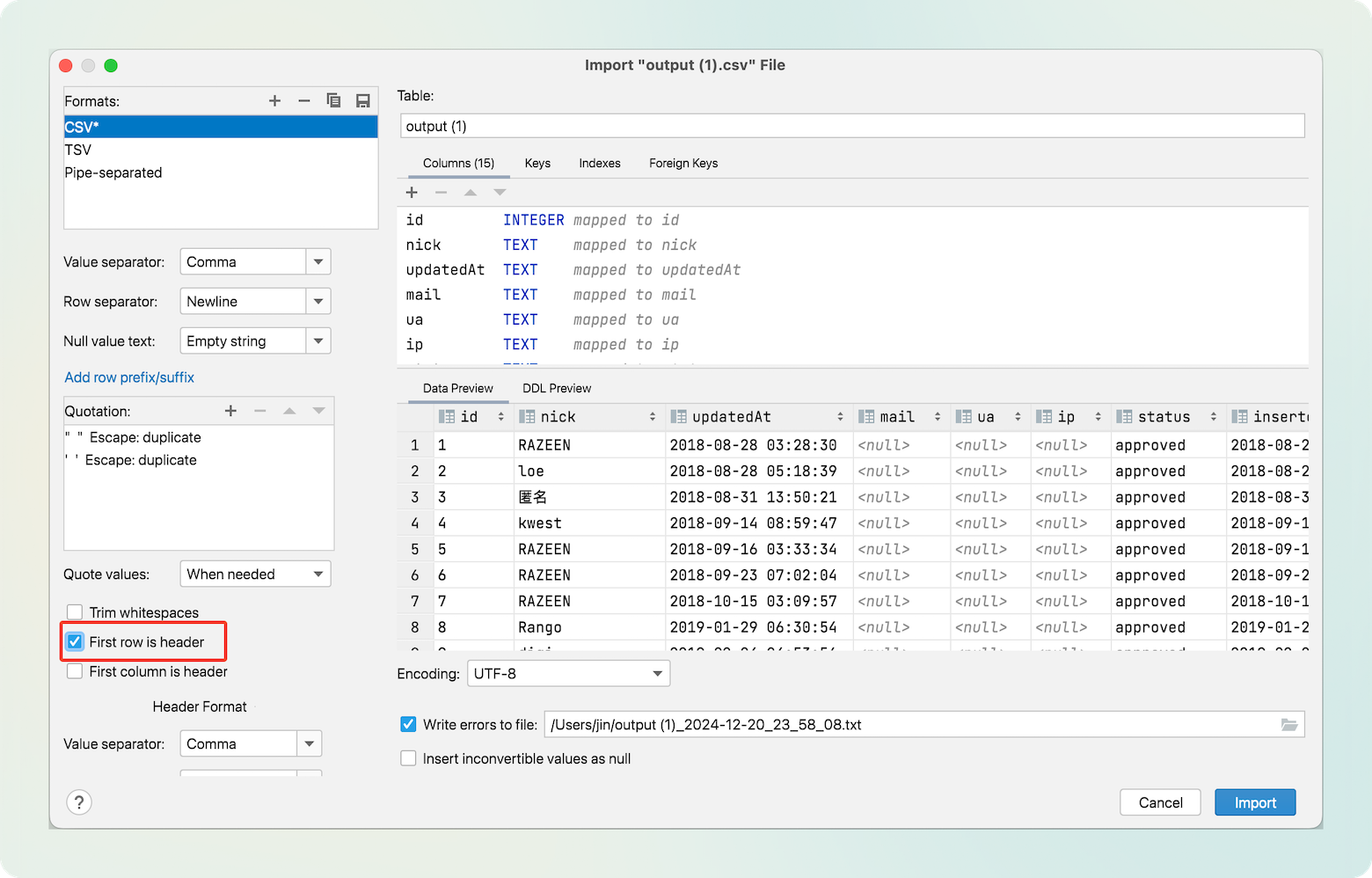
Now, the SQLite database is ready.
Use docker-compose.yml to start the service and Nginx, and configure the forwarding and certificates in Nginx.
version: '3.5'
services:
  nginx:
  image: nginx
  container_name: nginx
  restart: always
  ports:
    - 443:443
  volumes:
    -  ${PWD}/certs:/etc/nginx/ssl
    -  ${PWD}/waline.conf:/etc/nginx/conf.d/waline.conf
  depends_on:
    - waline
  waline:
  container_name: waline
  image: lizheming/waline:latest
  restart: always
  volumes:
    - ${PWD}:/app/data
  environment:
    TZ: 'Asia/Shanghai'                          # Time zone
    SQLITE_PATH: '/app/data'                     # SQLite database path
    JWT_TOKEN: 'xxxxx'
    SITE_NAME: 'Razeen`s Blog'                   # Site name
    SITE_URL: 'https://razeen.me'                # Site URL
    SECURE_DOMAINS: 'razeen.me,waline.razeen.me' # Secure domains (blog and comment domains)
    AUTHOR_EMAIL: '[email protected]'                 # Author's email
    SMTP_SERVICE: 'QQ'                           # Email notification, I use QQ
    SMTP_USER: '[email protected]'
    SMTP_PASS: 'xxxxxx'
    SMTP_SECURE: true
    IPQPS: 20                                    # Comment rate limit, one comment per 20 seconds per IP
    DISABLE_REGION: true                         # Hide comment region
Pay attention to these environment variables. For more environment variables, refer to the official documentation. I have relaxed the rate limit IPQPS and configured email as my comment notification channel.
Configure Nginx forwarding in waline.conf
Below is my configuration for reference. You can apply for a certificate from FreeSSL.
server {
  listen                       443 ssl;
  server_name                  waline.razeen.me;
  server_tokens                off;
    http2 on;

  ssl_certificate              /etc/nginx/ssl/fullchain.pem;
  ssl_certificate_key          /etc/nginx/ssl/key.pem;

  ssl_prefer_server_ciphers    on;
  ssl_ciphers                  EECDH+CHACHA20:EECDH+CHACHA20-draft:EECDH+AES128:RSA+AES128:EECDH+AES256:RSA+AES256:EECDH+3DES:RSA+3DES:!MD5;

  ssl_protocols                TLSv1.1 TLSv1.2 TLSv1.3;
  ssl_session_cache            shared:SSL:50m;
  ssl_session_timeout          1d;
  ssl_session_tickets          on;

  #  ssl_trusted_certificate      /etc/nginx/ssl/ca.pem;
  #  ssl_stapling                 on;
  #  ssl_stapling_verify          on;

  access_log  /var/log/nginx/access_waline.log  main;
  error_log   /var/log/nginx/error_waline.log;

  location / {
    proxy_pass http://waline:8360;

    proxy_set_header Host $host;
    proxy_set_header X-Real-IP $remote_addr;
    proxy_set_header X-Forwarded-For $proxy_add_x_forwarded_for;
    proxy_set_header X-Forwarded-Proto $scheme;
    proxy_set_header REMOTE-HOST $remote_addr;
    add_header X-Cache $upstream_cache_status;
    # cache
    add_header Cache-Control no-cache;
    expires 12h;
  }
}
Then place the database in the configuration directory and start it. After setting up domain resolution, you can visit the comment site and see the comment box.
Go to the URL + ‘/ui’, for example, my https://waline.razeen.me/ui will automatically redirect to the backend. Register an account, and the first account will be the administrator. The backend can be used to manage comments and users.
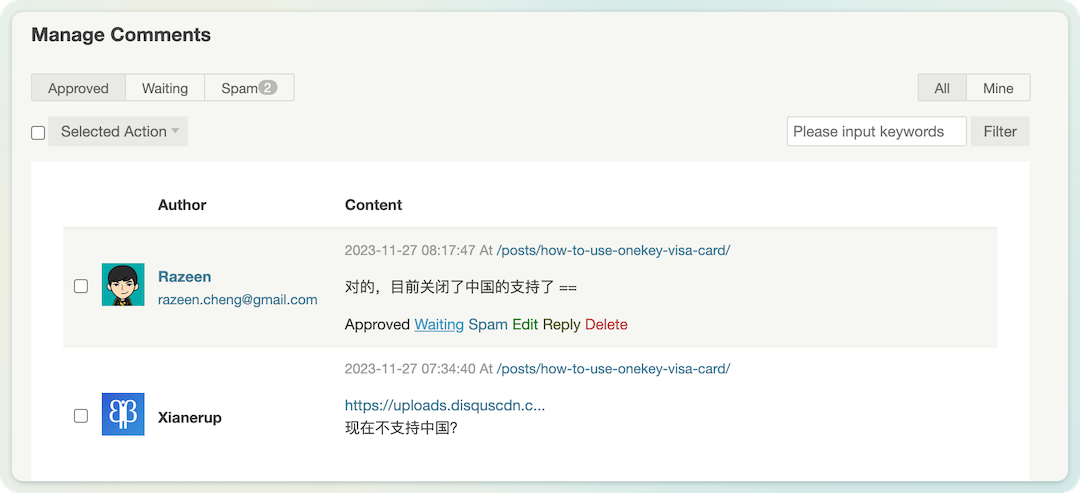
For Hugo, find the comment template of the theme (e.g., comments.html), add the following code, and update (I turned off the image and meme emoji).
<!-- Style file -->
<link
  rel="stylesheet"
  href="https://unpkg.com/@waline/client@v3/dist/waline.css"
/>

<div id="tcomment"></div>

<!-- Script file -->
<script type="module">
  import { init } from 'https://unpkg.com/@waline/client@v3/dist/waline.js';

  init({
  el: '#tcomment',
  serverURL: 'https://waline.razeen.me/',
  search: false,  // Disable meme search
  reaction: true,
  // emoji: false,
  imageUploader: false  // Disable image upload
  });
</script>
Now the self-hosted Waline is ready, and I’ve had a fun time tinkering with it!
此内容由惯性聚合(RSS阅读器)自动聚合整理,仅供阅读参考。 原文来自 — 版权归原作者所有。