






By now, you’ve probably used ChatGPT to generate code. But have you used it to deploy code?
On its own, ChatGPT can write the HTML, JavaScript, and CSS you need to build the frontend of a website. But where do you go from there? You can copy/paste its code suggestions into your text editor to preview the output locally, but that can be rather tedious and boring.
We’ve made this process easier and more fun with our new official plugin, available for free in the ChatGPT plugin store. Simply describe the website you want to build — not only will ChatGPT author the markup, scripts, and stylesheets, but it will deploy it to Netlify for you too!
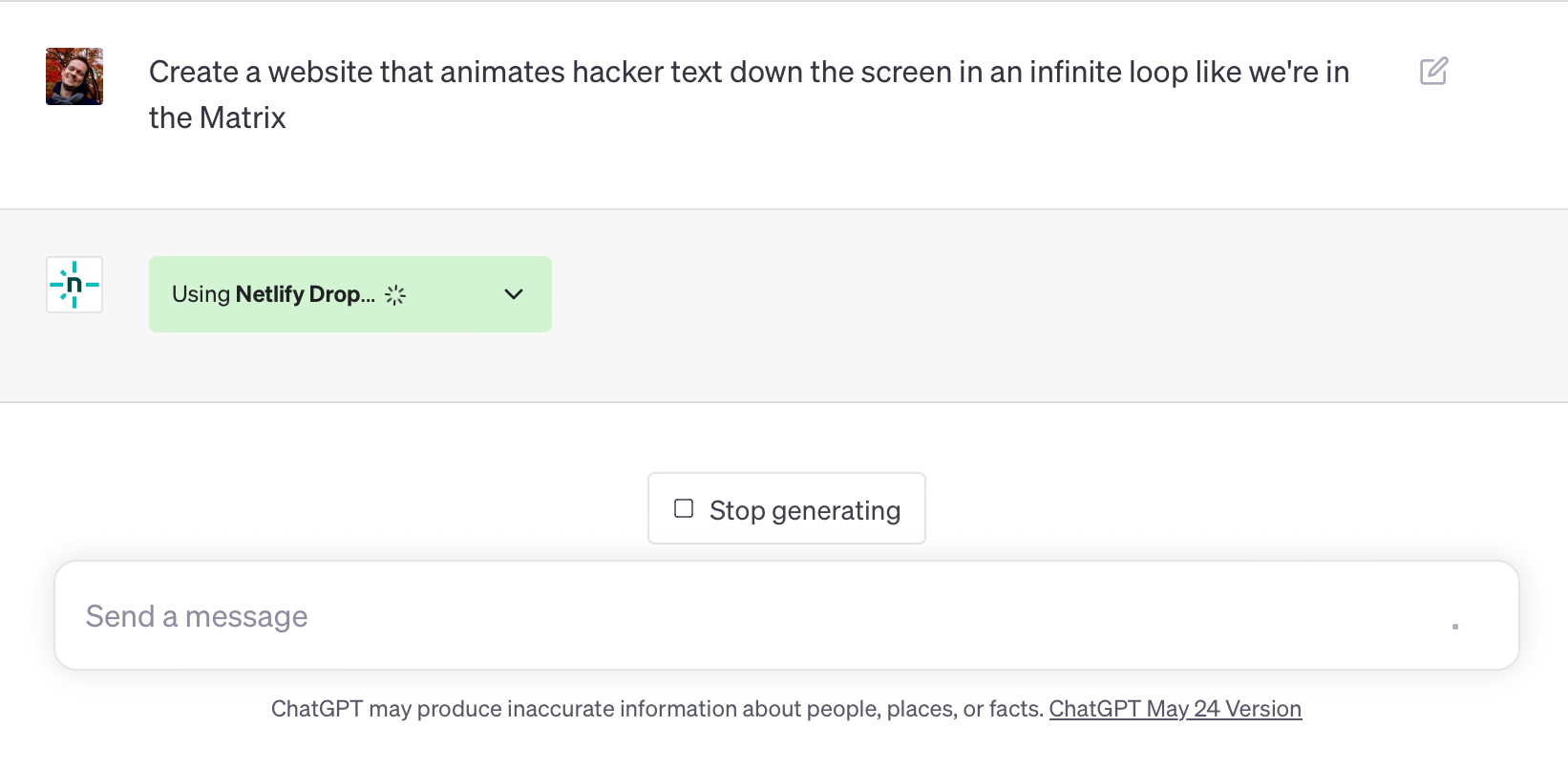
Under the hood, this uses the same endpoints that powers Netlify Drop, our straightforward drag-and-drop interface for manually deploying static websites. Note that there’s no build pipeline, so you can’t deploy anything that requires a build step.
Simplify and streamline website deployment with the Netlify Drop ChatGPT plugin
You don’t need to be signed into Netlify in order to deploy from ChatGPT. Once you like the website generated and deployed, follow the link to the claim URL. From the resulting page, click the Claim this site button if you’re already logged in; otherwise, click the Sign up for free button to associate the site with your new Netlify account. If you don’t claim the site, it’ll be deleted within an hour — following the same policy as Netlify Drop’s drag-and-drop interface for anonymous uploads.
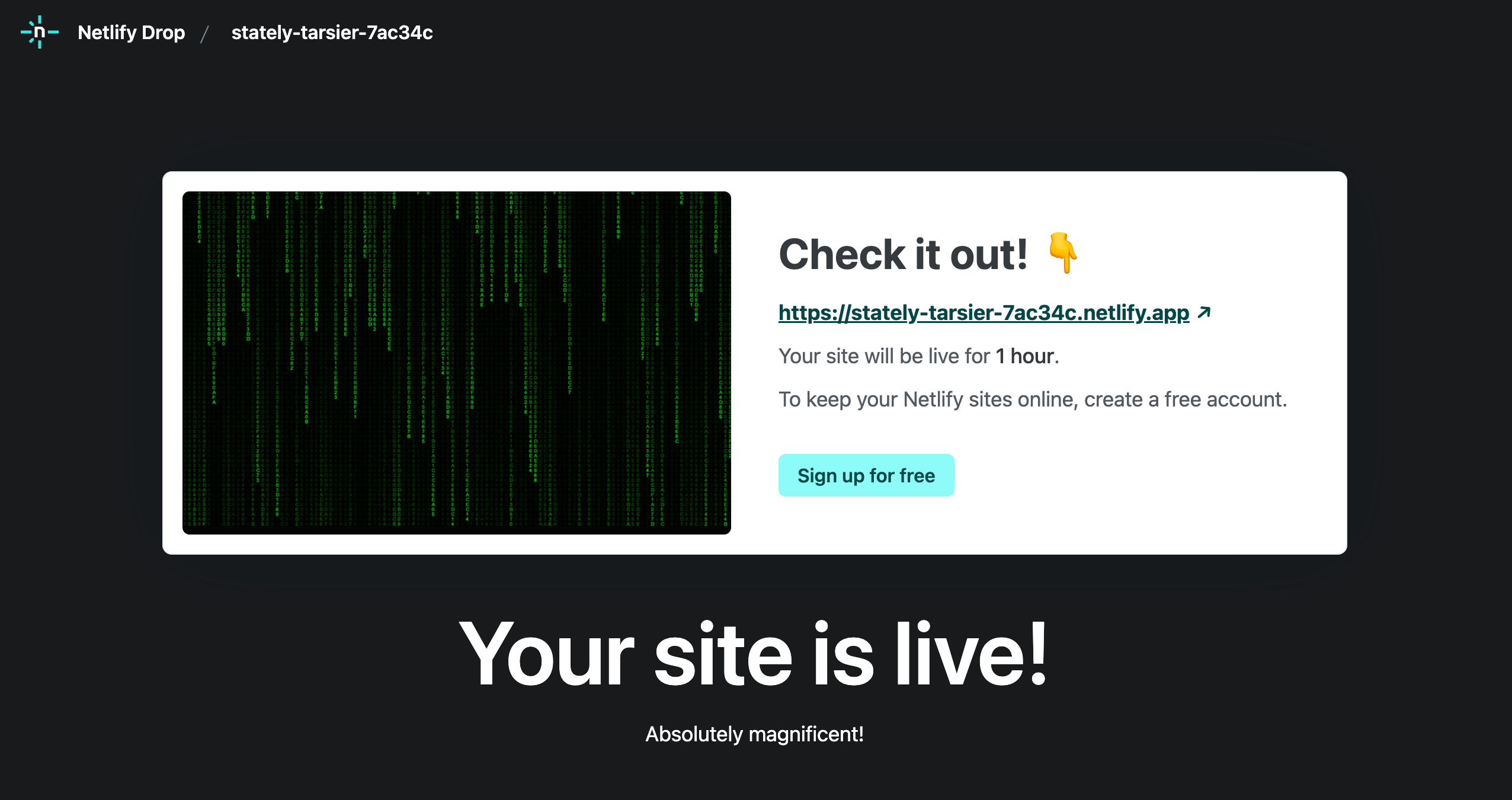
After you claim the site, it becomes associated with your account, where you can further manage it within the Netlify UI:
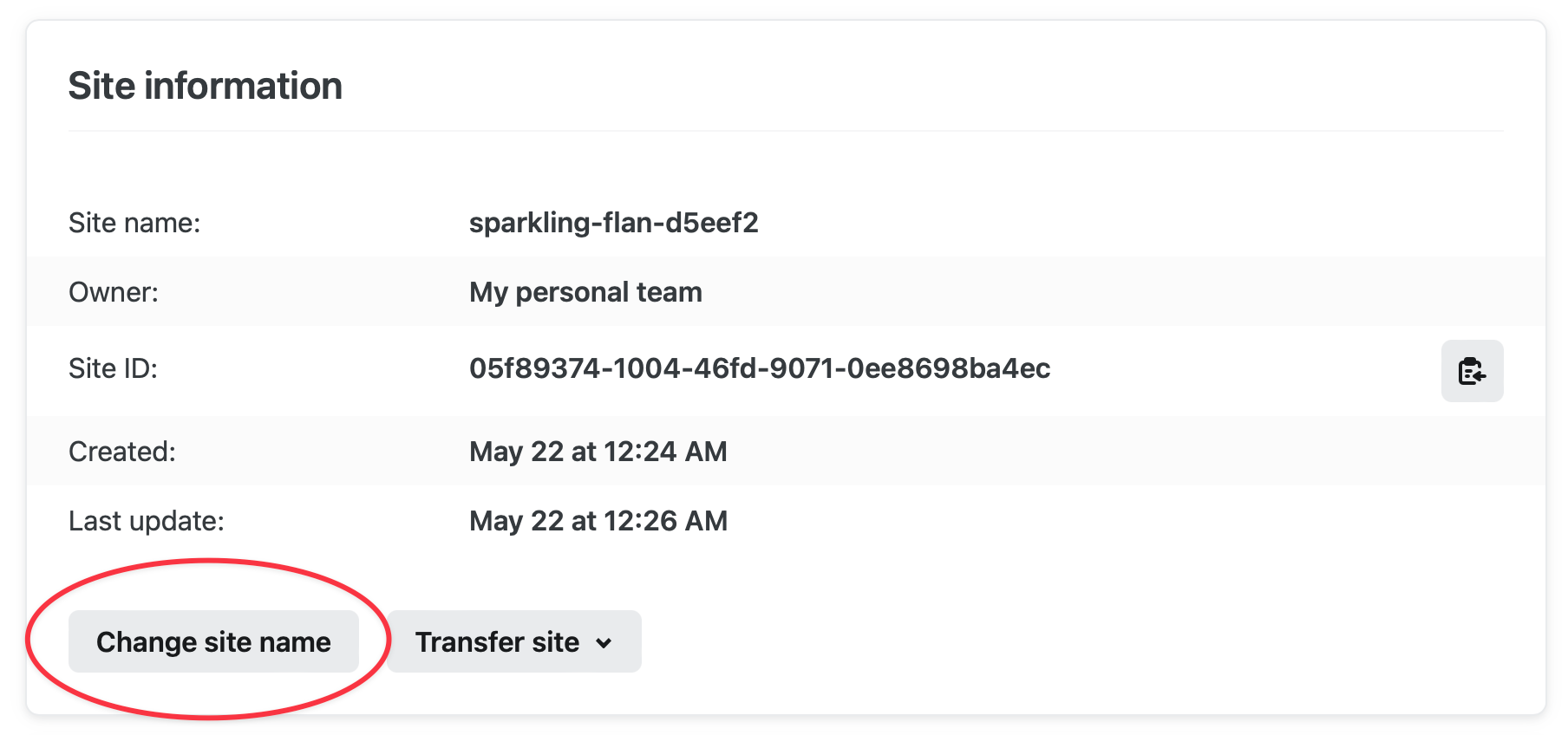
- To change the name and subdomain of your new site, click the Change site name button in Your site > Site configuration > Site information.
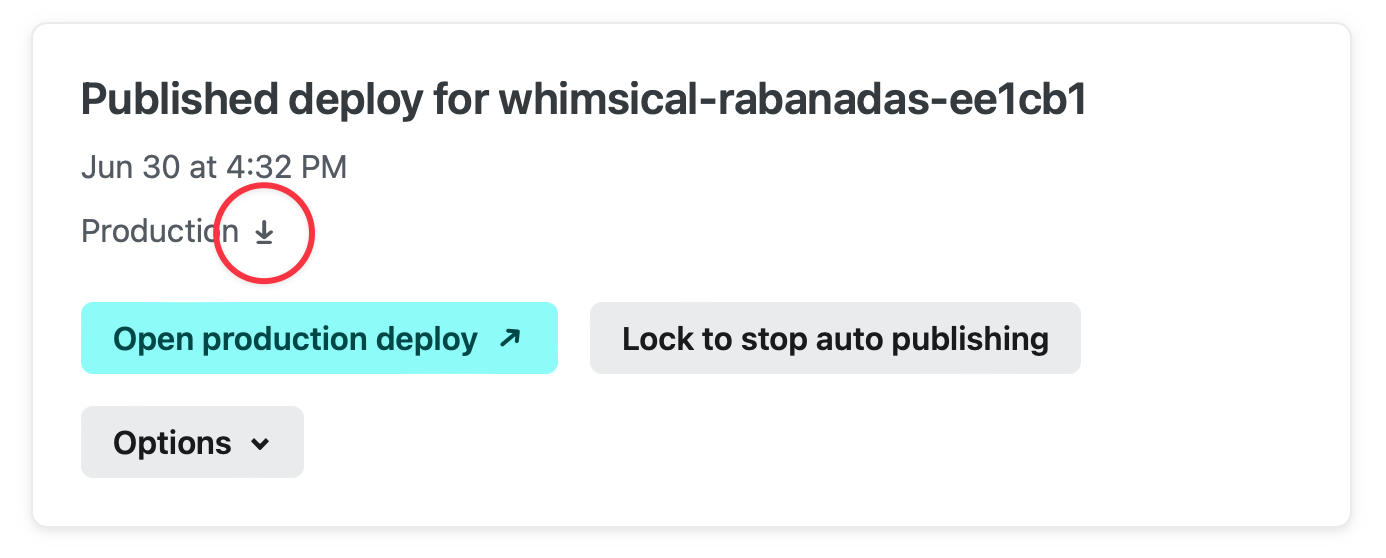
- To download a .zip file containing the site’s source code, click the ⬇️ icon in the hero card in Your site > Deploys > Production (Published).
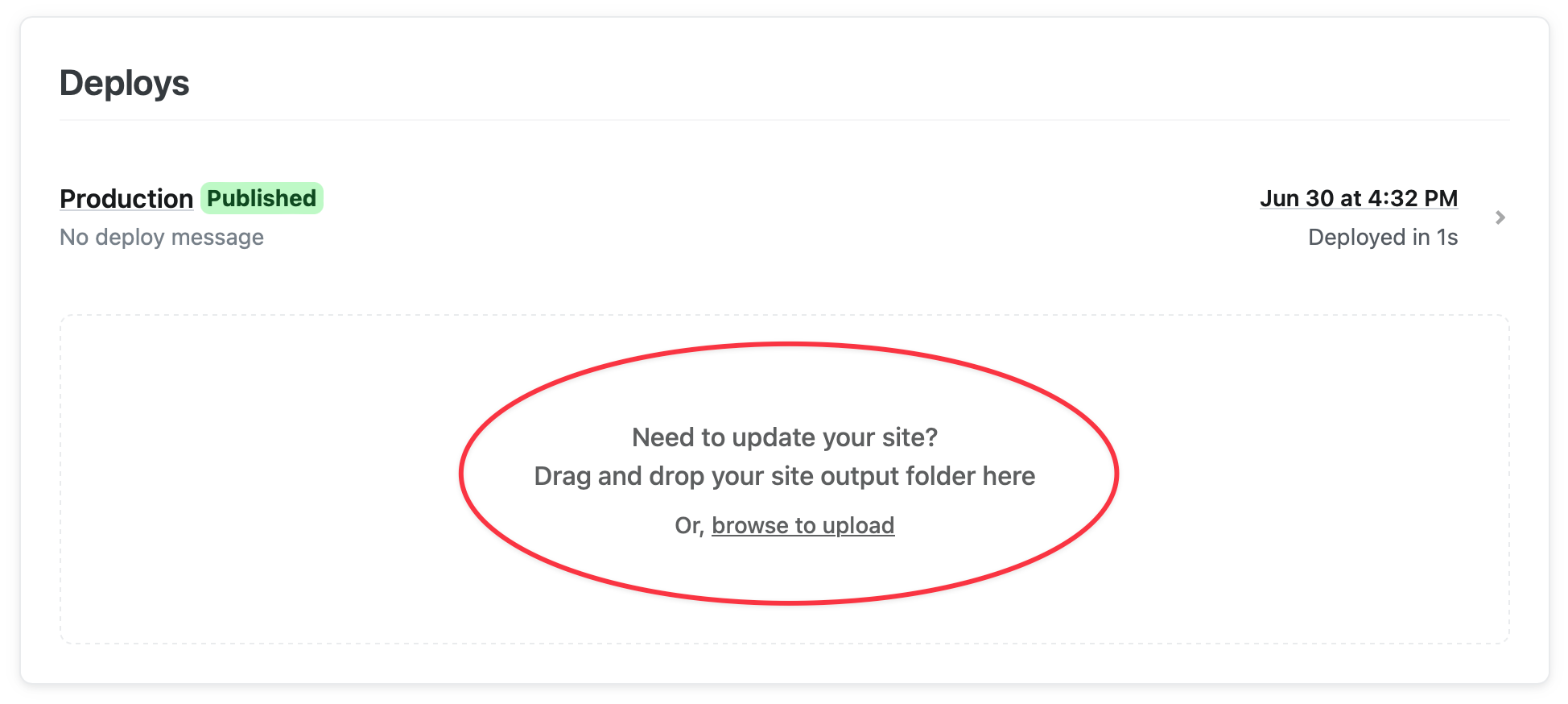
- To manually push updates, drag & drop a folder of your new web content on the Deploys page of your site.
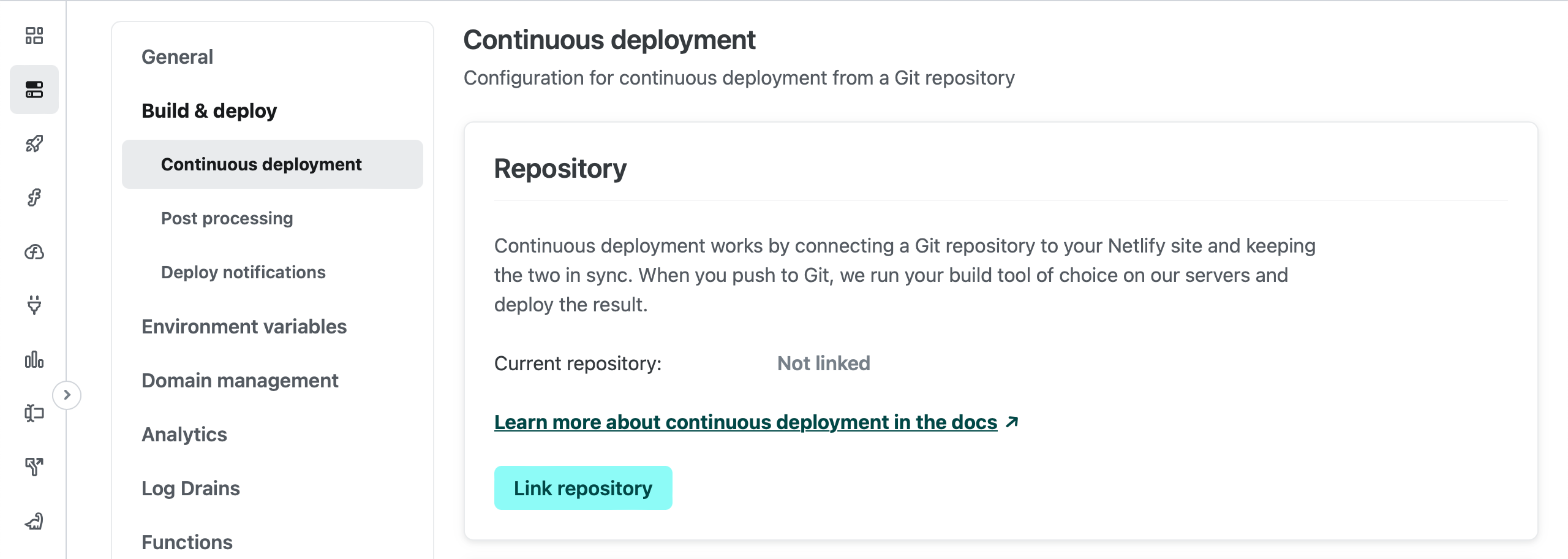
- To build and deploy from a continuous integration pipeline, connect to a Git repository by clicking the Link repository button in Your site > Site configuration > Build & deploy > Continuous deployment > Repository. Merges to the main branch will trigger production deploys automatically.
How to install the Netlify Drop ChatGPT plugin
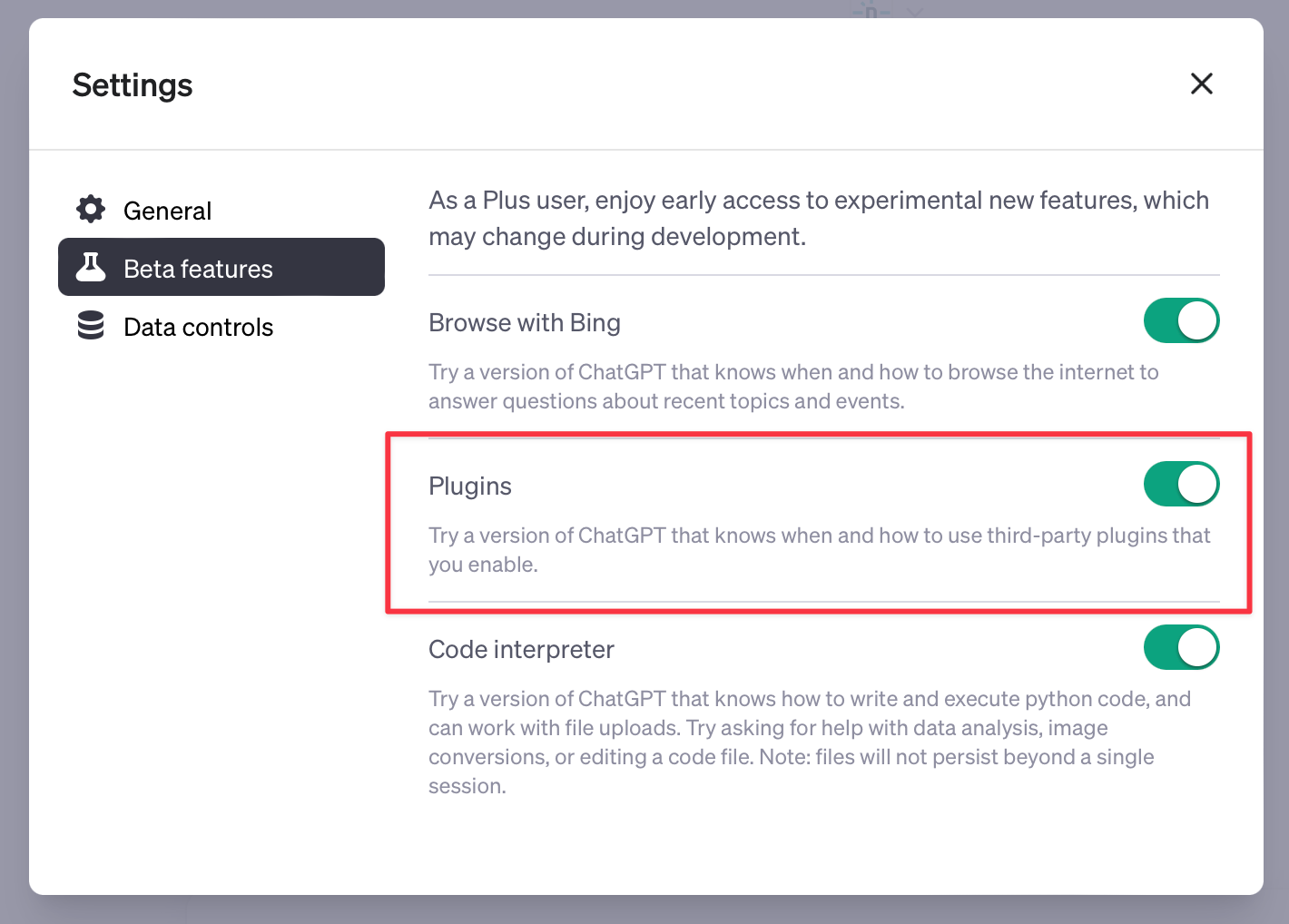
First, ensure that you have access to the ChatGPT Plugins beta. At time of writing, plugins are available to all ChatGPT Plus subscribers. Open your user settings in ChatGPT by clicking on your name or email address in the bottom left-hand corner. Then, under Beta features, toggle on the Plugins switch. If you don’t see this setting, then you don’t yet have access to ChatGPT plugins.
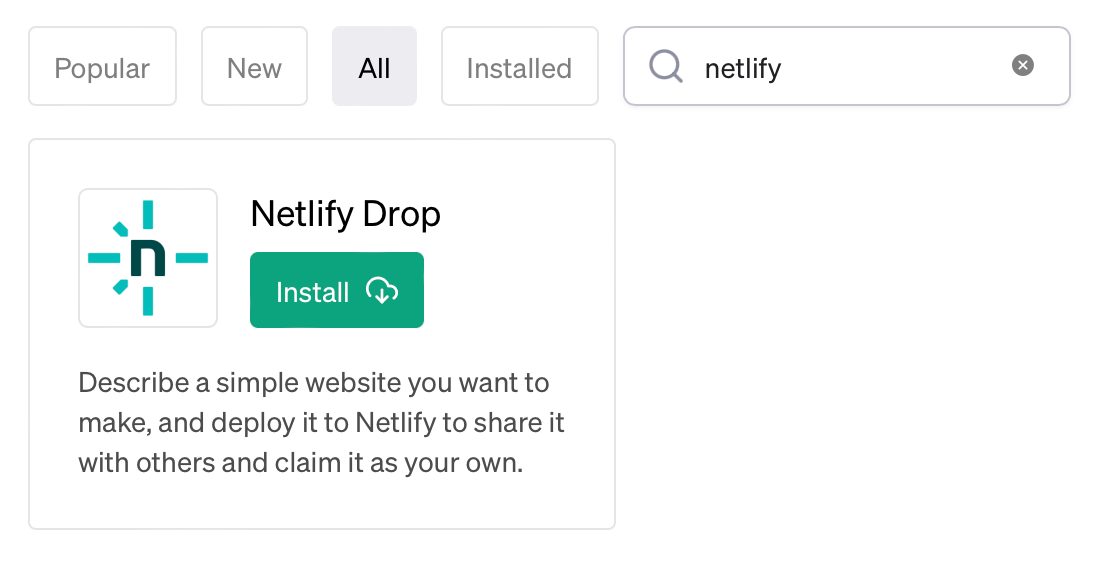
You should now have access to the Plugins store. Search for “netlify” in the search bar, and click the Install button underneath the Netlify Drop plugin.
That’s all it takes!
What can you make with just a ChatGPT prompt?
You might not entrust anything ChatGPT deploys for anything enterprise-grade or production-ready, but that doesn’t mean you can’t experiment with deploying by prompt for prototypes, proof-of-concepts, or personal projects! Here are some example prompts, and the sites that resulted from the prompts. Note that I have updated the site URLs to be more memorable — but the content of each site remains unchanged from when it was deployed by ChatGPT.
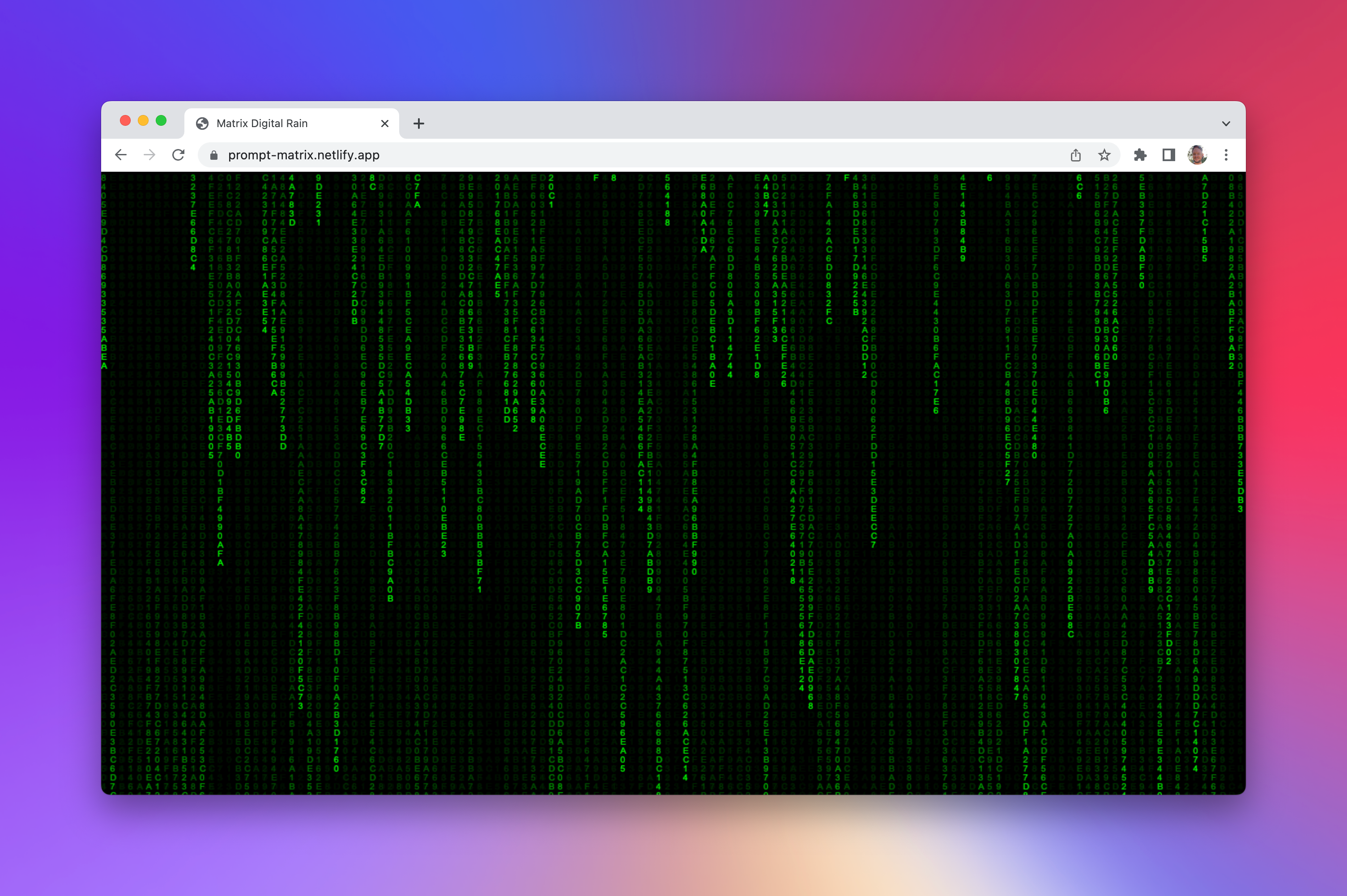
Create a website that animates hacker text vertically down the screen in an infinite loop like we’re all in the Matrix
https://prompt-matrix.netlify.app
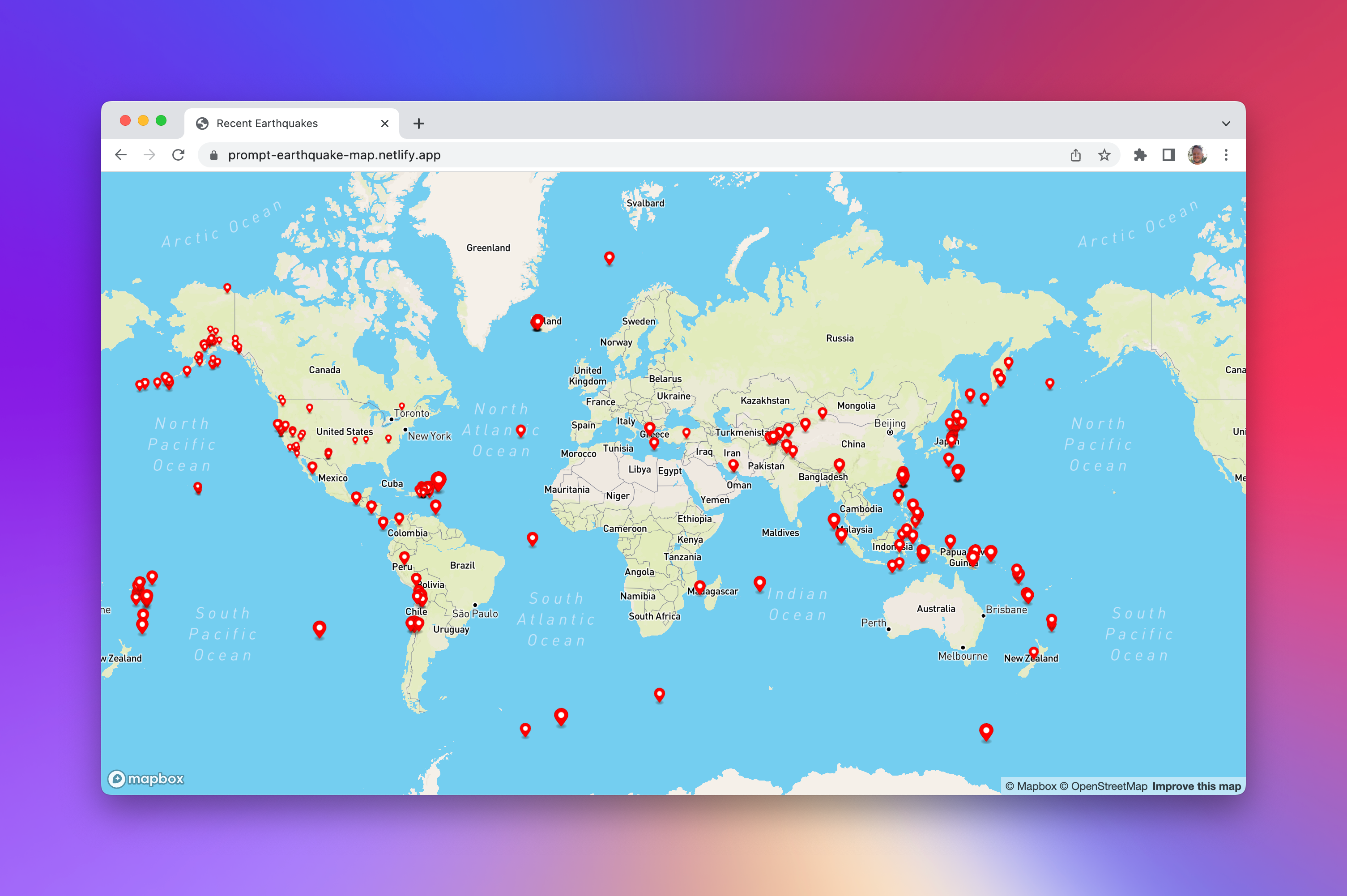
Show me how to make a website that displays recent earthquakes of magnitude 2 and higher that occurred in the last week. Each earthquake should appear as a red marker on the map. When you click on a marker, it should show some basic detail about the earthquake, including the location, magnitude, and date. The size of the marker should be relative to the magnitude of the quake. Pull the data from USGS. It should display these on a map using the Mapbox SDK. Also include the mapbox-gl.css file so that it is styled correctly. Use
<Public token here>for the Mapbox SDK key. Zoom the map out initially so that the whole world is in view. I want the website to be in separate HTML, JavaScript, and CSS files.
https://prompt-earthquake-map.netlify.app
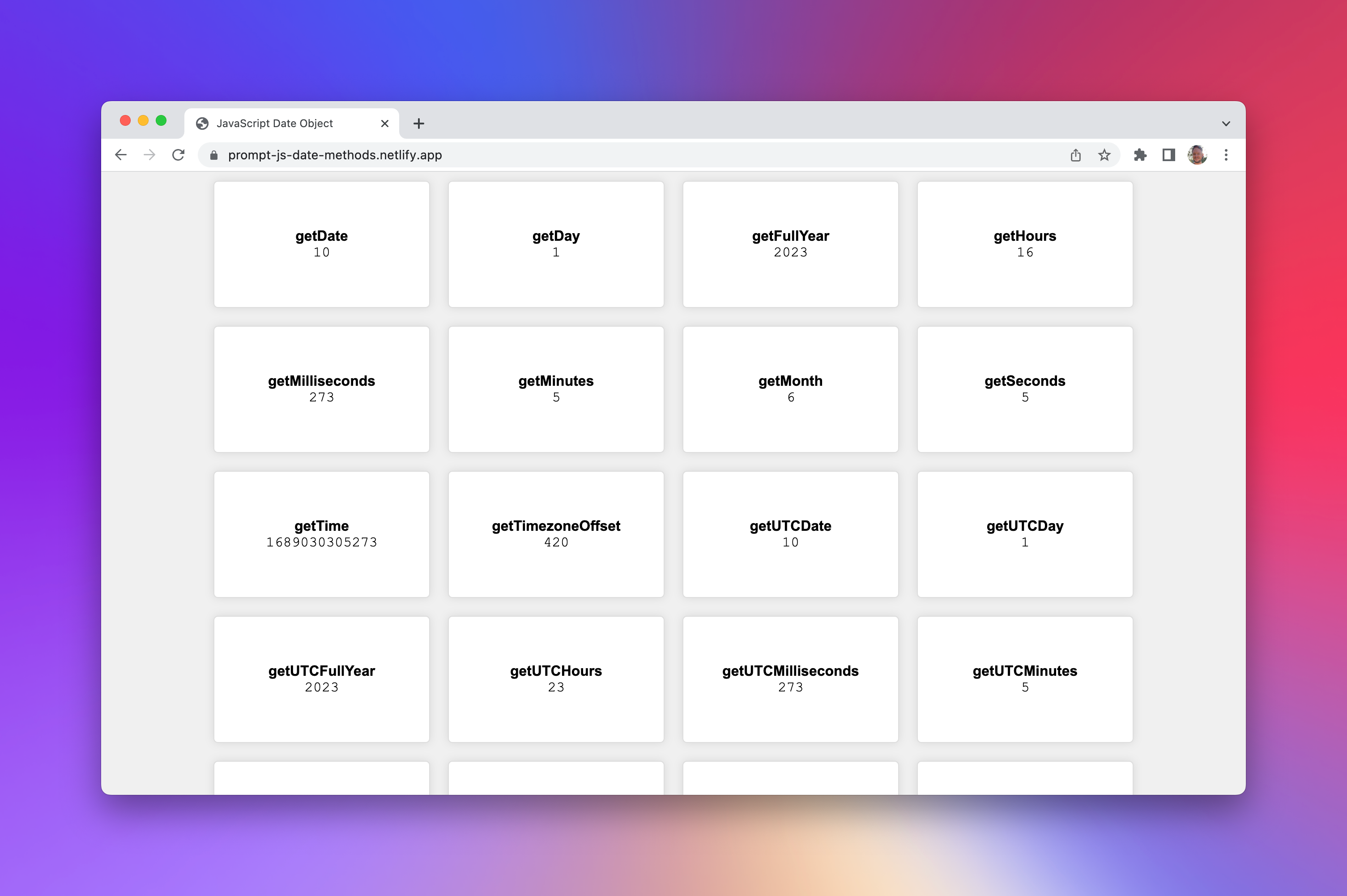
Make a website that will be useful to JavaScript developers learning the
Date()object. When the page loads, create a newDate()object. Then display the value of each of thegetandtoinstance methods, along with the name of the method that was used to display that value. The value should be in a monospaced font, and the name of the method should be bold. Each of these should appear as a tile in a grid, to make use of the screen real estate. When a tile is clicked, copy the name of the method to the clipboard. Every second, update the values to reflect the new date.
https://prompt-js-date-methods.netlify.app
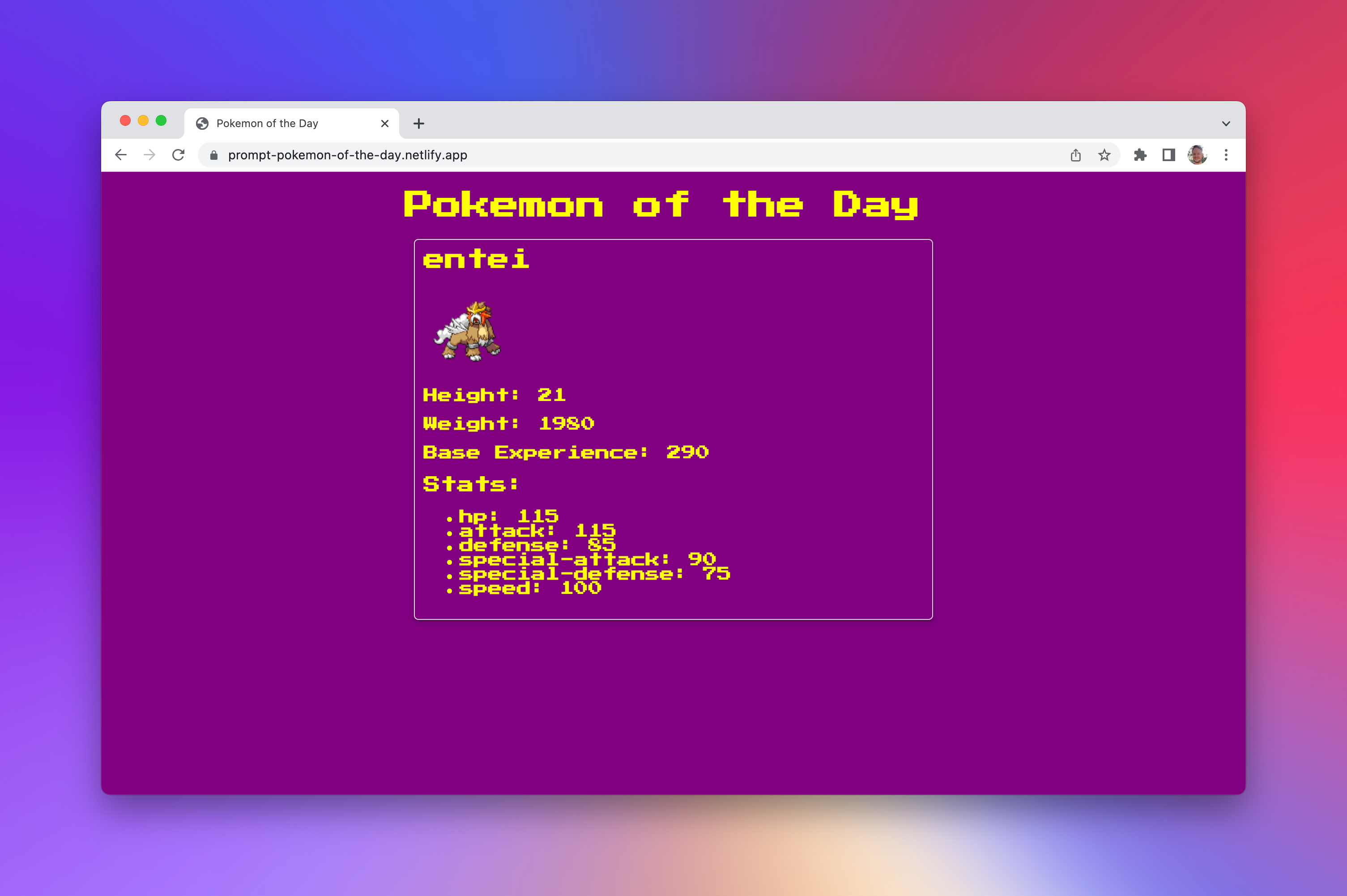
Create a “Pokemon of the Day” website. Deterministically load a random pokemon from the PokeAPI based on today’s date. The site should show a picture of the pokemon, and all of its stats. Would be great if the style of the site looked like a pokedex! Load a pokemon-like font from Google Fonts. I want it to have a purple background and a yellow foreground.
https://prompt-pokemon-of-the-day.netlify.app
Try it out for yourself! What can you deploy using just a prompt? Your imagination is the limit! Let us know on Twitter and in our community forums!