惯性聚合 高效追踪和阅读你感兴趣的博客、新闻、科技资讯
阅读原文 在惯性聚合中打开

推荐订阅源

Forbes - Security
Forbes - Security
GbyAI
GbyAI
OSCHINA 社区最新新闻
OSCHINA 社区最新新闻
S
SegmentFault 最新的问题
Y
Y Combinator Blog
Recorded Future
Recorded Future
博客园 - Franky
I
InfoQ
T
The Blog of Author Tim Ferriss
Recent Announcements
Cyber Security Advisories - MS-ISAC
博客园_首页
阮一峰的网络日志
阮一峰的网络日志
T
Tailwind CSS Blog
Cyberwarzone
Cyberwarzone
The Register - Security
H
Hackread – Cybersecurity News, Data Breaches, AI and More
Threat Intelligence Blog | Flashpoint
雷峰网
雷峰网
P
Palo Alto Networks Blog
G
GRAHAM CLULEY
Cloudbric
Cloudbric
CTFtime.org: upcoming CTF events
MongoDB | Blog
MongoDB | Blog
F
Full Disclosure
Google DeepMind News
Recent Commits to openclaw:main
C
Check Point Blog
爱范儿
爱范儿
The GitHub Blog
The GitHub Blog
cs.AI updates on arXiv.org
W
WeLiveSecurity
T
Threat Research - Cisco Blogs
U
Unit 42
N
Netflix TechBlog - Medium
The Cloudflare Blog
Spread Privacy
Spread Privacy
Microsoft Azure Blog
美团技术团队
T
Troy Hunt's Blog
Engineering at Meta
Engineering at Meta
H
Heimdal Security Blog
TaoSecurity Blog
TaoSecurity Blog
C
Cybersecurity and Infrastructure Security Agency CISA
T
Tenable Blog
B
Blog
S
Securelist
H
Hacker News: Front Page
Google Online Security Blog
G
Google Developers Blog

KOBIN 技术随笔

Mac 系统消除软件更新的通知红点 通过 Docker 部署 Filament 后台管理系统 WordPress 站点开启 Nginx FastCGI 页面缓存 将 WordPress 数据库版本从 MySQL 5.5 升级为 8.0 CentOS 7 配置 OpenVPN 客户端 安装 Docker CE 和 DPanel 容器管理面板 利用群晖 Docker 安装 VSCode 代码编辑器 H3C 交换机设置 NTP 时间同步源为阿里云服务器 企业微信提示不支持预览该格式的图片 微星主板台式电脑 BIOS 设置 U 盘启动
安装 Uptime Kuma 服务器监控面板
KOBIN · 2026-03-20 · via KOBIN 技术随笔

安装 Uptime Kuma 服务器监控面板

Linux 阅读 69

Uptime Kuma 是一款开源的服务器监控工具,支持 HTTP(s)、TCP、Ping、DNS 等多种监控方式,服务异常时可以通过邮件、Webhook 等方式发送告警通知。此外,Uptime Kuma 还支持状态页展示,可用于对外展示服务可用性。

本篇文章介绍了如何通过 Docker 搭建 Uptime Kuma 监控面板。

项目地址:https://uptime.kuma.pet/

安装步骤

1、安装 Uptime Kuma 前需要提前准备 Docker 环境,操作步骤可前往 https://blog.kobin.cn/blog/system/s2/3768.html 进行查看。

2、创建目录,用于存放监控数据。

3、编写安装脚本。

写入以下内容:

4、保存后执行安装。

5、安装完成后,通过浏览器访问面板,例如 http://192.168.1.100:3001 。

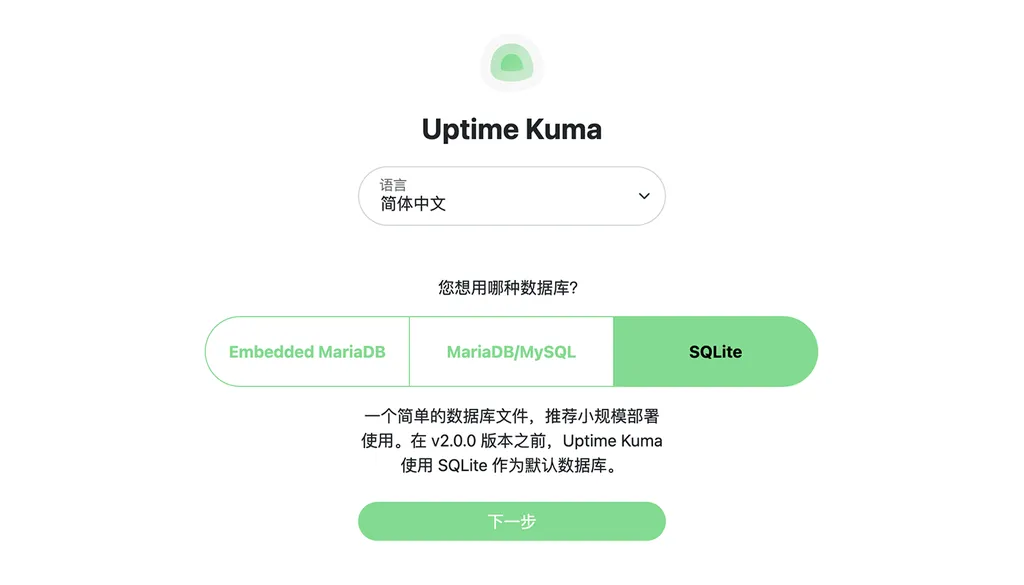
6、首次访问时需要进行初始化设置,数据库类型默认选择 SQLite 即可。
安装 Uptime Kuma 服务器监控面板

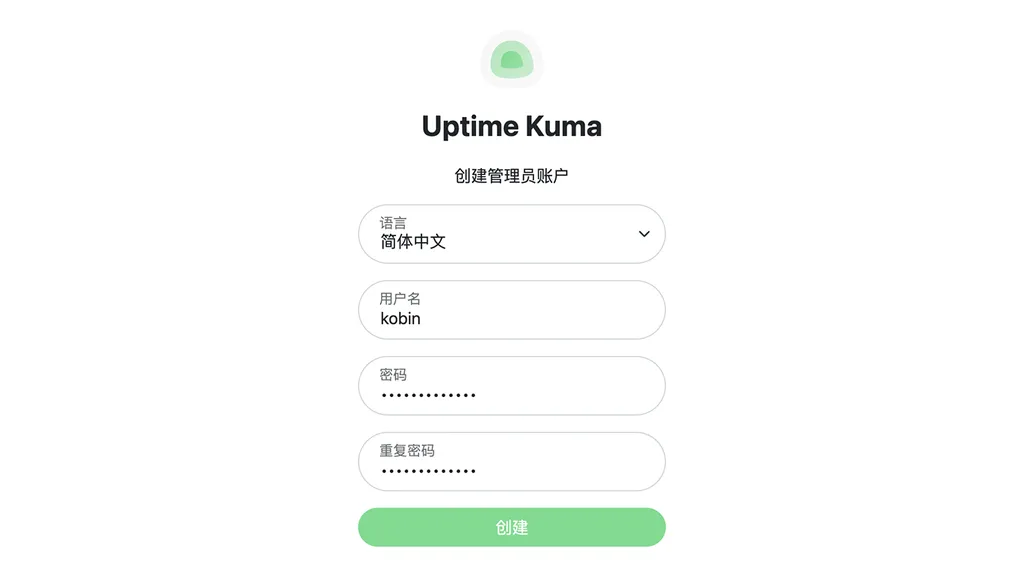
7、创建管理员账号,根据提示设置登录用户名和密码,用于后续登录管理面板。

安装 Uptime Kuma 服务器监控面板

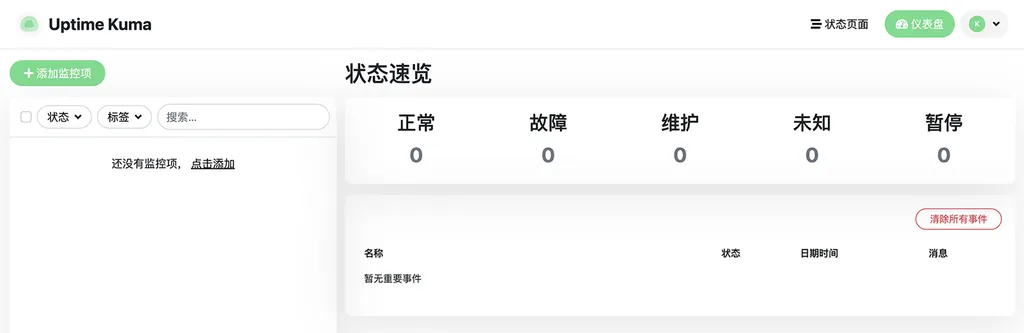
8、进入面板后,点击「添加监控项」可添加 HTTP、Ping、TCP 等监控类型,配置需要监控的目标地址及检测间隔,在「状态页面」中可对外展示服务运行状态。
安装 Uptime Kuma 服务器监控面板

本文为原创文章,著作权归作者所有:来自「KOBIN 技术随笔」作者的原创作品,转载请标明出处。
安装 Uptime Kuma 服务器监控面板
https://blog.kobin.cn/blog/system/s2/3774.html

评论功能升级维护公告

为响应国家网络信息安全合规要求,并进行全面的安全策略升级,本站自即日起暂时关闭博客的评论功能。

在此期间,您将无法发表新的评论,但仍可正常浏览所有历史文章及现有评论。如果您遇到问题需要协助,可以选择在线留言,或者发送邮件到 chen@kobin.cn 。

对于给您带来的不便,深表歉意。感谢您的理解与支持!

KOBIN 技术随笔
2025 年 8 月 26 日