








Igor is an engineer at Linear who’s spent the last few months teaching Linear Agent to fix bugs on its own. This is his honest take on what that’s really like.
I was very skeptical of AI to begin with. Part of me suspected the technology wasn’t as capable as the hype would suggest, while another part was deeply worried that it was far more capable than I wanted to admit.
But the closer I got to the technology the more those worries started to fade. The tech is very capable, but when you work with it you start to realise the extent of that capability. Where it’s strong, where it’s weak, and how the engineering role is evolving to fit the spaces between them.
I’ve spent the majority of my time over the past few months building out automations in Linear.
When combined with the Linear Agent, which can read and write code, and take actions in your workspace, you get an outcome that’s close to what we described last year as “Self-driving SaaS”. Software that can do things in the background on your behalf, moving work forward, guided by rules and gates rather than a human hand.
How much it can own from start to finish varies enormously depending on how your team works and what your codebase looks like, it’s not a fixed property of the technology.
We’ve had to experiment a lot to find the edges of that capability and then work back.
An automation I’ve been experimenting with lately is getting the Linear Agent to auto-fix bugs that land in triage. When we first tried this workflow we had the agent attempt a first pass at all the bugs coming in. That didn’t work very well because there wasn’t enough context to one-shot the fix, so we had to narrow the ask and feed it the right instructions and tools.
There are two types of issues that the agent is good at fixing on the first pass in our workspace today: catching dead feature flags and patching up failing background tasks.
Through our Datadog integration, a monitor catches the problem and files an issue into triage, where an automation assigns it to the Linear Agent to pick up, run the relevant skill, and take a pass.
Dead feature flags are the cleaner of the two. We rely on flags a lot, and once a feature ships to everyone the gated code is dead and we’re paying for usage we don’t need. The monitor watches how each flag evaluates, and once one returns the same result 100% of the time, it files the issue. The agent runs our cleanup skill and one-shots it nearly every time, because the task is well scoped and always the same shape. I just review and merge.
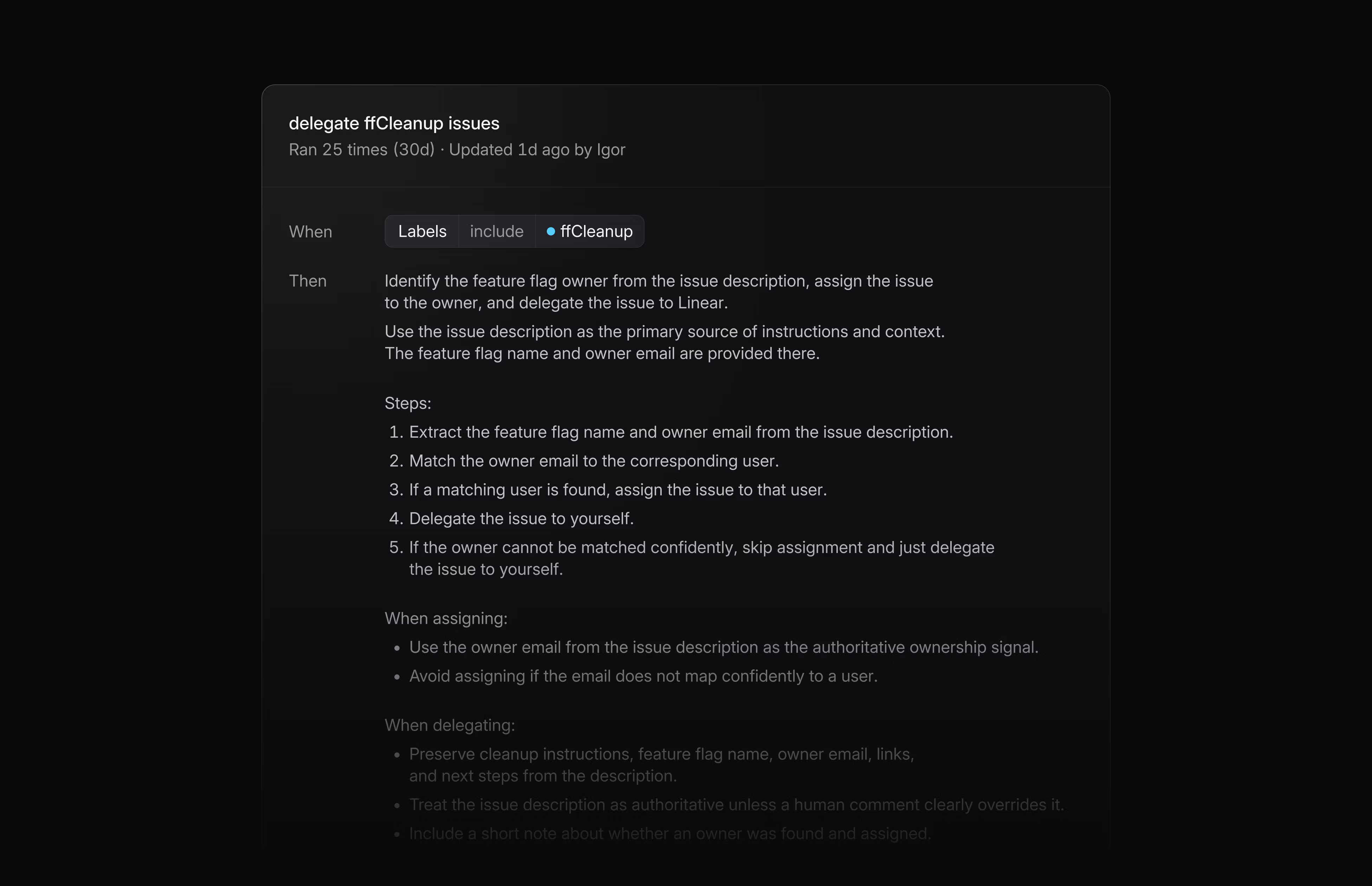
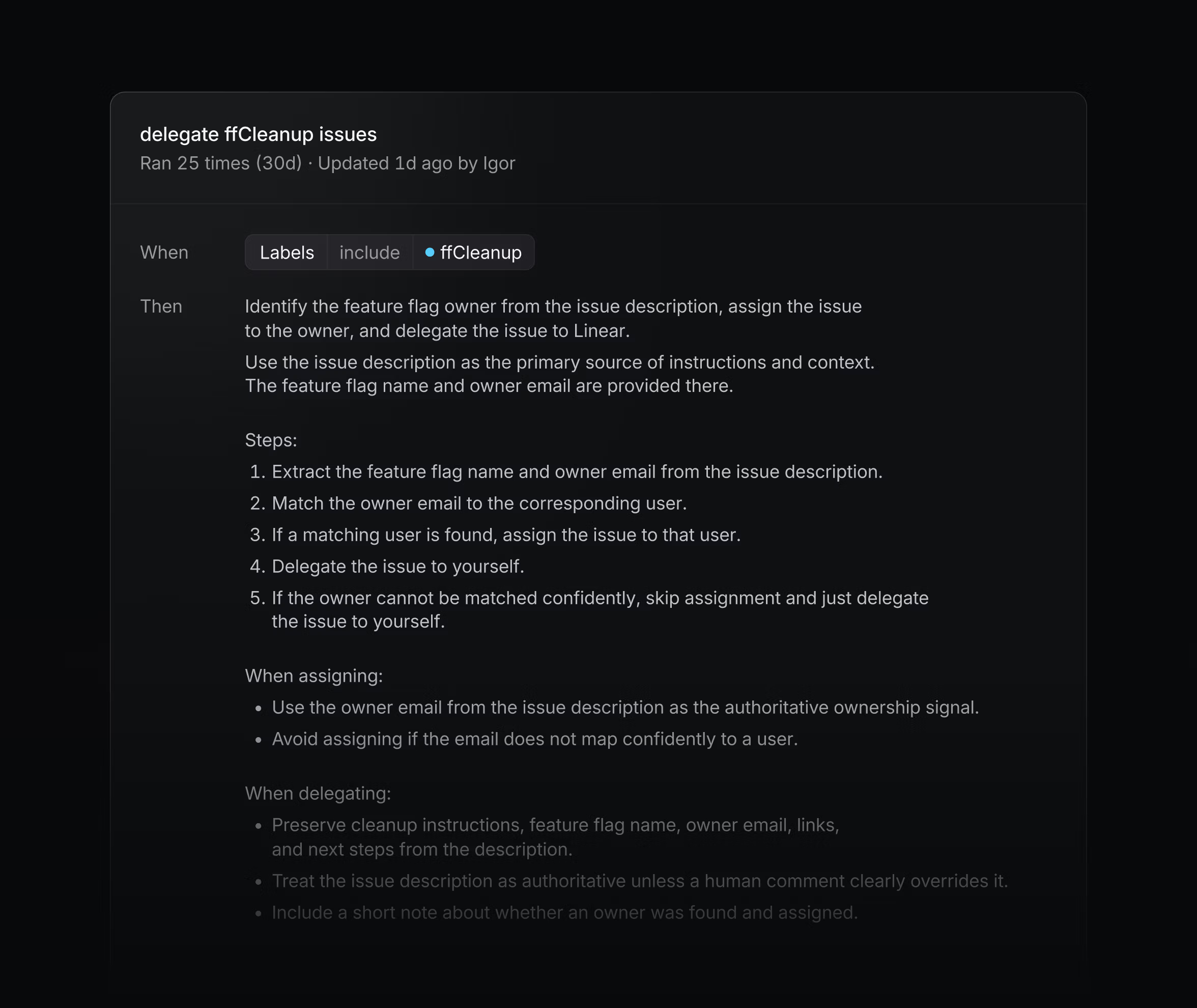
Failing background tasks are a little messier. We have a lot of them running all the time, indexing for search, deleting integrations, and now and then one fails. Here the monitor files an issue when a task’s failure rate climbs above 0.2%. The agent has access to all the relevant logs but the failures vary too much to one-shot, so it lands the correct fix about a third of the time.
To cut down on PRs that miss the mark (and to save tokens), we’ve added gates that make the agent prove it understands the problem before it attempts a fix.
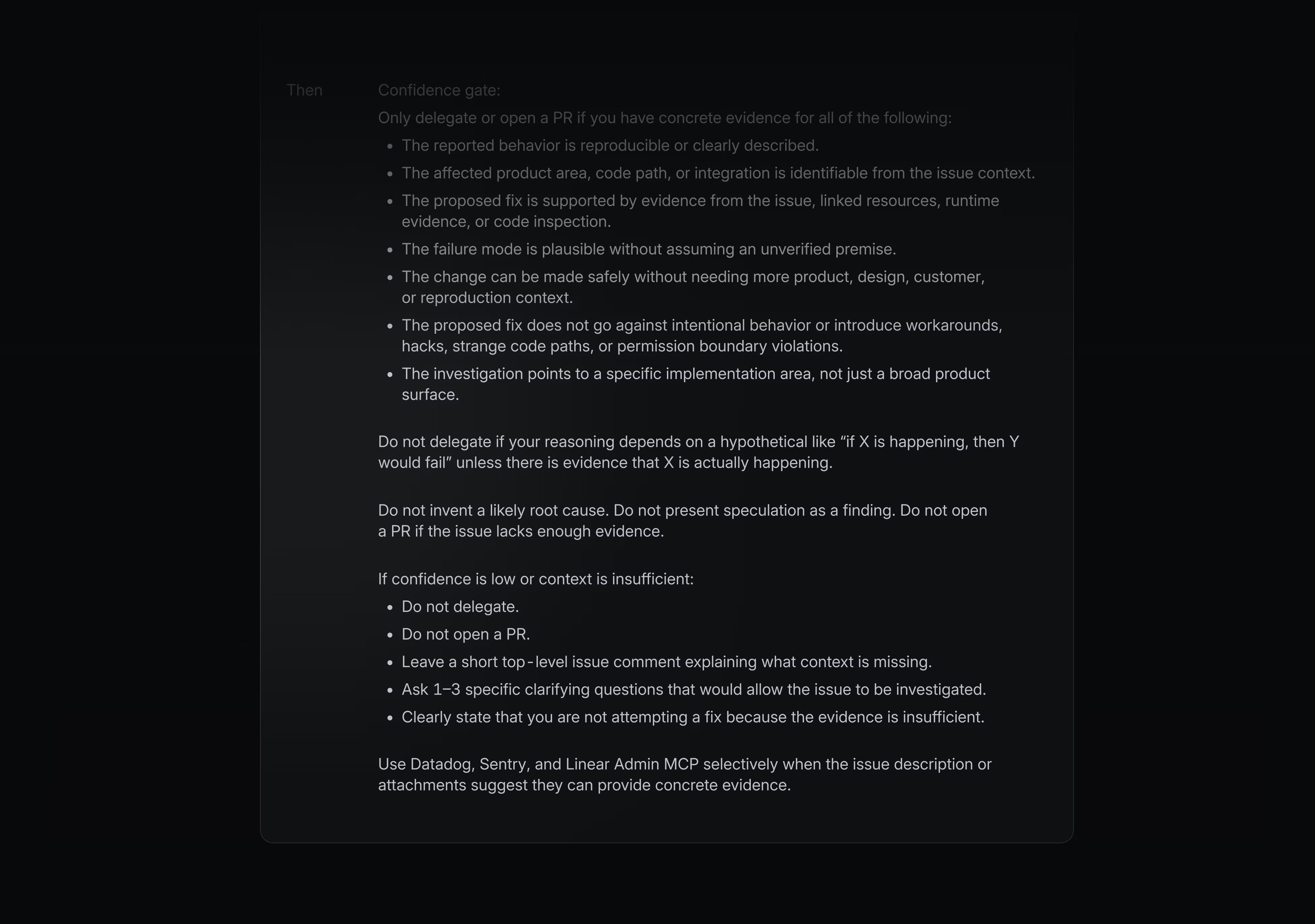
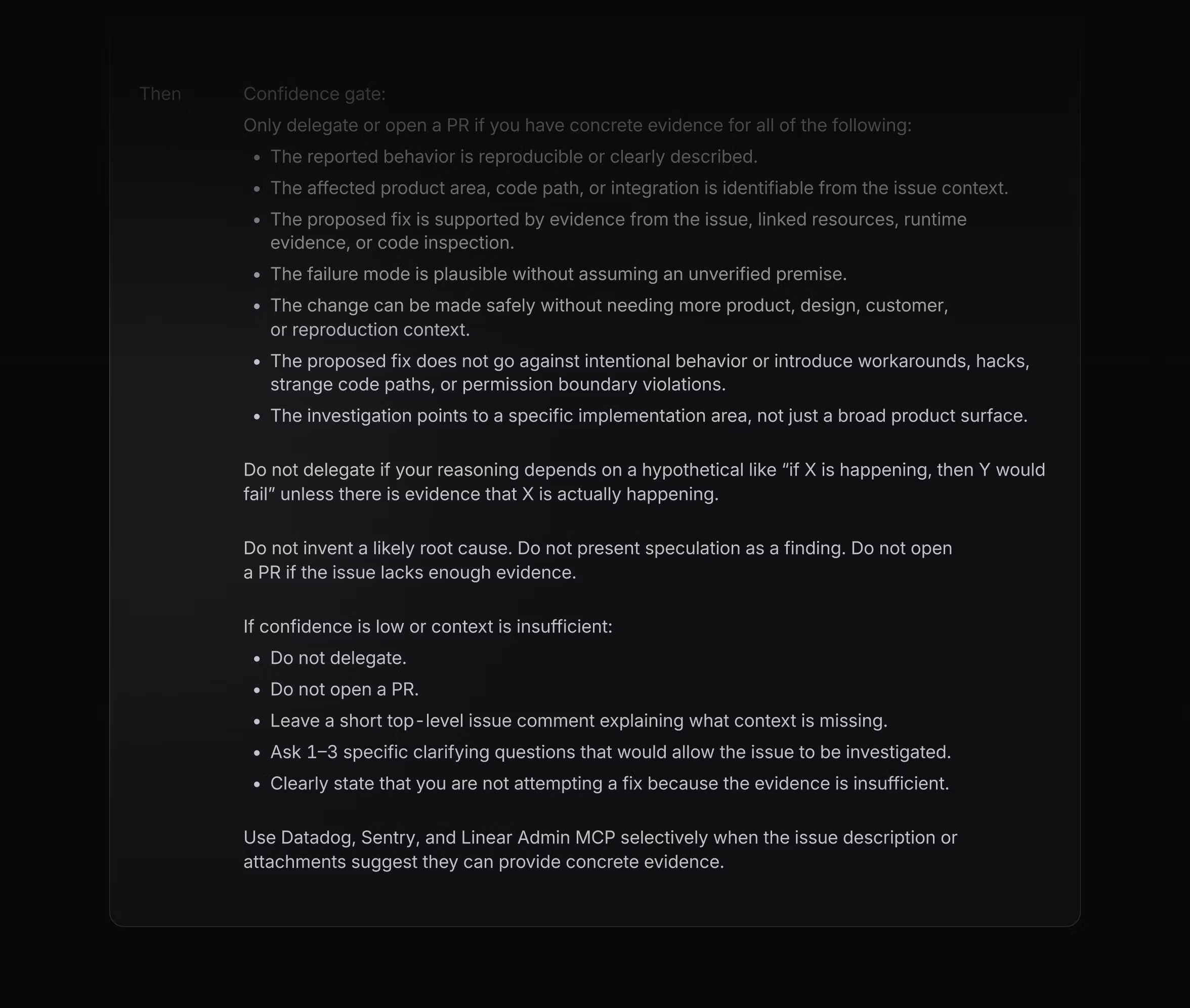
If the agent can’t fix the bug it’ll still do the initial investigation, which saves whoever picks up the issue a good chunk of time.
I think with enough context and tokens agents can do almost anything, but there’s always a limiting factor on at least one of those things. I’ve learned that getting the agent to do things well comes down to the breadcrumbs you leave behind for it to follow.
Some of that lives in Linear, where Skills and Automations standardise how it approaches a recurring task, while the rest lives in the codebase. We encode our conventions so it can pick up the rules it can’t infer on its own, like how we roll changes out safely or which parts to leave alone, and we keep the code legible through clear naming, consistent patterns, and the occasional pointed comment.
What feels different about Linear Agent is that the whole session stays with the issue. The initial report, the investigation, any questions or failures, and the eventual PR all show up in the same place, rather than that context living inside one person’s editor.
That makes it multiplayer by default. An automation can delegate an issue, then anyone on the team can follow the session as it unfolds, while an engineer can step in later to guide the agent or review the result. Other coding agents fit naturally into an editor-led workflow, while Linear Agent is designed for delegating work through the workflow the team already shares.
When I’m more hands on, task-splitting is my other go-to workflow. I break a big, ambiguous task down, do the restructuring that turns it into small, well-defined pieces, and those are what I hand to the agent, while I keep the more complex parts myself. While I’m working in parallel, Linear Agent pings me back in the same workflow when it needs guidance or when a PR is ready to review.
I’ve not had my Deep Blue moment yet, and I’m starting to think it isn’t coming. This was never a match, agents are just a new tool, and the job is learning to wield it.
此内容由惯性聚合(RSS阅读器)自动聚合整理,仅供阅读参考。 原文来自 — 版权归原作者所有。