惯性聚合 高效追踪和阅读你感兴趣的博客、新闻、科技资讯
阅读原文 在惯性聚合中打开

推荐订阅源

V
Visual Studio Blog
OSCHINA 社区最新新闻
OSCHINA 社区最新新闻
N
Netflix TechBlog - Medium
博客园 - 叶小钗
大猫的无限游戏
大猫的无限游戏
S
SegmentFault 最新的问题
V
V2EX
IT之家
IT之家
J
Java Code Geeks
Hacker News - Newest:
Hacker News - Newest: "LLM"
cs.AI updates on arXiv.org
GbyAI
GbyAI
D
Docker
S
Secure Thoughts
Recent Announcements
Webroot Blog
Webroot Blog
Application and Cybersecurity Blog
云风的 BLOG
云风的 BLOG
博客园_首页
cs.CV updates on arXiv.org
Cyber Security Advisories - MS-ISAC
Security Archives - TechRepublic
酷 壳 – CoolShell
酷 壳 – CoolShell
让小产品的独立变现更简单 - ezindie.com
N
News | PayPal Newsroom
S
Security @ Cisco Blogs
I
InfoQ
Last Week in AI
Last Week in AI
SecWiki News
SecWiki News
钛媒体:引领未来商业与生活新知
钛媒体:引领未来商业与生活新知
W
WeLiveSecurity
T
Troy Hunt's Blog
Recent Commits to openclaw:main
H
Hackread – Cybersecurity News, Data Breaches, AI and More
Attack and Defense Labs
美团技术团队
T
The Blog of Author Tim Ferriss
Google DeepMind News
Martin Fowler
Martin Fowler
B
Blog
CTFtime.org: upcoming CTF events
Scott Helme
Scott Helme
T
Tor Project blog
Know Your Adversary
Know Your Adversary
有赞技术团队
有赞技术团队
Hugging Face - Blog
Hugging Face - Blog
Recorded Future
Recorded Future
C
Cyber Attacks, Cyber Crime and Cyber Security
AI
AI
G
Google Developers Blog

高金的博客

人机协作逆向:用 AI + Frida 打通微信 4.1.8 macOS 数据库密钥提取 情绪价值与求真:如何平衡与应对? friend_tech 第一笔交易只能买 1 个key? friend_tech 套利到底有多卷 无公网ip,无服务器实现内网穿透 植物挖矿 浏览器环境检测 加密、编码相关知识汇总 POW与反爬虫 appium 安卓无法点击搜索框解决办法 知乎直播弹幕抓取与解析 知乎直播套利分析 1000刀+的羊毛在等你 如何创建一个完全匿名的EOS、ETH账号 如何通过技术手段证明"我"没有去过武汉 XUNTA 季度报告 玩游戏不如CX,JUSTGAME邀请分析(内附元数据) 如何在conflux上部署合约 程序员找对象聚合平台-xunta.today EOS 1.8 bidname的漏洞分析
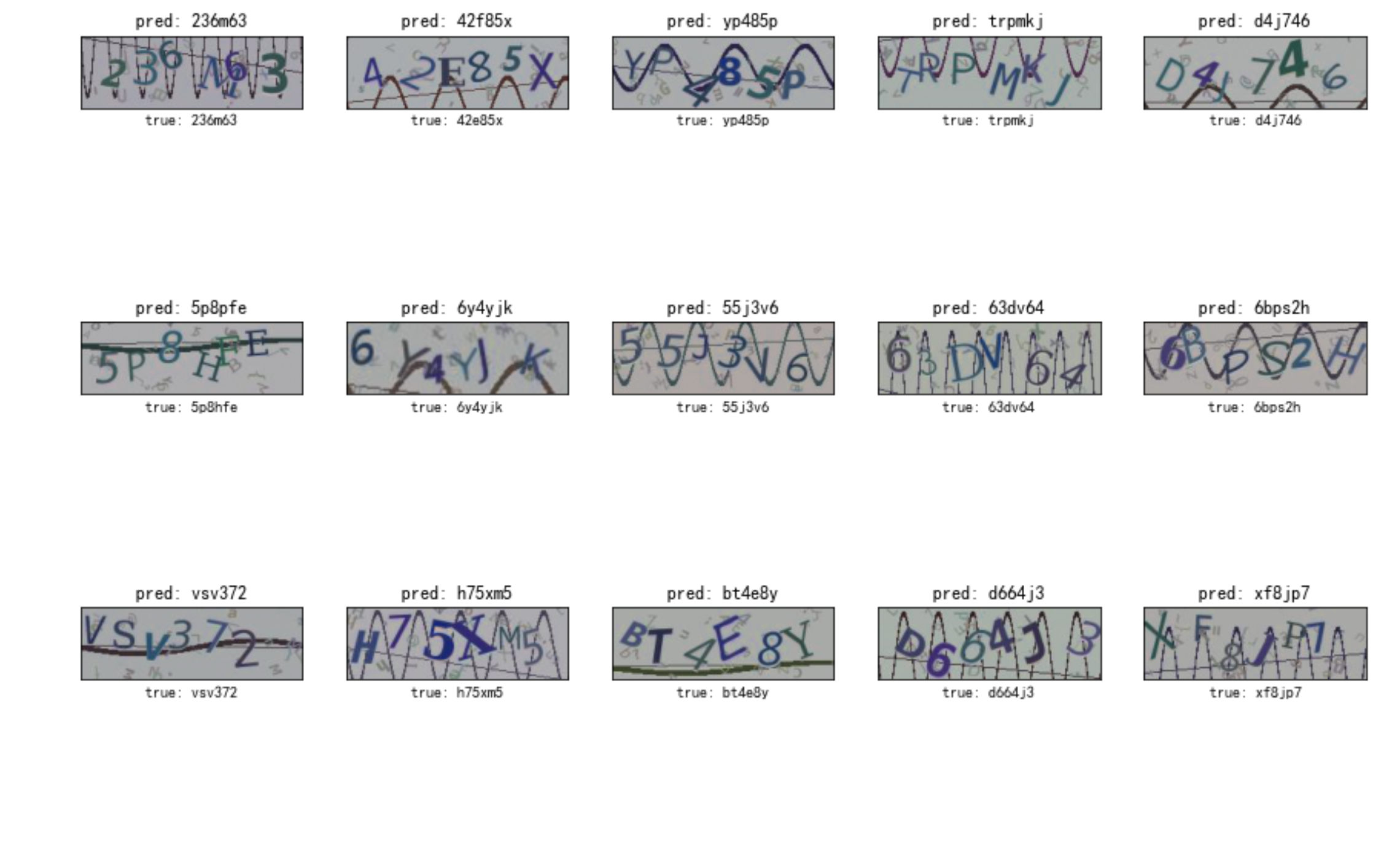
使用tensorflow识别验证码
Gao JIn · 2020-05-12 · via 高金的博客

tensorflow-cnn-captcha-server

背景

大家都知道机器学习对识别验证码很好用

但是对于一个爬虫工程师来说,去学习 机器学习相关知识可能成本太高了.(当然有空的话,还是要好好学的)

本篇 是 以实用为主,让你不需要了解任何机器学习的知识,只需要按照配置把图片放好…

就可以解决 验证码问题.

前提

需要有标记好的验证码图片

没有的话,假如你现在是接的商用的打码服务,可以把验证通过的图片存下来。

或者自己手工标记一批…(懒的话 对接打码服务也是可以的.)

爬虫来训练这个模型,自己识别验证码收益是非常高的。

假设训练1天后,有95%的准确率来,你就接入自己的服务,并且后续一直把通过的图片保存下来

这样的话…你的样本是越来越多…识别率也就越来越高

环境

python版本: 3.7

系统: mac ubuntu 都测试过.

安装依赖

pip install -r requirements.txt

opencv 安装

conda install -c conda-forge opencv

参考 https://anaconda.org/conda-forge/opencv

使用

更改 train/config.py 里面的配置

DATA_DIR

验证码图片路径(注意,默认验证码图片命名规则是 验证码_xxx.jpg)

也就是说是以_分割的, 需要自定义可以修改 parse_filepath这个方法

H, W, C

图片的高、宽、多少层

理论上验证码的图片大小都是一样的…如果有的不一样,就填成自己想要统一成的大小

str_charts

验证码里的所有字符,或者说验证码由哪些组成(比如全是数字验证码、数字+大小写的验证码)

D

验证码的长度 (4位验证码,6位验证码等等

accuracy_rate

到多少准确度以后就停止训练

model_file_name

训练完后的model文件(api需要用到)

image_type

图片后缀 比如jpg、png

开始训练

python train/cnn.py

使用api

识别验证码

1
2
3
4
5
6
def test1():
"提交验证码图片文件"
imname = "11216h_3579db1e15a3541dc5b696f6093e1cc4.png"
files = {"file": open(imname, "rb")}
r = requests.post("http://127.0.0.1:5000/upload", files=files)
print(r.json())

反馈验证结果

1
2
3
4
5
6
7
8
def test2():
"提交返回结果"
reqid = "7537ea4b-b26d-4263-a628-6b02c2d37add"
status = 1
r = requests.get(
"http://127.0.0.1:5000/upload", params={"reqid": reqid, "status": status}
)
print(r.json())

项目地址

https://github.com/jin10086/tensorflow-cnn-captcha-server

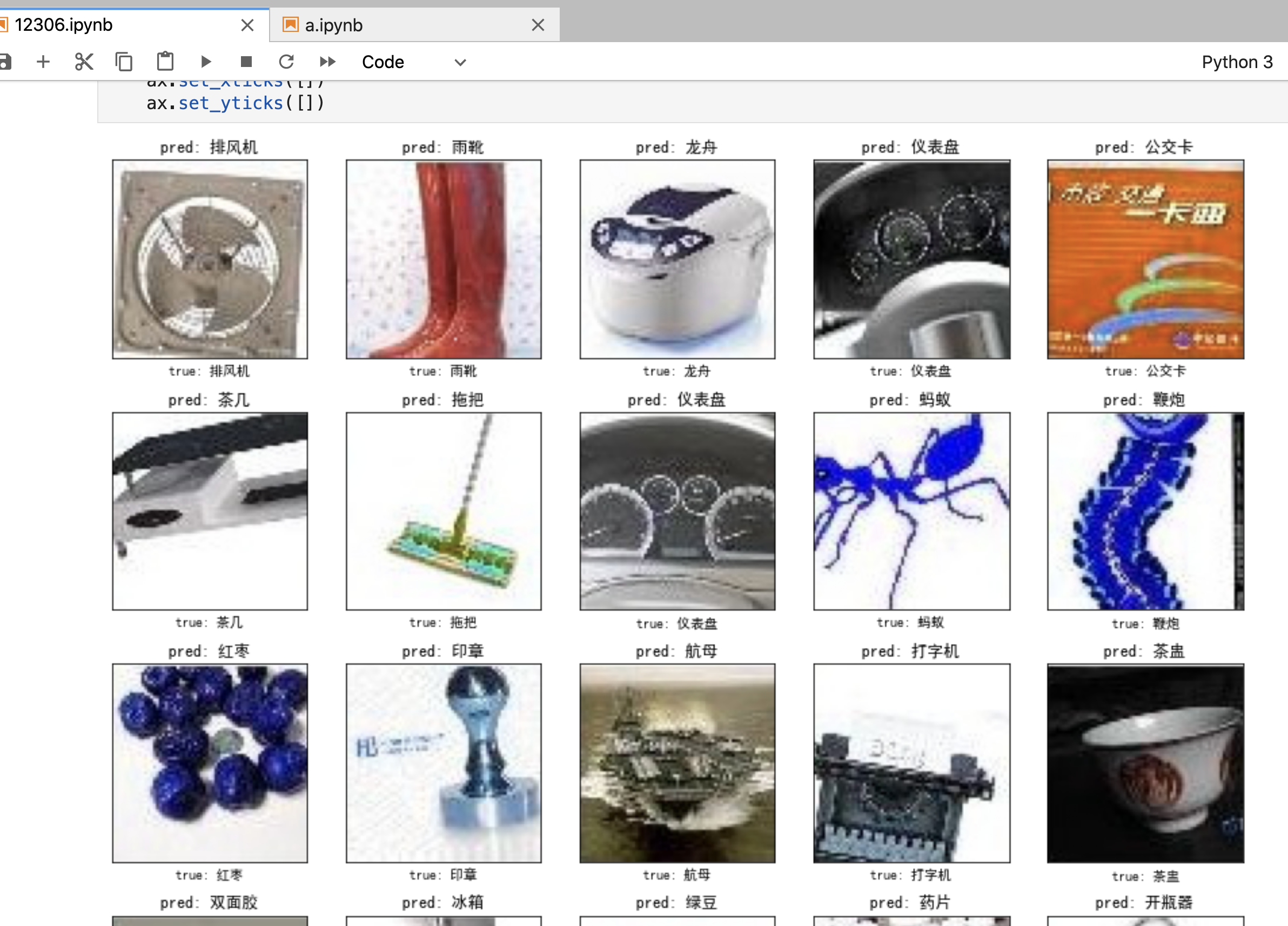
实例截图
参考

https://github.com/JackonYang/captcha-tensorflow


本文作者:高金
本文地址https://igaojin.me/2020/05/12/使用tensorflow识别验证码/
版权声明:转载请注明出处!

推荐文章