







https://github.com/opensourceBIM/BIMserver/releases
mkdir -p /opt/bim
cd /opt/bim
wget https://github.com/opensourceBIM/BIMserver/releases/download/parent-1.5.85/bimserverwar-1.5.85.war
cd /opt/bim
wget http://mirrors.tuna.tsinghua.edu.cn/apache/tomcat/tomcat-8/v8.5.20/bin/apache-tomcat-8.5.20.zip -O tomcat.zip
unzip tomcat.zip
BIMServer在初始化时会检查程序能否访问 http://www.google.com , 所以需要设置代理。我这里用的是Lantern. Lantern默认绑定127.0.0.1,需要修改C:\Users\james.h.fu\AppData\Roaming\Lantern\settings.yaml,允许其绑定到所有IP
Lantern的设置如下:
addr: '[::]:50786'
autoLaunch: true
autoReport: true
language: zh-CN
localHTTPToken: 3fd72e1d76fb0f49dadaaef13f13cabe
pacURL: ""
proxyAll: false
socksAddr: '[::]:50790'
systemProxy: true
uiAddr: localhost:50783
userID: 94560713
userToken: 1Ilrpik8LuHlf-ryVQxx0jcVHI5znU_0lTZ_TO8FMtp_jtjDNDEjzw
rm -rf ./tomcat/webapps/ROOT
unzip ./bimserverwar-1.5.85.war -d ./tomcat/webapps/ROOT

# 设置JAVA_OPTS -Dhttp.proxyHost=172.16.30.166 -Dhttp.proxyPort=50786
vim ./tomcat/bin/catalina.sh

# Uncomment the following line to make the umask available when using the
# org.apache.catalina.security.SecurityListener
JAVA_OPTS="$JAVA_OPTS -Dorg.apache.catalina.security.SecurityListener.UMASK=`umask` -Dhttp.proxyHost=172.16.30.166 -Dhttp.proxyPort=50786"
访问 http://172.0.0.0:8080/ ,根据向导一步一步设置。
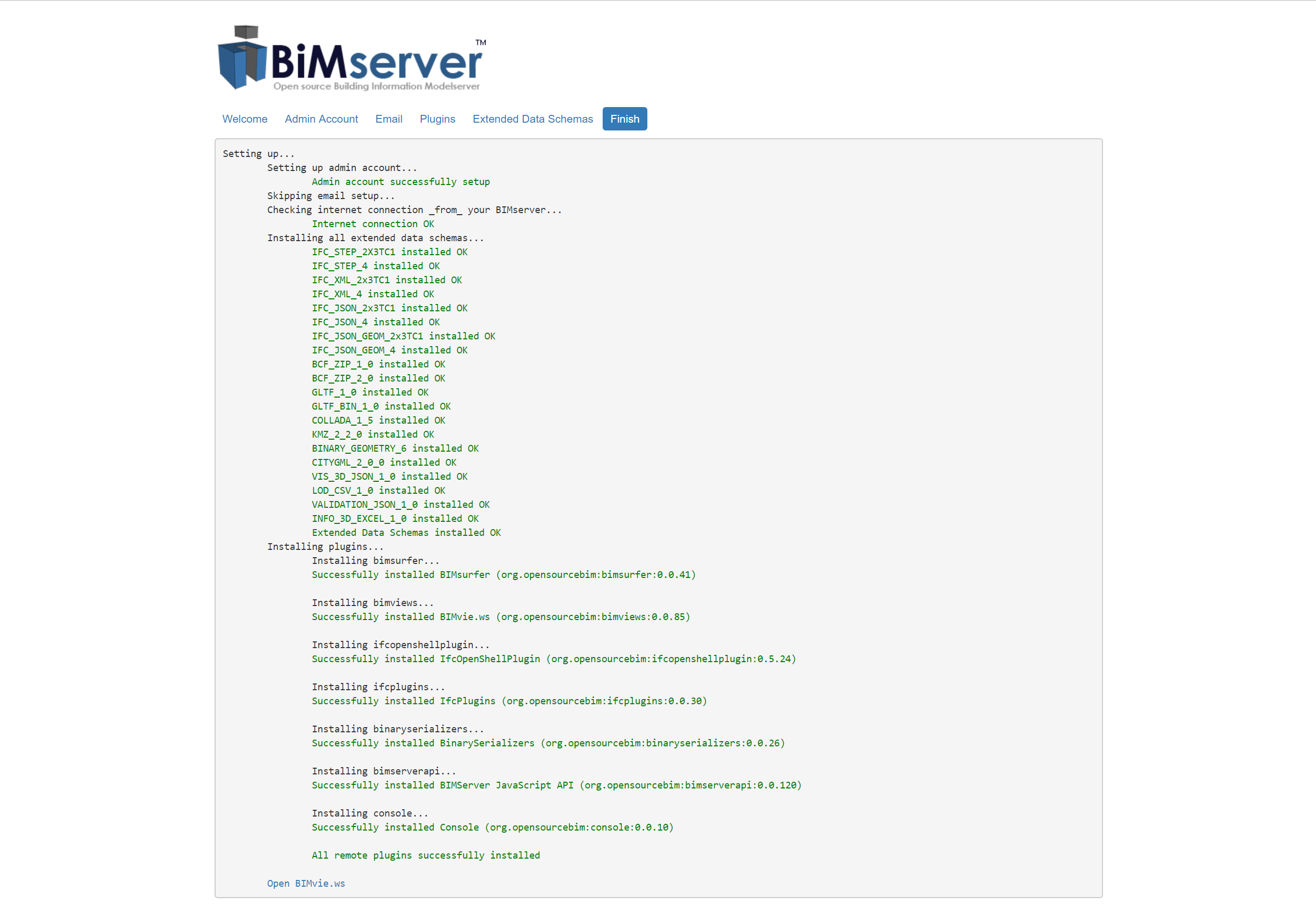
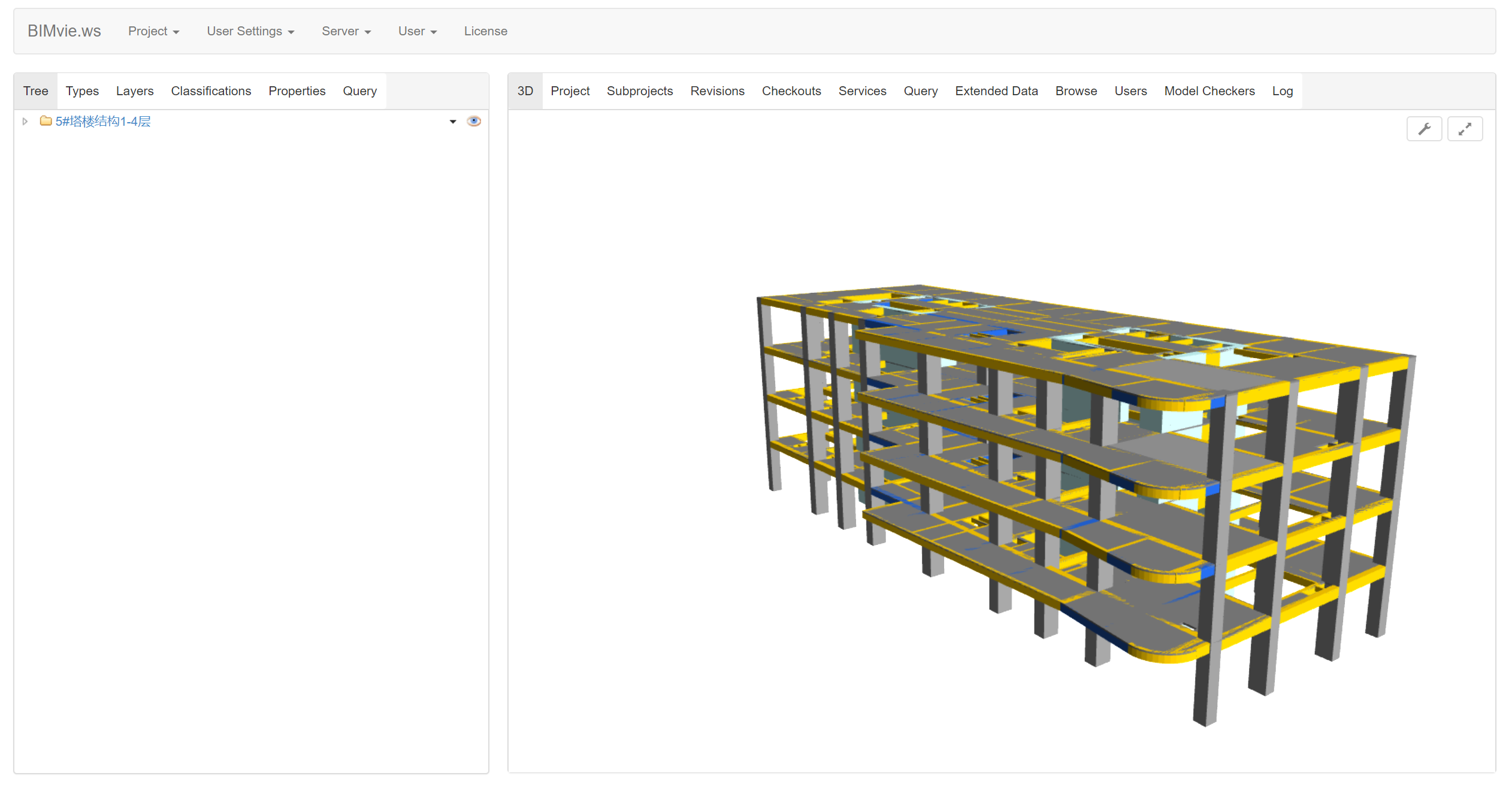
然后点击 “Open BIMvie.ws”( http://172.0.0.0:8080/apps/bimviews/?page=Login ), 访问BIMServer的GUI。然后创建项目,然后上传ifc文件,然后就可以预览BIM模型了:
常用链接:
此内容由惯性聚合(RSS阅读器)自动聚合整理,仅供阅读参考。 原文来自 — 版权归原作者所有。