





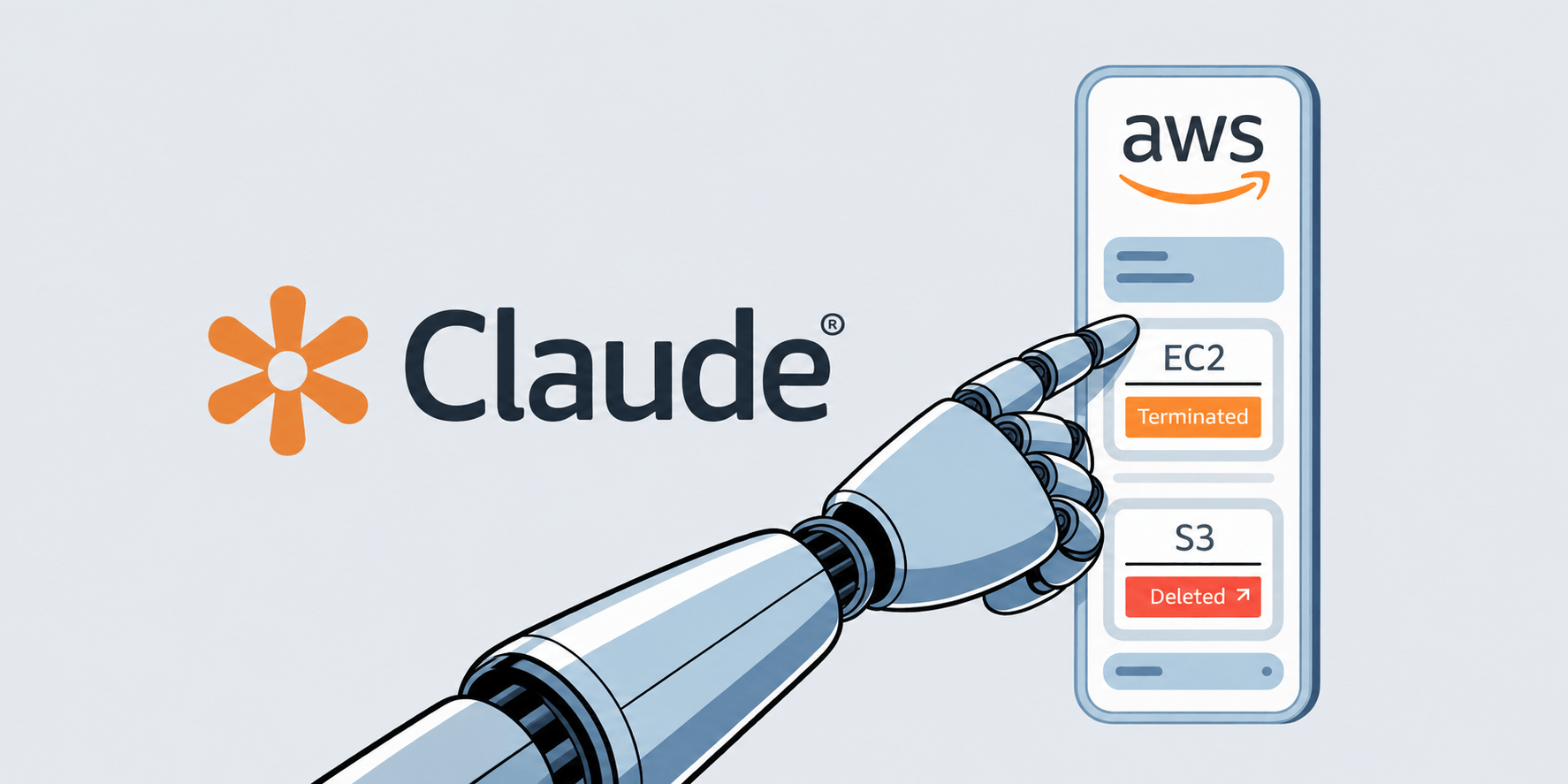
Many developers today are using Claude Code, with a growing portion running it through Amazon Bedrock. For enterprise teams, Bedrock offers major advantages: keeping data inside a VPC, leveraging AWS credits, and integrating with existing IAM controls, monitoring, and security policies. Bedrock adoption also grows significantly among larger organizations and enterprise environments – but this setup can also introduce security risks or unintended configuration mistakes in real-world usage.
If you’re running Claude Code with AWS Bedrock, there’s something you need to know: the AWS credentials you configure for Bedrock don’t stay confined to Bedrock. They might be shared with every shell command, every MCP server, and every subprocess that Claude Code spawns. And depending on how those credentials are scoped, that could mean full access to your entire AWS account.
When you set up Claude Code for Bedrock, you store your AWS credentials in ~/.claude/settings.json:
{
   "env": {
     "AWS_ACCESS_KEY_ID": "...",
     "AWS_SECRET_ACCESS_KEY": "...",
     "AWS_DEFAULT_REGION": "us-east-1",
     "CLAUDE_CODE_USE_BEDROCK": "1"
   }
}
These environment variables get loaded into the Claude Code process. So far, so normal. The issue is that Unix processes inherit environment variables from their parent. Every time Claude Code runs a shell command, spawns an MCP server, or launches any subprocess, those child processes get your AWS credentials too.
That means any AWS CLI command executed through Claude Code authenticates as your IAM principal. Not just for Bedrock, but for everything that principal has permissions to do.
The security boundary here is entirely on the IAM policy side, Claude Code itself applies no restriction. If your IAM user only has `AmazonBedrockLimitedAccess`, the blast radius is minimal. But in practice, credentials often have broader permissions than intended. None of the scenarios below require an attacker or a sophisticated exploit, they’re everyday mistakes that happen when AWS credentials are broader than they need to be.
You already have an IAM user you use for daily development, like deploying lambdas, reading S3, or managing EC2 instances. Instead of creating a dedicated user for Claude Code, you drop those same credentials into settings.json because it’s faster. Now Claude Code has access to everything you do: production databases, customer data in S3, IAM itself. You meant to give it Bedrock access, but you actually gave it your entire AWS footprint.
You’re working on a staging project, but the credentials in settings.json belong to your production account. You ask Claude Code to “delete the old test data from S3” or “terminate the idle instances.” Claude Code generates the right AWS CLI commands for the task, but runs them against production. There’s no visual indicator in Claude Code telling you which AWS account or environment is active. The approval prompt shows aws s3 rm, and you click accept because the command looks correct for what you asked.
You start with a tightly scoped IAM user for Bedrock only. Months later, someone on your team attaches AmazonS3ReadOnlyAccess for a one-off migration script and forgets to remove it. Then PowerUserAccess gets added during an incident for quick debugging. The Claude Code credentials silently gain more power over time, and nobody audits what it can actually do because “it’s just the Bedrock user.”
A team lead sets up an IAM user for Claude Code and shares the credentials in a wiki or Slack channel for the team to use. Now multiple developers are running Claude Code with the same identity. There’s no way to distinguish who did what in CloudTrail logs. If one developer’s session is compromised through prompt injection, the blast radius covers everyone using those credentials, and attribution is impossible.
This isn’t just a theoretical concern. There are several realistic ways this can go wrong:
Accidental over-provisioning is the most likely scenario. A developer uses Claude Code normally, unaware that a “clean up old files” prompt could generate AWS CLI commands touching production S3 buckets or EC2 instances.
Prompt injection is more targeted. An attacker plants malicious instructions in a repository file: a README, a config file, a code comment. When Claude Code reads the file, the injected instruction can influence it to generate AWS CLI commands that exfiltrate data or create backdoor access keys. The user sees an approval prompt but might not catch the malicious intent among legitimate-looking operations.
Compromised MCP servers inherit the full environment as subprocesses. A malicious or supply-chain-compromised MCP server can silently make AWS API calls using your credentials.
Scope your credentials tightly. The IAM user or role you configure for Claude Code should have the absolute minimum permissions needed, ideally only bedrock:InvokeModel* and related Bedrock actions. Audit what’s attached right now. You might be surprised.
Consider using Bedrock API keys instead of IAM credentials. Claude Code supports AWS_BEARER_TOKEN_BEDROCK, which is inherently scoped to Bedrock operations. API keys can’t be used by the AWS CLI for non-Bedrock operations. This is the most effective mitigation available today and requires no infrastructure changes.
Use temporary credentials. If you must use IAM credentials, prefer STS temporary credentials or SSO-based authentication over long-lived access keys. They at least limit the exposure window.
Pay attention to shell command approval prompts. When Claude Code asks permission to run a command – read it. Look for aws CLI commands that access services beyond what you’d expect. If you see aws s3, aws ec2, aws iam, or similar, think about whether that’s something you intended to allow.
Audit your settings.json. Run aws sts get-caller-identity with the configured credentials and check what policies are attached to that principal. If the answer is anything broader than Bedrock access, tighten it.
This is a classic example of the principle of least privilege being violated through environment inheritance, a well-understood Unix behavior that becomes a security issue when credentials meant for one purpose are implicitly available for all purposes.
Claude Code’s shell command approval prompt provides some protection, but it’s a thin layer. Users lack context about which AWS credentials are active and what permissions they grant. Approval fatigue, the tendency to reflexively accept prompts after seeing enough of them, further erodes this safeguard.
The ideal fix would be credential isolation: Bedrock credentials should be internal to Claude Code and never exposed to shell subprocesses through environment variables. Until that happens, and according to Anthropic, the responsibility falls on you to ensure your credentials are scoped as narrowly as possible.
Protect your business for 30 days on Imperva.
此内容由惯性聚合(RSS阅读器)自动聚合整理,仅供阅读参考。 原文来自 — 版权归原作者所有。