


Install-Package Microsoft.Xaml.Behaviors.WPF
public class IdDataTemplate : DataTemplateSelector
{
    public DataTemplate ZeroTemplate { get; set; }
    public DataTemplate FirstTemplate { get; set; }
    public DataTemplate SecondTemplate { get; set; }
    public DataTemplate ThirdTemplate { get; set; }
    public DataTemplate ForthTemplate { get; set; }
    public DataTemplate FifthTemplate { get; set; }

    public override DataTemplate SelectTemplate(object item, DependencyObject container)
    {
        if (item is Book bk)
        {
            switch (bk.Id % 6)
            {
                case 0:
                    return ZeroTemplate;
                case 1:
                    return FirstTemplate;
                case 2:
                    return SecondTemplate;
                case 3:
                    return ThirdTemplate;
                case 4:
                    return ForthTemplate;
                case 5:
                    return FifthTemplate;
            }
        }

        return base.SelectTemplate(item, container);
    }
}
using System.Collections.ObjectModel;
using System.ComponentModel;
using System.Runtime.CompilerServices;
using System.Text;
using System.Windows;
using System.Windows.Controls;
using System.Windows.Data;
using System.Windows.Documents;
using System.Windows.Input;
using System.Windows.Media;
using System.Windows.Media.Imaging;
using System.Windows.Navigation;
using System.Windows.Shapes;
using System.Windows.Threading;

namespace WpfApp23
{
    /// <summary>
    /// Interaction logic for MainWindow.xaml
    /// </summary>
    public partial class MainWindow : Window
    {
        public MainWindow()
        {
            InitializeComponent();
        }
    }
    public class MainVM : INotifyPropertyChanged
    {
        public MainVM()
        {
            MainTitle = $"loading...";
            InitTimer();
            BooksCollection = new ObservableCollection<Book>();
            for (int i = 1; i < 10000001; i++)
            {
                BooksCollection.Add(new Book()
                {
                    Id = i,
                    Name = $"Name_{i}",
                    ISBN = $"ISBN_{i}",
                    Author = $"Author_{i}"
                });
            }
        }

        private void InitTimer()
        {
            DispatcherTimer tmr = new DispatcherTimer();
            tmr.Interval = TimeSpan.FromSeconds(1);
            tmr.Tick += Tmr_Tick;
            tmr.Start();
        }

        private void Tmr_Tick(object? sender, EventArgs e)
        {
            MainTitle = $"{DateTime.Now}";
        }

        private string mainTitle;
        public string MainTitle
        {
            get
            {
                return mainTitle;
            }
            set
            {
                if (value != mainTitle)
                {
                    mainTitle = value;
                    OnPropertyChanged();
                }
            }
        }

        private ObservableCollection<Book> booksCollection;
        public ObservableCollection<Book> BooksCollection
        {
            get
            {
                return booksCollection;
            }
            set
            {
                if (value != booksCollection)
                {
                    booksCollection = value;
                    OnPropertyChanged();
                }
            }
        }

        public event PropertyChangedEventHandler? PropertyChanged;
        private void OnPropertyChanged([CallerMemberName] string propName = "")
        {
            var handler = PropertyChanged;
            handler?.Invoke(this, new PropertyChangedEventArgs(propName));
        }
    }

    public class IdDataTemplate : DataTemplateSelector
    {
        public DataTemplate ZeroTemplate { get; set; }
        public DataTemplate FirstTemplate { get; set; }
        public DataTemplate SecondTemplate { get; set; }
        public DataTemplate ThirdTemplate { get; set; }
        public DataTemplate ForthTemplate { get; set; }
        public DataTemplate FifthTemplate { get; set; }

        public override DataTemplate SelectTemplate(object item, DependencyObject container)
        {
            if (item is Book bk)
            {
                switch (bk.Id % 6)
                {
                    case 0:
                        return ZeroTemplate;
                    case 1:
                        return FirstTemplate;
                    case 2:
                        return SecondTemplate;
                    case 3:
                        return ThirdTemplate;
                    case 4:
                        return ForthTemplate;
                    case 5:
                        return FifthTemplate;
                }
            }

            return base.SelectTemplate(item, container);
        }
    }

    public class Book
    {
        public int Id { get; set; }
        public string Name { get; set; }
        public string ISBN { get; set; }
        public string Author { get; set; }

        public override string ToString()
        {
            return $"Id:{Id},Name:{Name},ISBN:{ISBN},Author:{Author}";
        }
    }
}


<Window x:Class="WpfApp23.MainWindow"
        xmlns="http://schemas.microsoft.com/winfx/2006/xaml/presentation"
        xmlns:x="http://schemas.microsoft.com/winfx/2006/xaml"
        xmlns:d="http://schemas.microsoft.com/expression/blend/2008"
        xmlns:mc="http://schemas.openxmlformats.org/markup-compatibility/2006"
        xmlns:local="clr-namespace:WpfApp23"
        mc:Ignorable="d"
        Title="{Binding MainTitle}" WindowState="Maximized">
    <Window.Resources>
        <DataTemplate x:Key="ZeroTemplate">
            <TextBlock Text="{Binding}" Foreground="Red"  />
        </DataTemplate>

        <DataTemplate x:Key="FirstTemplate">
            <TextBlock Text="{Binding}"  Foreground="Orange"  />
        </DataTemplate>

        <DataTemplate x:Key="SecondTemplate">
            <TextBlock Text="{Binding}"  Foreground="Yellow"  />
        </DataTemplate>

        <DataTemplate x:Key="ThirdTemplate">
            <TextBlock Text="{Binding}"  Foreground="Green"  />
        </DataTemplate>

        <DataTemplate x:Key="ForthTemplate">
            <TextBlock Text="{Binding}"  Foreground="Blue"  />
        </DataTemplate>

        <DataTemplate x:Key="FifthTemplate">
            <TextBlock Text="{Binding}"  Foreground="Cyan"  />
        </DataTemplate>

        <local:IdDataTemplate x:Key="IdDataTemplate"
                              ZeroTemplate="{StaticResource ZeroTemplate}"
                              FirstTemplate="{StaticResource FirstTemplate}"
                              SecondTemplate="{StaticResource SecondTemplate}"
                              ThirdTemplate="{StaticResource ThirdTemplate}"
                              ForthTemplate="{StaticResource ForthTemplate}"
                              FifthTemplate="{StaticResource FifthTemplate}"/>
    </Window.Resources>
    <Window.DataContext>
        <local:MainVM/>
    </Window.DataContext>
    <Grid>
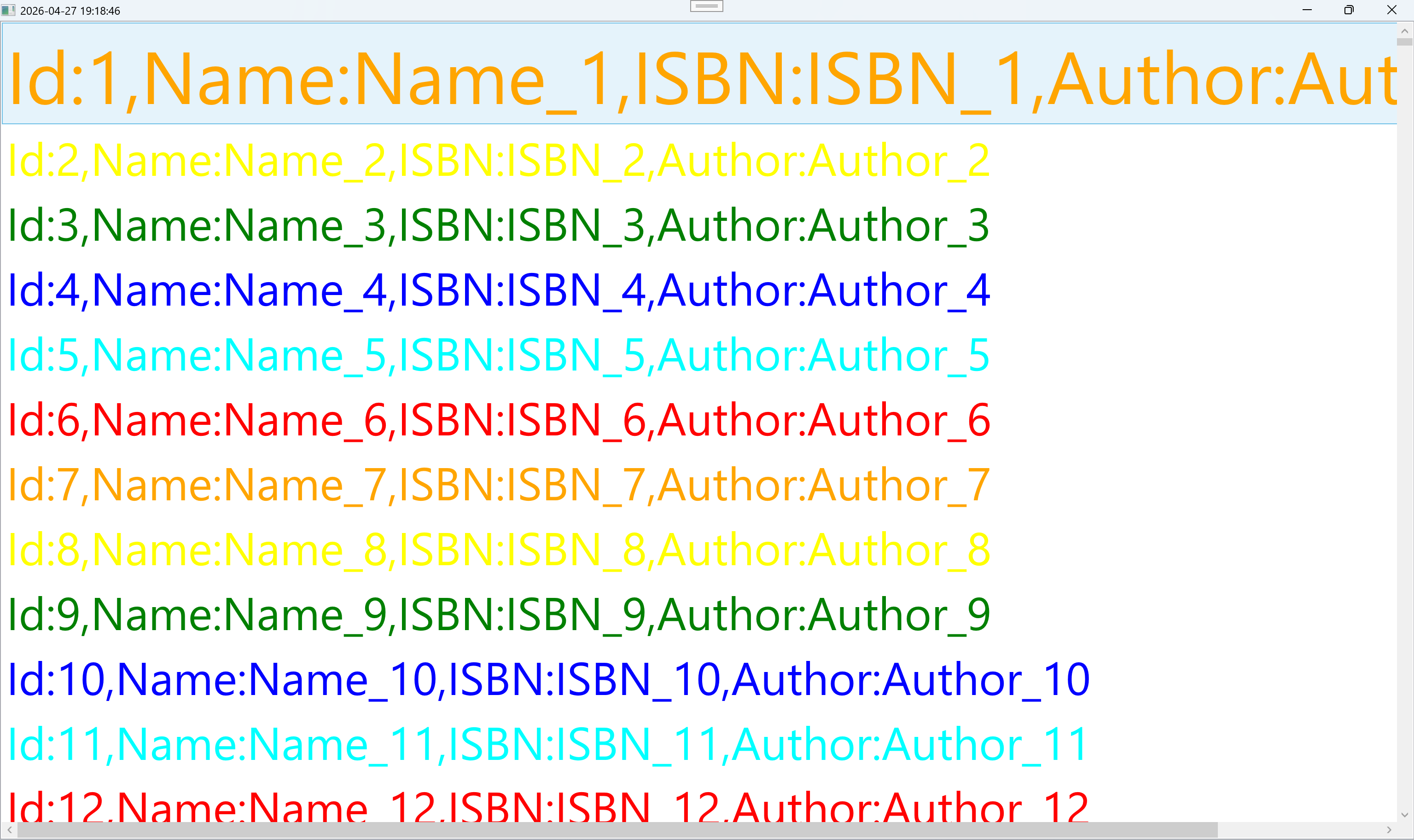
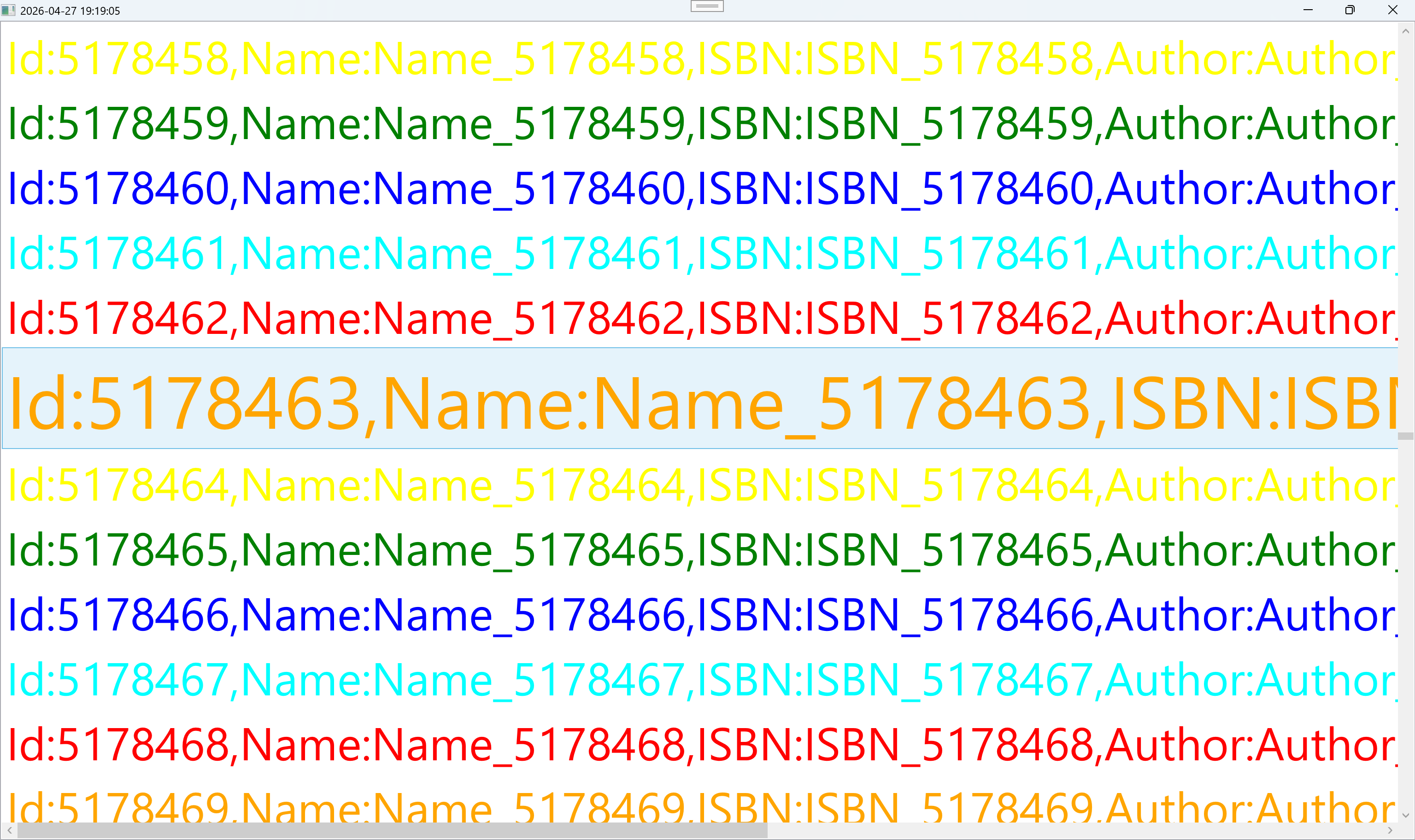
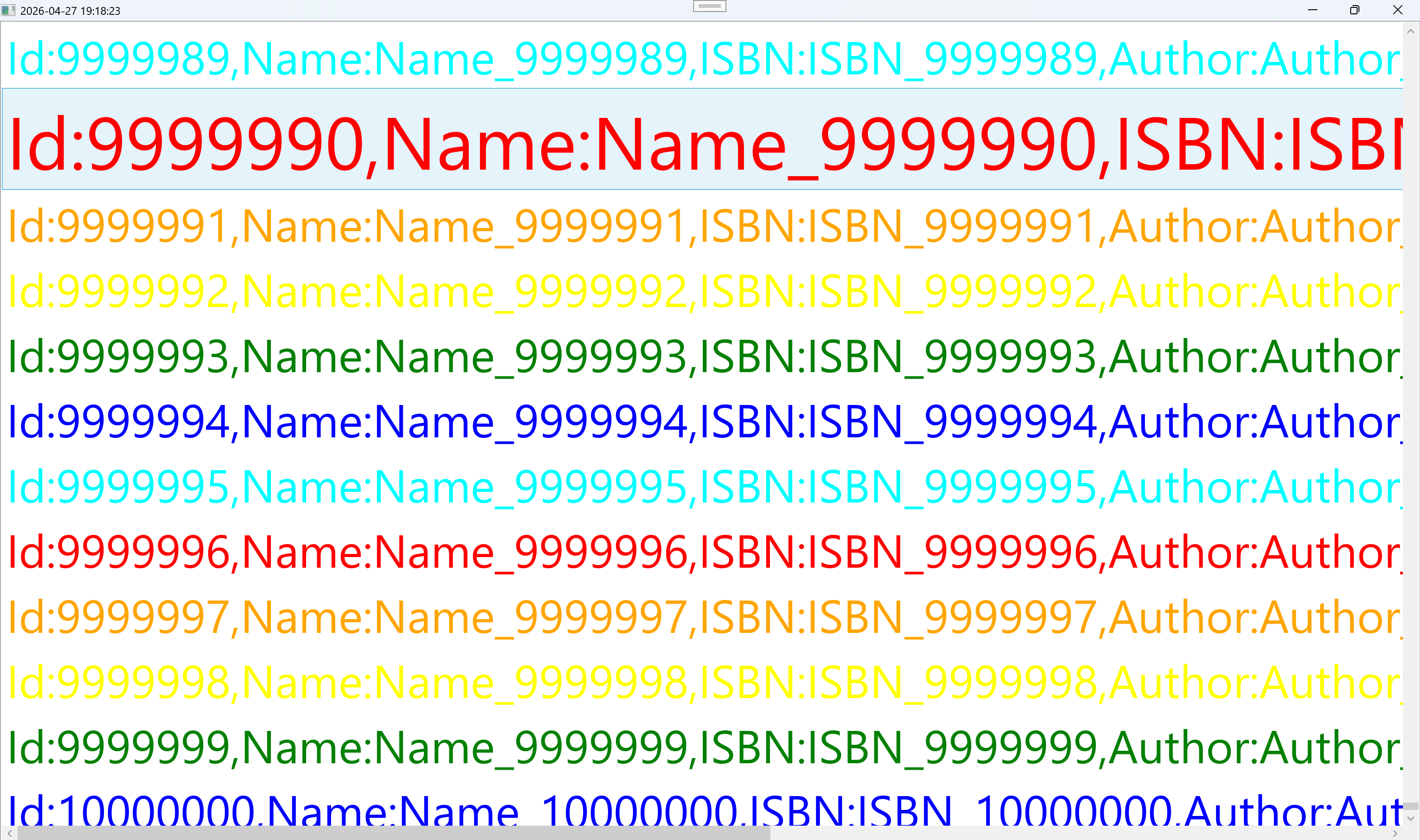
        <ListBox ItemsSource="{Binding BooksCollection}"
                 ItemTemplateSelector="{StaticResource IdDataTemplate}">
            <ListBox.Resources>
                <Style TargetType="ListBoxItem">
                    <Setter Property="FontSize" Value="50"/>
                    <Style.Triggers>
                        <Trigger Property="IsMouseOver" Value="True">
                            <Setter Property="FontSize" Value="80"/>
                        </Trigger>
                    </Style.Triggers>
                </Style>
            </ListBox.Resources>
        </ListBox>
    </Grid>
</Window>
此内容由惯性聚合(RSS阅读器)自动聚合整理,仅供阅读参考。 原文来自 — 版权归原作者所有。