







Netgear’s best 5G router lets you connect in lots of different ways – both to and from the router.
At a glance
Expert's Rating
Pros
- A wide range of connectivity options
- Good 5G and 4G reception
- Support for 6 GHz Wi-Fi 7
Cons
- Bulky dimensions for a pocket router
- Moderate battery life
- Very expensive
Our Verdict
The Nighthawk M7 Pro is a great performer, but you’ll pay a premium for features you may not want.
Price at time of review
This value will show the geolocated pricing text for product undefined
Best Pricing Today
Best Prices Today: Netgear Nighthawk M7 Pro

$449.99
Ever since the 4G era, Netgear has been making the most expensive, most advanced mobile routers. For a long time, they were also unquestionably the best, so there was a good reason for their steep prices. But the competition has caught up, and Netgear no longer has the same advantage as they once did. This becomes clear when I take a look at the latest flagship model, the Nighthawk M7 Pro.
Netgear Nighthawk M7 Pro: Design
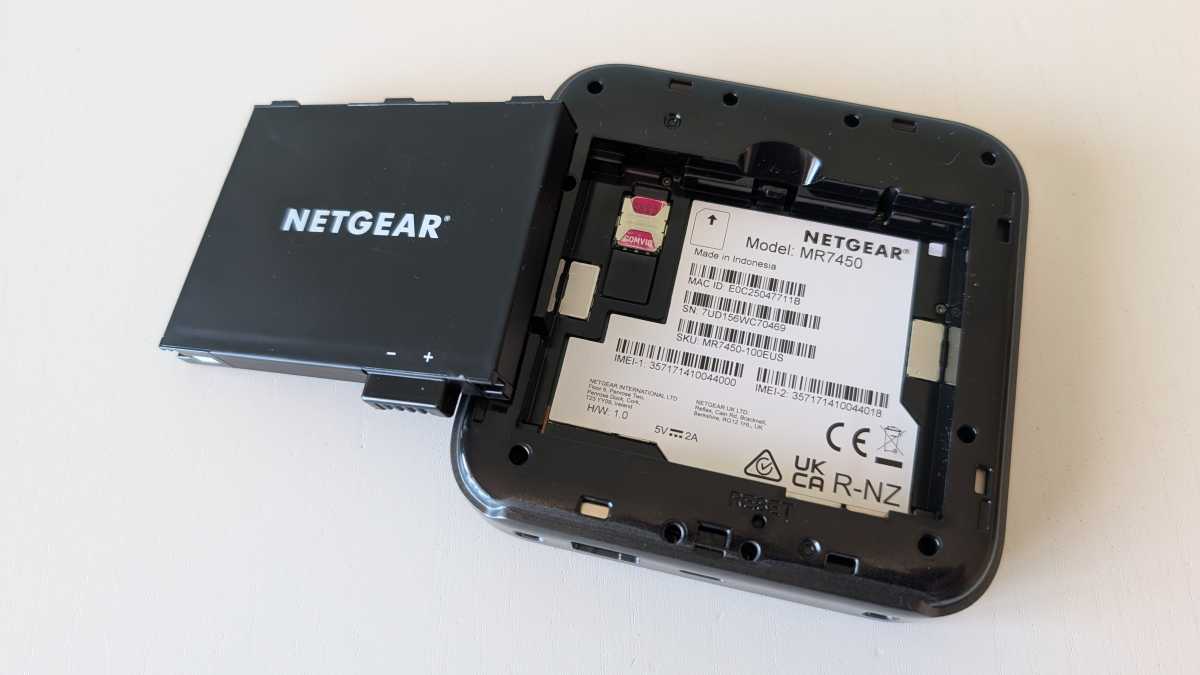
The Nighthawk M7 Pro is just like its predecessors, the M3 Pro, M4 Pro, and M5 Pro. It’s a square box measuring just over four inches, with a color touchscreen in the center, a removable base featuring a detachable battery, and a SIM card reader. It’s a format that’s better suited to carrying in a bag and setting up on a table than keeping it in your pocket, unlike most of its competitors.
On paper, it’s a powerful router. It naturally supports 5G – albeit only on USB-6 frequencies – but then again, that’s all mobile operators offer, so I don’t count that as a drawback. However, it’s a bit of a shame that such an advanced router doesn’t offer eSIM support. You have to insert a physical SIM card for that.
Mattias Inghe
Netgear Nighthawk M7 Pro: Good 5G speeds
The connection is solid both when the signal is strong near a mobile mast and slightly weaker outside built-up areas. Most of the time, I achieved speeds of around half a gigabit with Tele2, Telenor, and Telia as my operators.
What mainly sets the Nighthawk M7 Pro apart from most other modern 5G routers is its excellent flexibility.
Even in tricky conditions, it can maintain a 5G connection with good streaming speeds, whereas some simpler routers and mobiles give up and switch to a 4G signal. This is particularly true if you connect an external antenna, for which there are two ports. However, it’s no longer in a class of its own. I get just as good a connection with several alternatives that cost half as much.
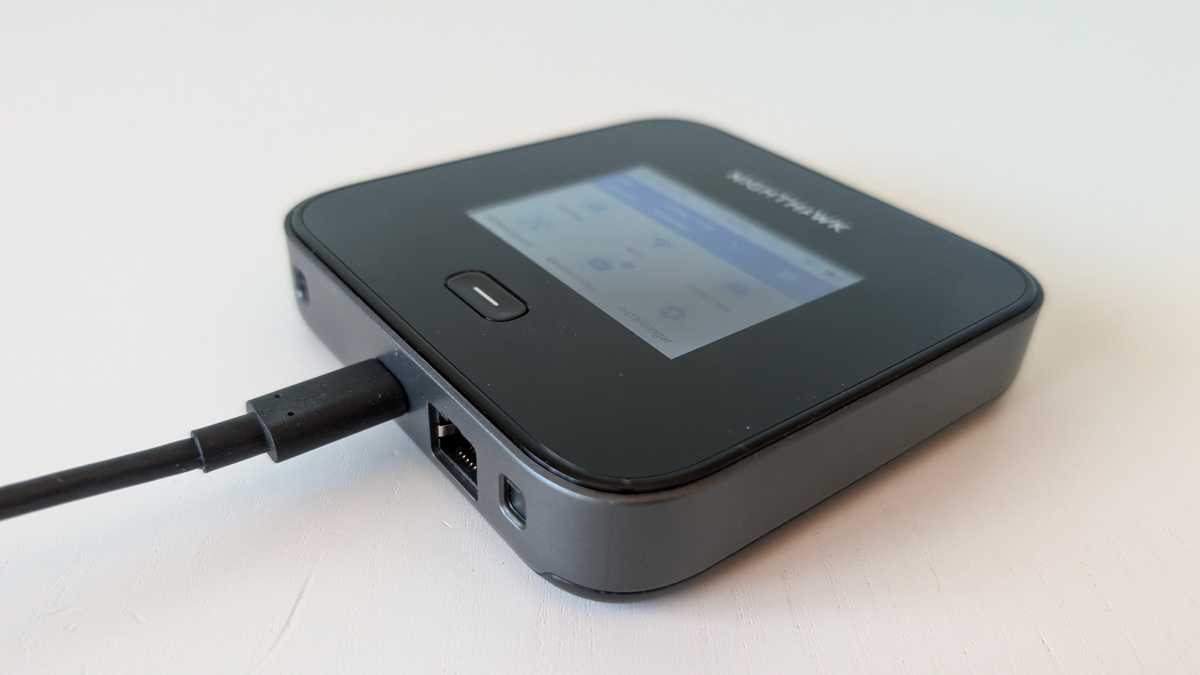
What mainly sets the Nighthawk M7 Pro apart from most other modern 5G routers is its excellent flexibility. You can connect to the internet via mobile broadband using a SIM card, but also via the Ethernet port as a WAN connection, or connect to a local Wi-Fi network on one of three frequency bands and share the connection over the other.
You can set it up so that you’re connected via Ethernet or Wi-Fi, with mobile as a backup if you lose connection. However, the reverse isn’t possible.
Mattias Inghe
Netgear Nighthawk M7 Pro: Plenty of ways to connect
You can also connect clients – the devices that need internet access – via Wi-Fi, the USB-C port, and the Ethernet port. However, you can’t use both at the same time. If the Ethernet port is in use for the WAN connection, that’s it. You’re also limited to a maximum of two frequency bands simultaneously for Wi-Fi. The router supports Wi-Fi 7 at 2.4, 5 and 6 GHz.
However, the limited number of antennas means you can only use two at a time. I’m testing it with 2.4 and 6 GHz for the best connection to modern Wi-Fi 7 laptops. The speed is limited by my mobile broadband, so browsing is just as fast on 5 GHz as on 6 GHz.
The Wi-Fi range is good once I’ve set it to the right mode. You can choose between a Wi-Fi mode with moderate range – around 23 feet of unobstructed line of sight before the connection slows down – and a more power-hungry mode that doubles the range.
Mattias Inghe
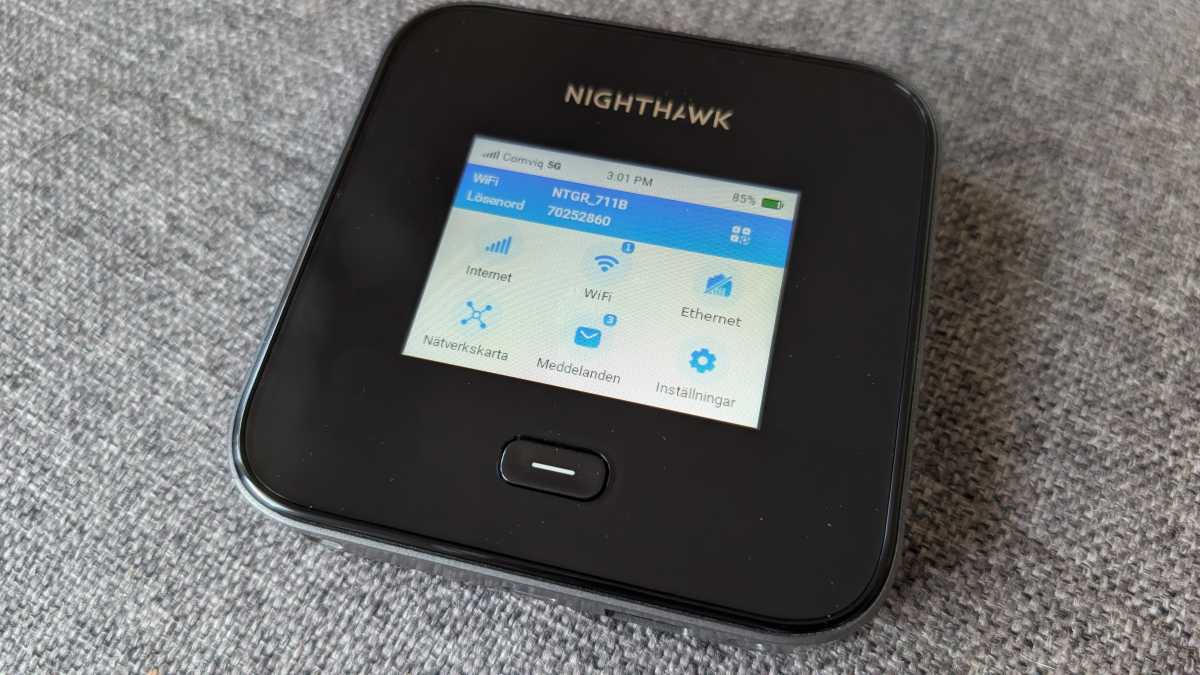
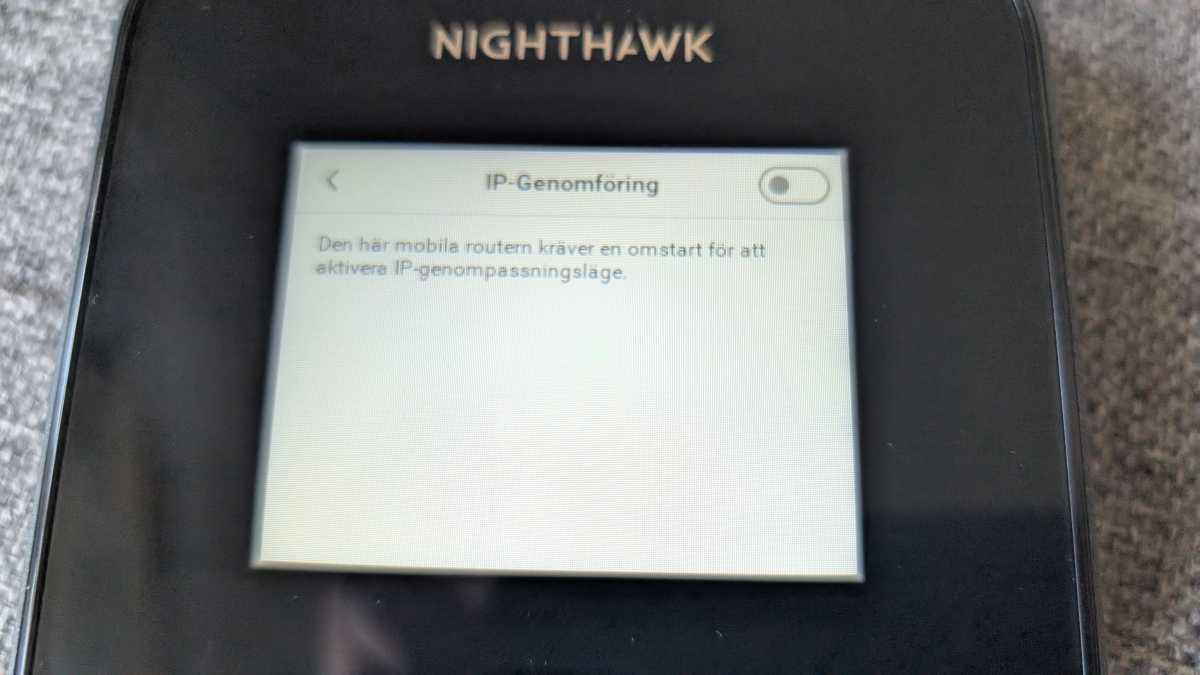
Apart from that, there isn’t much extra functionality in the router. You can set up a simple guest network and block individual clients, but that’s about it. You can control pretty much everything via the router’s touchscreen, but the response can sometimes be a bit sluggish, and it can be hard to see in sunlight. The alternative is a web interface, which works best on a computer. There’s no mention of an admin app anywhere. So I assume there isn’t one.
Netgear Nighthawk M7 Pro: Competition has caught up
Previous generations of this router were just as exorbitantly expensive, but they were noticeably better in terms of speed, range, and features, so it could still be recommended to those who could afford it. Now, it’s no longer quite so obvious.
It’s among the best in terms of performance and features, but there are new competitors that are just as good for under $400. It has some interesting features that others lack, but it also lacks some useful features found on other, much cheaper routers.
Mattias Inghe
Other routers offer more user-friendly interfaces and a more compact design. Several support eSIMs. The Nighthawk’s 5,185 mAh battery doesn’t last very long either, especially when you want good Wi-Fi coverage. In that respect, it’s one of the weaker models I’ve tested recently.
The ambition to offer everything and more when it comes to connectivity has always got in the way of providing what people actually want: a simple way to connect via mobile, with minimal hassle and good battery life. Today, there are other routers that do just that, without costing an arm and a leg. That’s why the Nighthawk M7 Pro misses out on top marks and my recommendation.
Specifications
Product name: Nighthawk M7 Pro MR7450-100EUS
Tested: July 2026
Manufacturer: Netgear
Modem type: 5G (Sub-6), Nano-SIM
Wi-Fi type: Wi-Fi 7, 2.4, 5 and 6 GHz (max. 2 bands simultaneously)
Wi-Fi capacity: Not specified
Number of simultaneous devices: 64
Security: WPA2, WPA3
Connections: USB-C, Gigabit Ethernet LAN, 2 x TS-9 antenna
Measured speed, 5G to Wi-Fi: 570 Mbit/s (average speed in an urban area with a strong 5G signal)
Wi-Fi range: Approx. 15 meters (maximum distance with at least 200 Mbit/s to the router)
Battery: 5,185 mAh, approx. 7 hours browsing (10 hours at short range)
Administration interface: Touchscreen, web
Other: Guest network, WAN failover to mobile broadband
Dimensions: 10.5 x 10.5 x 2.15 cm
Price: $449.99
Rating: 3 .5 out of 5
Best Prices Today: Netgear Nighthawk M7 Pro
$449.99
This article originally appeared on our sister publication PC för Alla and was translated and localized from Swedish.