





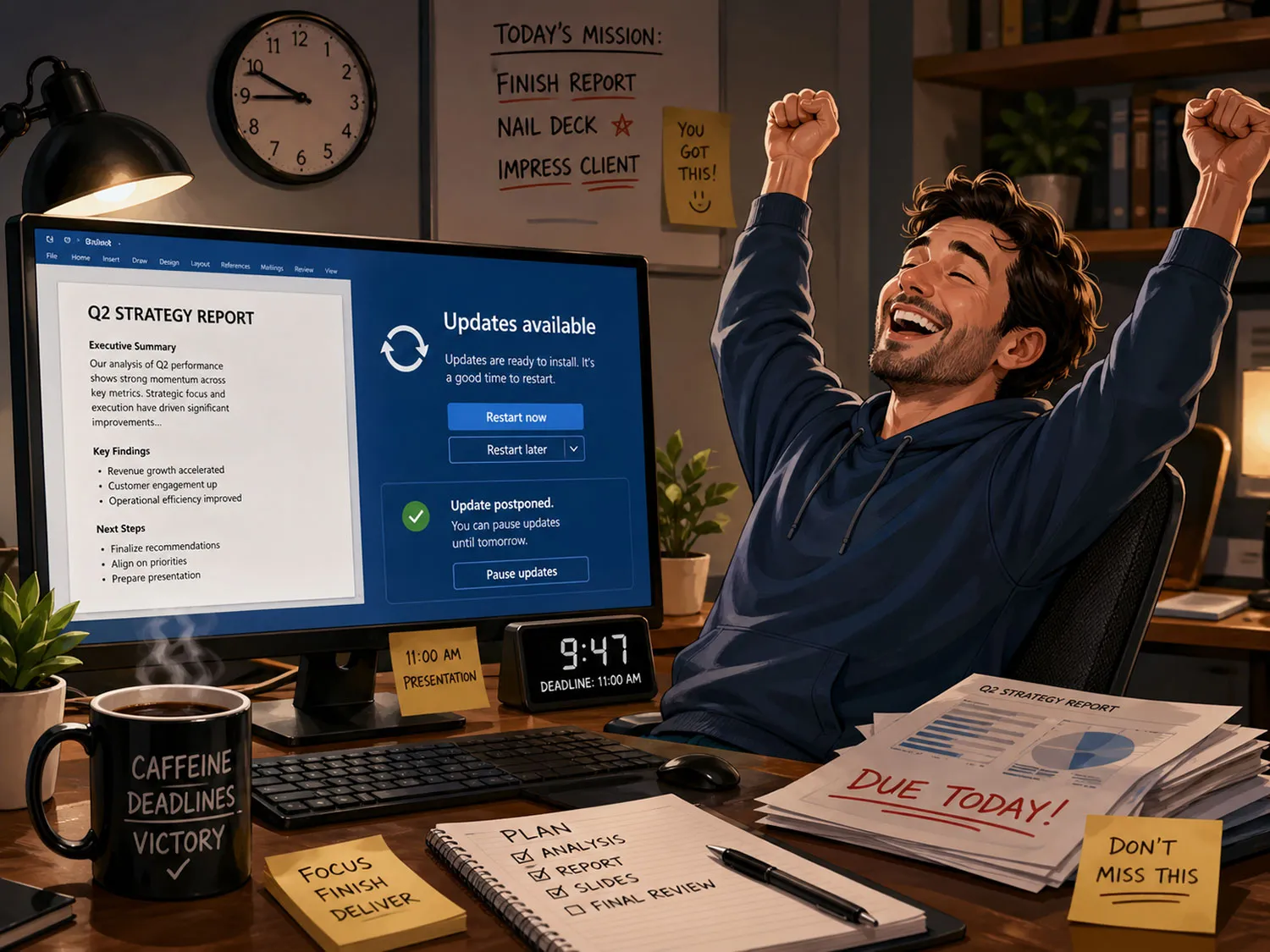
Microsoft is testing a notable change to how Windows 11 handles updates, and it targets one of the platform’s longest-running pain points: timing. In a Windows Insider post published on April 24, 2026, the company said a redesigned update experience is starting to roll out to testers, including a new option to choose a pause date up to 35 days away, then reset that pause again “as many times as you need,” according to Microsoft.
In practice, this Insider test appears to allow repeated 35-day update deferrals with no stated cap. That is not the same as a permanent one-click disable switch, and Microsoft is not presenting it that way. Still, for users who want updates to happen on their schedule, it could be a meaningful shift.
That distinction matters because Windows updates have always lived in a difficult space between essential maintenance and unwanted interruption. Security patches and bug fixes are necessary, but the friction usually comes from timing, not from the idea of updating itself.
Many users are fine with updates in principle. What they dislike is losing control over when their PC restarts or shuts down. Microsoft’s April 24 post is important because it goes beyond general messaging and explains how the new experience works. The company also says rollout has started for Windows Insiders.
Another useful change is in the power menu. When an update is waiting, Windows will continue to show standard Restart and Shut down options, while also listing separate “Update and restart” and “Update and shut down” choices. In practical terms, routine power actions should become more predictable.
There is also a broader design change here. Historically, Windows update behavior has prioritized keeping devices current, sometimes in ways users found too aggressive. Microsoft says it reviewed more than 7,621 direct user “verbatims” while reworking the experience, which helps explain why the company is now leaning harder into explicit user choice.
That does not mean the new model is settled. Microsoft’s public support documentation for the current Windows update pause feature still says that once the pause limit is reached, users must install the latest updates before pausing again.
The April 24 Insider post describes a different test behavior, with no stated limit on how many times the pause date can be reset. For this Insider feature, the blog post is the more directly relevant source, while the support page still reflects the public version of Windows.
So the promise is real, but it remains a test. Microsoft has not said when, or if, this exact behavior will reach all Windows 11 users. The company also has not fully detailed whether every device category or update type will be treated the same way outside this Insider rollout.
Even with those caveats, the change is easy to understand. Clearer shutdown options and more flexible update timing address a problem ordinary users run into all the time. If Microsoft keeps this approach intact for the public release, Windows 11 could finally feel less prescriptive about updates and more respectful of how people actually use their PCs.
Filed in . Read more about Windows.
此内容由惯性聚合(RSS阅读器)自动聚合整理,仅供阅读参考。 原文来自 — 版权归原作者所有。