








Google Analytics can help understand subscriber engagement and optimize your email campaign. Here is how you can add it to you Convertkit campaign, step by step.
Let's dive in!
- Step-by-step integration
- Set up a Google Analytics property
- Create a Custom URL for Tracking
- Insert Custom URLs in ConvertKit Emails
- Analyze the Results in Google Analytics
- Final Thoughts
Michelin chose Simple AnalyticsJoin them
Before we dig in I want to show you something. I promise it's worth it...
Google Analytics is great, but also complex and a bit clunky. If you just want a straightforward dashboard with the insights you need, GA is not a great place to start. Additionally, Google doesn't care about privacy and GA requires an annoying cookie banner.
That's why I built Simple Analytics, a privacy-friendly and simple analytics tool - no personal data, no cookies, just the insights you need in a straightforward dashboard.
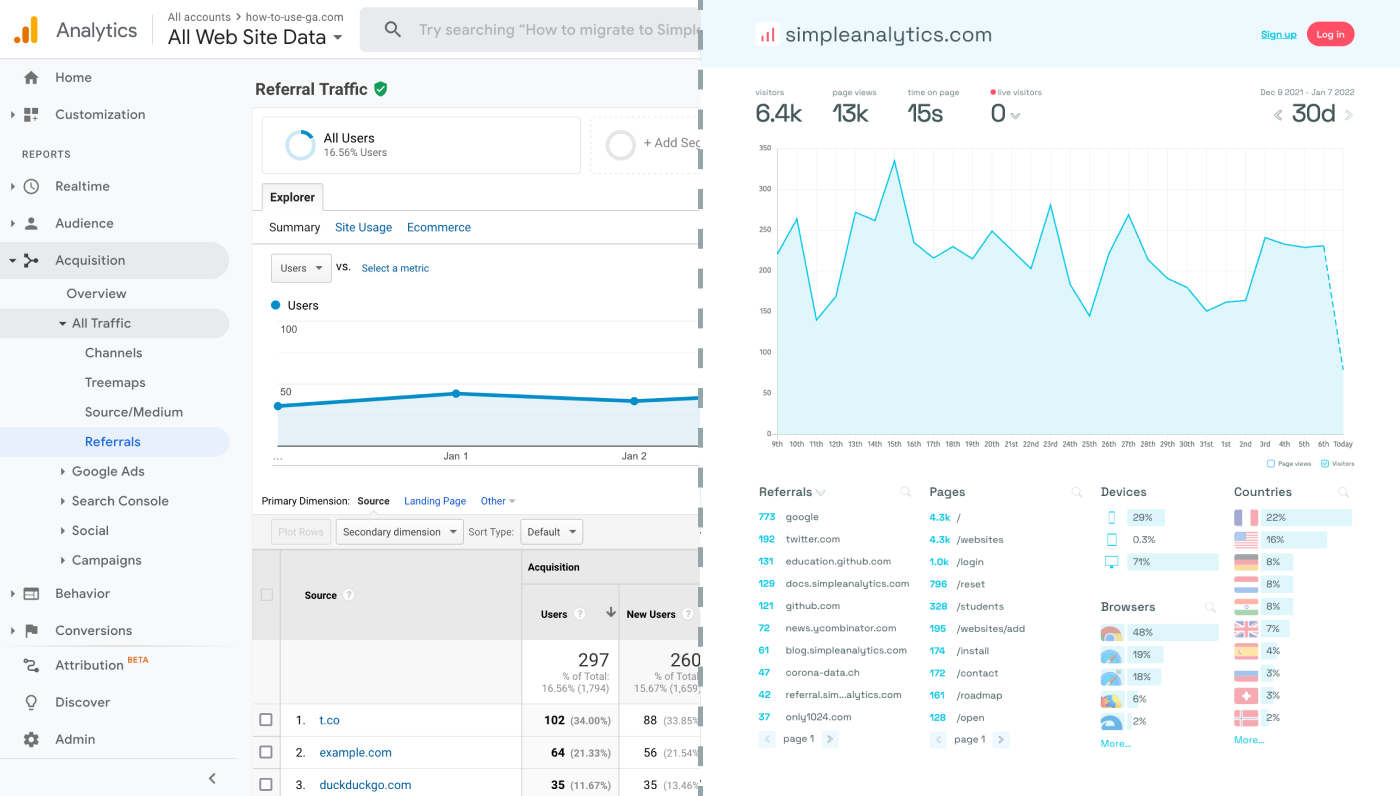
Here is how it looks vs GA. Feel free to check our live analytics to get an idea for your project. (It is free btw)
All right, enough about us. Now let's get into answering your question!
Step-by-step integration
Set up a Google Analytics property
- Log into your GA account (or create one, if you haven't already).
- Create a GA property for your app.
- Inspect your property and note its Measurement ID. You will need this ID later.
Create a Custom URL for Tracking
Google Analytics tracks traffic using UTM parameters in URLs. When creating links in your ConvertKit emails, you'll need to add these parameters. You can use Google’s Campaign URL Builder to easily add UTM parameters to your URLs.
For example, if you're linking to a blog post, your URL might look like this:
https://yourwebsite.com/blog-post?utm_source=convertkit&utm_medium=email&utm_campaign=campaign_nameThis URL includes parameters that tell Google Analytics the traffic came from a ConvertKit email campaign.
Insert Custom URLs in ConvertKit Emails
When drafting your emails in ConvertKit, use the URLs with UTM parameters for any links leading back to your site. This ensures that when subscribers click on these links, their actions are tracked in Google Analytics.
Analyze the Results in Google Analytics
After sending out your emails, you can view the results in Google Analytics. Navigate to the 'Acquisition' section, then 'Campaigns', and finally 'All Campaigns'. Here, you'll see data on the traffic and behavior of users who clicked on your links.
Final Thoughts
Adding Google Analytics to Convertkit can give you great insights. However, ask yourself: is Google Analytics the right tool for you?
GA is an overpowered solution for straightforward analytics. If you're looking for a simple and intuitive dashboard with the insights you need, there are better alternatives. Yes, I’m talking about my own product (Simple Analytics), but there are others out there as well.
I hated using Google Analytics for my projects. It's clunky, there are hundreds of dashboards and it doesn't look appealing. Also Google doesn't care about privacy or ethics. That's why I decided to build my own and more intuitive web analytics tool.
If this resonates with you, feel free to give Simple Analytics a spin. You just need to add the script and off you go. This takes about one minute- and there is a free version as well!
Enjoy!