





Hightouch offers an easy way to sync data between multiple platforms using simple connections that anyone can set up. We recently partnered with Hightouch to provide direct access to your PlanetScale account, which simplifies the process of syncing data to and from your database.
The power of Hightouch + PlanetScale
Connecting your PlanetScale database to a Hightouch workflow can be used in many different ways. Here are a few ideas to get you started:
- Automatically update customer records in your CRM when they are created or changed in your database.
- Send a notification to your Slack workspace when data is changed in your PlanetScale database.
- Execute asynchronous operations by sending data from your PlanetScale database to a data queue like AWS SQS.
- Automate paid ad targeting, suppression, and conversion uploads by syncing audiences from your database to ad platforms.
- Automatically sync account and user health scores to your customer success platforms.
How to use the PlanetScale Hightouch integration
In Hightouch, you set up a sync by configuring a data source, a destination to send the data, and a sync method. You can use your PlanetScale database as either a source or destination for your syncs. Let's take a look at how to use PlanetScale in both scenarios.
PlanetScale as a source
Using a PlanetScale database as a source allows you to take the data from your database and sync it to all of your downstream tools. At the time of this writing, Hightouch natively supports over 200 destinations. In the following example, I’ll take a small table named hotels from my bookings_db database and sync it to a spreadsheet in my Google Drive account.
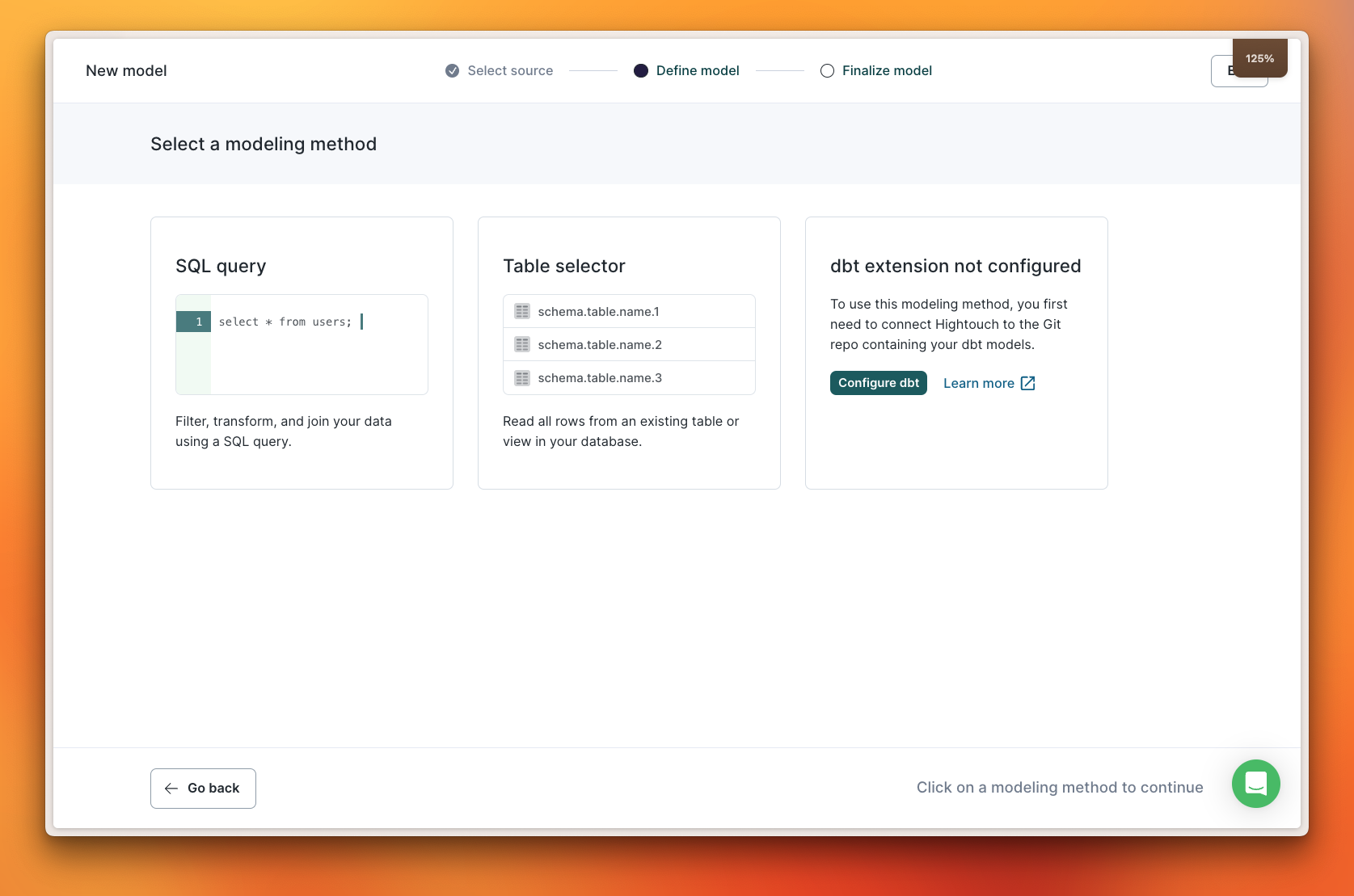
When configuring the connection to your PlanetScale database, you'll provide a set of credentials to establish a connection between Hightouch and your database. Then you can either use a SQL query that gathers the data to sync or specify a table to scan for changes.
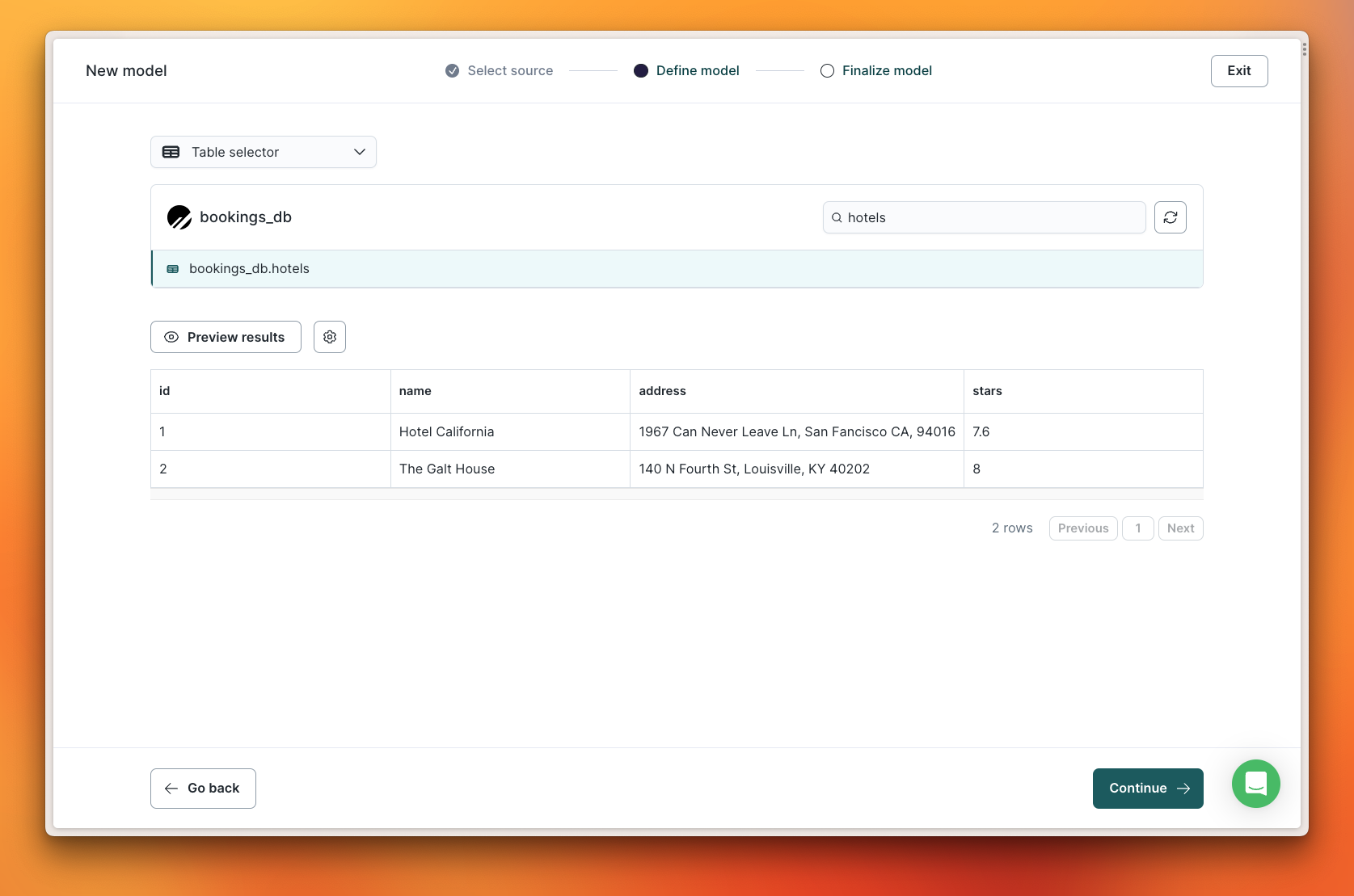
Opting for "Table selector" lets you search for the specific table you want and preview the results so you know you're looking at the right data.
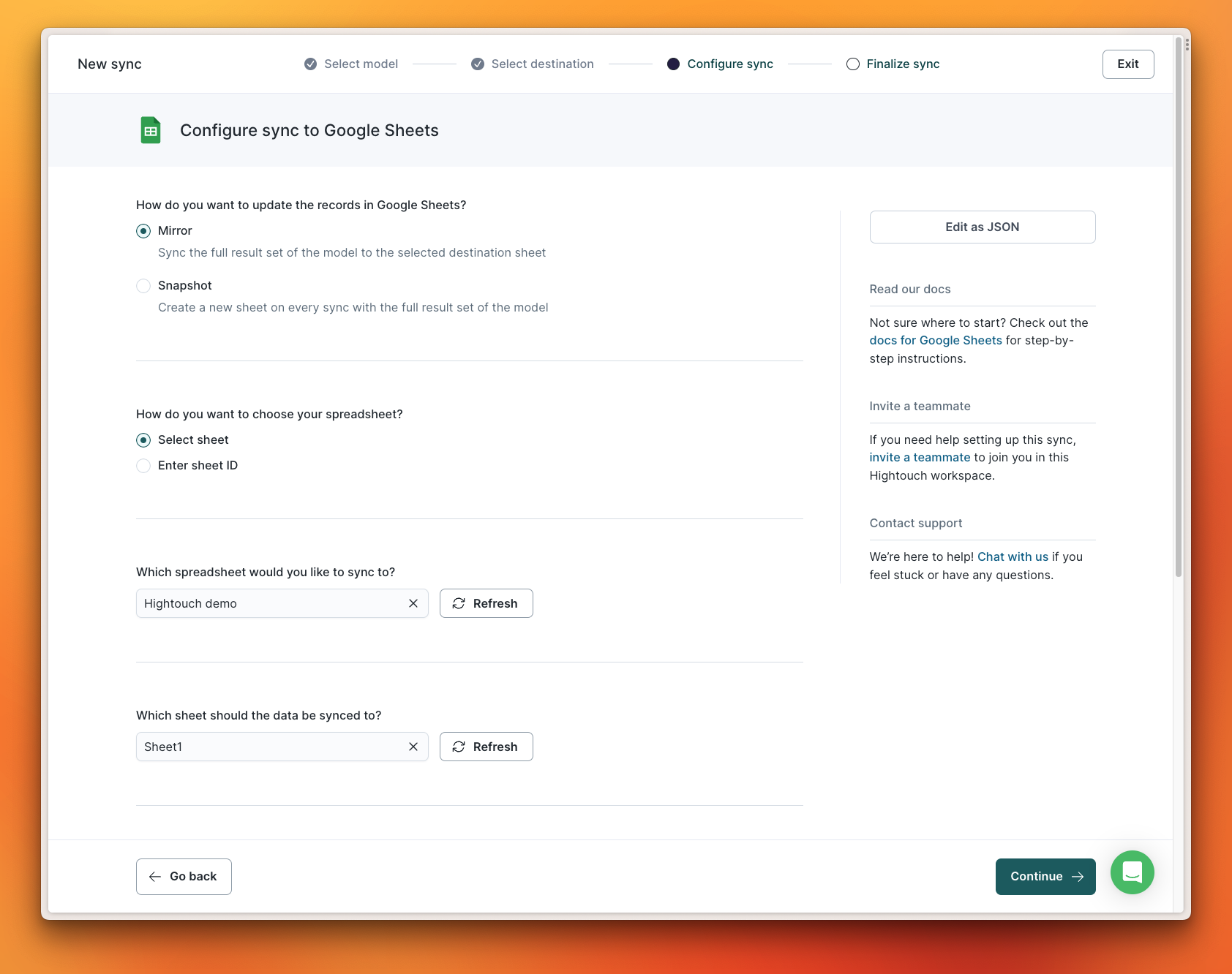
When connecting to Google Sheets, you can choose to create a snapshot of the data with each run or mirror the data to a specific document and sheet.
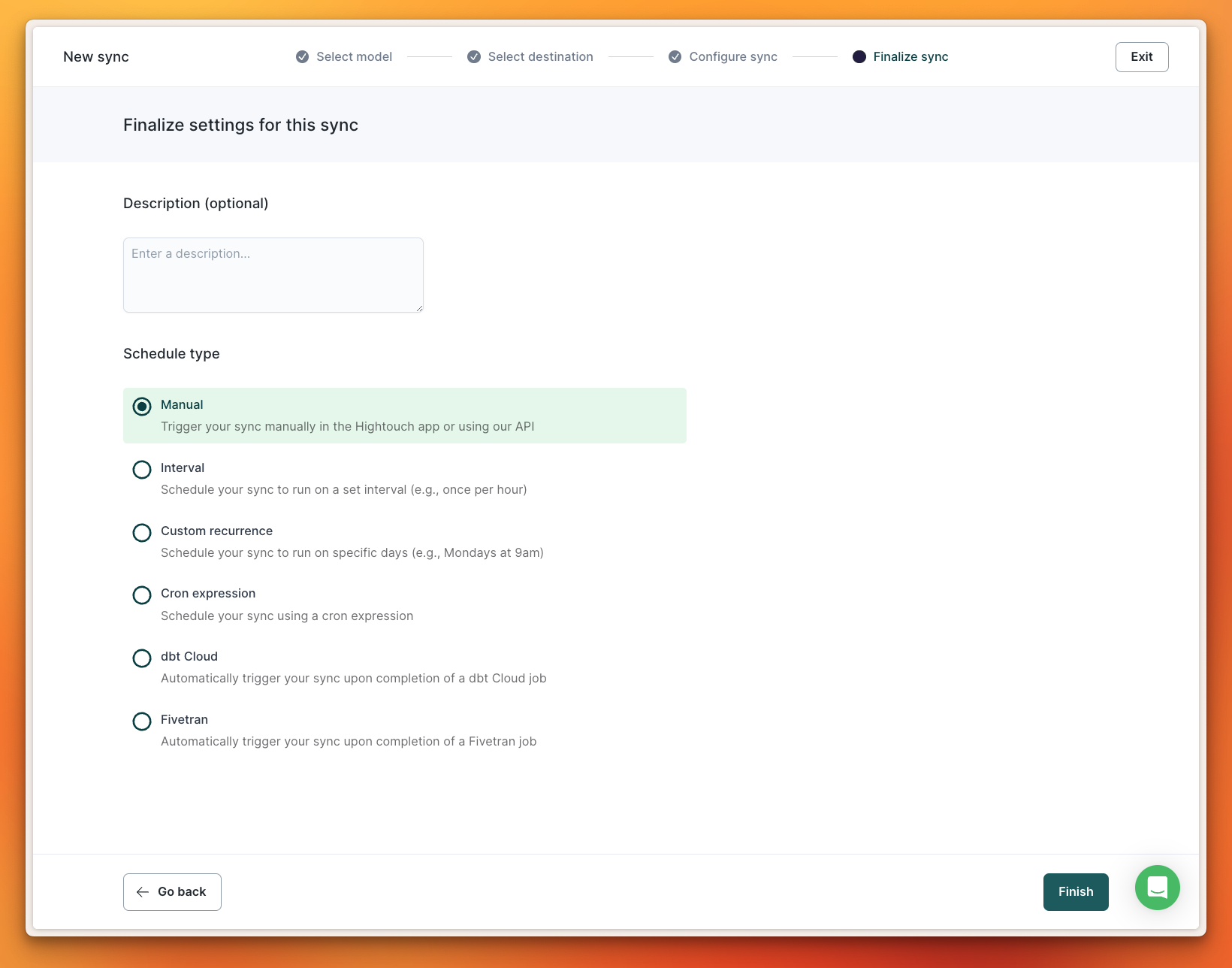
You have the ability to set automated recurring syncs based on a time interval or trigger, or run them manually via the Hightouch dashboard or API.
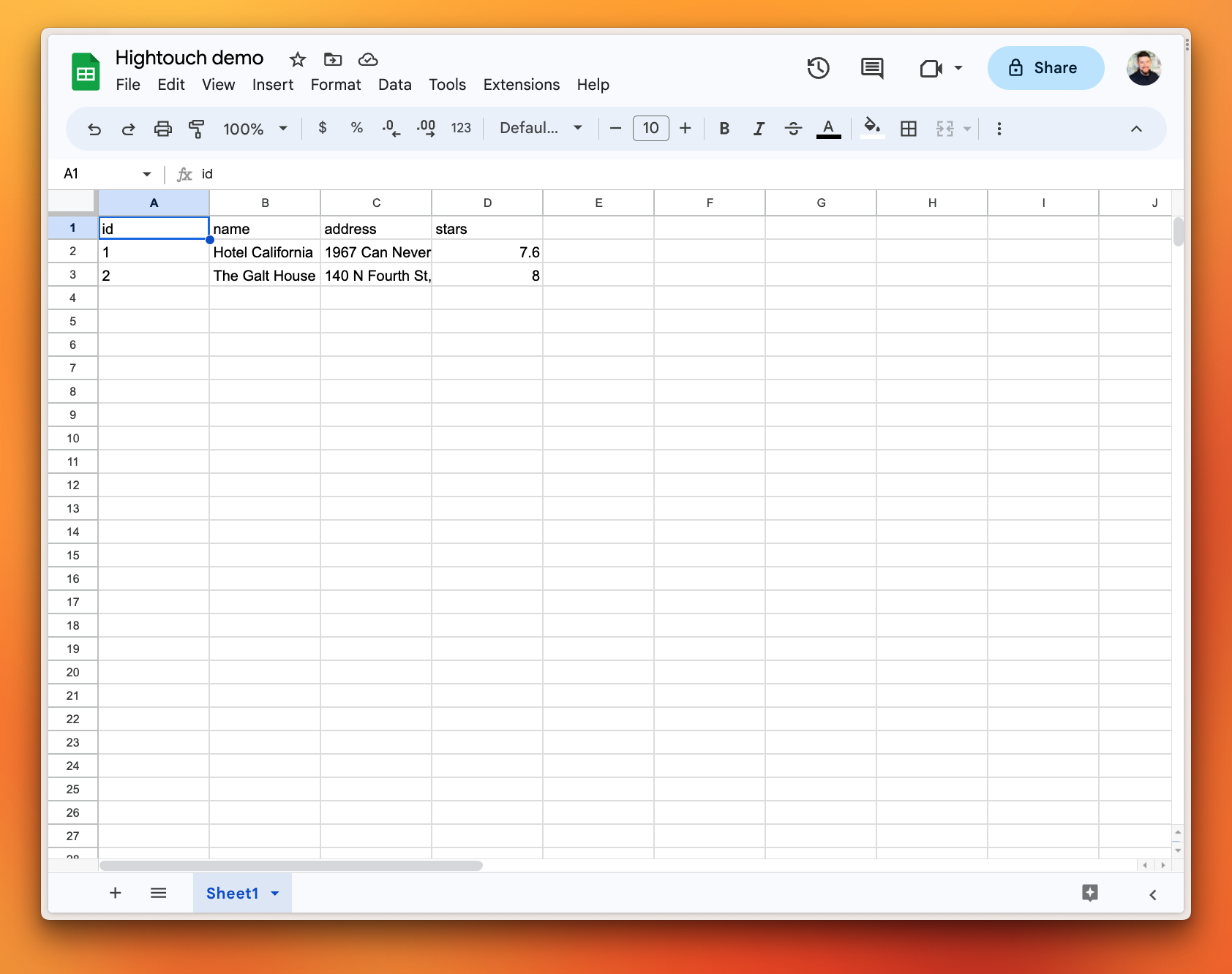
Once the sync runs, all of the data from the hotels table in my PlanetScale database is now mirrored in Google Sheets.
PlanetScale as a destination
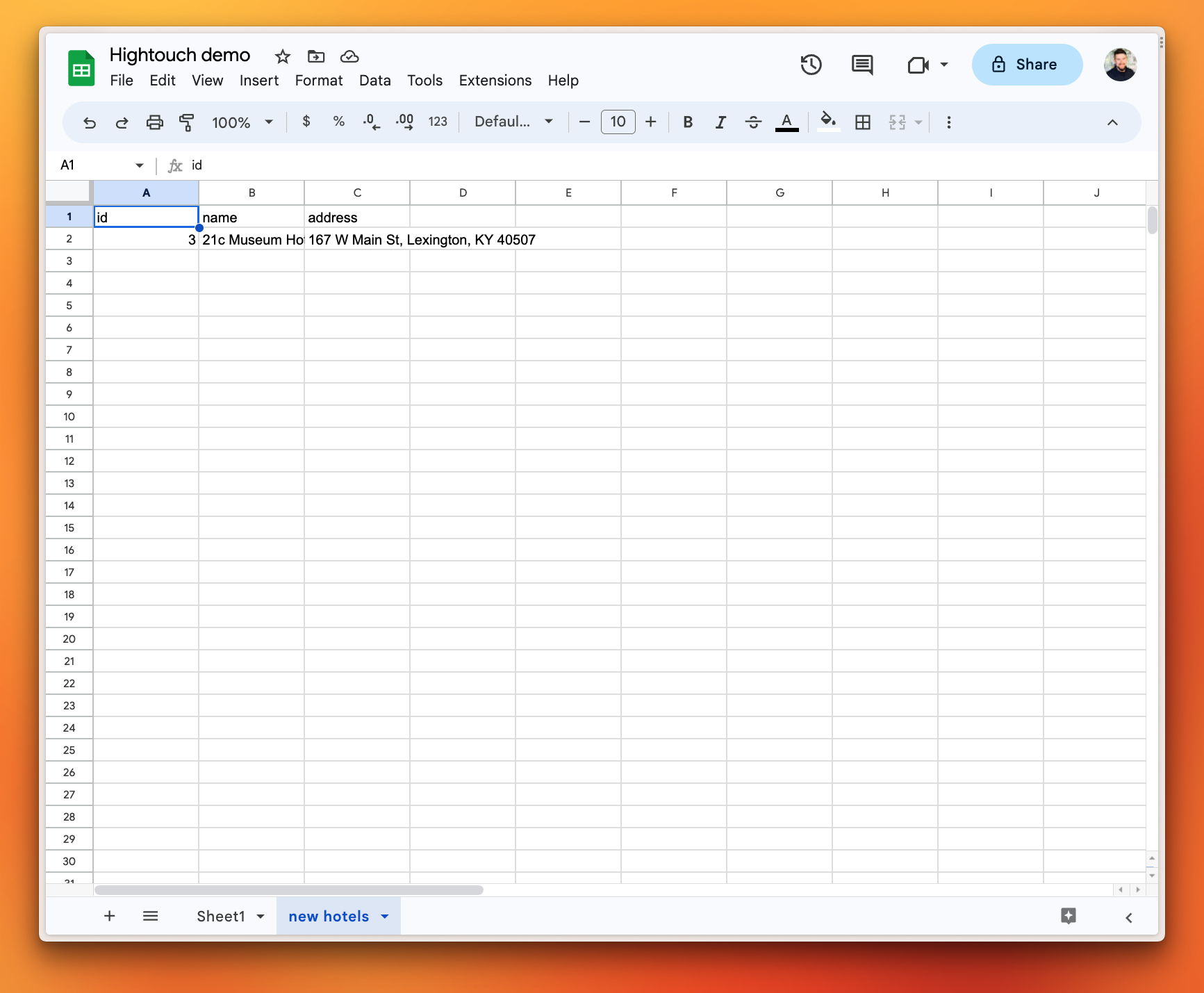
You can also configure data to be sent to a PlanetScale database from Google Sheets. In the following example, I created a new sheet called "New Hotels" that I will send to my bookings_db database.
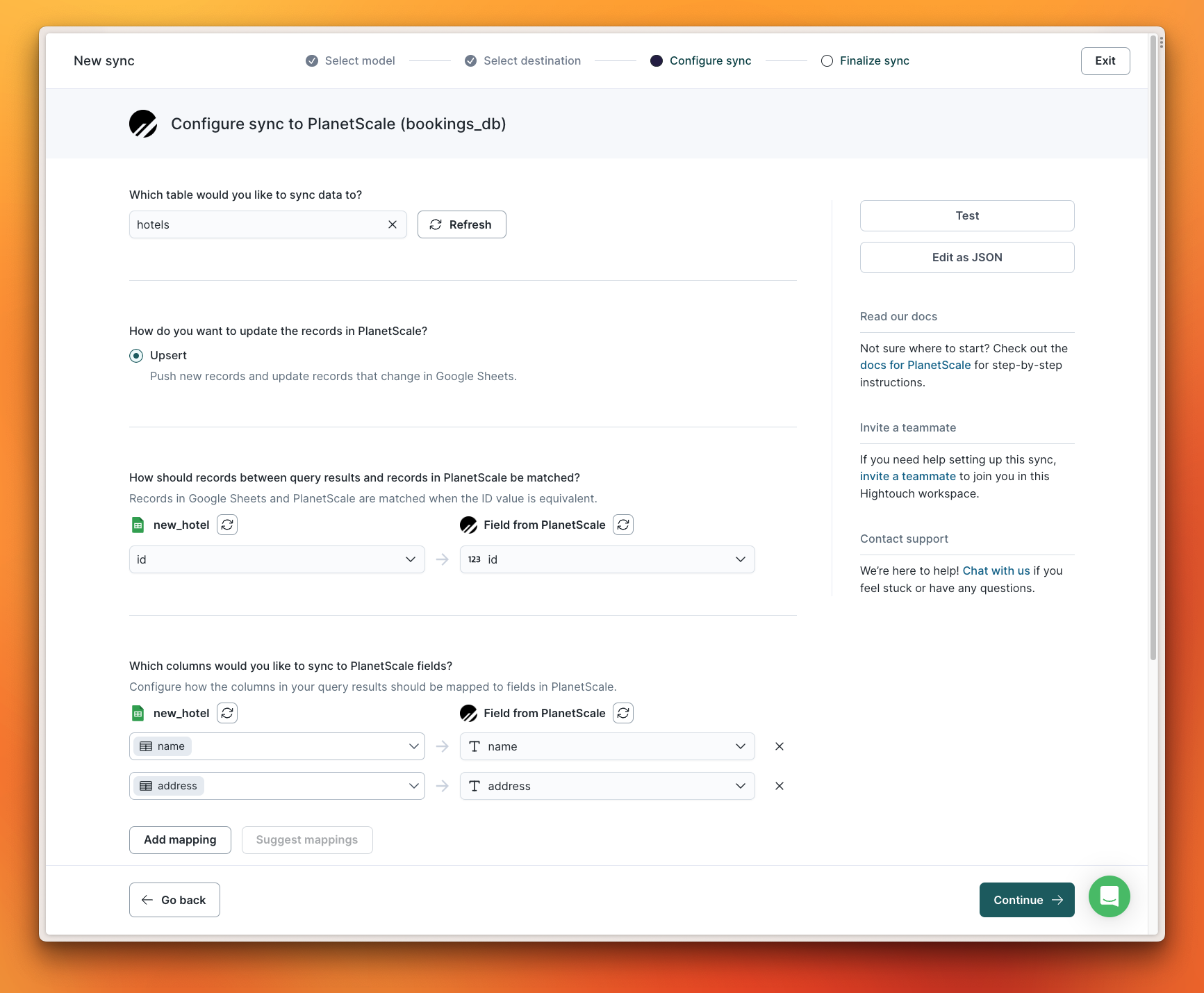
Hightouch allows you to map fields between different systems, so you aren't required to make them match. If you do have matching field names, Hightouch can automatically map the fields for you.
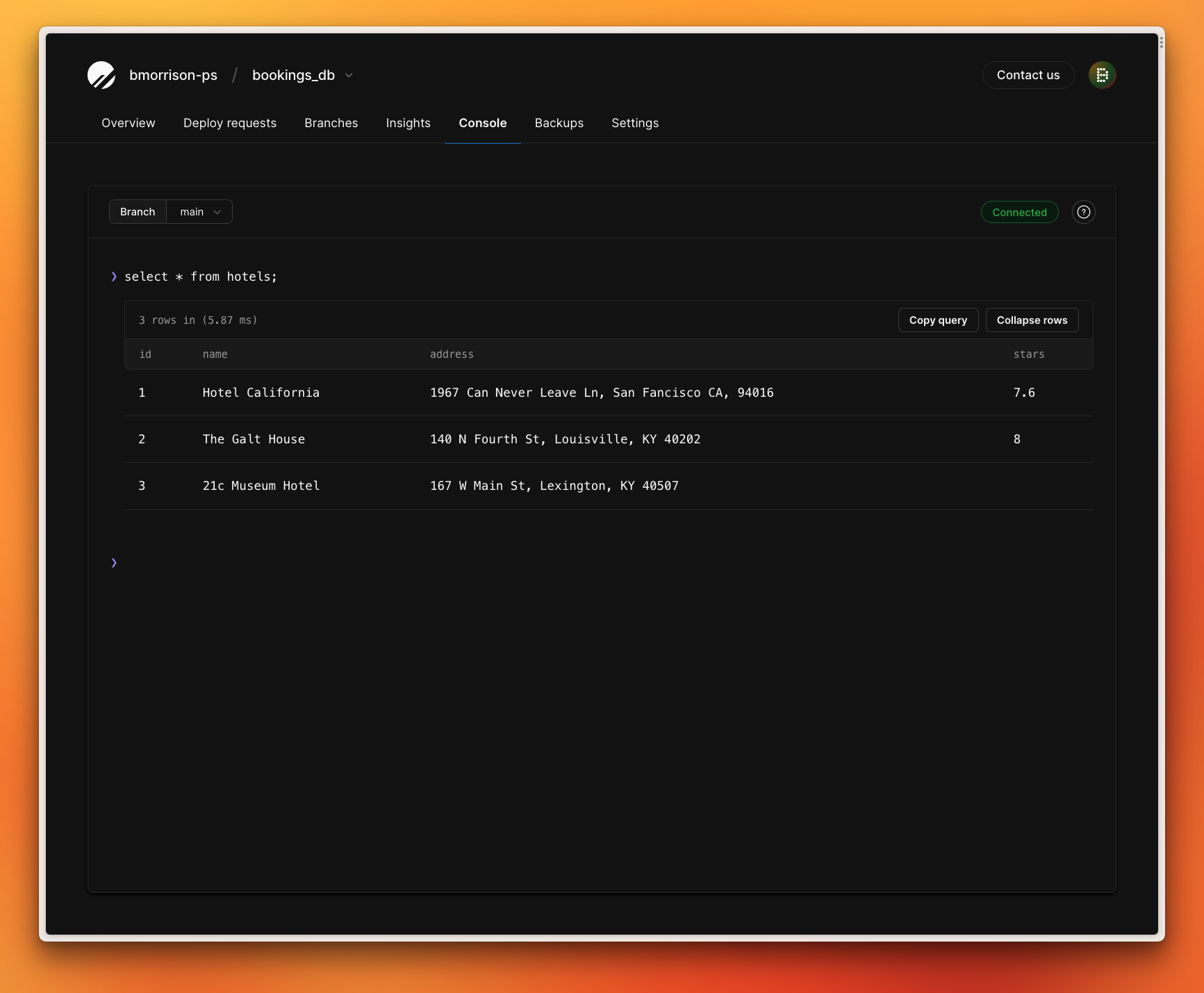
Once this sync runs, I can validate that the data from Google Sheets was synced to my database by running a simple SELECT query on the hotels table:
Try it out
For more information on how to use PlanetScale and Hightouch, check out the Hightouch article on our documentation portal or the PlanetScale article in the Hightouch docs. You can get started with Hightouch today, as it takes users an average of only 23 minutes to start their first sync.
Do you have any interesting ways you could use Hightouch with your PlanetScale database? Share them on Twitter and tag @PlanetScale and @HightouchData!