






Recently, I purchased a new MacBook Air. Since this is the second time that I set up a new Mac, I would like to share some useful, essential apps and tips.
The very first thing to do is to install Raycast, which is more powerful than the built-in Spotlight search. It not only allows me to launch apps more quickly, but also handles my clipboard history, emoji and symbols, and facilitates quick calculations.
Safari is definitely not a good browser. Its late support for new web features and infrequent updates are annoying for cutting-edge web development. Therefore, Chrome is essential for a web developer. (Although it is the binge eater of RAM.)
Homebrew helps you install software packages easier. With Homebrew, in order to install an app, all you have to do is to search for your desired “Formulae” or “Cask” in Homebrew Formulae and run a single command. Once you start using it, you won’t be able to leave it .
Ice collapse your menubar icons. Hot monitors your Mac’s temperature.
Ghostty is an feature-rich terminal emulator. Here is my configuration:
1 | background-opacity = 0.8 |
I use Starship as my terminal prompt. I didn’t customize it because it has a brilliant default configuration.
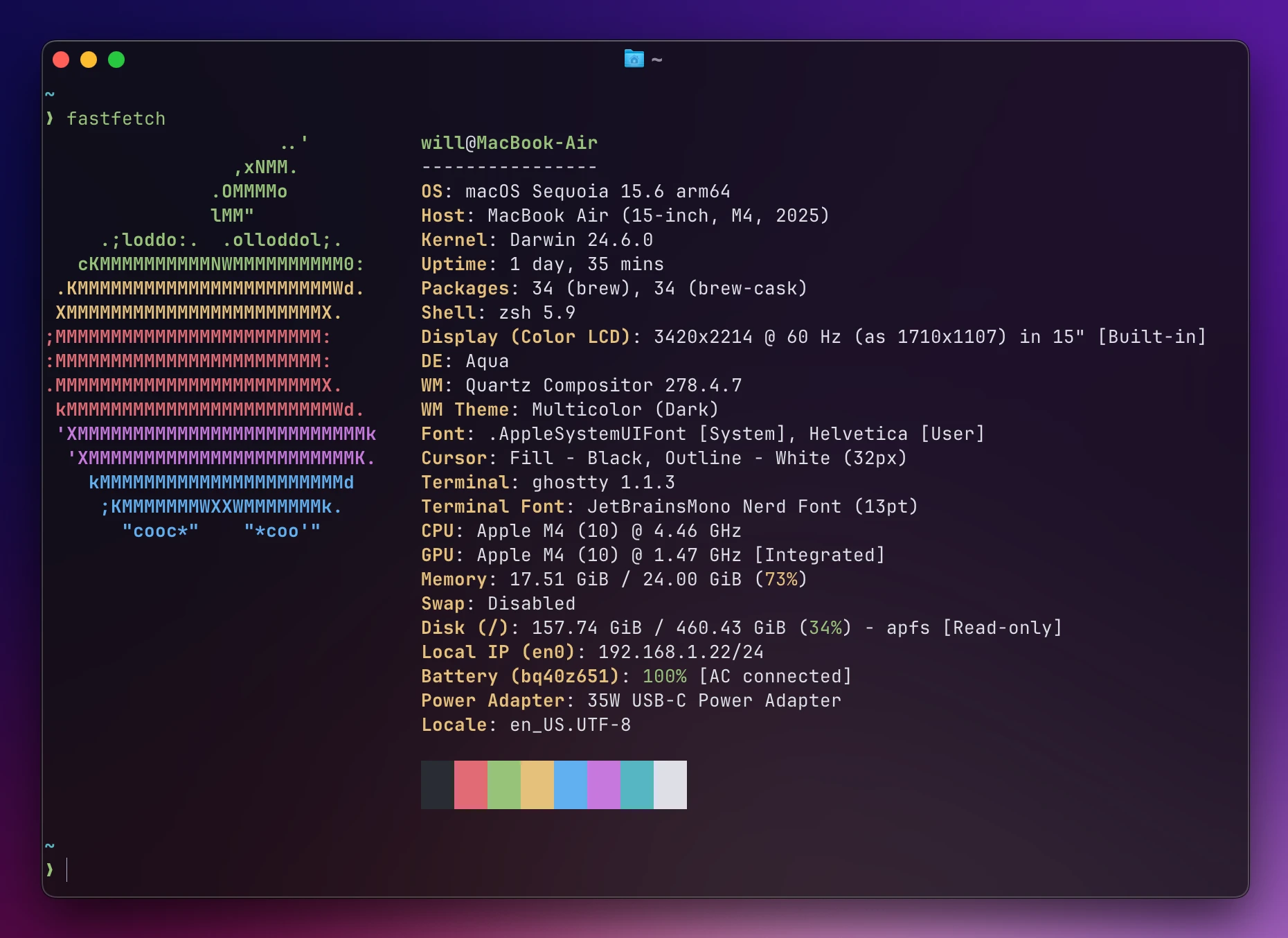
When everything in terminal is done, try Fastfetch, it’s showtime!
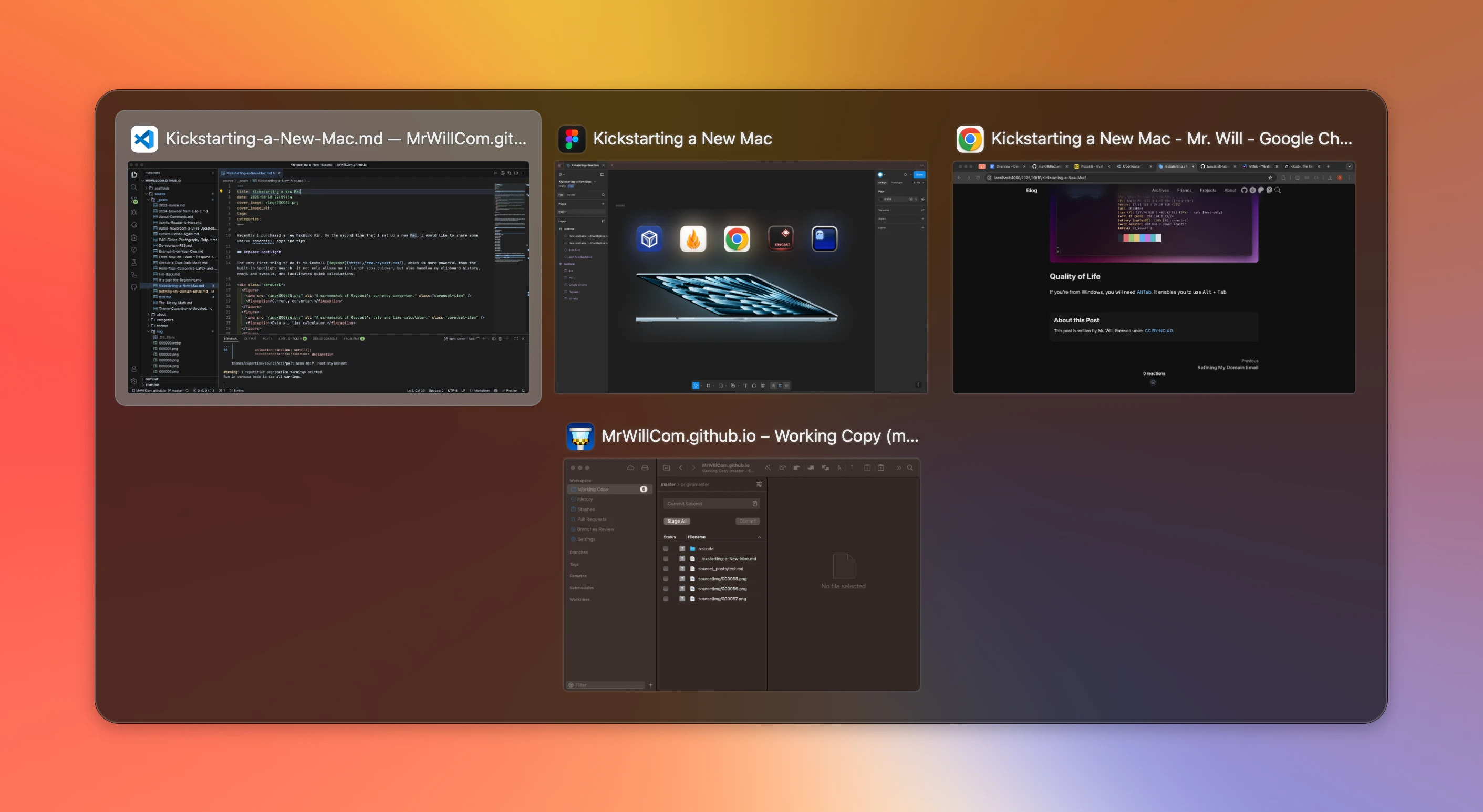
If you’re from Windows, you will need AltTab. It enables you to use Option + Tab, just like Alt + Tab on Windows.
Keka, perhaps the last archiver you’ll need, works with a wide range of formats and can be the replacement of the system archiver.
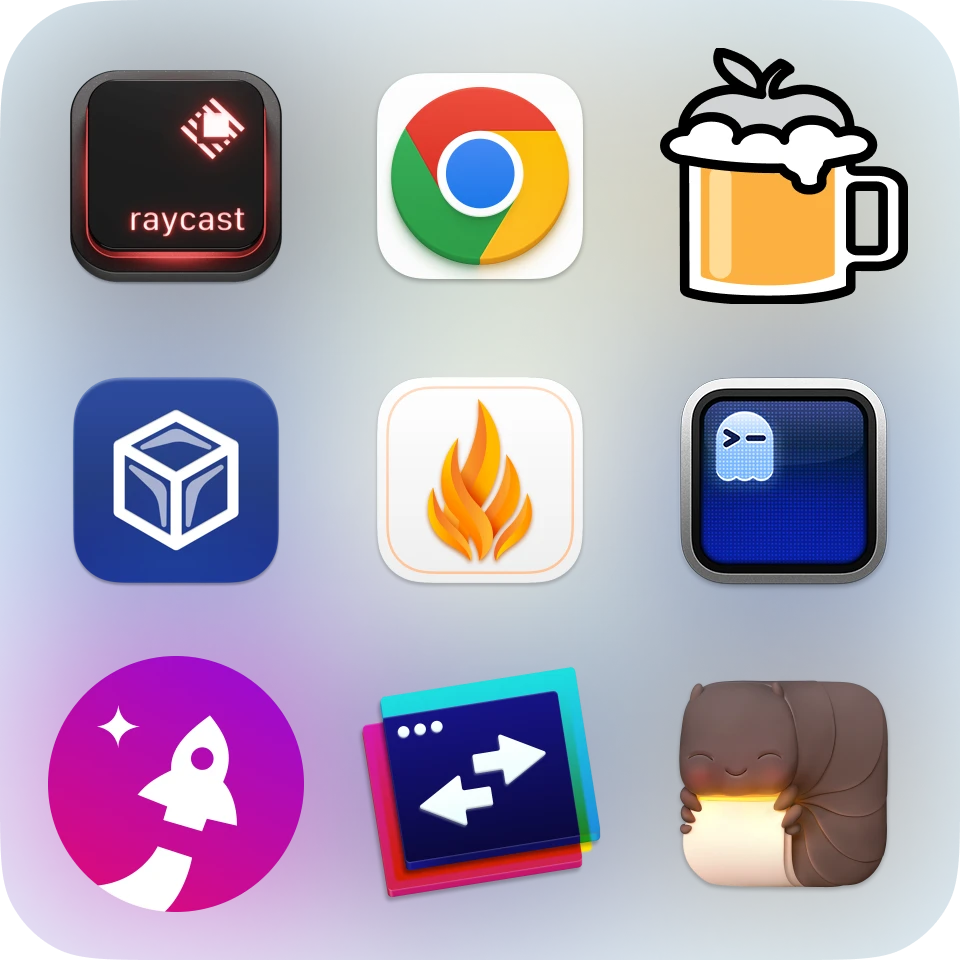
Here are all the apps introduced, in one picture:
此内容由惯性聚合(RSS阅读器)自动聚合整理,仅供阅读参考。 原文来自 — 版权归原作者所有。