





Ghost generates a gift link for your publication automatically. You can find your gift link in the Settings → Gift subscriptions area within Ghost Admin, when Stripe is connected to your publication. This link can be shared anywhere (posts, pages, newsletters, and elsewhere) to offer an option for individuals to gift paid access to your site.
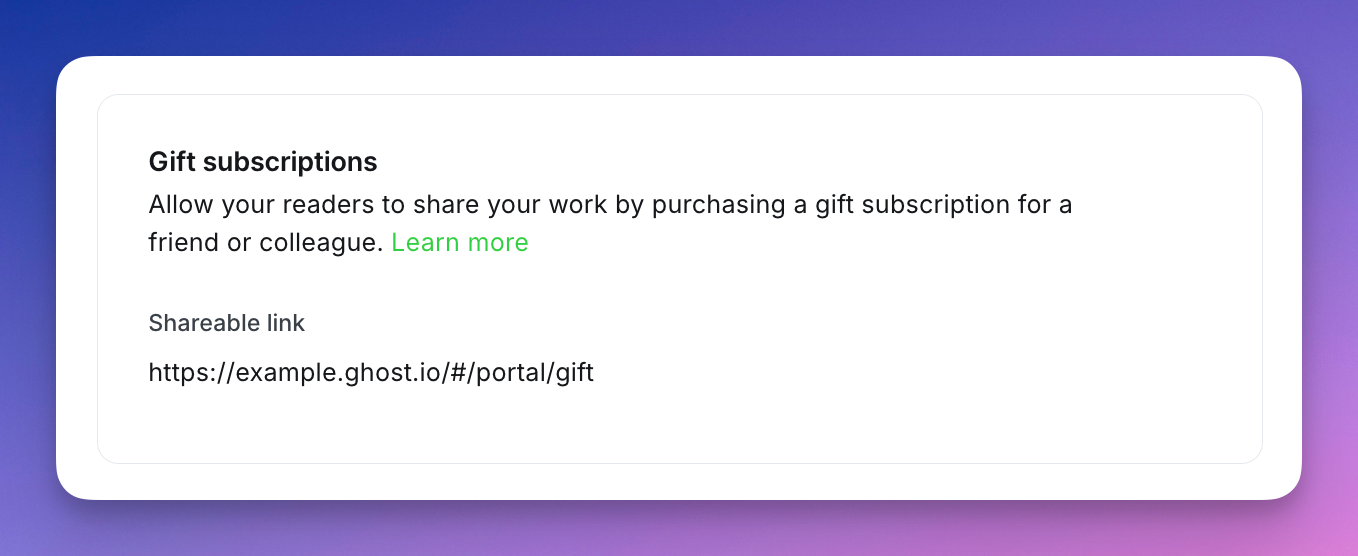
Share your gift link with anyone you'd like to be able to gift a paid membership.
The buyer can then select a membership tier and a duration of paid access to gift (one month or one year), and then complete checkout.
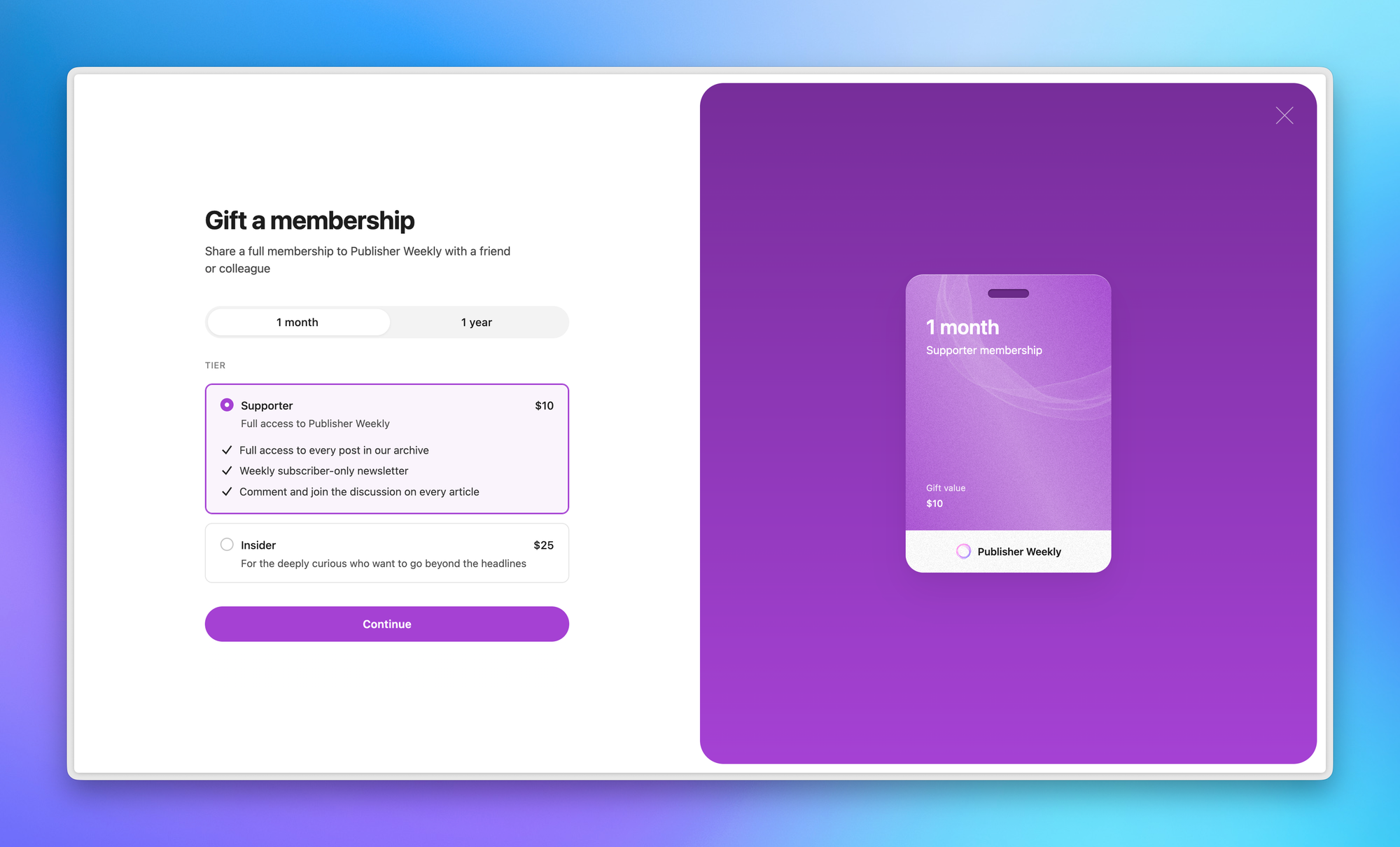
Once payment is completed, the buyer will receive an email with a branded redemption link to forward to the individual they want to gift with paid access to your publication.
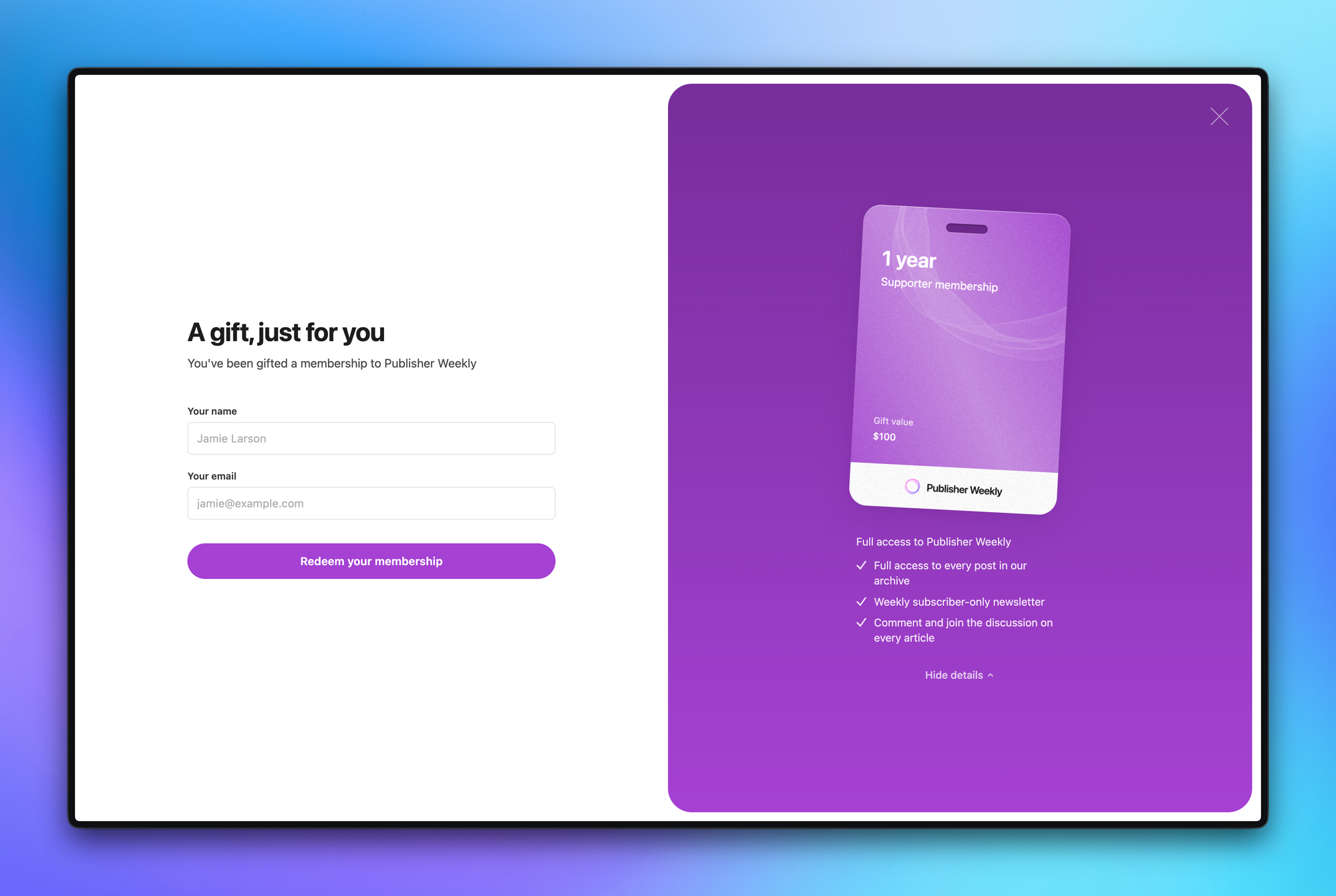
When the recipient clicks through the link, they can enter their name and email address to confirm their member account, without needing to enter in credit card information.
💡
Gift subscriptions are one-time Stripe payments. You get paid at the time of purchase, regardless of when (or whether) the recipient redeems the gift.
When a gift subscription is purchased or redeemed, you can track this activity within Ghost Admin:
member status ,is and gift subscription in the Members area, to segment or analyze those on active gift subscriptions.Anyone. Individuals don't need to be existing member of your site to purchase a gift subscription. All they need is a valid payment method.
Gift subscriptions can be redeemed by new visitors to your site and by existing free members who want to upgrade to paid access.
Members who already have an active paid subscription cannot redeem a gift at this time. If someone with a paid subscription tries to use a gift link, they'll see a message explaining that the gift isn't available for their account.
No. A member can only have one active gift subscription. They can't stack multiple gifts.
Gift subscriptions must be redeemed within 365 days of the purchase date. If the recipient doesn't redeem the gift within that window, it expires and can no longer be used. The 365-day countdown starts from the date the gift is purchased — not from when the link is shared or received.
If a gift subscription expires without being redeemed, or if the buyer purchased a gift that the recipient can't use (for example, the recipient already has a paid subscription), the buyer can contact you to request a refund.
You can issue refunds directly through your Stripe dashboard. When you process a refund in Stripe, Ghost automatically updates the gift status to refunded. There are no automatic refunds for expired gifts. This gives you control over your refund policy.
The gift can still be redeemed. The tier was available when the gift was purchased, so it will be honored at redemption time.
There's no toggle to turn off gift subscriptions in Ghost. If you don't want to promote them, simply don't link to the gift page. Additionally, if Stripe isn't connected to your publication, the gift page won't be available.
此内容由惯性聚合(RSS阅读器)自动聚合整理,仅供阅读参考。 原文来自 — 版权归原作者所有。