





Ghost allows you to setup automated welcome emails for both free and paid members when they signup to your publication.
Welcome emails can be enabled from the Settings → Membership → Welcome emails area within Ghost Admin.
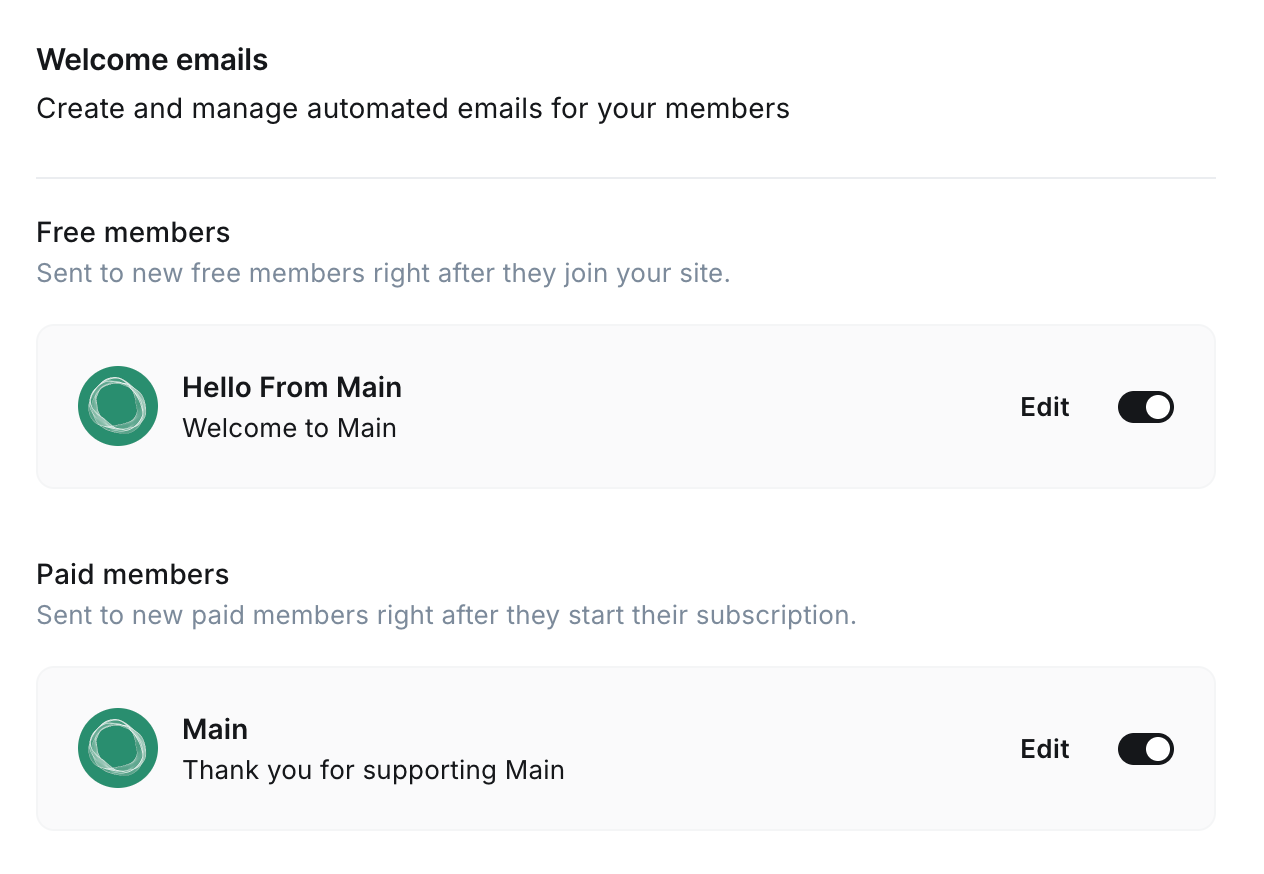
Once enabled, new subscribers will receive a welcome email when they signup to your site. These can be tailored for free members, as well as paid members (if you have paid membership enabled).
To customize your welcome emails, click Edit from the Welcome email area in Ghost Admin.
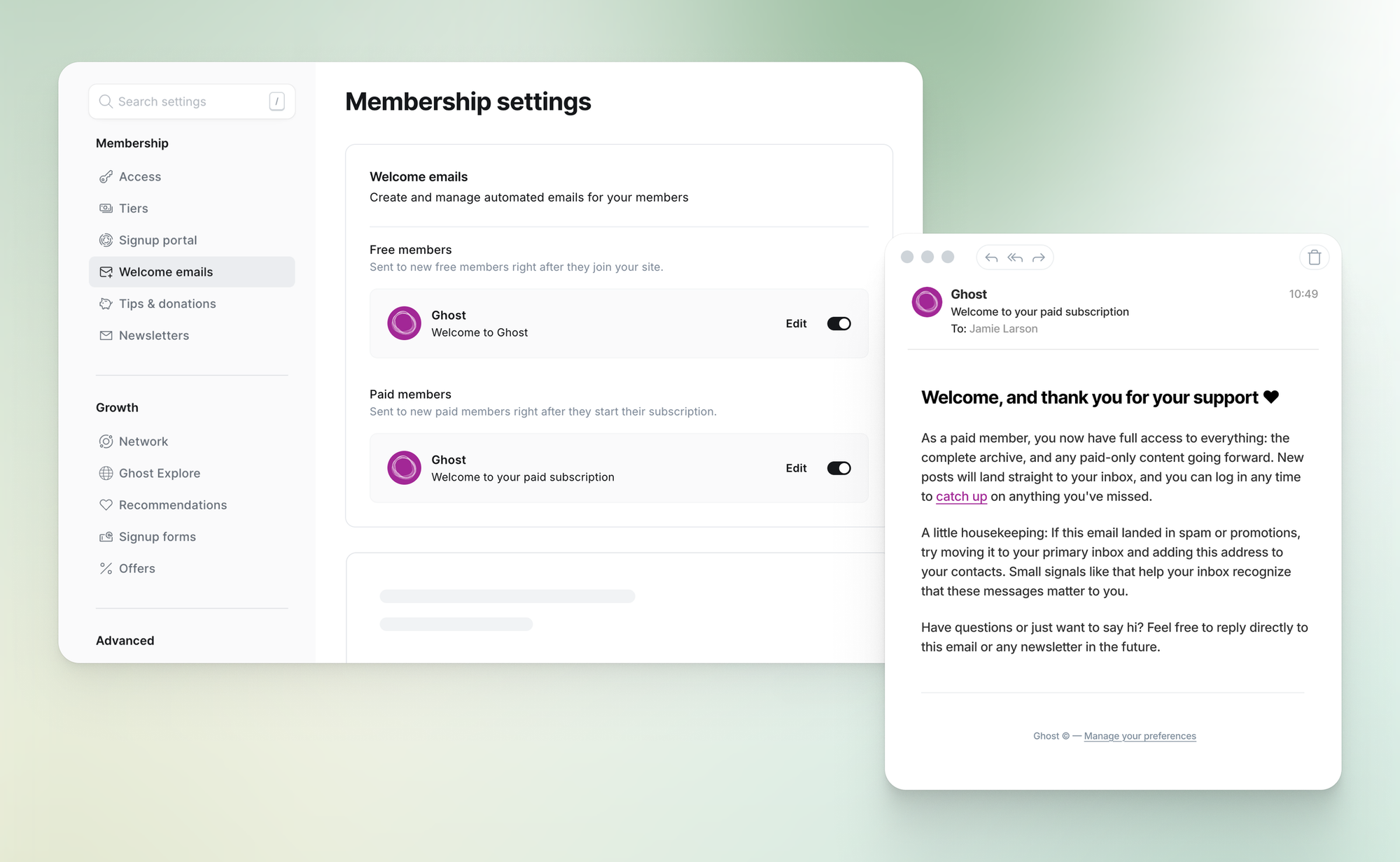
When setting up your welcome emails, you have access to all the same design controls as newsletters. You can also set a custom subject line, custom sender name and reply-to address, as well as add custom content, allowing you to personalize your member's experience, using your own voice and branding.
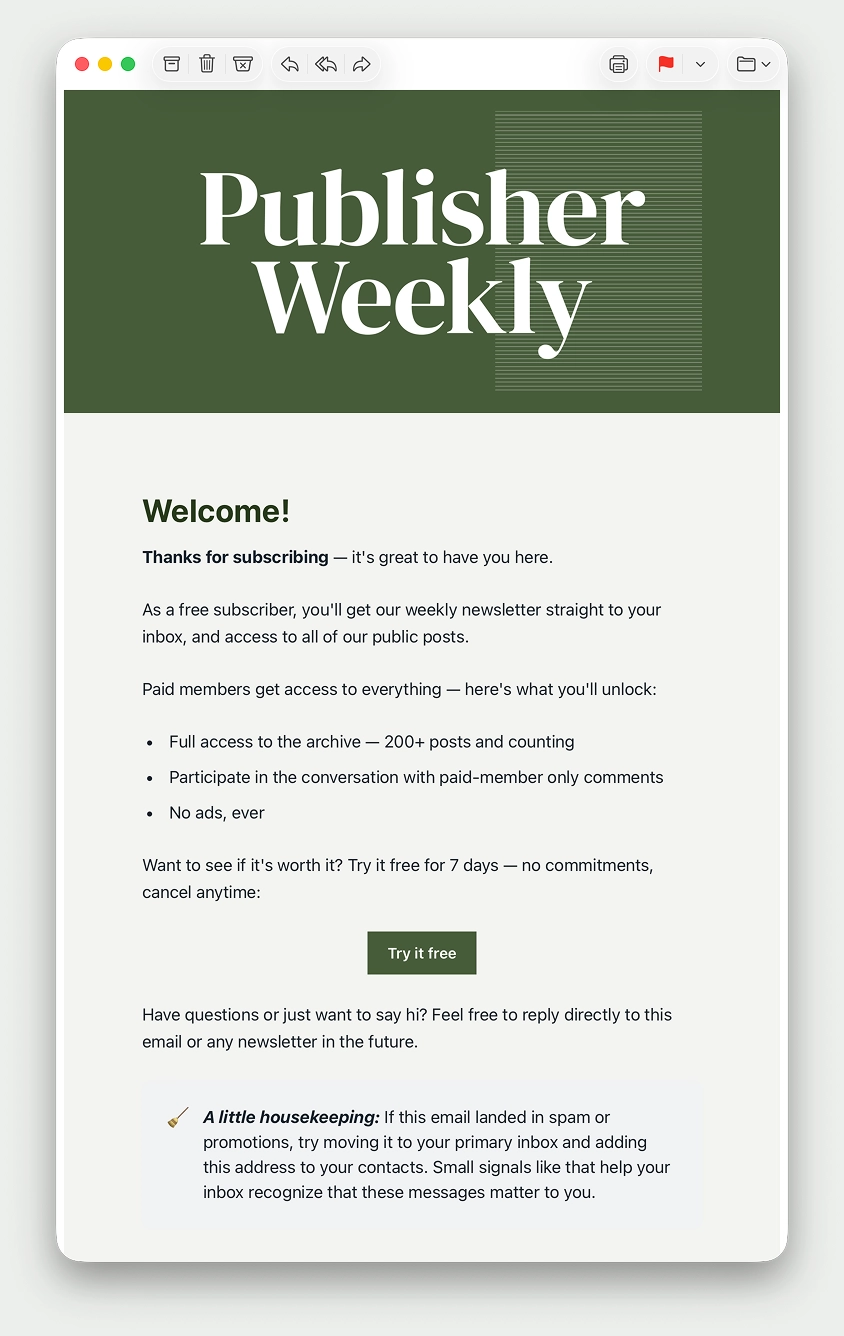
When finished making changes to your email, you can send a Test welcome email to your email address to review, as well as Save your changes.
The member will only receive the paid welcome email.
The member won't receive a welcome email. The free member welcome email only goes to free member signups on your site, so if someone signs up immediately as a paid member, the welcome email will not be triggered.
The member will receive both welcome emails. The free member welcome email is sent after signup, and the paid welcome email is sent after the member upgrades to a paid tier.
The member will receive the paid welcome email when they start the trial.
If the member continues their existing subscription before it expires, they won't receive another welcome email. If they start a new paid subscription at a later date, they will receive a new paid welcome email.
The member will not receive another paid welcome email.
此内容由惯性聚合(RSS阅读器)自动聚合整理,仅供阅读参考。 原文来自 — 版权归原作者所有。