





Publisher gift links give anyone access to a single members-only or paid members-only post or page on your publication, without requiring sign up or payment. Every paywalled post and page has its own gift link.
Sharing a gift link
- From the Post or Page list in Ghost Admin, hover over any members only post/page, and right click to select the Share as a gift option or,
- For posts, click on the Analytics icon from the posts list, to click the Share button within the Gift link section of your analytics.
0:00
/0:17
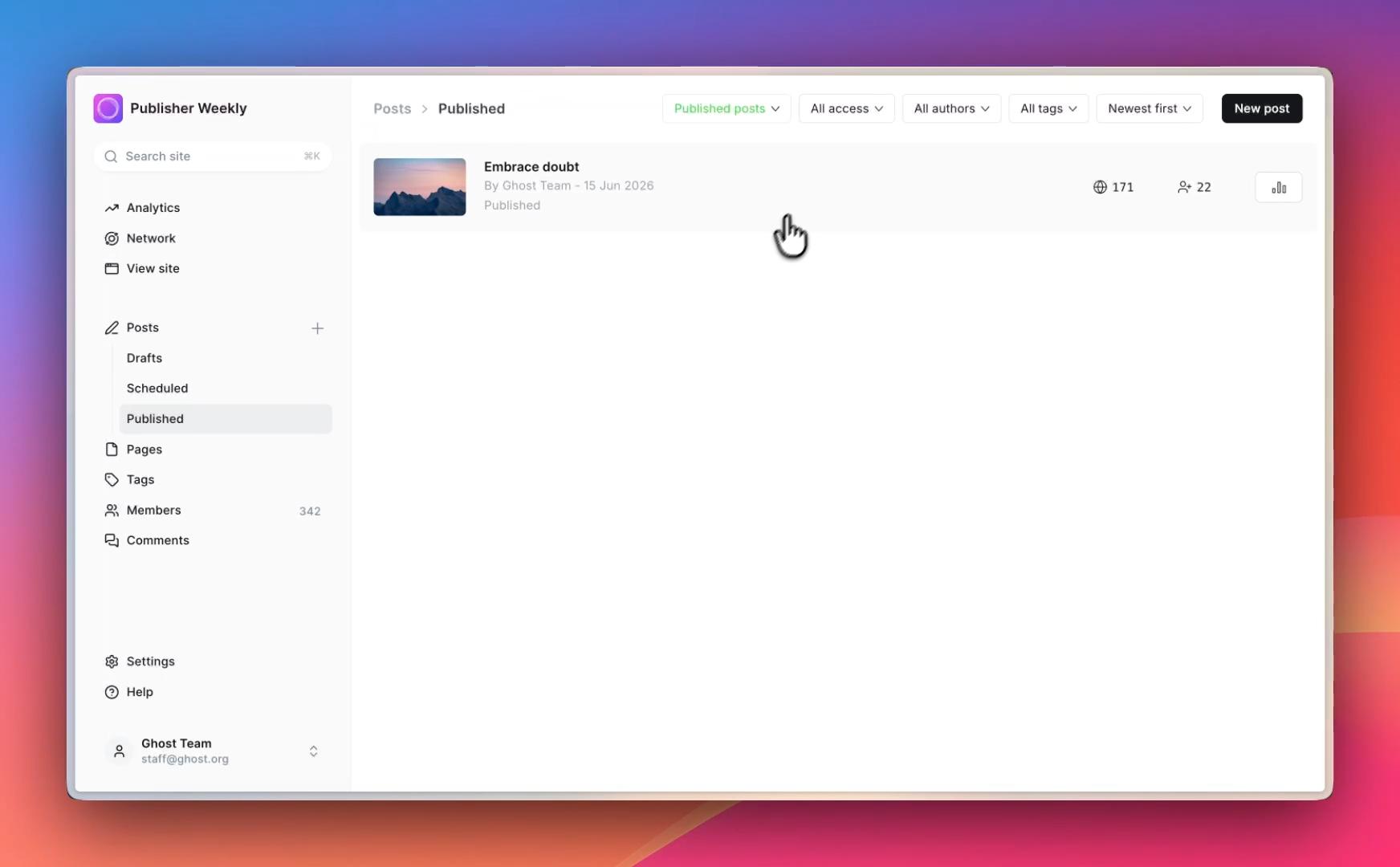
You can copy the link and share it anywhere. Anyone who uses the link can access the full post or page, without needing a paid membership, or member access to your publication.
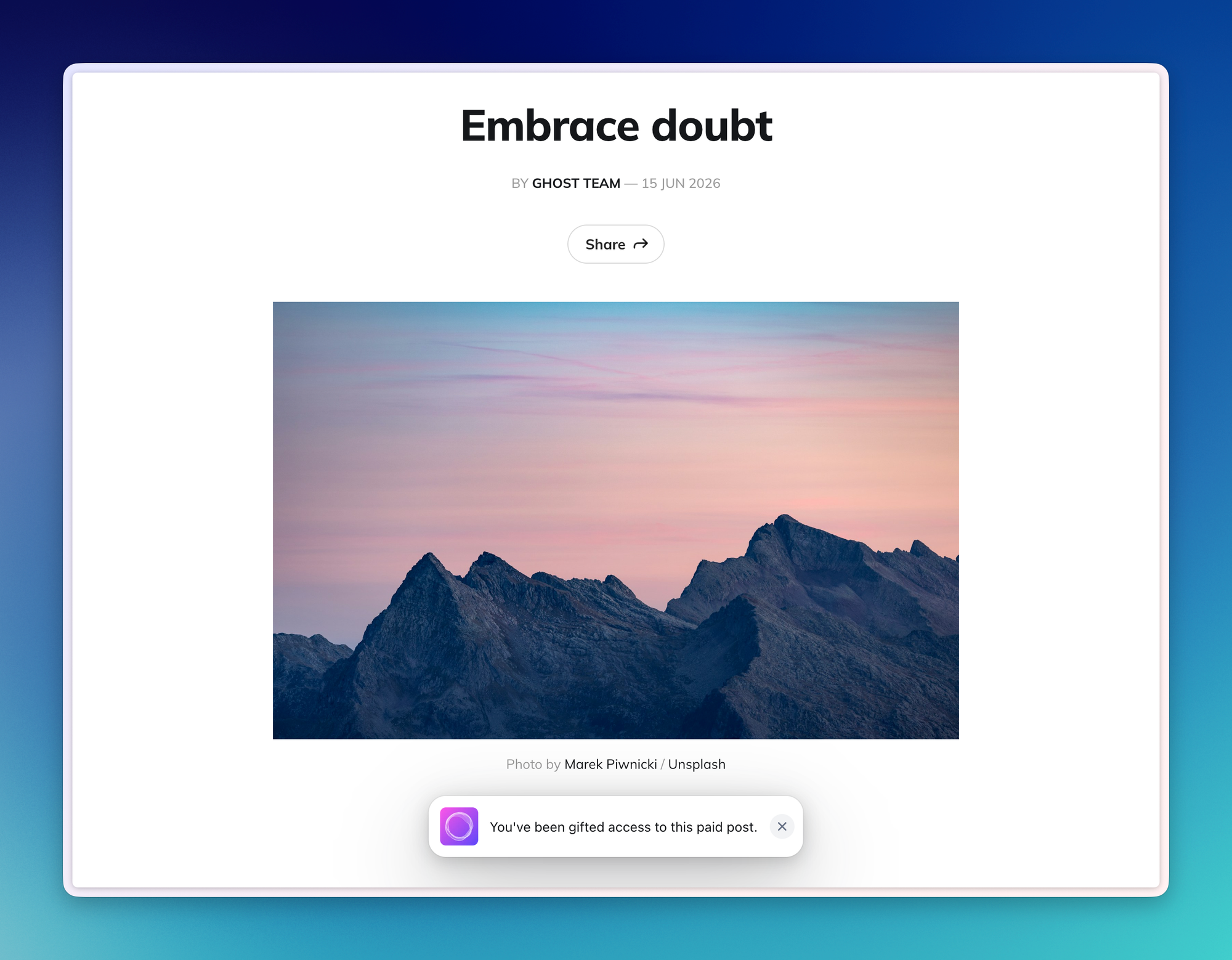
When a reader uses a gift link, they will see a notification once the page or post loads, indicating that they are viewing the content with gifted access.
Resetting a gift link
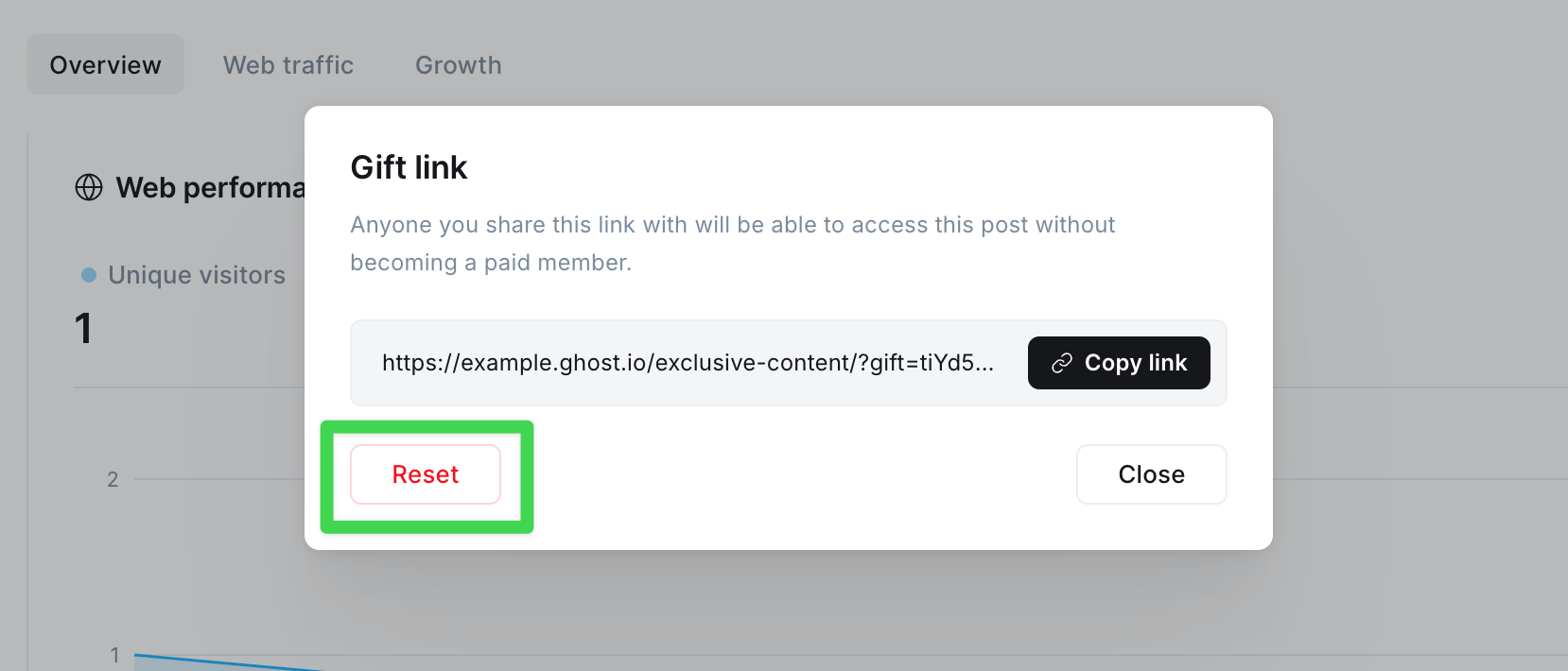
If a gift link gets forwarded further than you expect, you can reset the link from the same location you copied it from within Ghost Admin. A new link will take over, and the previous gift link will stop working immediately, revoking access.
To reset a gift link:
- Go to the post or page list, right click on the post/page, and then click on Share as a gift, OR, for posts, go to the post's analytics page and click Share in the Gift link area.
- Click Reset, to reset the link.
FAQ
Who can share gift links?
Only staff users with an access of Owner, Administrator, and Editor can copy/share gift links to members only and paid members-only posts and pages.
Do gift links work on both members only, and paid members-only posts and pages?
Yes. Gift links work across both free member and paid members only posts and pages on your site. However, they are exclusive to the page or post they are attributed to.
Can I see analytics related to gift link access?
Analytics are available for posts, only if web analytics are enabled within Ghost Admin.
Do gift links expire?
No. Gift links remain active until reset — then access is only available via the new gift link.