












When the original LlaMA was released earlier in 2023 by Meta, it was only provided to the research community. With the next iteration, Meta in collaboration with Microsoft appears to have a change of heart and has released it as an open-source model for anyone to use. Here's what you'll need to do to get it up and running in a Runpod pod. Although it is open-source and free for personal and commercial use, there are a few hoops to jump through if you want the original model files as provided by Meta and Microsoft.
One of the most pressing reasons to use Llama is that it has been built from the ground up with a 4k context in mind. While there are many 8k and 16k token versionsof existing models, this is one of the first times the public has had access to a >2k context model that has been built as such to begin with, rather than being merged with another model after the fact. There's no such thing as a free lunch, after all, and while merging two models to get a large context window is a relatively convenient way to do so, it will most likely lead to diluted performance in other dimensions. However, a model that has been built with a 4k context window from the outset is not going to have the same kinds of pitfalls.
Otherwise, Llama-2 shows a modest improvement over existing models such as ChatGPT and Vicuna as rated by human evaluators, and a massive improvement over other models such as Falcon-40B. With my personal use case (roleplay and interaction) this generally concurs with my experience, as the one I used (Llama-13b) does appear to be a strong competitor to a quantized Guanaco-65B which is what I personally use at the moment, and Llama's 4k window compared to Guanaco's 2k might just put it over the top. It definitely outperforms the Guanaco-65B 16k context version, from what I've seen.
First, you'll need to request the model directly from the Meta store. It is a free download, but you will need a Meta account nevertheless. Fill out your name and company info (if applicable) and submit the request. On my end, this didn't take more than a few minutes to receive my confirmation. Be sure to use the same email and personal information that you use on HuggingFace, otherwise the next step will not go through as it should.
Next, go to the meta-llama HuggingFace and agree to the licensing agreement. Once you agree, the admins of the Meta HF will review your request and get back to you – this took about 12 hours or so for me to receive a response.
Meanwhile, go to your HuggingFace settings, and then Access Tokens. If you have not already done so, create a new Read access token. You'll need this token to download the model later.
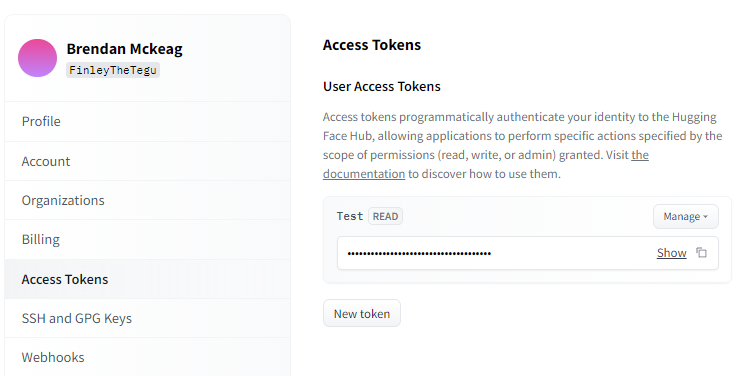
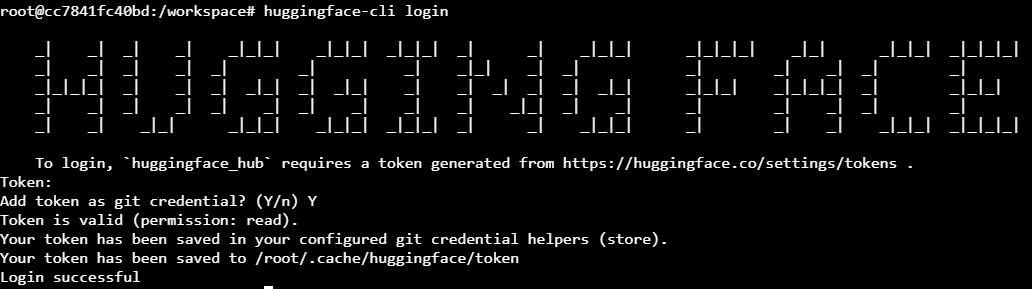
Open up a Terminal and type huggingface-cli login and paste the key from your Access Tokens. You should be able to download the model of your choice. You will want to use git clone specifically to download the repo, rather than download-model.py or downloading through the text-generation-webui UI as it does not appear these functions can handle HF's gated model handling. Alternatively, if you want to download the model manually from the website through a browser such as in Jupyter Notebook, that will work too.
If you'd rather not give Meta your information or set up a Meta account, perfectly understandable - TheBloke has quantized versions available for download. If you go to his HuggingFace and search for llama-2 you'll find several versions of each model size available for download. This comes with all of the normal caveats of quantization - such as weaker inference and worse perplexity. On the other hand, the original Llama-2 models have higher resource requirements than other models of the same size (especially the 70b) and unless you want to pull multiple a100's to run the largest size in its unadulterated form, then quantization may be a good tradeoff to make the price more reasonable.
Feel free to reach out to us on our Discord if you need a hand!
Author profile: Brendan McKeag
此内容由惯性聚合(RSS阅读器)自动聚合整理,仅供阅读参考。 原文来自 — 版权归原作者所有。