








“The medium is the message,” as Marshall McLuhan phrased it eighty years ago. Books incentivize depth, podcasts length, tweets brevity. You could tweet the phrase “War and Peace,” or talk about its implications at length on your podcast, but you’d never get quite the same thing as the original book-length treatise.
If you’ve got an idea for a book, by all means, don’t just tweet the idea or mention it in your newsletter: Write it, as a book. Share excerpts in your newsletter, perhaps, or serialize the copy, but create the core artifact in its intended medium.
Same for your newsletter. Your newsletter is neither blog post nor book. It’s something different, something that should feel like a message to friends, a casual conversation-starter and a connection to your wider work.
Email sized emails. That’s what you want.
Which is an especially good reason to write email newsletters from the app they’ll be read in. “When I write in Gmail, my writing feels conversational,” writes James Quiambao. “The medium changes the writing. And I find it helpful to change mediums when I feel creatively blocked.”
You’re writing a digital letter. That’s all. “Hey there,” you start out, and get on with your email before wrapping up with a “Chat soon!” and hitting send. That’s quite a different flow from opening an email newsletter app, starting a new draft, choosing a list, previewing in a fake Gmail interface, then purposefully clicking Send to hundreds or thousands of subscribers and that tiny bit of stage fright that accompanies the click. Did you mistype something, your brain questions, but it’s too late now and you can’t shake that odd feeling.
Write that newsletter in Gmail or Outlook or Superhuman or your iPhone’s Mail app, though, and there’s no drama, no more hesitation or anticipation than sending any other message.
Email like an email.
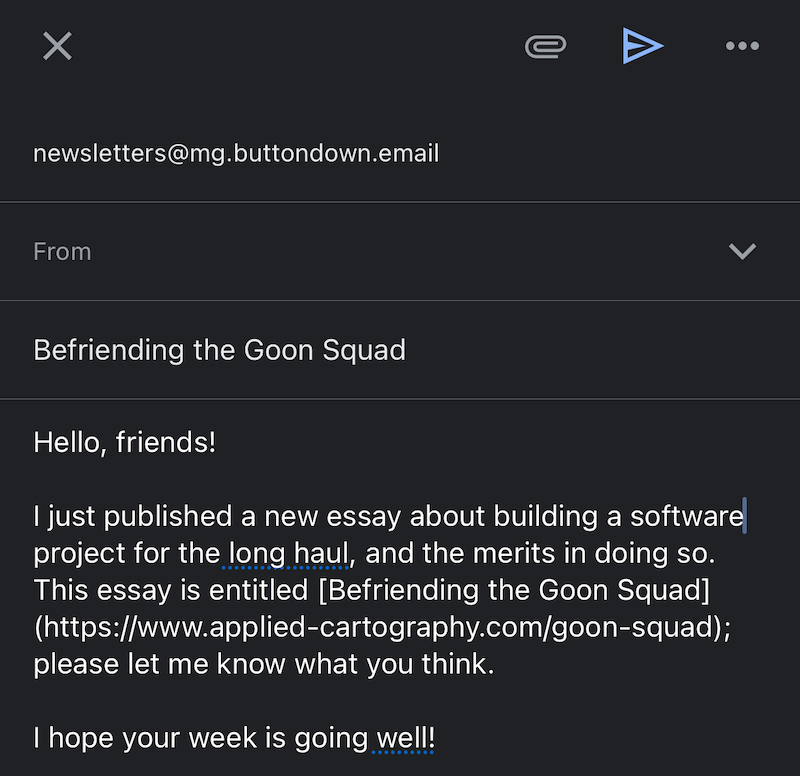
Writing email as a letter works, for some writers, as a hack to jumpstart writing. John McPhee, in his Draft No.4 New Yorker essay, describes writing a letter as a way out of writer’s block. “You are blocked, frustrated, in despair. You are nowhere, and that’s where you’ve been getting. What do you do? You write, ‘Dear Mother.’ And then you tell your mother about the block, the frustration, the ineptitude, the despair,” advises McPhee, going on, slowly anthropomorphizing his writer’s block into a bear in the letter to his mother.
“And then,” says McPhee, “you go back and delete the ‘Dear Mother’ and all the whimpering and whining, and just keep the bear.”
Maybe your newsletter is more a stream of consciousness, in which case you can keep a bit of the whimpering. Maybe it’s more professional and polished, and you’ll edit out the attempts to jumpstart your voice. Either way, you’ll write something a bit more raw, a bit less filtered—and might, along the way, end up with something more interesting.
Alex in Reference for Writers mentions a similar trick of writing in Gmail when stuck. “We evolved to talk to specific people, not people in general,” says Alex. “So use that.”
You’re not talking to any number of someones. You’re writing to one person, telling them about your work and your ideas. You’re just happening to then magically send that email to all of your followers.
Emails—newsletters and personal messages alike—should have “Interesting, non-obnoxious subject lines. Good grammar. Short, to the point sentences. Definitely not too long,” writes tech consultant Lex Friedman on his Buttondown newsletter.
“The absolute most important trick, though, is: Be human,” says Friedman. “Write like a human. Write emails you wouldn’t mind reading. And respect your reader.”
It’s not that Gmail or Outlook are the best writing apps, per se. It’s that the focus of writing to an individual clarifies your purpose and makes it easier to find something to say. It helps you write like a human, to a human. And sometimes that makes all the difference.
Email as a focused writing app
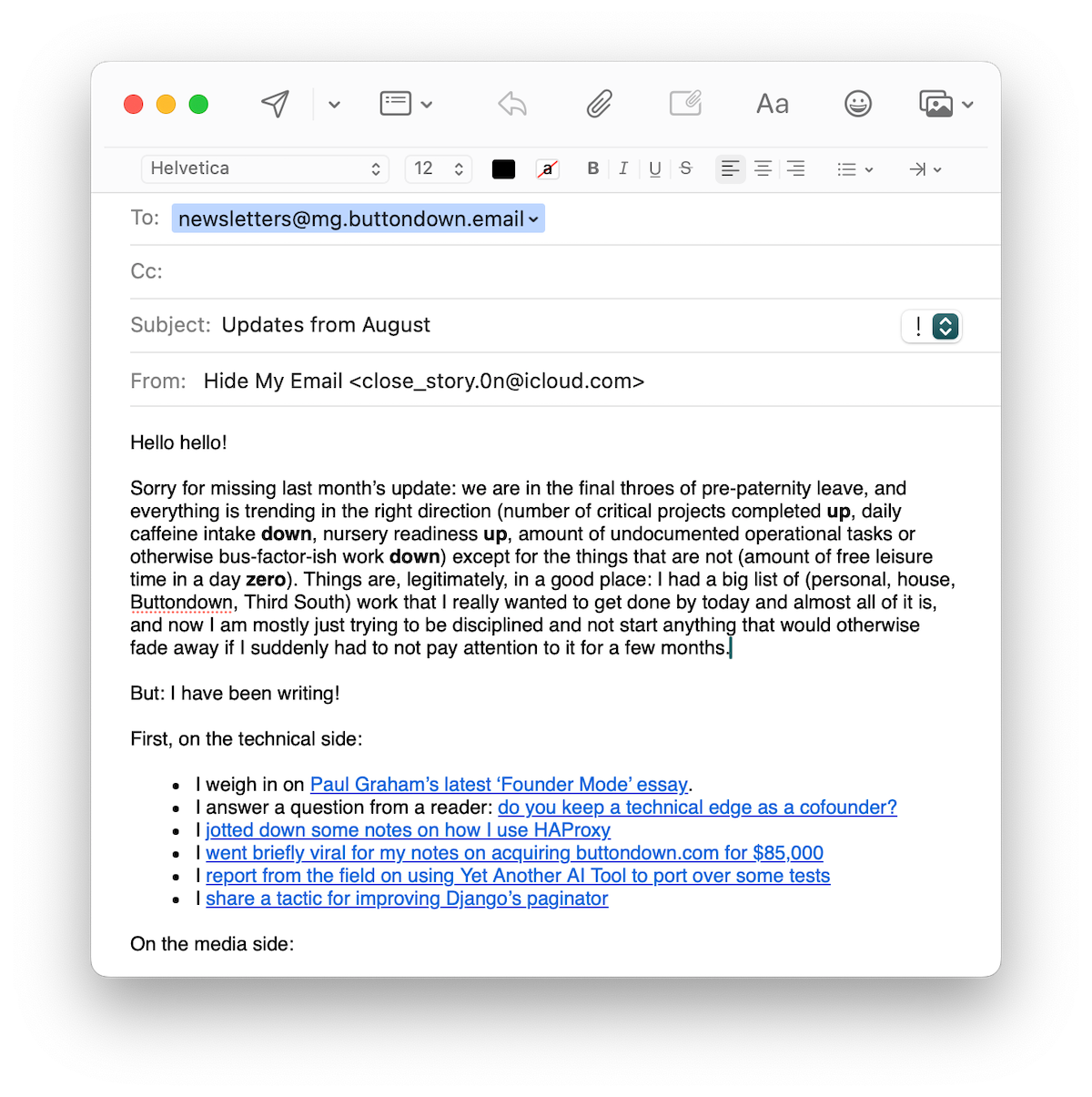
Email apps aren’t terrible places to write, either. “Email is a natural place for word-lovers to turn,” said author and founder Mandy Brown. Brown was talking about the exodus from Twitter specifically and social networks generally, but the thought applies to writing in email apps as well. Email’s a pretty good home for writers.
An email message is just your words. There’s little more to tweak than adding a bullet list or formatting a phrase in italics. Email’s not quite distraction free, with your whole inbox lurking in the background, but draft the email on your phone or make the New Message window full-screen on your laptop, and it’s pretty close.
Best of all, there’s nothing to check before hitting send. The benefit of writing in Word, when most of our documents were printed, is that a Word document looked pretty close on screen to how it’d look on paper. Writing a newsletter in Gmail conveys the same benefit. You already know how the subject line and body look in Gmail since you’re typing it there in the first place. You’ll intuitively know when an email feels too long, when your paragraphs should be broken up to feel more like an email (just like you’d excise words from an essay in Word when you saw they ran over into the next page). You can still add headers and other newsletter-style formatting, as they’re supported in Gmail as well, but you’ll likely use them more sparingly. You’ll start writing newsletters by feel, with an intuition for what seems right in an email.
“The best software inches ever closer to the physical directness of something like a typewriter,” writes Craig Mod in his piece about Fast Software. He talks about his preferred writing software, worries that it slows when pieces stretch too long, then talks about the lack of delays in typewriters. Fingers hit keys and metal strikes paper, intermediated by an inked ribbon, and words flow.
I’d argue there’s something close to that feeling with writing an email in your email app. Type out a subject, write the email body, and you instantly know how the email will feel when it lands in inboxes. No more emailing a preview to yourself to check first, or checking to see how many characters people recommend for subject lines. You’ve got the physical directness of an email right there.
Write when the idea strikes
And it’s always there. That’s perhaps the most important thought. No more setup process, no waiting until you’re at your desk to type up this Very Important Newsletter. You’ve thought of something you want to send your followers. It’s just an email; pull your phone out, open Gmail, and tap away.
“I was writing on the notes app on my phone at Port Authority. I was writing in Gmail drafts,” Jörg Colberg quotes author Michelle Hart, before adding “I do the same thing (I always thought I was a weirdo for creating part of my writing this way).”
Nope, not weird at all. Gmail drafts are the perfect place to draft newsletters or write down almost anything else because they’re right there, with you, all the time. No thinking about where to save things and what to call them. No making sure you wrote in the right app that’ll sync to your computer for edits. Draft an email, anytime, anywhere, and you’re good to go. Tell Siri what to email, even, as a rare good use for AI to help you transpose your ideas rather than to write them for you.
How to send an email newsletter from your inbox
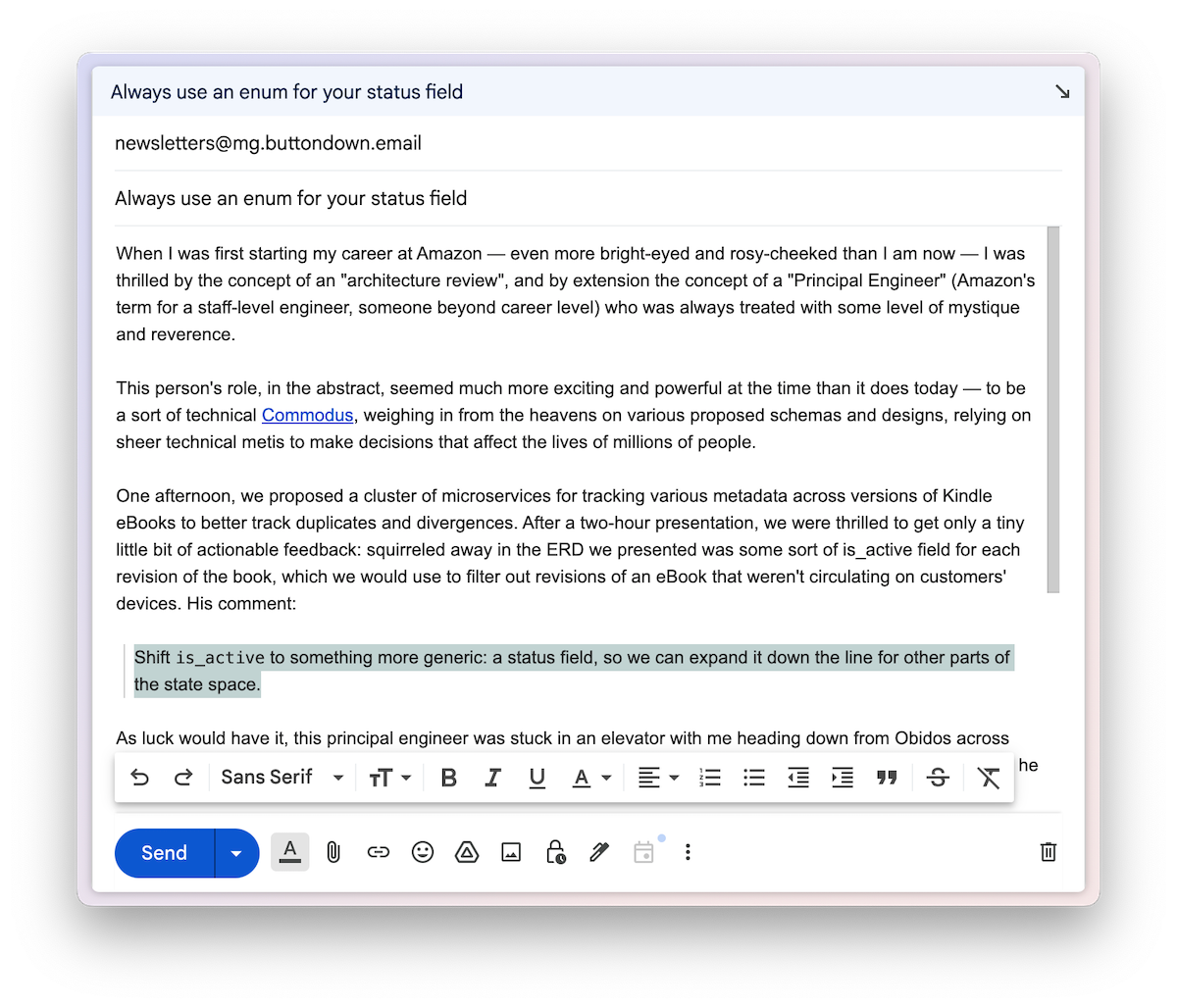
The logistics are easy, with a Buttondown-powered newsletter. Open your email app, draft a new message complete with a subject and even images, if you like, and send it to Buttondown’s magic email address newsletters@mg.buttondown.email. Buttondown will match your email address to your account, then forward your message on to your subscribers.
Simpler than even emailing two or three friends at once, since you only have to type in a single recipient.
Still working on your ideas and not ready to send just yet? Address your email to drafts@mg.buttondown.email to save a draft in Buttondown where you can edit, polish, and send anytime later.
With that, your email app is now, also, your tool to write newsletters.
In all the search for distraction-free writing apps and complicated preview modes to visualize how your email will look in other people’s inboxes, the perfect tool might have been hiding there all along in the Compose button.
You don’t need a writing app to write your email. You don’t need to open Buttondown to send that email. “You have to find the right tools to help your voice sing,” says author Austin Kleon, and if you’re sending a newsletter, that tool just might be your email app. It might even make sending a newsletter easy enough that you’re finally able to replace the urge to post to social media with the more direct human connection of emailing your followers.
And in a weird mental shift, it’ll feel even more natural when people reply to your newsletter, now that you’re drafting the emails from your inbox.