



Remember opening the App Store regularly to install updates? Quaint today, but for the first five years of the App Store—from 2008’s iOS 2 until iOS 7’s launch in 2013—you had to manually install new versions of apps.
That pushed release notes into the mainstream. Suddenly everyone noticed the best changes while waiting on apps to install.
Plenty of apps took the easy way out, listing just “Enhancements and bug fixes.” Others grabbed the opportunity to have fun.
“Oh happy day: A tricksy bug was finally squished,” wrote the Slack team in an early release. They’ve kept it up, over the years. “The app is objectively better today than it was yesterday. This is a scientifically verifiable fact that cannot be challenged or undermined,” read a July 2024 update.
Just enough fun copy to get you to take notice and read what’s changed.
Automatic updates simplified everything at the cost of programmer humor. “Release notes on apps feel like a relic from 2008-2015 when most apps did maybe 2-3 updates per year at most,” as Gergely Orosz tweeted.
Yet I’d argue you should still have release notes. Changelogs. Patch notes, if you’ve built a game. Product updates, or just plain updates, or a Notion-style What’s New. Whatever you call them, they’re a way to share what’s new or changed, and why you built it, and have a bit of fun as you do so.
Your product needs a changelog. And an email list might be the best way to build it.
Email as a changelog
Odds are your product has a blog and an email newsletter. Perfect for sharing your largest releases and their headline-grabbing features. Not so much for the minutiae of new minor features, bug fixes, and breaking changes like an updated API call or modified keyboard shortcuts.
The common strategy is to build multiple blogs. Have your core blog for marketing updates, stuff everyone will read. Then a developer blog that lists API and SDK changes. And, for the most dedicated, yet another changelog blog with release notes from every new version.
Or not. Your changelog blog could simply be an email newsletter.
Folks aren’t reading your changelogs on the App Store. It’d take a special level of dedication to open your changelog blog regularly just to see what’s new. Push the updates to their inbox, though, and your most engaged users will know what’s new with your app without any extra effort–almost as good as App Store’s early years.
“Having a good changelog means having a consistently updated changelog,” advises Olivier Lacan’s Keep a Changelog site. Anything you can do to make writing and publishing changes easy makes it more likely you’ll actually do it. Emails are easy to write and send; there’s less to futz with than a blog post.
So start a new newsletter. Write an email message every time your team ships something new and substantial, detailing the changes. Make it as formulaic or human as you want—it’s your changelog. Then hit send.
Best of all, your newsletter’s archive is a bonus changelog blog for your product, for zero extra effort, with your email newsletter’s archive. Nothing else to maintain, just an easy way to write updates, push them out to everyone, and save them for posterity. There’s even the tiny bonus that it’s hosted separately from your app, so just like an uptime site it won’t go down if you accidentally push a breaking change to main and customers are looking for answers to what happened. Win/win.
What should go in a changelog?
Changelogs and release notes have been with us for as long as we’ve been coding (or, at least, since 1971, say Oxford’s etymologists). They’re a record of truth that lists what’s old, what’s new, and how we got here.
And for just as long, they’ve merged in humor and humanity. “Are you finding it frustrating when everything works on minix?,” wrote Linus Torvalds, tongue-in-cheek, in the second Linux changelog from October 5, 1991.
It’s right there in the name: A changelog should list changes. “Focus on what was changed — who, how and when are usually less important,” recommends Debian’s dev docs. GNU coding standards call for detail: Change logs (two words, to GNU) exist “so that people investigating bugs in the future will know about the changes that might have introduced the bug,” they say.
Yet that detail should be moderated for the sake of brevity. A self-depreciating story of why it took you so long to ship a bug fix might get read. A changelog detailing every push in excruciating detail won’t.
“Changelogs are for humans, not machines,” reminds Oliver Lacan. Which is why Debian moderates GNU’s strictures, advising to use common English, to not “elaborate the trivial and obvious changes,” and to “be polite, don’t swear” (which is good advice—though, I wouldn’t begrudge you an occasional, well-earned swear for especially pesky bugs).
Especially when sending changelogs via email. Have a bit of fun, be human, all in service of writing something people will want to read. “Spending a modest amount of time on writing a changelog saves every reader twice as much time,” says Common Changelog, as good a rubric as any.
With that in mind, work in the actual details. Generally, you’ll want to ship one changelog for every meaningful version. No need to push a changelog update for a tiny fix that no one would otherwise notice; too many of those, and readers will tune you out or unsubscribe. It’s not the App Store where you have to write release notes with every push. Instead, write up the bigger, headline features, and roll up smaller updates into single, larger posts, something I try to do with Buttondown’s changelog. Don’t just ship your GitHub log; use that as a baseline, and edit it into something more human-friendly.
Then think about the release note’s title. Make updates sound interesting, but also make it easy to find a specific version. List the actual version number, if you use semantic versioning. Include the release date in ISO standard, year-month-date. Buttondown tags your email archives with an ISO date by default—that might cover it, too. Your changelog should also always show the current, most up-to-date version first—exactly the way most blogs and Buttondown’s email archive works, with the most recent post first.
And, as GNU and others recommend, write in Markdown. Good practice for writing portable text, great for turning your writing into email-ready HTML especially with Markdown-powered tools (like Buttondown, ahem).
Building an email-powered changelog in Buttondown
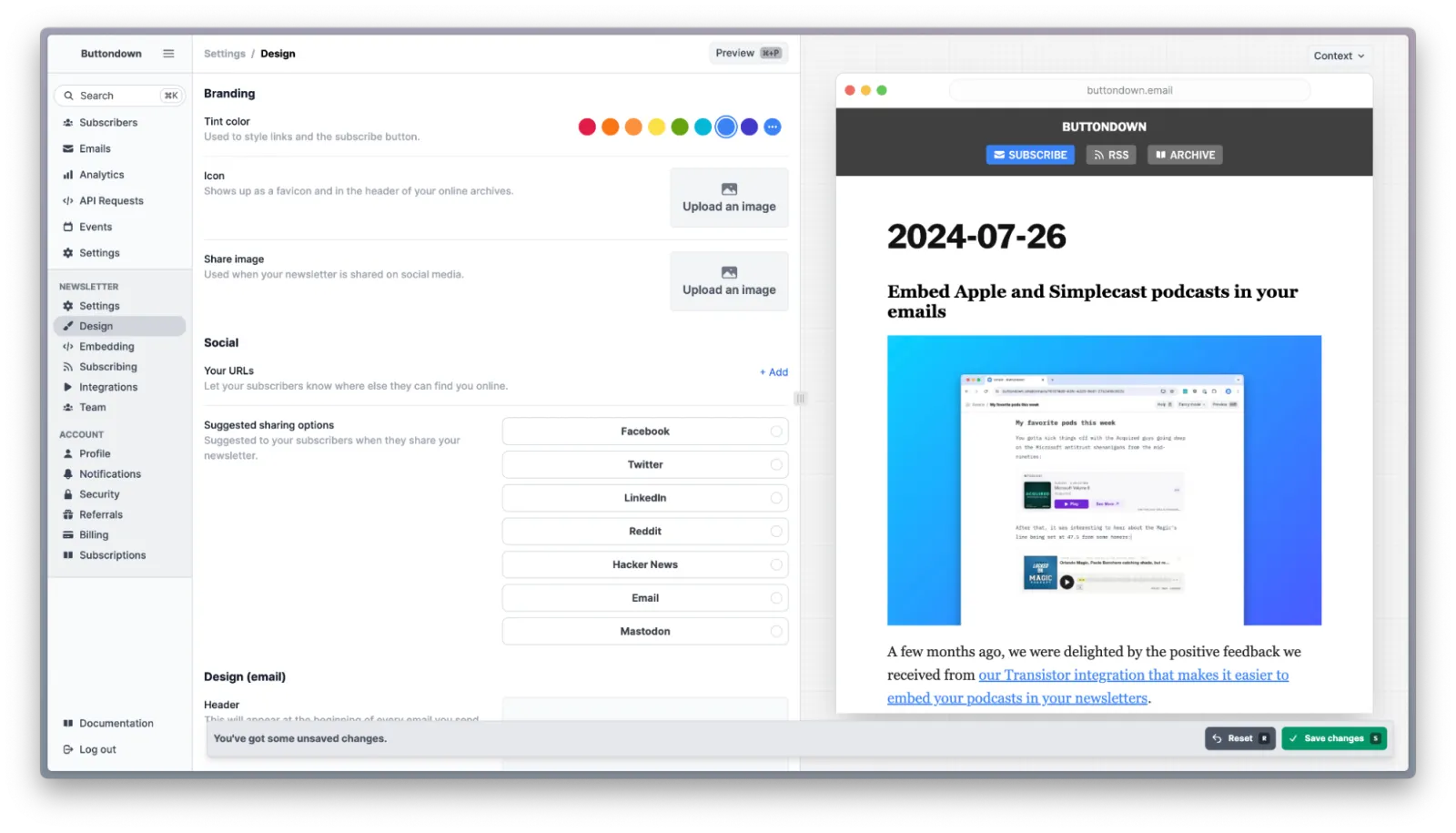
The broad idea of using email newsletters to publish your changelog could work in any email service that includes archives. Buttondown, though, has some dev-friendly features that make it an even better fit for changelogs.
Start with the email itself. You can write updates in Markdown (complete with code samples, if you’re writing about API and SDK changes), paste them into the Buttondown editor, and send. You could POST your updates to Buttondown’s API, to schedule your changelog update directly from your dev environment. Or, you could also write your changelog in Gmail or your favorite email app, send it to newsletters@mg.buttondown.email, and Buttondown will send it on to your subscribers and add it to your archives.
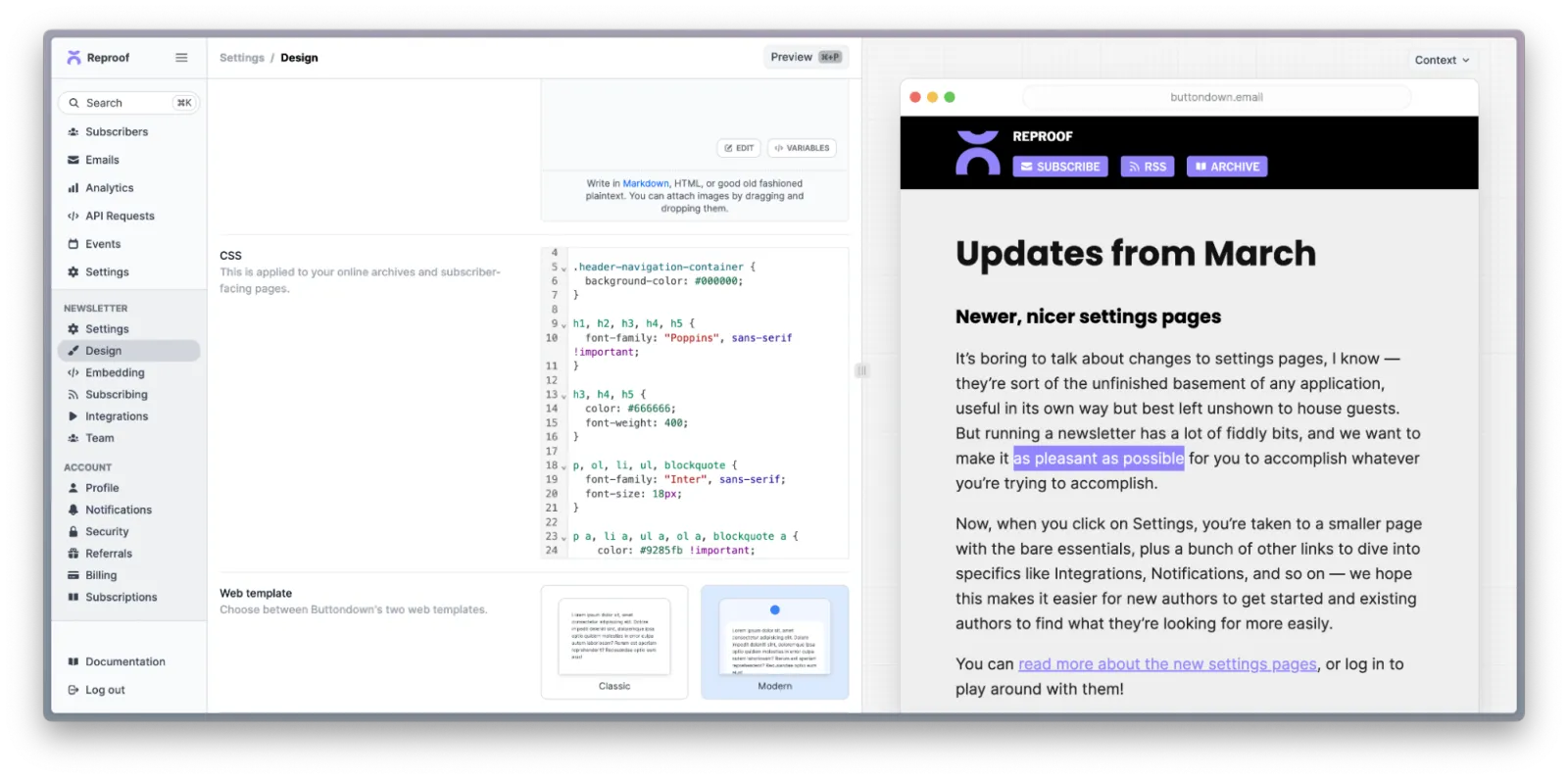
Your archives will be your long-term changelog record. You could stick with Buttondown’s defaults, or customize the CSS to match your company’s branding. You could also add a custom domain, to keep your archives at changelog.yourcompany.com if you want. Personalize it with your rel=me tag. Set it to automatically cross-post updates to LinkedIn (with Facebook and Twitter/X coming soon, something you could automate in the meantime with Zapier). Share updates with your team, too, and have Buttondown post new updates to your Slack or Discord.
You could publish the exact same content in your email and your web archive. Or, if you want to include some email-specific copy, perhaps opening with a “Hi”, wrap that in the following tags, replacing “Hi everyone!” with your copy reserved for emails:
{% if medium == "email" %}
Hi everyone!
{% endif %}