








Many of us wonder if the MacBook Neo is 'the one'.

Because I have a faster desktop (currently a M4 Max Mac Studio), I've always used a lower-end Mac laptop, like the iBook or MacBook Air, for travel. I've used MacBook Pros in the past, but I like the portability of smaller, cheaper models.
In fact, my favorite Mac laptop ever was the 11" Air.
So as an M4 Air owner, what could possess me to buy a way-less-capable MacBook Neo?
Well, not a what, but a who: my wife! More specifically, the sad, slow death of the 13" 2016 MacBook Pro hand-me-down she's been using. That era was the worst. In fact, I originally bought the Touch Bar version, but I hated it so much I returned it for the cheaper function key model!
Video
This blog post is a lightly edited transcript of today's Level 2 Jeff video:
If you don't want to watch, scroll on!
The Neo
The MacBook Neo got my attention.
Not because it uses the same chip as my iPhone. And not because it comes in fun colors.
But for the value.
Unboxing this thing, the experience is the same as every other modern Mac. Except here you even get a charger! Just a 20 Watt charger, but a charger nonetheless.
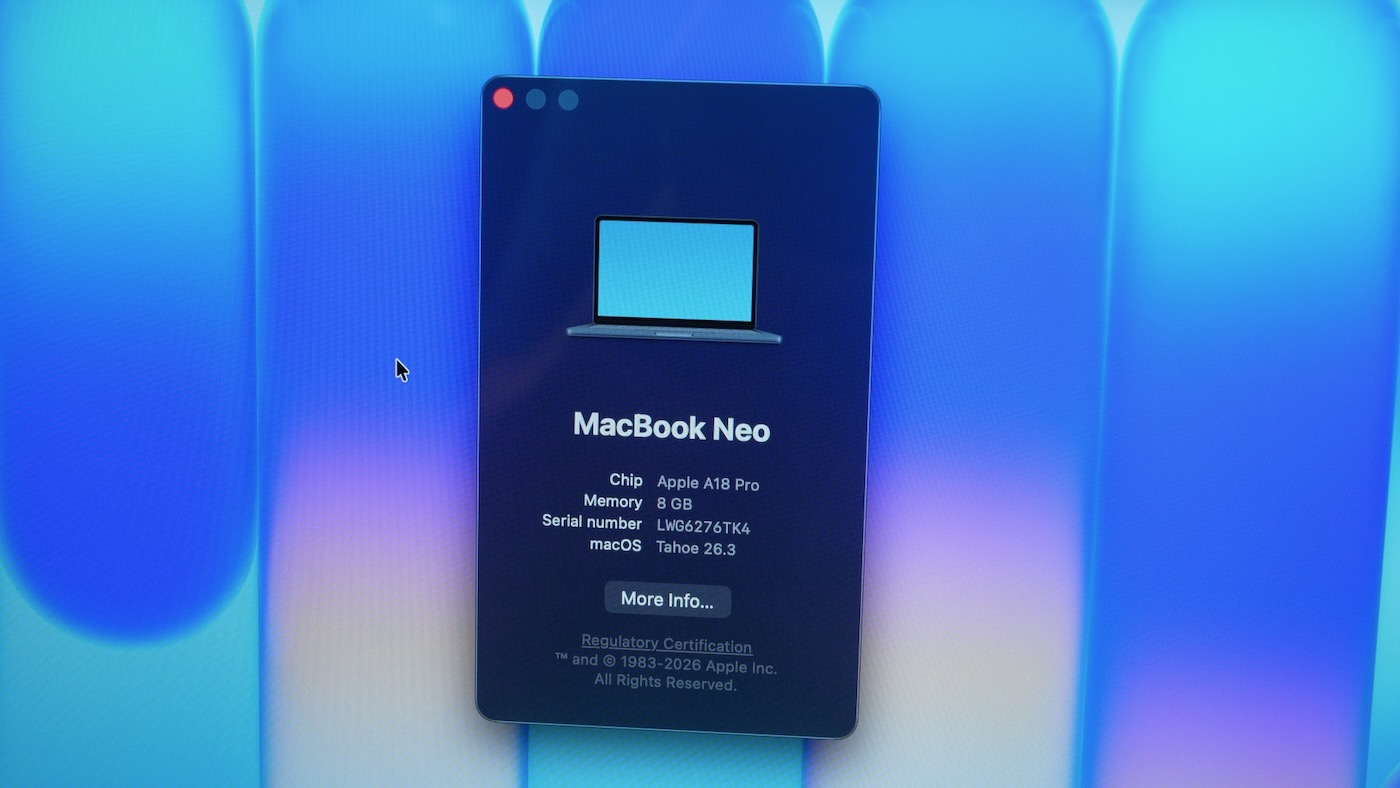
And unlike my iPhone, I get a full desktop OS—though it is Tahoe. And that's definitely a mark against it. Apple needs to dial back the UI changes, because Liquid Glass is a disaster.
I bought the cheaper 256 GB model without Touch ID; you just get a lock key.
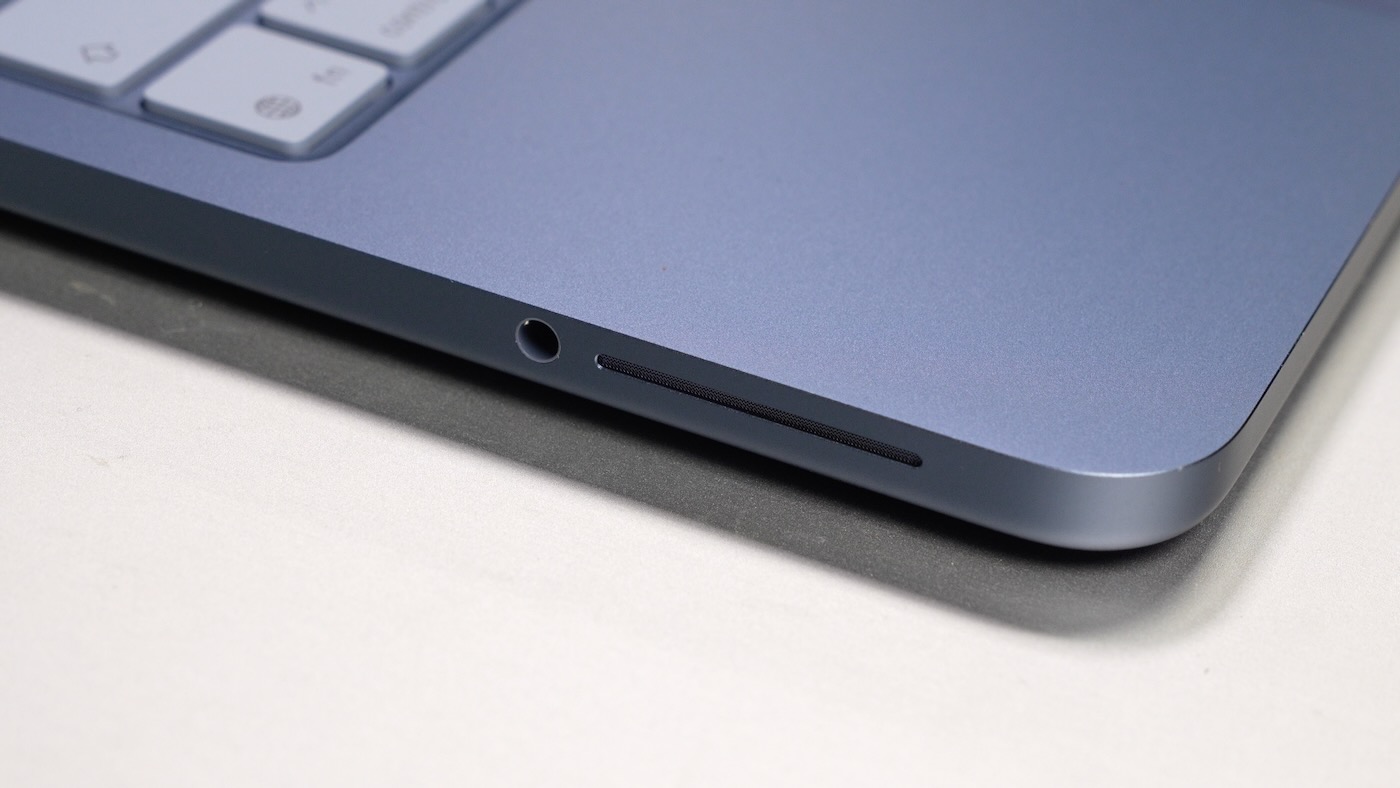
The built-in speakers are great—at least coming from my experience with a MacBook Air—and they're way better than the 2016 Pro.
The trackpad is also great. It's not as nice as the feel of a Magic Trackpad, but you can click anywhere without any real flex or effort. It's better than any other sub-$600 laptop.
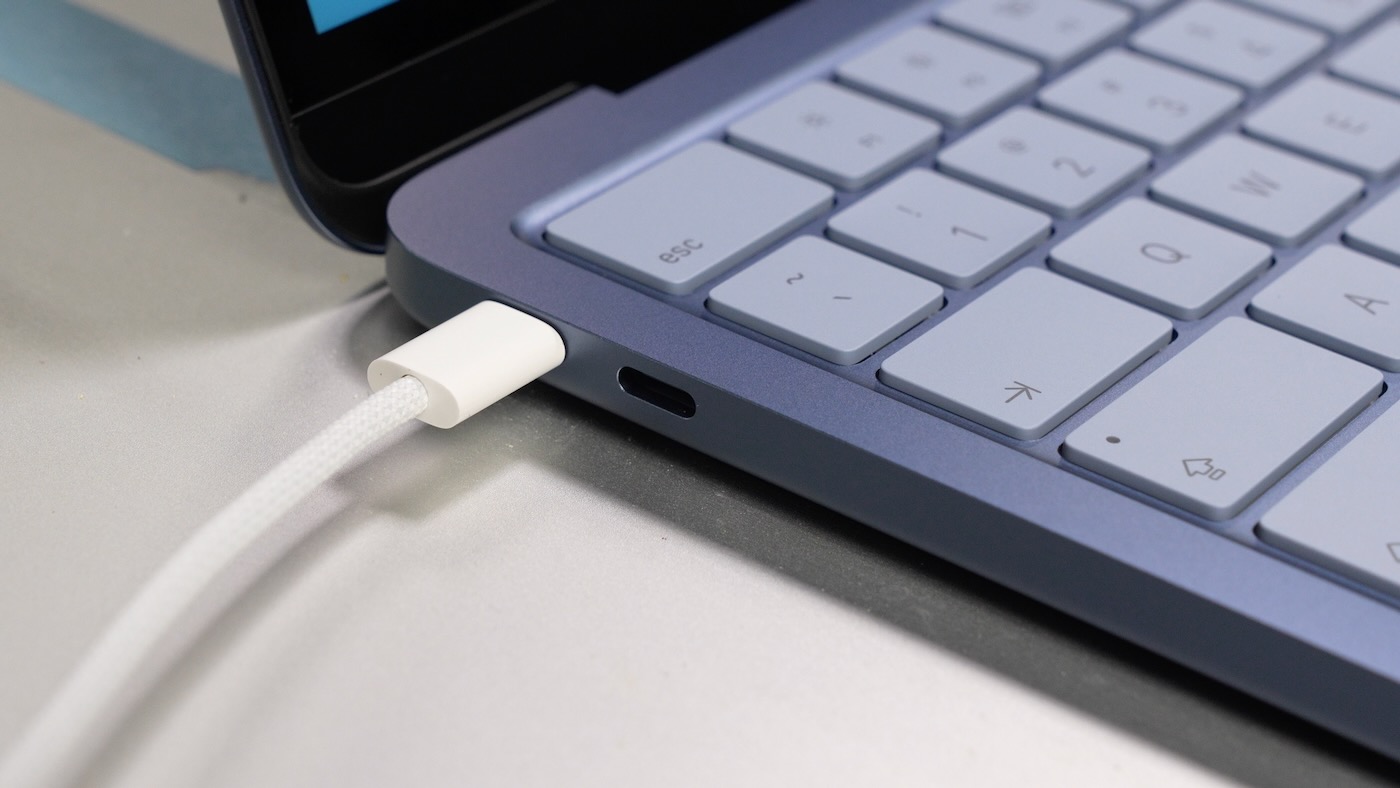
The biggest turn-off for users like me would be the two USB-C ports. One is USB 3 at 10 Gigabits, and one is USB 2. That's something I haven't seen on a Mac in years. But I guess it's better to have two ports than one, if we're counting our blessings.
Even the 8 gigs of RAM isn't as limiting as the ports on here. I edit off an external SSD a lot, and especially considering the slower internal storage, this is I think the achilles heel for a lotta workflows.
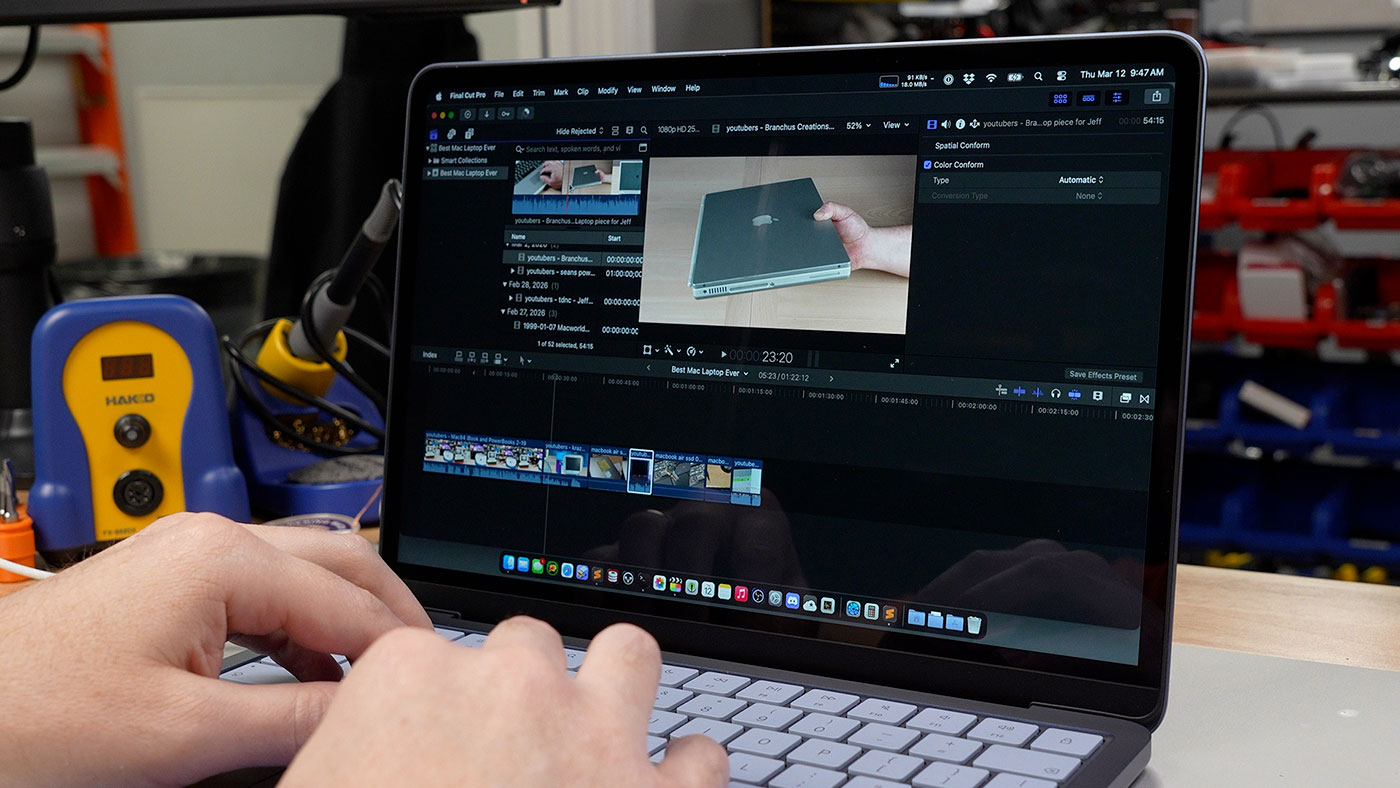
That's not to say it's impossible to edit 4K video or work on photos or sound. I just wouldn't buy the Neo if that's your main use case, or if you wanna plug a bunch of devices in through a dock.
This thing is made for just being a laptop. And it's crazy to think this is on par with the M1 Air from six years ago—with an architecture pulled out of an iPhone!
Rounding off the hardware, the display is plenty sharp, and brightness is fine inside at least. The fit and finish is Apple-quality, which is a surprise for a laptop in this price range.
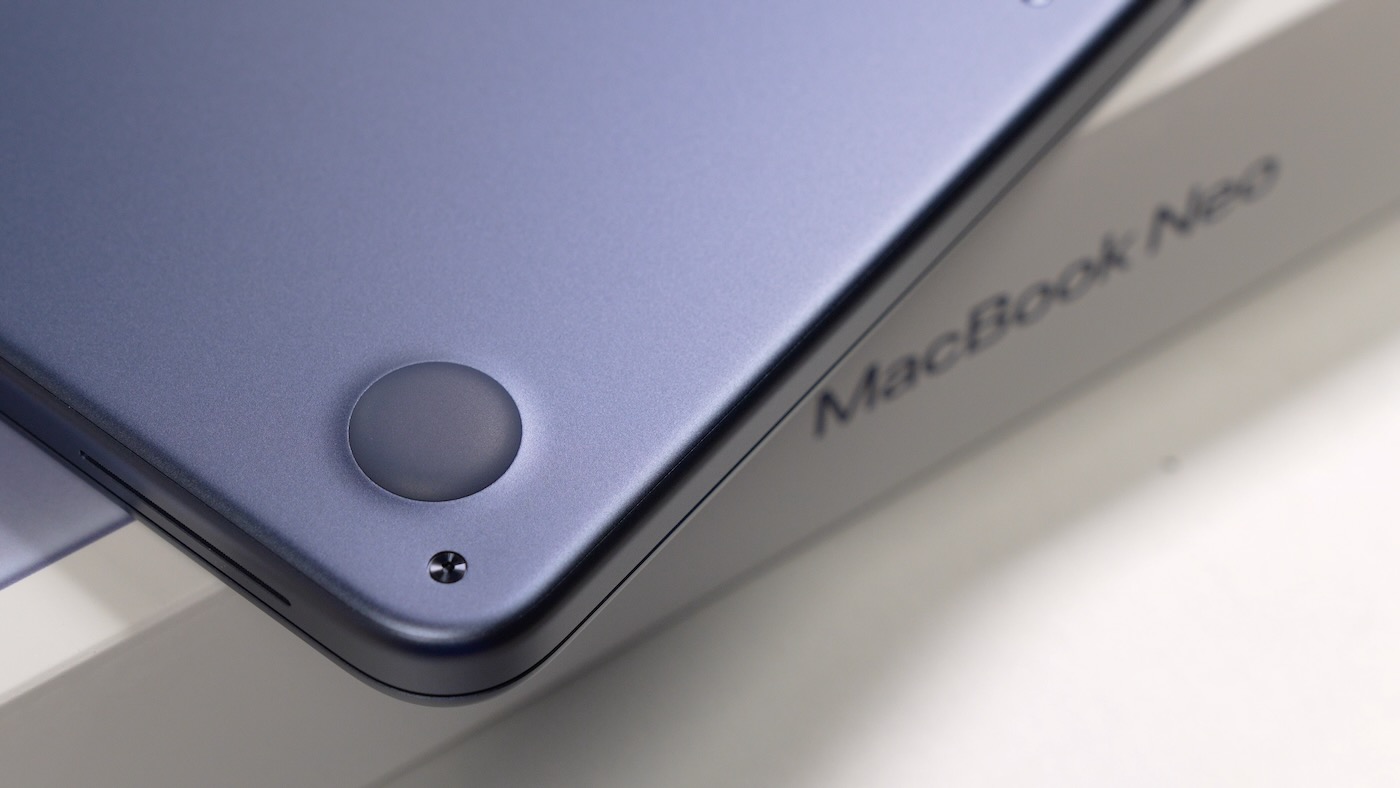
I did find it funny they're still using pentalobes. But at least Apple's been using these weird screws so long all my repair toolkits come with bits for 'em.
Software and Performance
On the software side, it's a Mac, for better or for worse. I used Pyinfra and Ansible to set it up and benchmark it, and I've been using my ThirdReality Zigbee Smart Outlet with Home Assistant to measure power consumption.
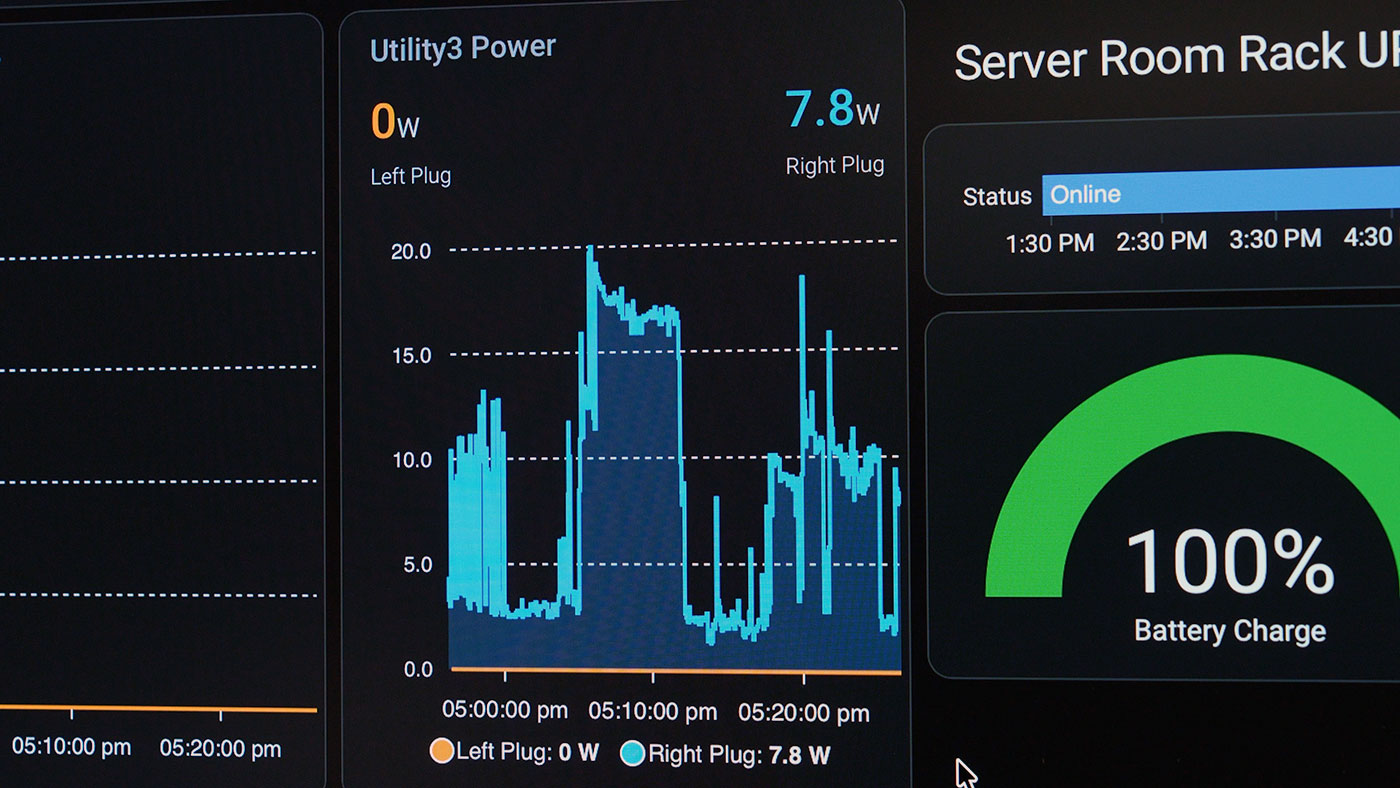
It idles around 2 watts, and maxes out at maybe 15-20, with the screen at full brightness.
Since the Neo can max out near 20 Watts, I'd consider buying a better USB-C charger so it can still charge the battery while running heavier workloads.
I ran GravityMark to get a baseline for GPU performance, and it scored around 15,000, which puts it on par with the M1.
I ran some small LLMs—I mean, you're not gonna fit that much in the 8 gigs on here—but they ran decently. Llama 3.2:3B was generating 19.98 tokens per second. That's not bad at all, it's faster even than the Orion O6 CPU in the Minisforum MS-R1!
The biggest thing this has going for it is memory speed on here is crazy, considering it's using a phone chip. tinymembench was showing 30-36 gigabytes per second of bandwidth.
But the achilles heel for performance is how it handles sustained load.
My MacBook Air can render video okay. It throttles, but only after a few minutes, and only a little. The CPU cores on the Neo start throttling after just a few seconds full-tilt, and it's definitely not snappy the same way my Air is under heavy load.
Follow my sbc-reviews issue on the MacBook Neo for more benchmarks (like Geekbench 6, which scored 3566 single core / 8646 multi core, or I guess check out the literally hundreds of other reviews this week.
Bottom line: for people who use laptops like my wife (filling out paperwork, looking up info, grading student work), the Neo is certainly 'the one'. But for me, I'll stick with my Air. It hits the right tradeoffs for power and portability for video editing and coding.