





One of our main goals in Customer Experience (CX) at Linear is to make the support process feel like an extension of the product itself.
That starts with meeting customers where they are—places like Intercom, Slack, Slack Community, X, or Reddit—and turning those conversations into part of our product development process. This creates a tight feedback loop between customers and our EPD teams, leading to a better product and moments of delight when users see their feedback realized in the app.
At a high level, this is our process:
Stage 1: CX routes customer feedback through designated waypoints (namely Intercom and Slack) into triage queues in Linear monitored by our engineering and product teams.
Stage 2: When an issue lands in triage, it triggers a notification to a Linear team member whose priority that week is to take on the work themselves or assign it to the right engineer (in the case of bugs) or attach it to the right candidate projects (in the case of feature requests).
Stage 3: The assigned engineer builds the solution and merges the PR.
Stage 4: Once the PR is merged, Linear’s GitHub integration marks the issue as Done in the Linear issue, which prompts CX to close the loop with the customer.
The key is building systems that collect and funnel information in a consistent way, and wiring them together so that handoffs between stages happen efficiently. Here’s more detail on how it all works.
We initiate the CX process in two main places: Intercom and Slack. There we begin the process of translating a customer’s words into a Linear issue.
We use Intercom to collect all support tickets that come in via email or from within the Linear app. We use the Linear-Intercom integration to create Linear issues directly from inside Intercom.
(Linear also supports integrations with Zendesk, Salesforce Service Cloud, and Front. Plain and HelpScout have built their own Linear integrations.)
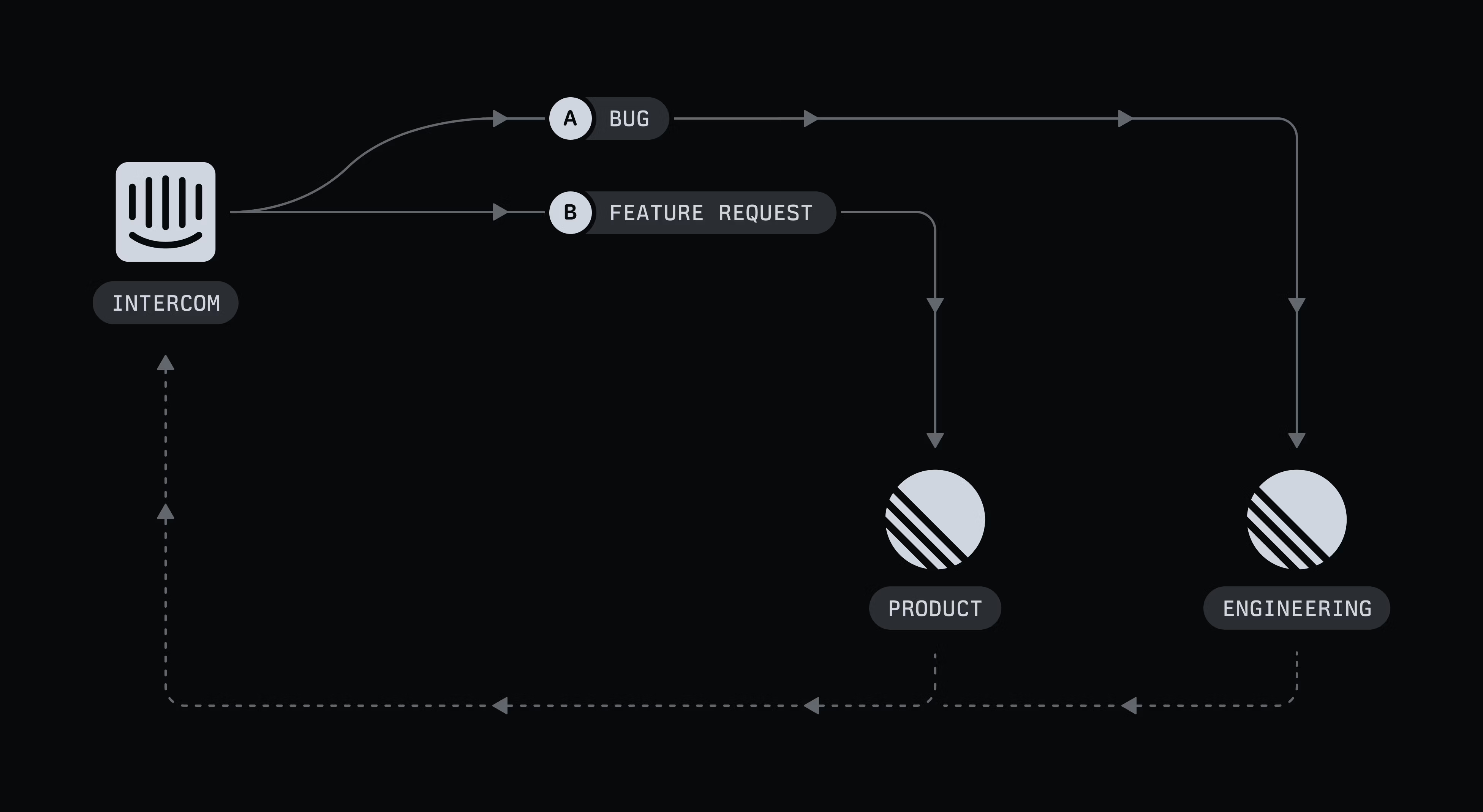
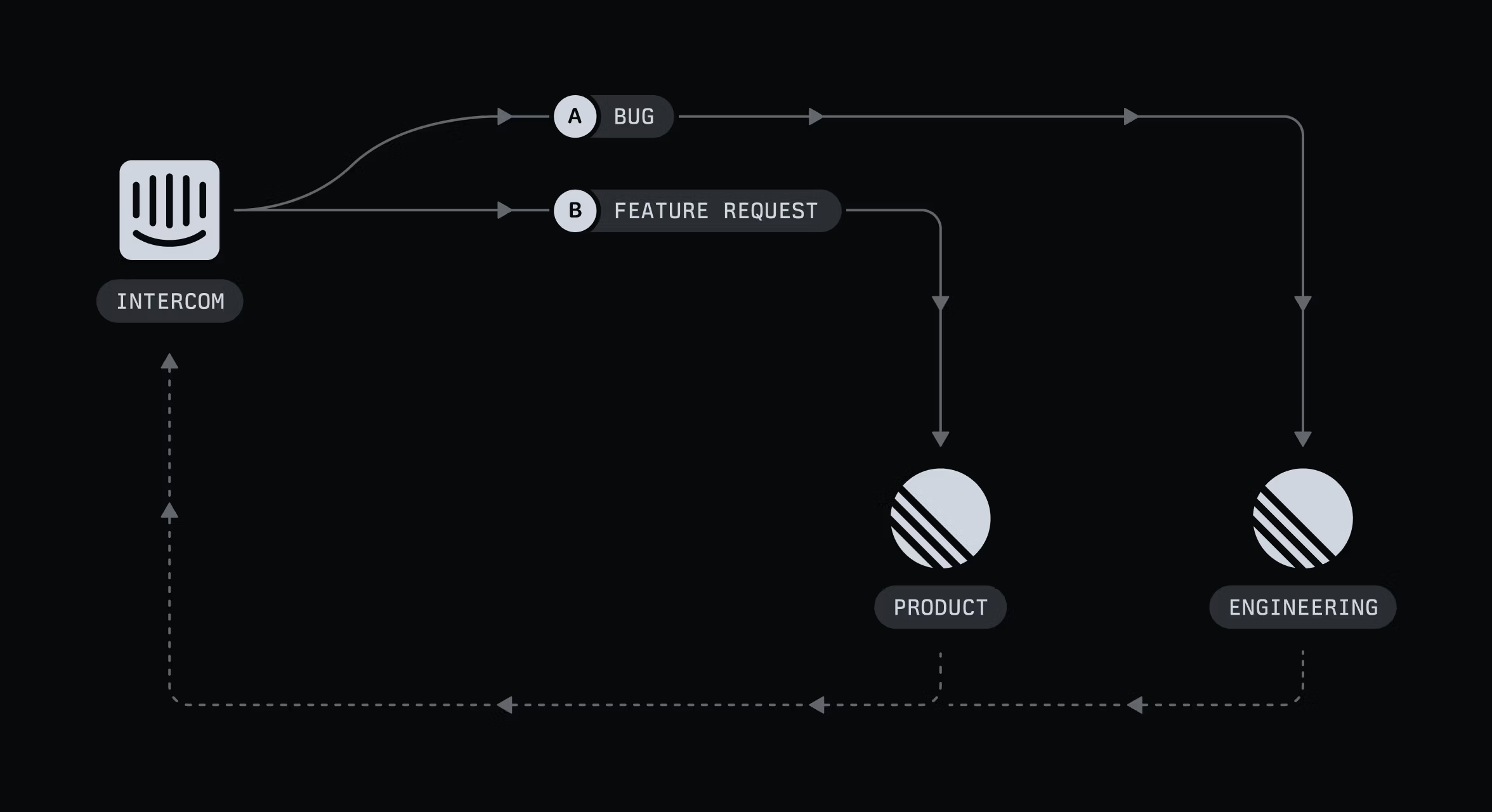
We have two templates in Intercom for turning customer feedback into Linear issues—one for bugs, another for feature requests. The templates automatically apply the right issue type and take a first pass at duplicate detection. They also route issues to the right team: bugs go into the engineering triage queue, feature requests go into the product triage queue.
Each week, as part of our CX on-call rotation, one team member is responsible for keeping an eye on feedback from external channels like social media, community spaces, and app store reviews.
Notifications from those sources flow into dedicated Slack channels such as #notifs-twitter and #notifs-reddit, which make it easier to catch relevant comments. The CX on-call person also keeps an eye on channels in our own Slack community, like #help and #product-feedback.
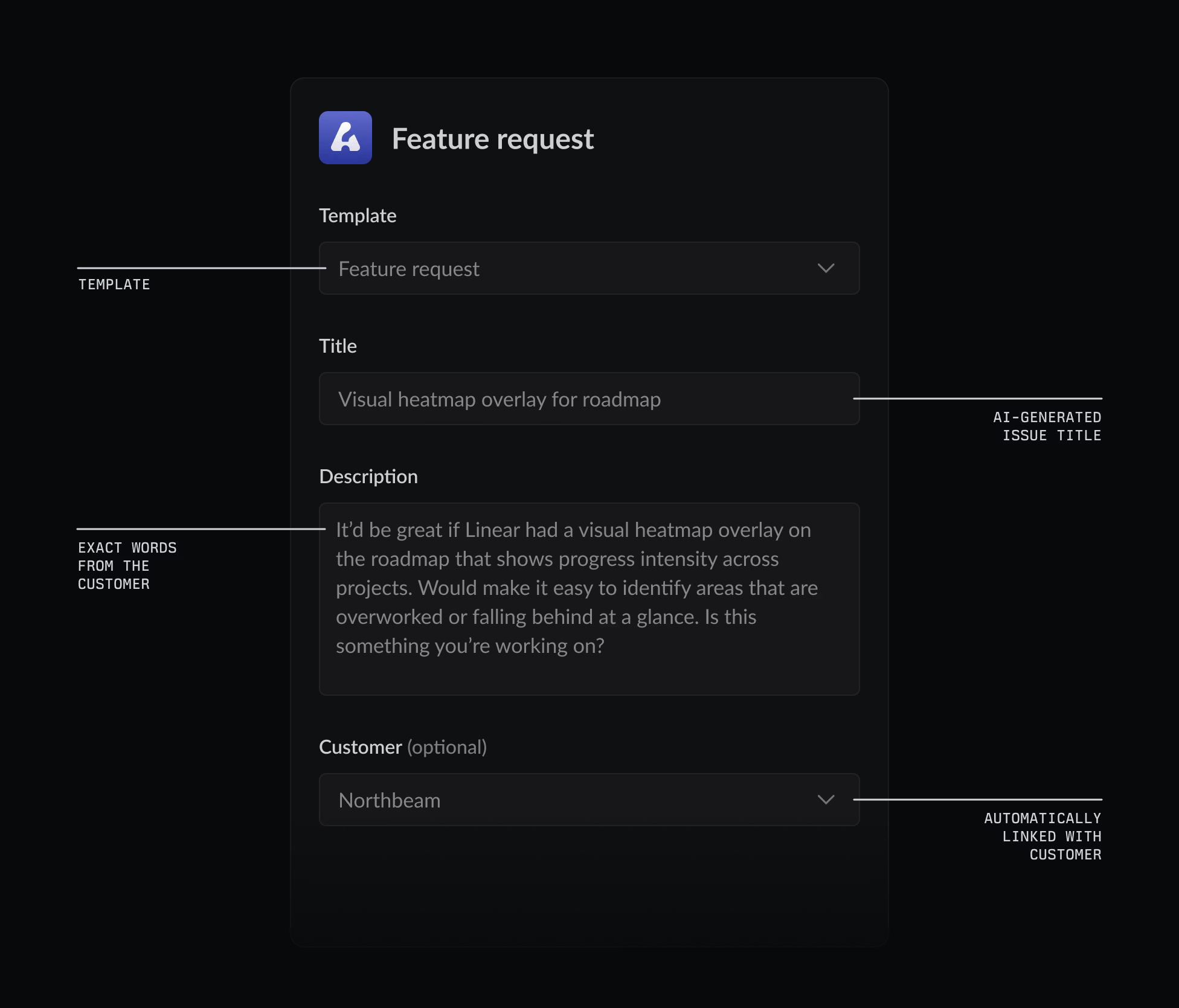
When they spot a comment that needs engineering or product attention, they use Linear Asks templates to turn the message directly into an issue.
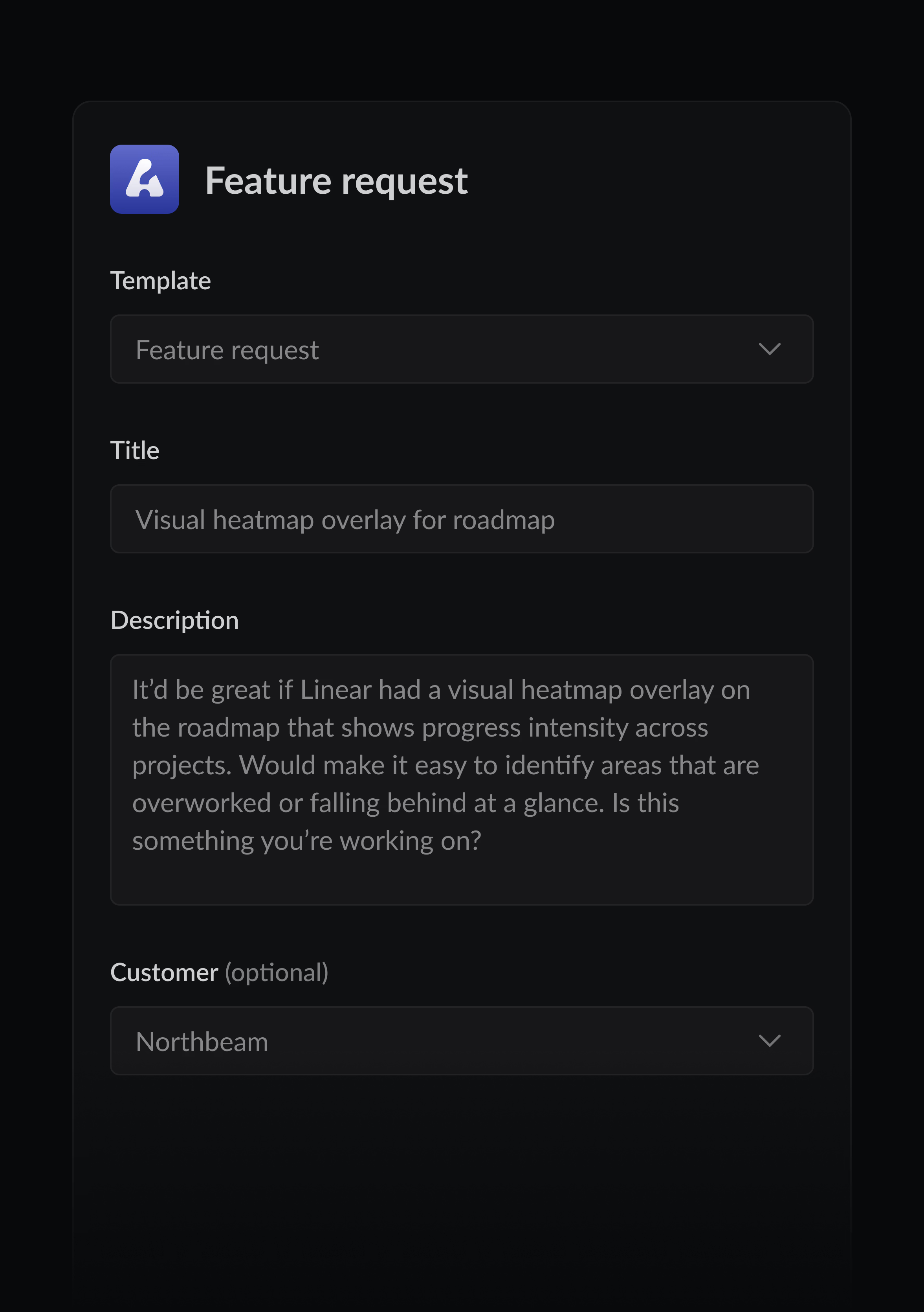
Just as in Intercom, we maintain two Asks templates—one for bugs, one for feature requests. We keep the required fields to a minimum so CX can file issues quickly while still including enough detail for engineering and product teams to act on. These issues automatically include the customer’s exact words and a link back to the original conversation, which makes it easy to close the loop once the issue is resolved.
Triage—the dedicated “inboxes” monitored by our engineering and product teams—is where we decide who should take the work and how it should be categorized. Triage Intelligence helps a lot here. Above and beyond the automation built into our intake templates, it:
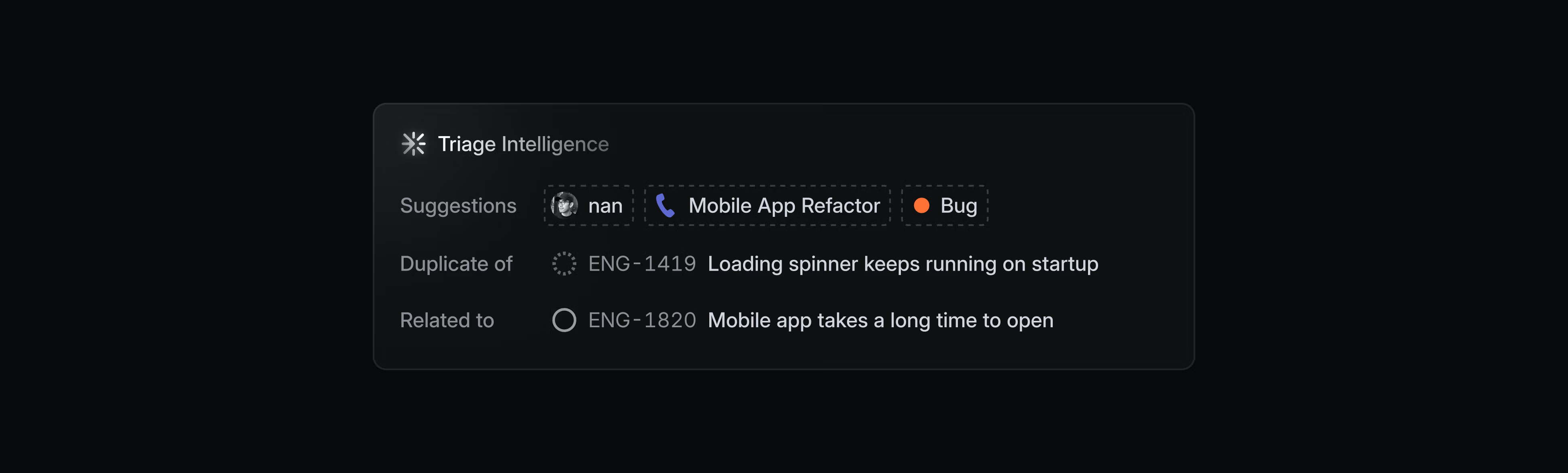
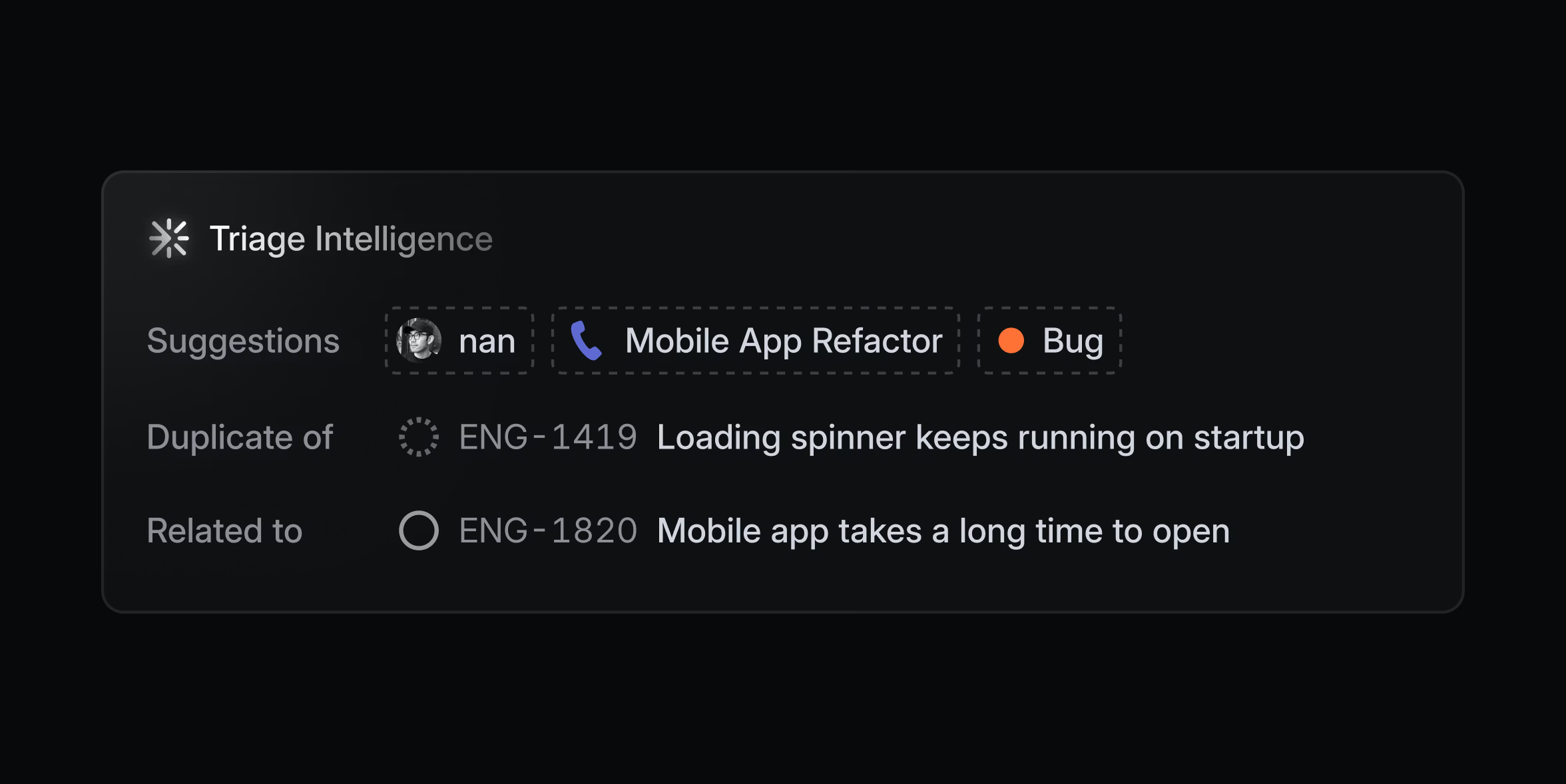
After that automated pass, the person overseeing triage makes the final decision about where each issue should go (internally we refer to this person as the “goalie”). Engineers and product team members rotate through the role each week, as configured in our triage responsibility settings.
For bugs, the goalie either takes the issue themselves or assigns it to the right expert on the team. We address bugs according to clear SLAs consistent with our zero-bugs policy.
Feature requests follow a different flow. By utilizing Customer Requests, the user’s direct feedback, company information, and a record of the original discussion are all linked to a Linear issue or project. The product team goalie for the week reviews this feedback and adds notes or context that CX can share back with customers. (For more about how we aggregate feature requests into projects, see our blog “Continuous planning in Linear.”)
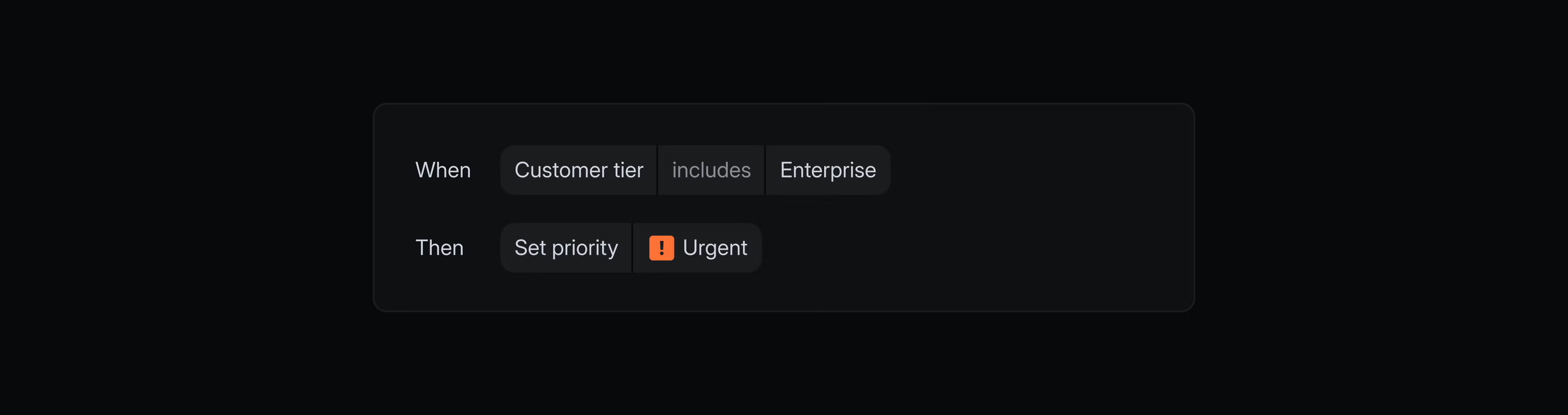
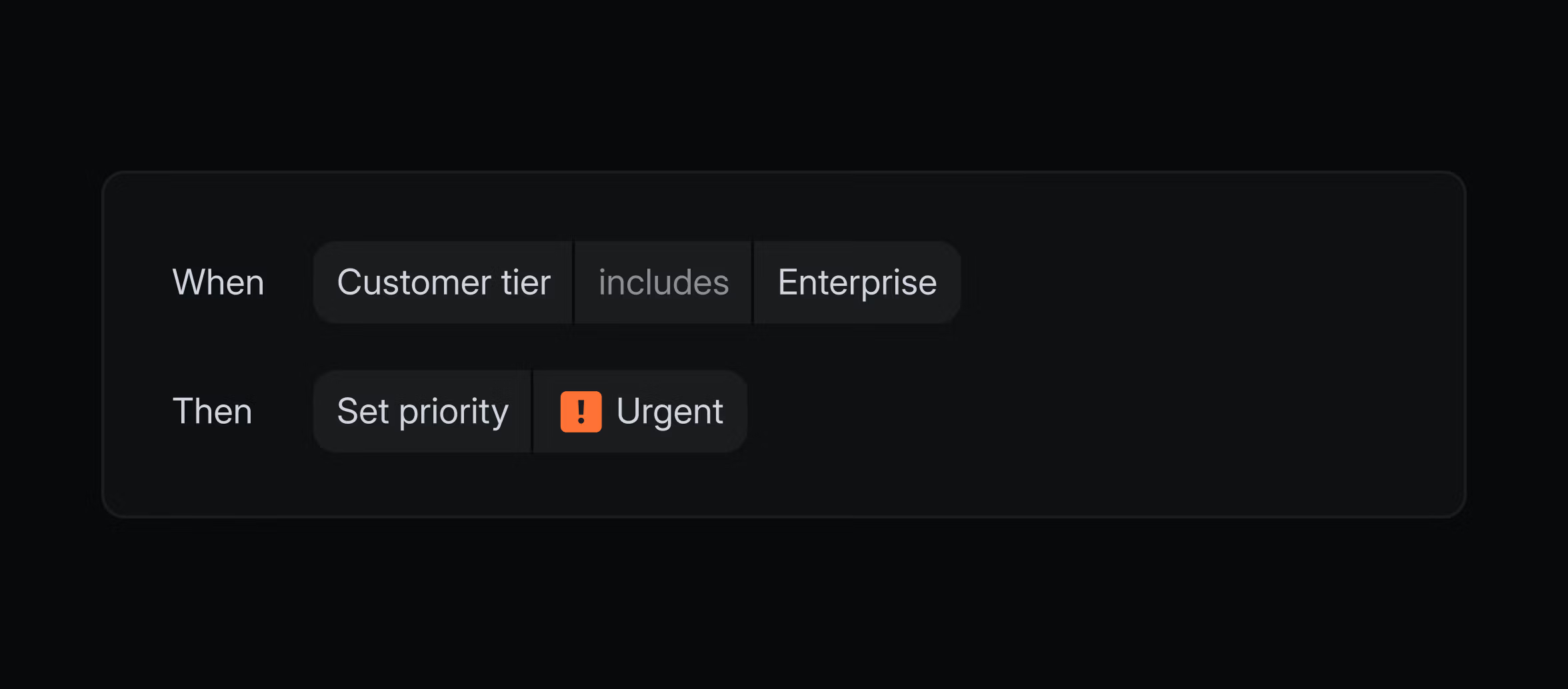
You can automate much of the process of sorting incoming work with triage rules which let you define actions that run the moment after Triage Intelligence completes its work. For example, you might route all urgent enterprise bugs directly to a specific team or assignee and automatically apply the right SLA.
When an engineer takes on an issue, it becomes part of their active work. They make the changes, test the solution, and merge the pull request. At that point, our GitHub integration marks the associated Linear issue as “Done.”
Once an issue is marked Done, it triggers an update back to wherever it originated. In Intercom, the linked conversation reopens with a note letting the CX team know the issue was resolved.
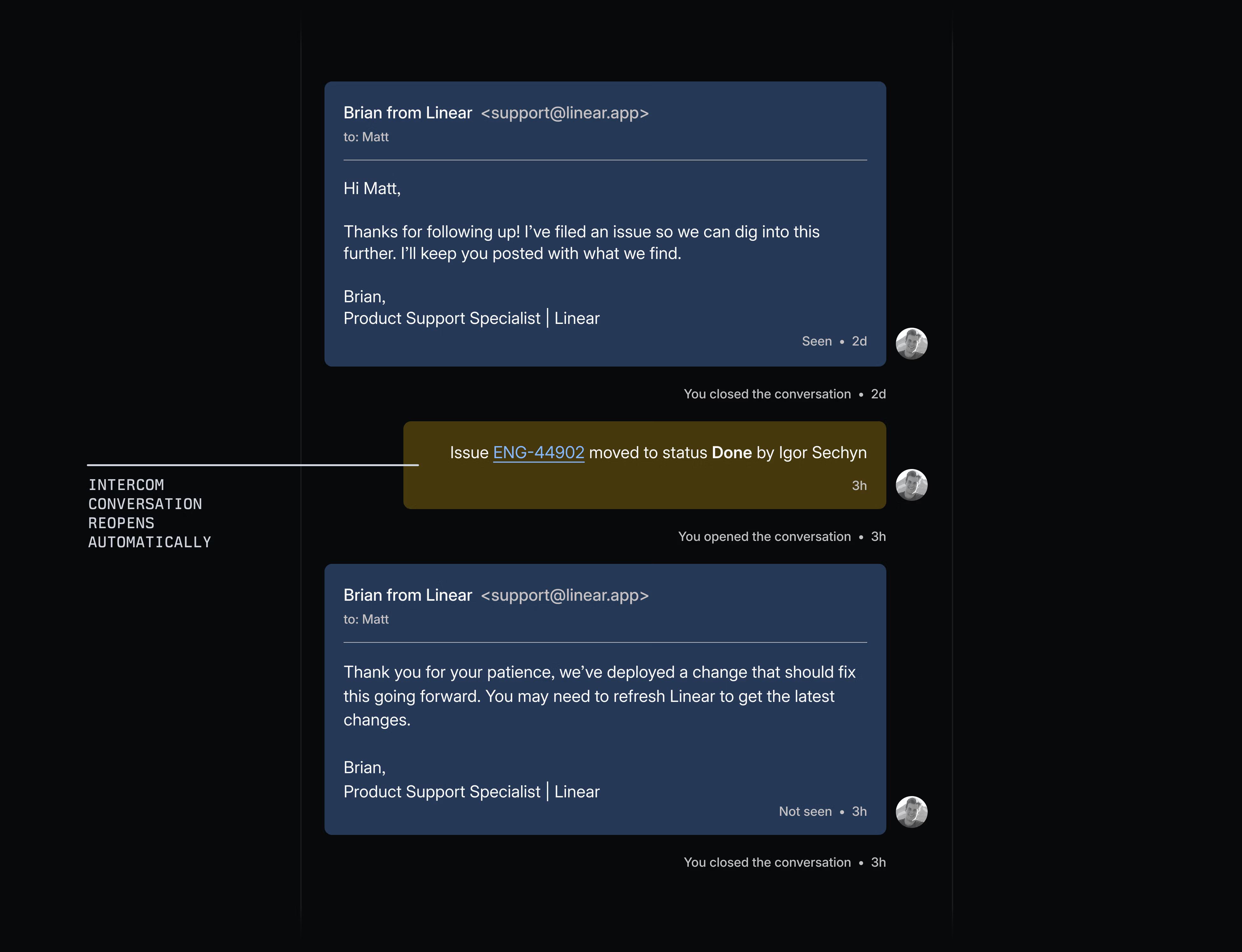
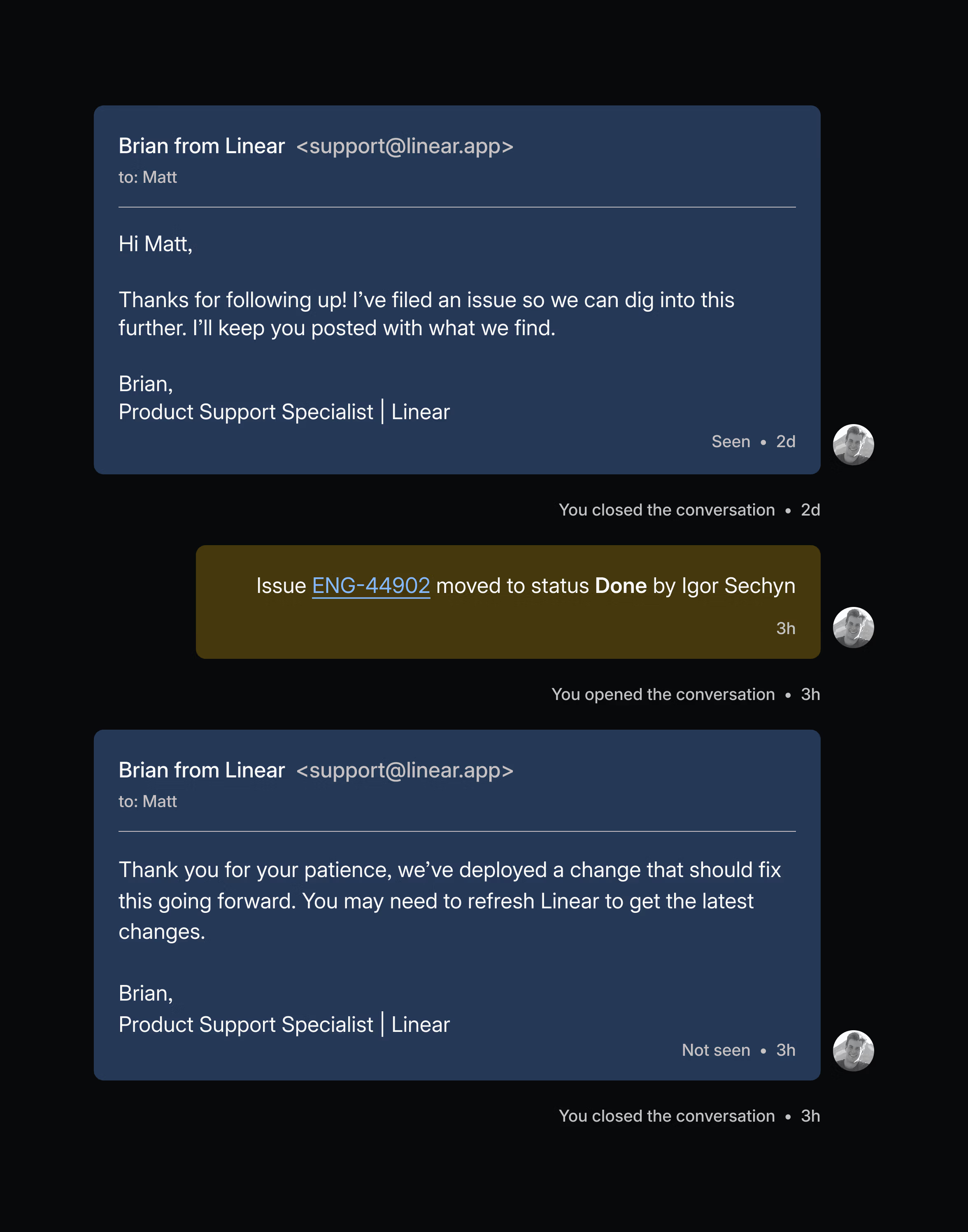
In Slack, the linked message is updated with the current status. From that point, we reach out to the customer directly to share the update and confirm the fix.
Treating customer experience as part of the Linear product experience means two things. First, at a tangible level, it means CX is connected directly to product and engineering. Second, it means we want the experience customers have when they reach out for help to feel as seamless as the experience they have using Linear itself.
To build a similar workflow in your own workspace:
Or, if the Linear way of product building appeals to you, consider joining our team.
此内容由惯性聚合(RSS阅读器)自动聚合整理,仅供阅读参考。 原文来自 — 版权归原作者所有。