









Today we’re launching Loops, recurring agent workflows for teams.
Loop engineering has quickly emerged as an important practice in software development. In tools like Claude Code and Codex, developers define recurring or trigger-based behavior for their agents, usually through a /loop command, and hand off the repetitive tasks that would otherwise consume their attention.
The resulting productivity gains are real, but so far they have mostly been limited to individual developer workflows. What if an entire product team could work this way?
The opportunity is everywhere. Product development is full of repetitive operational work that requires a human in the loop:
These processes are usually well understood, but someone still has to monitor incoming changes, apply judgement, and take action.
That’s why today we’re launching Loops, a new way for Linear Agent to take on recurring work across your team.
Loops let you define scheduled or event-driven operations for Linear Agent to run across your workspace. Because they operate natively inside Linear, they can work from the full context of your issues, projects, documents, and connected tools, while remaining visible and controllable by your teams.
The result is a practical way to offload product operations and keep important work moving without constant oversight.
To set up a Loop, describe the job in plain language and then choose whether it should run on a schedule or in response to an event.
Each time a loop runs, Linear Agent reviews its instructions and determines what should happen next. It can draw on context from Linear, connected codebases, MCP servers, and previous runs.
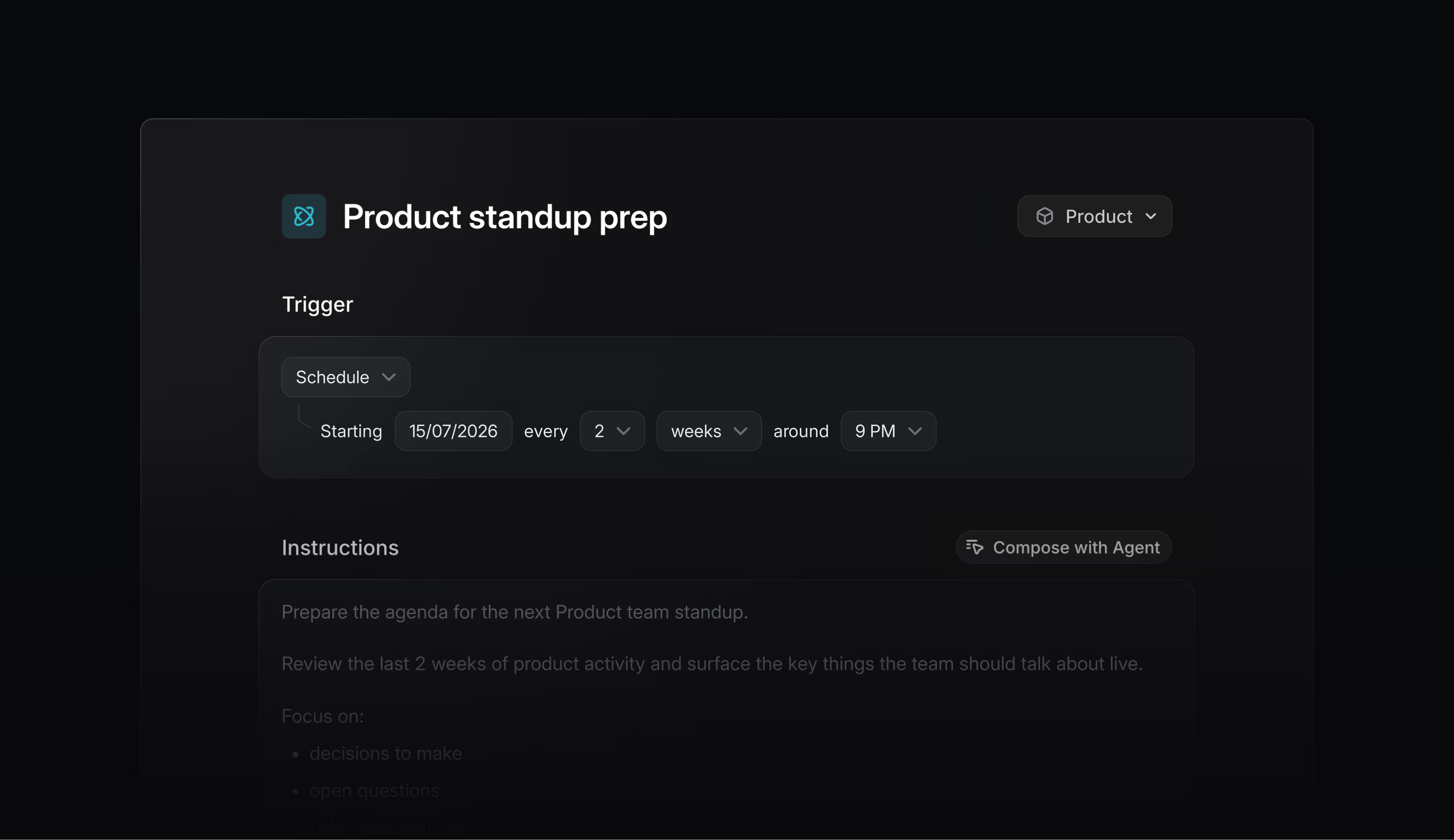
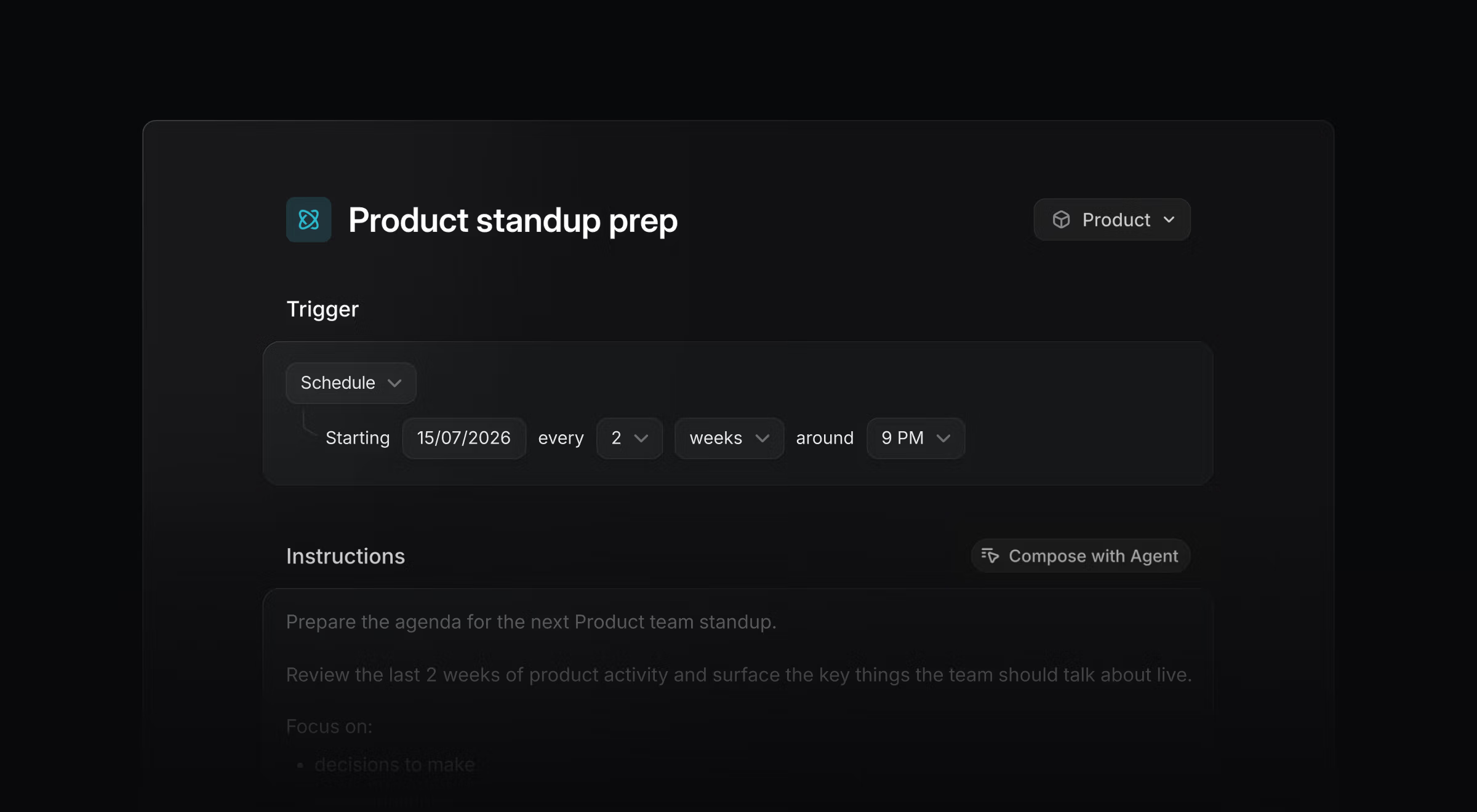
Because Loops are fully AI-powered, they can apply judgment as they work. They can account for exceptions, navigate ambiguity, gather missing information, and decide on the best path forward.
Loops run at the team and workspace level, with shared visibility and control. Anyone with access can review their instructions, see how they are configured, and inspect what happened during each run.
This makes Loops well suited to shared workflows that need to happen consistently over time.
Here are a few ways teams use Loops today:
Diagnose and dispatch bug reports
When an issue enters triage, a Loop can review its description, comments, and relevant parts of the codebase to recommend a next step. When the path forward is clear, it can start a coding session for an immediate fix.
Generate follow-up work
When a new feature request is created, a Loop can determine whether separate iOS, Android, and web app changes are needed. It can then create the relevant platform-specific issues and route them to the appropriate teams.
Keep plans and documents current
At the end of each day, a Loop can review active projects and initiatives against a central release plan. When it finds that timing or scope has changed, it can update the document and leave a note explaining why.
Loops are available today on Business and Enterprise plans and use AI credits to run. Visit the documentation to learn how to create and manage Loops.
We plan to expand the triggers and context sources they can use, along with the governance controls available to workspace and team admins.
Share what you build and what you would like Loops to do next in the Community Slack, or contact Support with questions and requests.
此内容由惯性聚合(RSS阅读器)自动聚合整理,仅供阅读参考。 原文来自 — 版权归原作者所有。