





We’re excited to announce that you can now install JSR packages directly using both pnpm and Yarn!
Not only can you access JSR packages via pnpm and yarn, but you can also install any npm packages with a JSR dependency. This also means that you can also now publish packages to npm that have a JSR dependency.
JSR is a modern, open source JavaScript and TypeScript registry. Learn more from its announcement post.
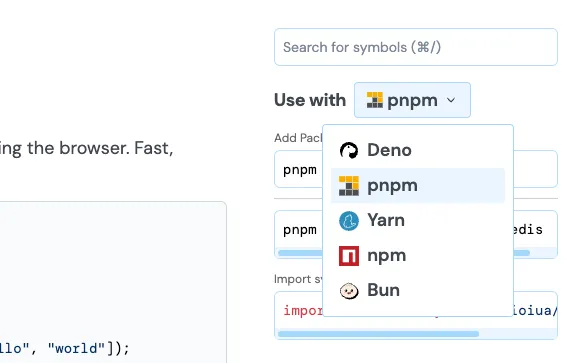
Starting with pnpm v10.9, installing JSR packages is natively supported:
pnpm add jsr:<scope>/<pkg_name>


pnpm add jsr:<scope>/<pkg_name>@<range>
This command will automatically add the following entry to your package.json:
{
  "dependencies": {
    "@<scope>/<pkg_name>": "jsr:^0.1.2"
  }
}
Read more about how to use JSR with pnpm in their documentation.
Since Yarn v4.9.0, you can install JSR packages with the following command:
yarn add jsr:<scope>/<pkg_name>@<version>


yarn add jsr:<scope>/<pkg_name>@<range>
Like pnpm, this command will automatically update your package.json with an
entry to the newly added package:
{
  "dependencies": {
    "@<scope>/<pkg_name>": "jsr:^0.1.2"
  }
}
Read more about how yarn handles JSR in their documentation.
These updates not only make JSR packages more accessible to your project, but also unlocks new opportunities for module authors to publish packages with JSR depedencies. We’ll share more about this in a future blog post (but if you’re interested in learning more, come say hi in our Discord).
If you’re interested in staying in the loop with JSR updates, check out our Discord, or follow our Twitter/Bluesky/YouTube. We also hold bi-weekly office hours where we share the roadmap, current challenges, and answer any of your questions about JSR.
🚨 Recent JSR news 🚨
此内容由惯性聚合(RSS阅读器)自动聚合整理,仅供阅读参考。 原文来自 — 版权归原作者所有。