









SolidJS is a declarative JavaScript library for creating user interfaces that emphasizes fine-grained reactivity and minimal overhead. When combined with Deno’s modern runtime environment, you get a powerful, performant stack for building web applications. In this tutorial, we’ll build a simple dinosaur catalog app that demonstrates the key features of both technologies.
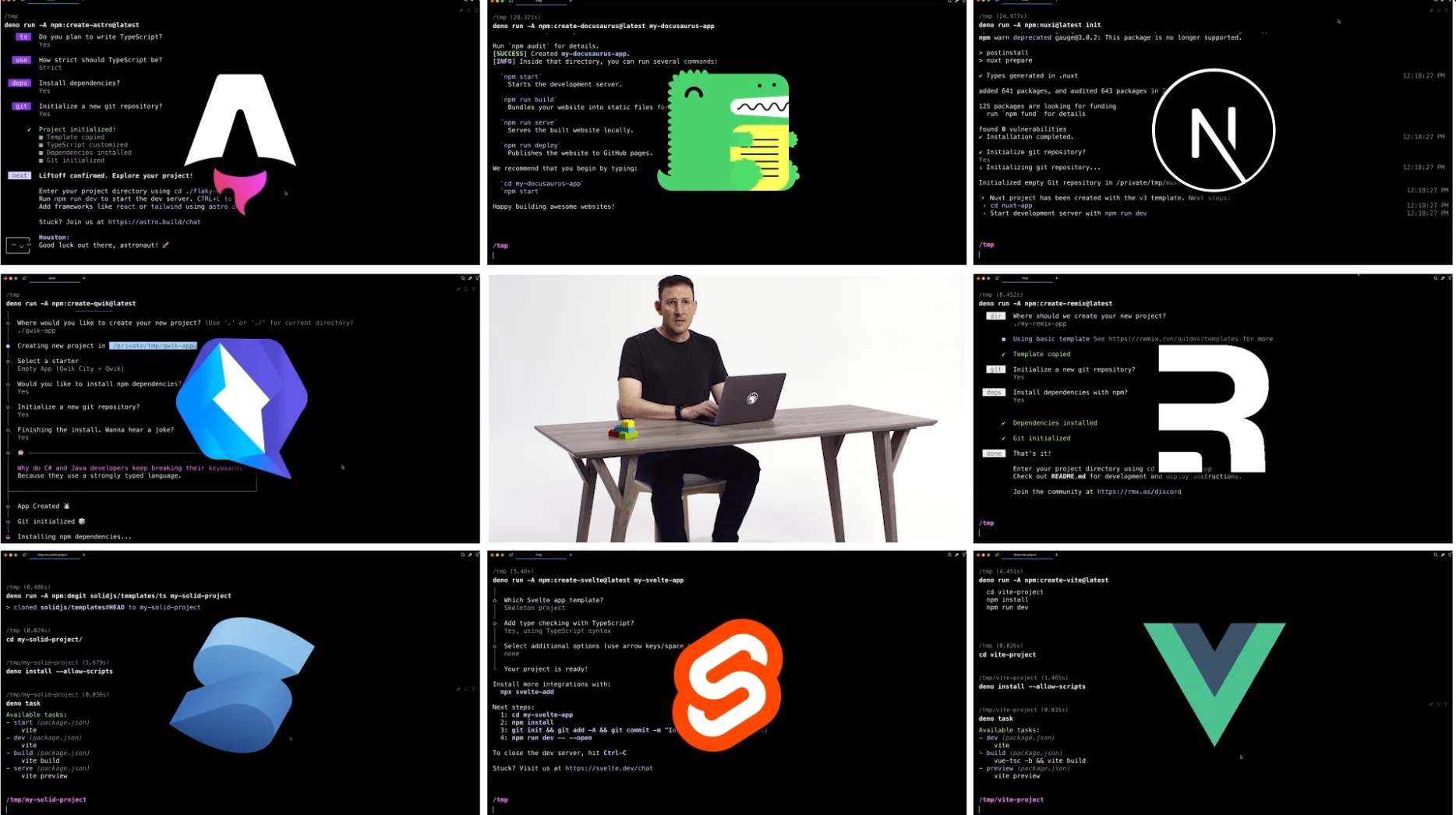
Deno is backwards compatible with Node and npm, allowing you to use your preferred JavaScript framework. Watch the full announcement video.
We’ll go over how to build a simple SolidJS app using Deno:
Feel free to skip directly to the source code or follow along below!
🚨️ Deno 2.1 was just released, with first-class Wasm support, Long Term Support, improved package management, and more.
Let’s set up our SolidJS application using Vite, a modern build tool that provides an excellent development experience with features like hot module replacement and optimized builds.
deno init --npm vite@latest solid-deno --template solid-ts
Our backend will be powered by Hono, which we can install
via JSR. Let’s also add solidjs/router for client-side
routing and navigation between our dinosaur catalog pages.
deno add jsr:@hono/hono npm:@solidjs/routerdeno add and using Deno as a package manager.
We’ll also have to update our deno.json to include a few tasks and
compilerOptions to run our app:
{
  "tasks": {
    "dev": "deno task dev:api & deno task dev:vite",
    "dev:api": "deno run --allow-env --allow-net --allow-read api/main.ts",
    "dev:vite": "deno run -A npm:vite",
    "build": "deno run -A npm:vite build",
    "serve": {
      "command": "deno task dev:api",
      "description": "Run the build, and then start the API server",
      "dependencies": ["deno task build"]
    }
  },
  "imports": {
    "@hono/hono": "jsr:@hono/hono@^4.6.12",
    "@solidjs/router": "npm:@solidjs/router@^0.14.10"
  },
  "compilerOptions": {
    "jsx": "react-jsx",
    "jsxImportSource": "solid-js",
    "lib": ["DOM", "DOM.Iterable", "ESNext"]
  }
}
tasks as objects. Here our serve command includes a description and dependencies.
Great! Next, let’s setup our API backend.
Within our main directory, we will set up an api/ directory and create two
files. First, our dinosaur data file,
api/data.json:
[
  {
    "name": "Aardonyx",
    "description": "An early stage in the evolution of sauropods."
  },
  {
    "name": "Abelisaurus",
    "description": "\"Abel's lizard\" has been reconstructed from a single skull."
  },
  {
    "name": "Abrictosaurus",
    "description": "An early relative of Heterodontosaurus."
  },
  ...
]
This is where our data will be pulled from. In a full application, this data would come from a database.
⚠️️ In this tutorial we hard code the data. But you can connect to a variety of databases and even use ORMs like Prisma with Deno.
Secondly, we need our Hono server, api/main.ts:
import { Hono } from "@hono/hono";
import data from "./data.json" with { type: "json" };

const app = new Hono();

app.get("/", (c) => {
  return c.text("Welcome to the dinosaur API!");
});

app.get("/api/dinosaurs", (c) => {
  return c.json(data);
});

app.get("/api/dinosaurs/:dinosaur", (c) => {
  if (!c.req.param("dinosaur")) {
    return c.text("No dinosaur name provided.");
  }

  const dinosaur = data.find((item) =>
    item.name.toLowerCase() === c.req.param("dinosaur").toLowerCase()
  );

  console.log(dinosaur);

  if (dinosaur) {
    return c.json(dinosaur);
  } else {
    return c.notFound();
  }
});

Deno.serve(app.fetch);
This Hono server provides two API endpoints:
GET /api/dinosaurs to fetch all dinosaurs, andGET /api/dinosaurs/:dinosaur to fetch a specific dinosaur by nameThis server will be started on localhost:8000 when we run deno task dev.
Finally, before we start building out the frontend, let’s update our
vite.config.ts file with the below, especially the server.proxy, which
informs our SolidJS frontend where to locate the API endpoint.
import { defineConfig } from "vite";
import solid from "vite-plugin-solid";

export default defineConfig({
  plugins: [solid()],
  server: {
    proxy: {
      "/api": {
        target: "http://localhost:8000",
        changeOrigin: true,
      },
    },
  },
});
Before we begin building out the frontend components, let’s quickly define the
Dino type in src/types.ts:
export type Dino = {
  name: string;
  description: string;
};
The Dino type interface ensures type safety throughout our application,
defining the shape of our dinosaur data and enabling TypeScript’s static type
checking.
Next, let’s set up our frontend to receive that data. We’re going to have two pages:
Index.tsxDinosaur.tsxHere’s the code for the src/pages/Index.tsx page:
import { createSignal, For, onMount } from "solid-js";
import { A } from "@solidjs/router";
import type { Dino } from "../types.ts";

export default function Index() {
  const [dinosaurs, setDinosaurs] = createSignal<Dino[]>([]);

  onMount(async () => {
    try {
      const response = await fetch("/api/dinosaurs");
      const allDinosaurs = (await response.json()) as Dino[];
      setDinosaurs(allDinosaurs);
      console.log("Fetched dinosaurs:", allDinosaurs);
    } catch (error) {
      console.error("Failed to fetch dinosaurs:", error);
    }
  });

  return (
    <main>
      <h1>Welcome to the Dinosaur app</h1>
      <p>Click on a dinosaur below to learn more.</p>
      <For each={dinosaurs()}>
        {(dinosaur) => (
          <A href={`/${dinosaur.name.toLowerCase()}`} class="dinosaur">
            {dinosaur.name}
          </A>
        )}
      </For>
    </main>
  );
}
When using SolidJS, there are a few key differences to React to be aware of:
createSignal instead of useStatecreateEffect instead of useEffectFor component instead of mapA component instead of Linkdinosaur() instead of just dinosaur@solidjs/router instead of react-router-domlazy for code
splittingThe Index page uses SolidJS’s createSignal to manage the list of dinosaurs
and onMount to fetch the data when the component loads. We use the For
component, which is SolidJS’s efficient way of rendering lists, rather than
using JavaScript’s map function. The A component from @solidjs/router
creates client-side navigation links to individual dinosaur pages, preventing
full page reloads.
Now the individual dinosaur data page at src/pages/Dinosaur.tsx:
import { createSignal, onMount } from "solid-js";
import { A, useParams } from "@solidjs/router";
import type { Dino } from "../types.ts";

export default function Dinosaur() {
  const params = useParams();
  const [dinosaur, setDinosaur] = createSignal<Dino>({
    name: "",
    description: "",
  });

  onMount(async () => {
    const resp = await fetch(`/api/dinosaurs/${params.selectedDinosaur}`);
    const dino = (await resp.json()) as Dino;
    setDinosaur(dino);
    console.log("Dinosaur", dino);
  });

  return (
    <div>
      <h1>{dinosaur().name}</h1>
      <p>{dinosaur().description}</p>
      <A href="/">Back to all dinosaurs</A>
    </div>
  );
}
The Dinosaur page demonstrates SolidJS’s approach to dynamic routing by using
useParams to access the URL parameters. It follows a similar pattern to the
Index page, using createSignal for state management and onMount for data
fetching, but focuses on a single dinosaur’s details. This Dinosaur component
also shows how to access signal values in the template by calling them as
functions (e.g., dinosaur().name), which is a key difference from React’s
state management.
Finally, to tie it all together, we’ll update the App.tsx file, which will
serve both the Index and Dinosaur pages as components. The App component
sets up our routing configuration using @solidjs/router, defining two main
routes: the index route for our dinosaur list and a dynamic route for individual
dinosaur pages. The :selectedDinosaur parameter in the route path creates a
dynamic segment that matches any dinosaur name in the URL.
import { Route, Router } from "@solidjs/router";
import Index from "./pages/Index.tsx";
import Dinosaur from "./pages/Dinosaur.tsx";
import "./App.css";

const App = () => {
  return (
    <Router>
      <Route path="/" component={Index} />
      <Route path="/:selectedDinosaur" component={Dinosaur} />
    </Router>
  );
};

export default App;
Finally, this App component will be called from our main index:
import { render } from "solid-js/web";
import App from "./App.tsx";
import "./index.css";

const wrapper = document.getElementById("root");

if (!wrapper) {
  throw new Error("Wrapper div not found");
}

render(() => <App />, wrapper);
The entry point of our application mounts the App component to the DOM using
SolidJS’s render function. It includes a safety check to ensure the root
element exists before attempting to render, providing better error handling
during initialization.
Now, let’s run deno task dev to start both the frontend and backend together:
🦕 Now you can build and run a SolidJS app with Deno! Here are some ways you could enhance your dinosaur application:
createContext
for sharing data between componentscreateResource’s
loading propertylazy importsIndex component for more efficient list renderingThe combination of SolidJS’s unique reactive primitives, true DOM reconciliation, and Deno’s modern runtime provides an incredibly efficient foundation for web development. With no Virtual DOM overhead and granular updates only where needed, your application can achieve optimal performance while maintaining clean, readable code.
🚨️ Deno 2.1 was just released 🚨️
- first-class Wasm support
- Long Term Support release branch
- improved package management with
deno outdated- support for embedding assets with
deno compileand much more!
此内容由惯性聚合(RSS阅读器)自动聚合整理,仅供阅读参考。 原文来自 — 版权归原作者所有。