





Building commerce applications looks very different than it did even a few years months ago.
Teams are no longer treating storefronts and billing systems as long-running integration projects that happen after the product is complete. They iterate quickly, deploy globally by default, and increasingly rely on AI tools to generate UI, checkout flows, and subscription logic.
Commerce is becoming more programmable and increasingly agent-driven. As AI systems begin to generate storefronts, assemble checkout flows, and optimize billing logic, the setup, integrations, and infrastructure need to be just as composable and automated.
With tools like v0, and agentic coding agents working with Vercel CLI and Vercel Marketplace, developers can move from idea to deployed product much faster than before. As that workflow becomes more automated and AI-native, the surrounding systems need to keep pace, and the developer's experience (which includes the agent's) needs as much focus as the end-user's.
vercel integration add stripe # provisions Stripe account
vercel integration guide stripe # guides agents through the setup process
Vercel CLI and Marketplace enables a single-click install. This command will instantly create a new Stripe account so you can start coding in seconds.
Link to headingAn improved developer experience
Historically, moving from a Stripe Sandbox to accepting live payments required retrieving API keys, copying them into environment variables, and verifying configuration across multiple environments. It worked, but it introduced unnecessary friction and risk at precisely the moment a team was ready to go live.
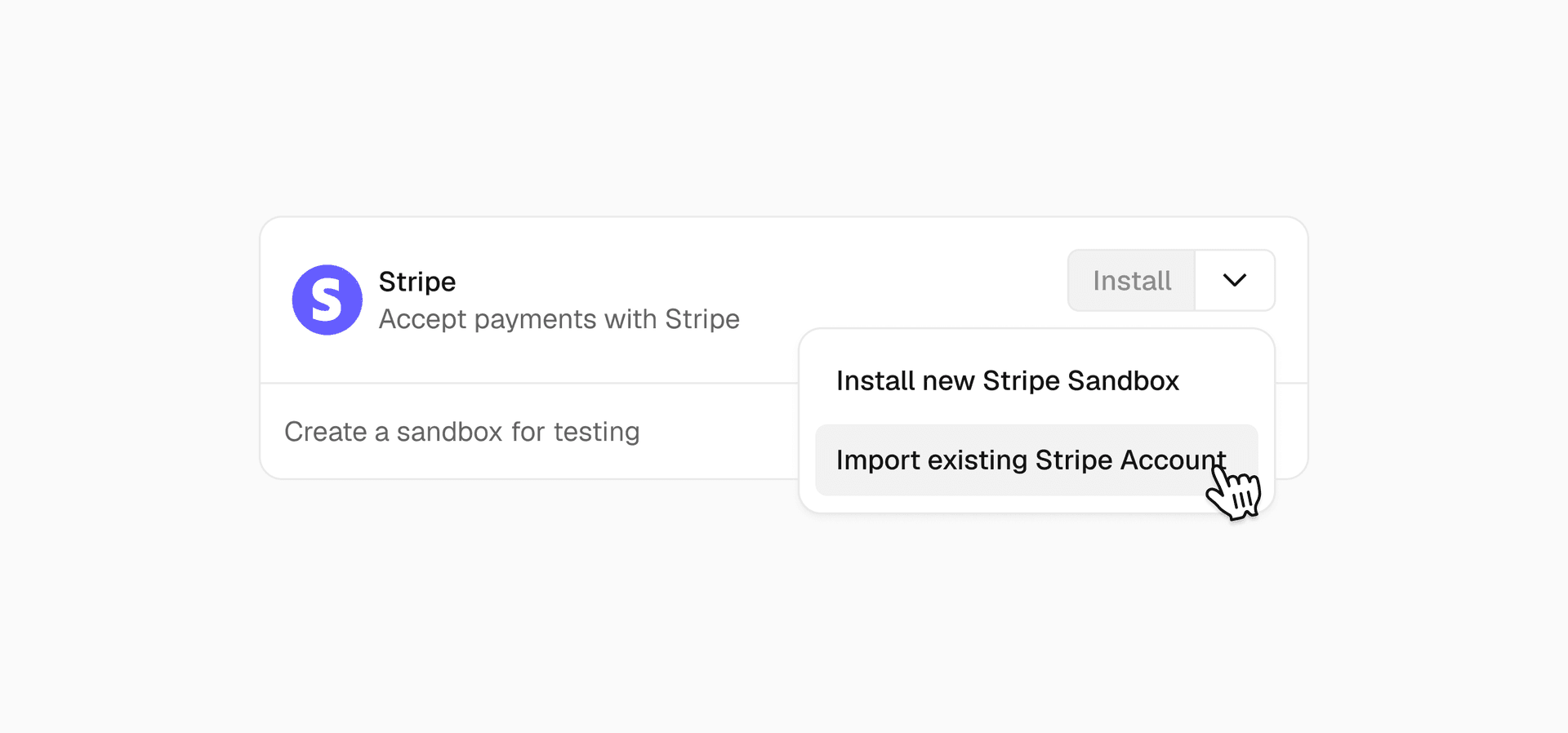
Stripe is now generally available on the Vercel Marketplace and in v0, with full support for connecting production accounts.
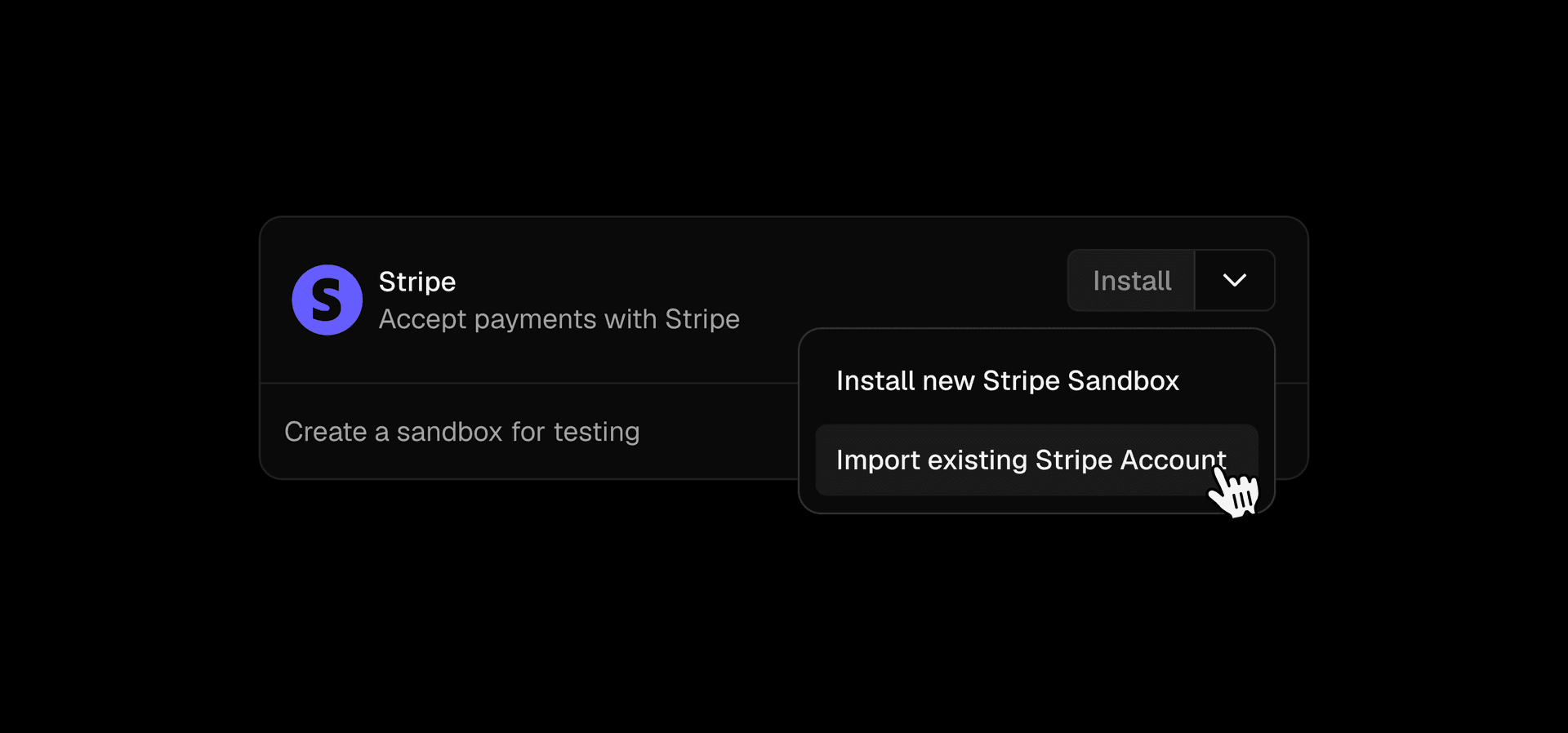
You can connect an existing live Stripe account directly to a Vercel project or import one into your environment and begin accepting real payments without rebuilding your integration. The connection flow provisions the required environment variables automatically, so moving from test mode to live transactions does not require manual key exchange or rewiring your application.
The beta release supported Stripe Sandbox account creation, and now general availability unlocks full production use cases, including live ecommerce storefronts, SaaS subscriptions, usage-based billing, and invoicing.
With this release, going to production with payments is a single integration between your project and Stripe, rather than a separate configuration step that happens outside of it.
Link to headingReducing setup friction while improving security
Making payments easier to connect is only useful if it is also secure by default.
To support production connections, Vercel partnered with Stripe to build a new set of key management APIs.
Credentials are now generated, exchanged, and stored programmatically, reducing the surface area for human error while maintaining correct separation across development, preview, and production environments.
Under the hood, the integration performs a cryptographic key exchange rather than requiring developers to manually retrieve and paste API credentials. The required Stripe keys are provisioned automatically and stored as environment variables within the appropriate Vercel environment, Stripe provides two types of API keys:
Secret keys (
STRIPE_SECRET_KEY): These must only be used in server-side code, such as API routes or Server Actions. They should never be exposed in client-side code or committed to version controlPublishable keys (
NEXT_PUBLIC_STRIPE_PUBLISHABLE_KEY): These are safe for client-side use. They identify your Stripe account but cannot perform sensitive operations.
Link to headingGet started
With Stripe connected through the Vercel Marketplace, moving from a working application to live revenue becomes part of the same workflow you use to build and deploy your product.
You can start with a simple example that creates a Checkout Session and deploy your first online store using Vercel and Stripe.
Create a Checkout Session:
import Stripe from "stripe"
const stripe = new Stripe(process.env.STRIPE_SECRET_KEY)
const session = await stripe.checkout.sessions.create({
ui_mode: 'embedded',
redirect_on_completion: 'never',
line_items: [
{
price_data: {
currency: "usd",
product_data: { name: "T-Shirt" },
unit_amount: 40_00,
},
quantity: 1,
},
],
mode: 'payment',
})
Install Stripe from the Vercel Marketplace or v0, connect your account, and your environment variables are ready before you write a line of payment code. See the changelog and documentation for more details.