惯性聚合 高效追踪和阅读你感兴趣的博客、新闻、科技资讯
阅读原文 在惯性聚合中打开

推荐订阅源

Forbes - Security
Forbes - Security
T
Tailwind CSS Blog
Hugging Face - Blog
Hugging Face - Blog
Blog — PlanetScale
Blog — PlanetScale
WordPress大学
WordPress大学
aimingoo的专栏
aimingoo的专栏
Y
Y Combinator Blog
U
Unit 42
I
InfoQ
CTFtime.org: upcoming CTF events
V
Visual Studio Blog
B
Blog RSS Feed
Vercel News
Vercel News
F
Fortinet All Blogs
Know Your Adversary
Know Your Adversary
T
Troy Hunt's Blog
博客园 - 【当耐特】
MongoDB | Blog
MongoDB | Blog
大猫的无限游戏
大猫的无限游戏
A
About on SuperTechFans
Jina AI
Jina AI
小众软件
小众软件
T
Threatpost
有赞技术团队
有赞技术团队
人人都是产品经理
人人都是产品经理
The Hacker News
The Hacker News
T
The Exploit Database - CXSecurity.com
C
CXSECURITY Database RSS Feed - CXSecurity.com
Exploit-DB.com RSS Feed
Microsoft Azure Blog
Recent Announcements
酷 壳 – CoolShell
酷 壳 – CoolShell
Scott Helme
Scott Helme
B
Blog
腾讯CDC
Last Week in AI
Last Week in AI
P
Proofpoint News Feed
S
Schneier on Security
N
News and Events Feed by Topic
Microsoft Security Blog
K
Kaspersky official blog
G
Google Developers Blog
T
Tor Project blog
PCI Perspectives
PCI Perspectives
S
Secure Thoughts
Google Online Security Blog
Latest news
Latest news
Google DeepMind News
MyScale Blog
MyScale Blog
罗磊的独立博客

博客园 - BigOrang

在vim中搜索关键字 linux top快捷键 druid 获取数据库连接失败,一直wait.DruidDataSource.takeLast -Xmx3G -Xms2G 在已经指定了最小内存2G后,启动的时候,就会直接分配2G给jvm吗 ?还是动态从1m到2G逐步分配的 java8类加载器示例&类加载1.8和1.8+的区别 windows查看端口占用 vmware Docker 设置代理 nginx 代理eureka后css/js/fonts无法访问 docker 基础镜像损坏 一起来找bug茬-01 mysql SHOW PROFILE 将所有容器docker都重启, 但是不重启mysql 正则 .*? 和 .* 的区别是什么 nginx打印所有配置内容 NoClassDefFoundError: org/slf4j/impl/StaticLoggerBinder kubesphere org.tmatesoft.svn.core.SVNException: svn: E160013: '/leifengyang/yygh-parent.git' path not found: 404 Not Found (https://gitee.com) 布隆过滤器原理及应用场景 linux中,使用alias, 应该在/etc/bashrc 中写,还是~/.bashrc中写,哪个更好 java date 时间最大连续天数
腾讯云域名托管到 cloudflare
BigOrang · 2024-08-29 · via 博客园 - BigOrang

cloudflare https://dash.cloudflare.com/
腾讯云域名列表 https://console.cloud.tencent.com/domain/all-domain/all

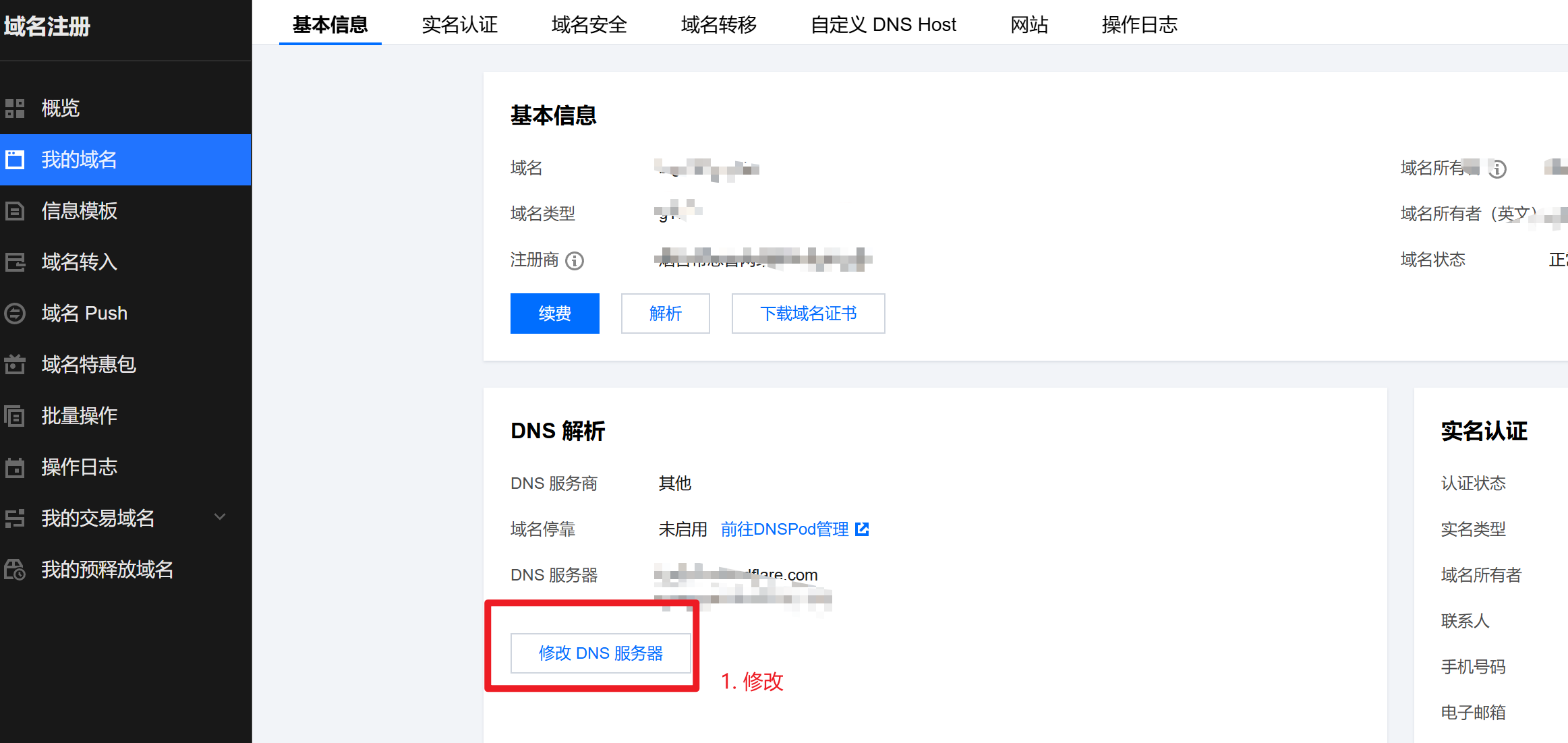
先进入 腾讯云列表,点击自己已购买的域名
新购买的域名,必须等待状态为正常以后才能进行下一步的托管
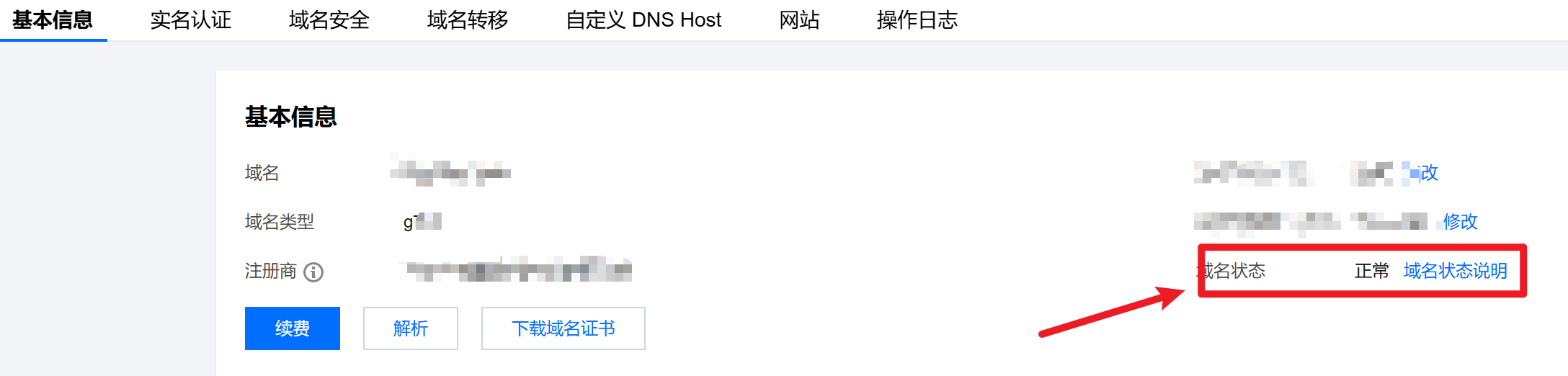
点击修改;
https://console.cloud.tencent.com/domain/all-domain/all
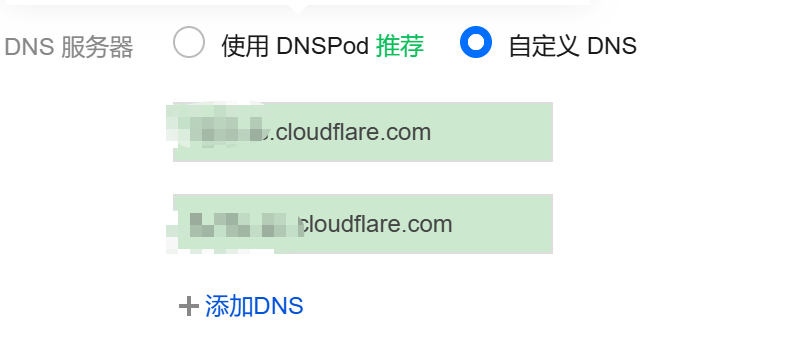
修改为cloudflare提供的, 如下:
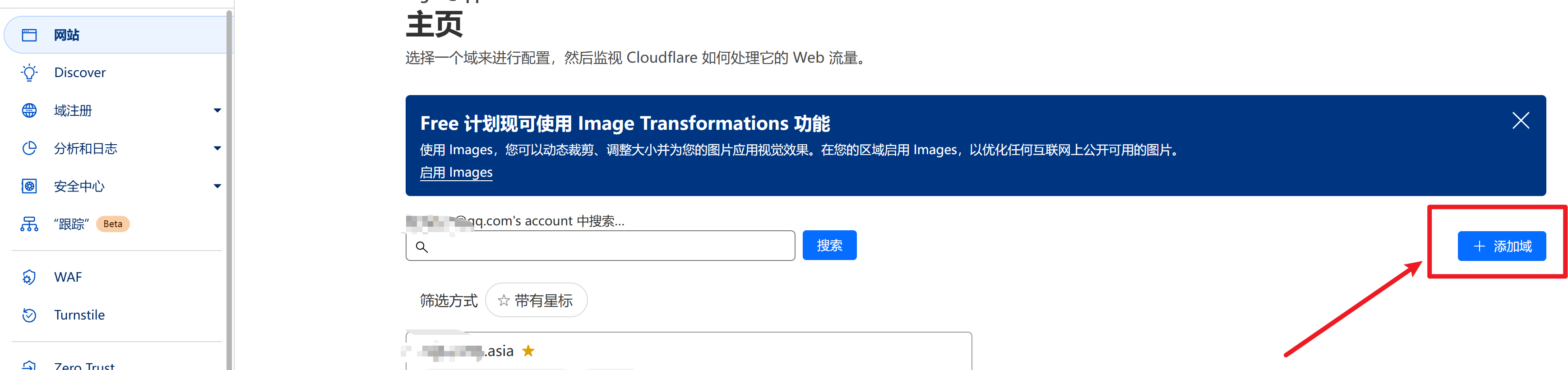
进入 https://dash.cloudflare.com/
添加域
输入你在腾讯购买的域名,选择Free计划
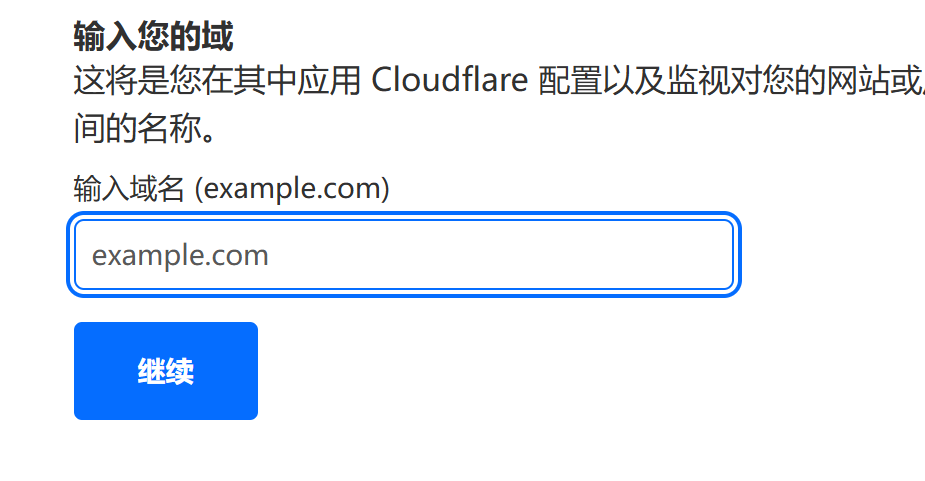
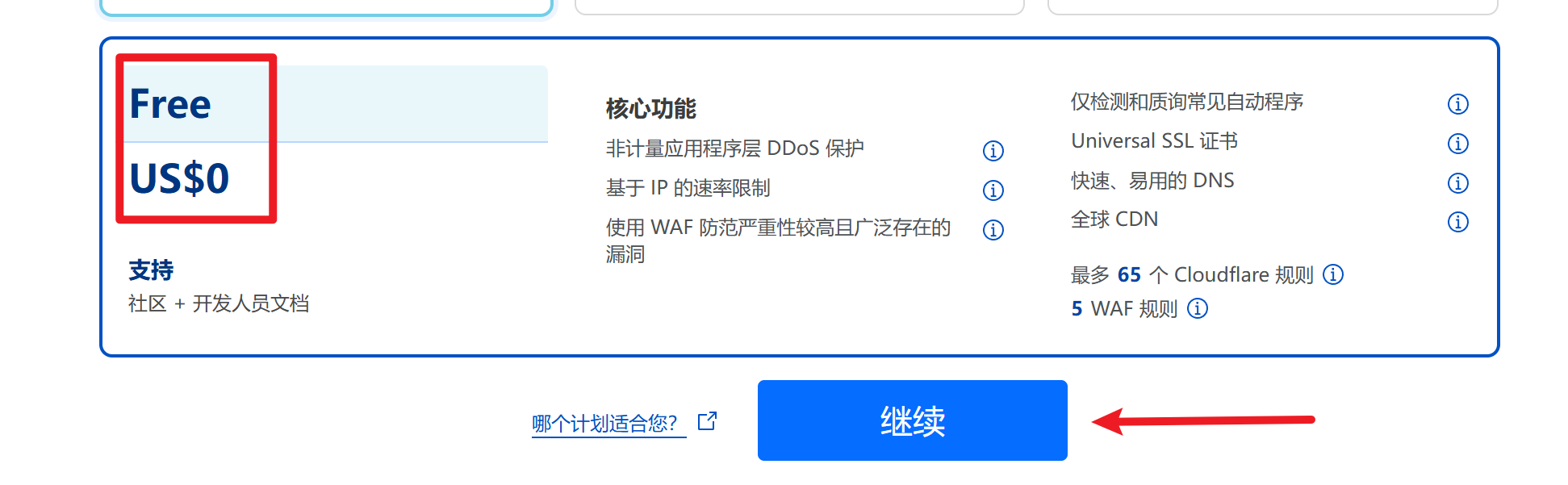
然后页面会自动刷新,出现下面的地址,将下面的这个地址 复制,【填入】腾讯云的修改dns内容框,即可
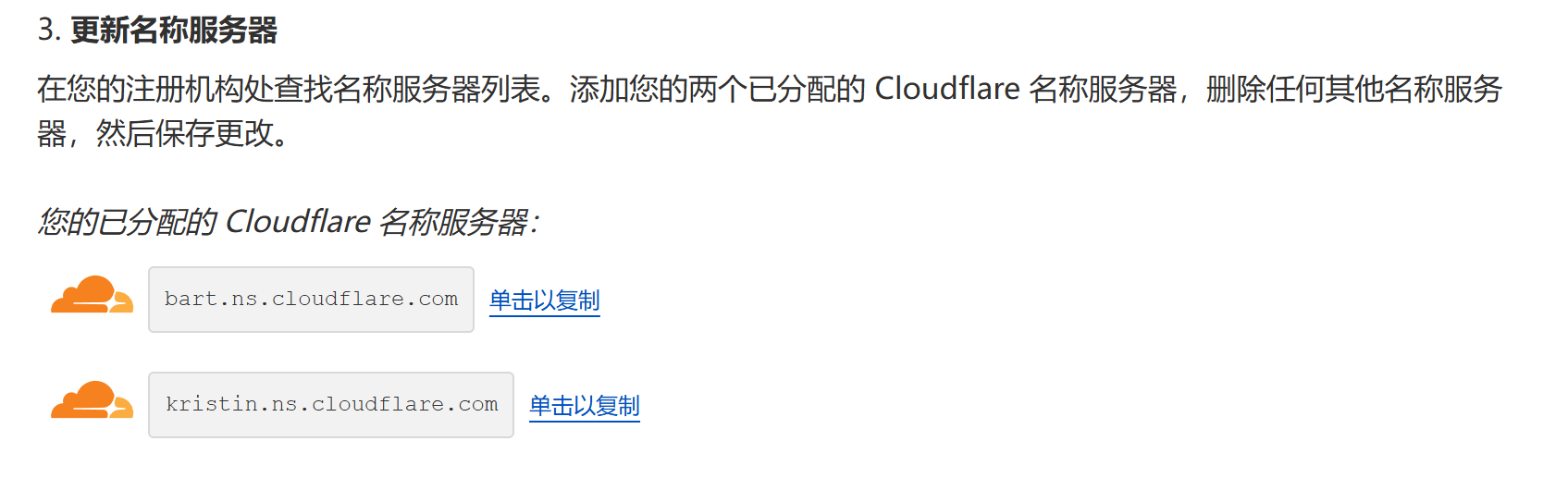
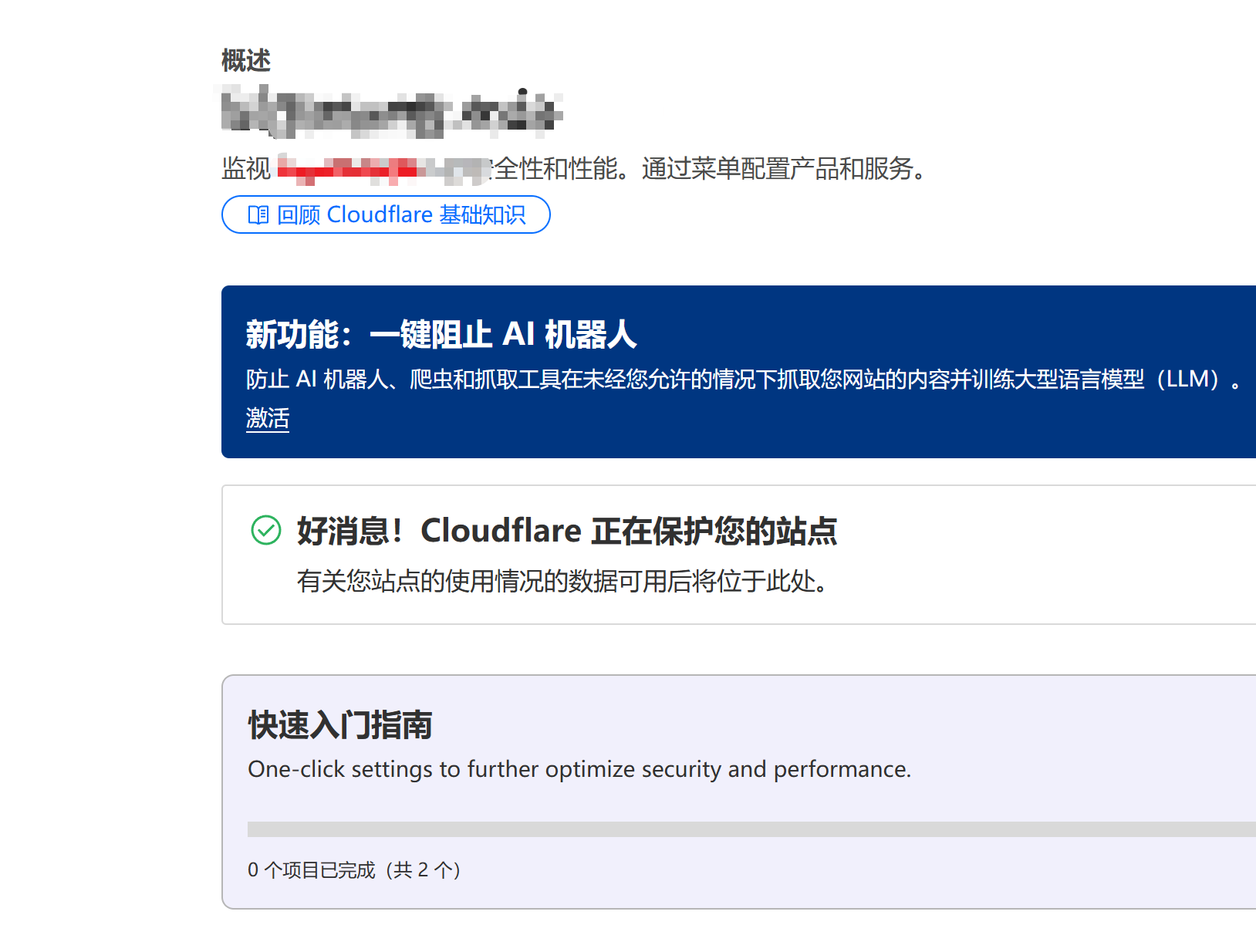
在腾讯云 修改确认以后, cloudflare需要等待一段时间才会托管成功; (可能是几分钟到几十分钟不等)
也可以手动检查,手动执行检查以后,也需要等待一会
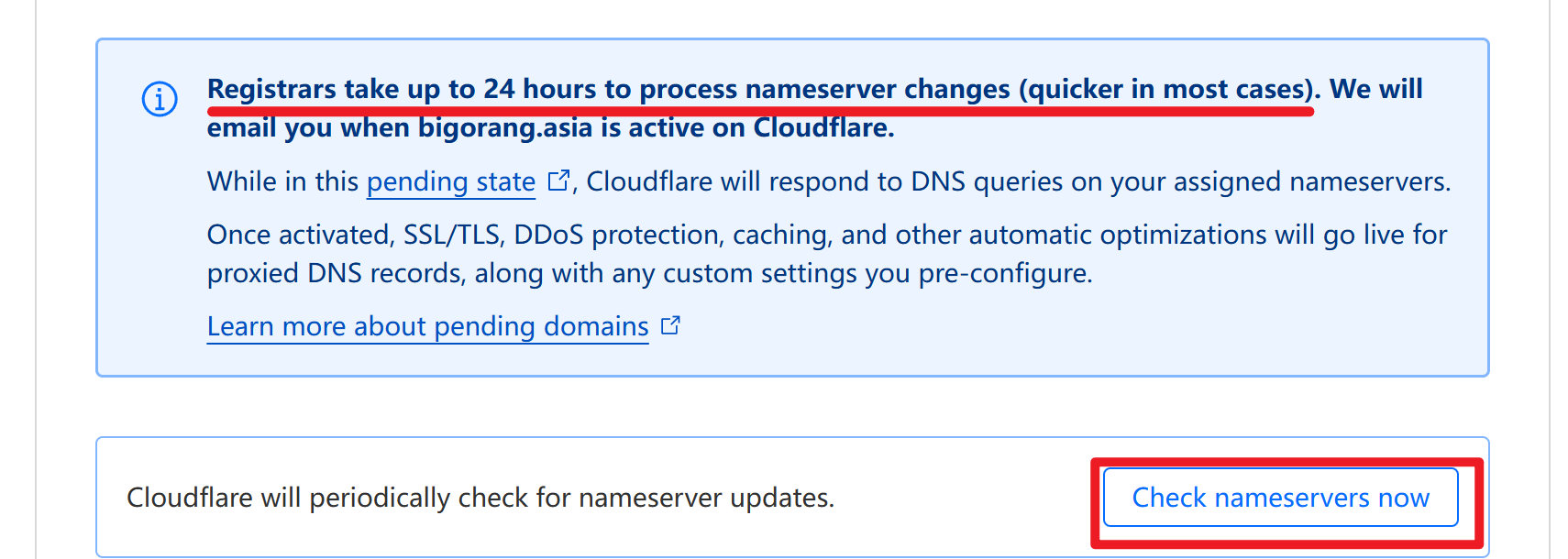
完全成功以后,会收到来自cloudflare的邮件,页面也会展示为 托管成功的页面