










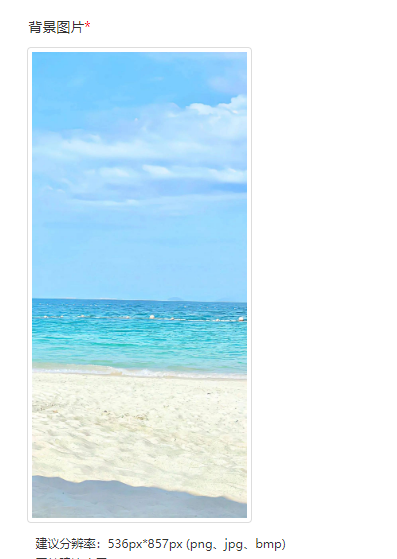
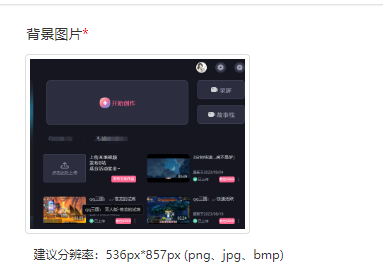
有时候在渲染用户上传的图片时,需要根据不同图片宽高进行展示 ,若固定宽高,则会对图片一定程度的拉伸,导致图片变形,此时直接根据relation 相对位置,使图片的框和背景框动态缩放, 宽则同宽,长则同长, 直接上效果图
        .srcbox-img {
            border: 1px solid #ddd;
            border-radius: 4px;
            width: 225px;
            height: auto;
            padding: 4px;
            margin: -30px 0 10px 70px;
            position:relative;
        }

        .imgcss-img {
            width: 215px;
            height: auto;
        }
                    <div class="col-sm-4">
                        <div>

                            <div>
                                <label class="control-label required" style="display: inline;">弹框图片</label>
                            </div>
                            <div class="srcbox-img" style="margin-top: 10px; margin-left: -1px">
                                <img id="ImgId-img" class="imgcss-img" />
                            </div>
                            <small style="margin-left:0px;">图片类型说明: (png、jpg、bmp)</small><br>
                            <small style="margin-left:0px;">图片建议说明</small>
                        </div>
                    </div>
此内容由惯性聚合(RSS阅读器)自动聚合整理,仅供阅读参考。 原文来自 — 版权归原作者所有。