









最近在部署.net core 3.1的项目到iis,遇到了一些问题,找了很多资料,然后通过一一实践,也就 顺利完成了部署。也因此总结记录下来,希望可以帮助到更多的人。
感谢文献参考:Windows平台部署 Asp.Net Core 3.1.0,将 ASP.NET Core 应用发布到 IIS ,使用 IIS 在 Windows 上托管 ASP.NET Core
1.首先安装SDK(我安装的是:dotnet-sdk-3.1.100-win-x64.exe)地址:https://dotnet.microsoft.com/download
2.安装.NET Core Hosting Bundle(我安装的版本是:dotnet-hosting-3.1.2-win.exe) 地址:https://dotnet.microsoft.com/download/dotnet-core/3.1
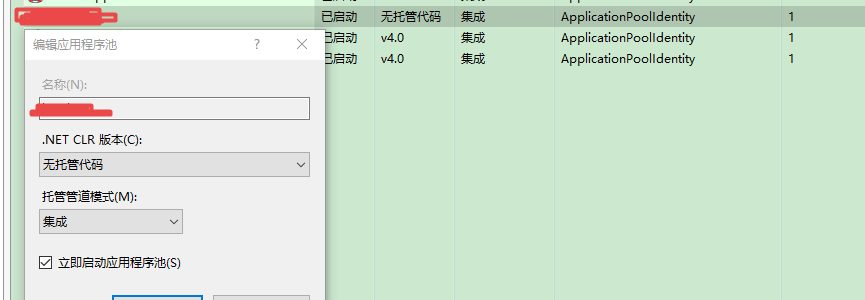
3.部署iis,绑定IP端口号,修改应用程序池托管方式
4.运行程序发生错误
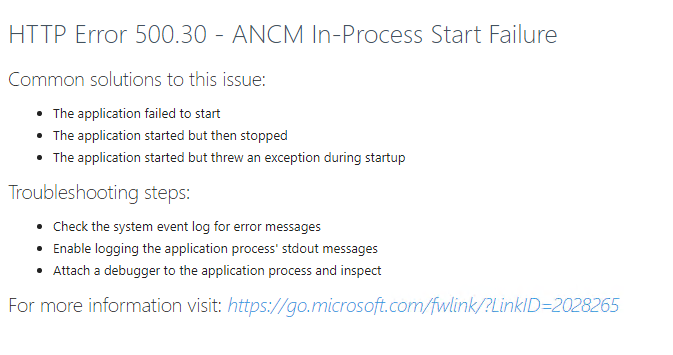
a . HTTP Error 500.30 - ANCM In-Process Start Failure
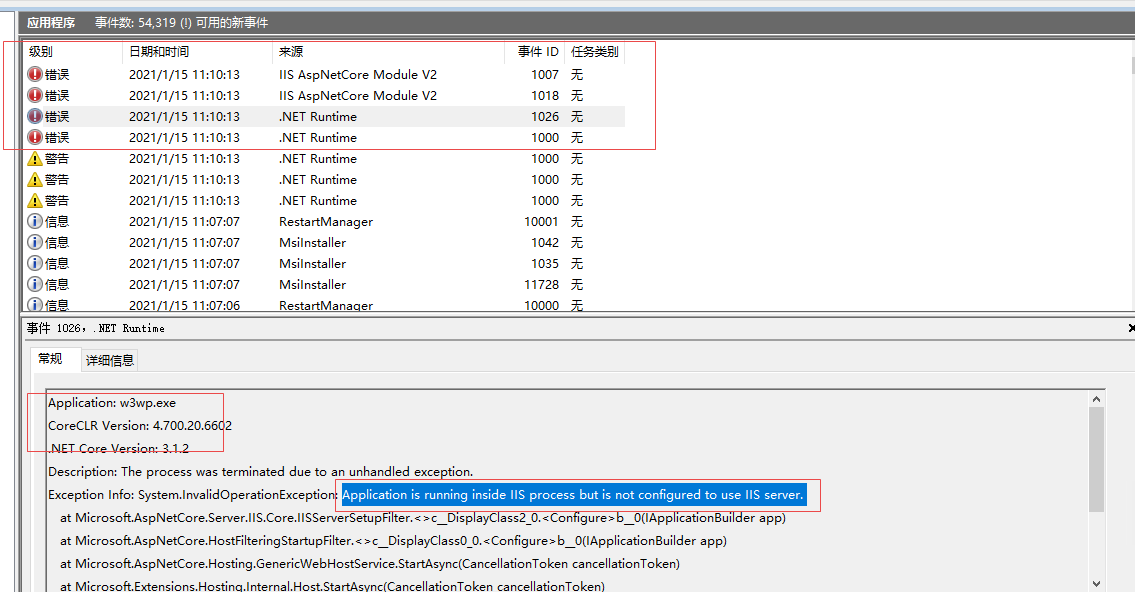
b. System.InvalidOperationException: Application is running inside IIS process but is not configured to use IIS server.
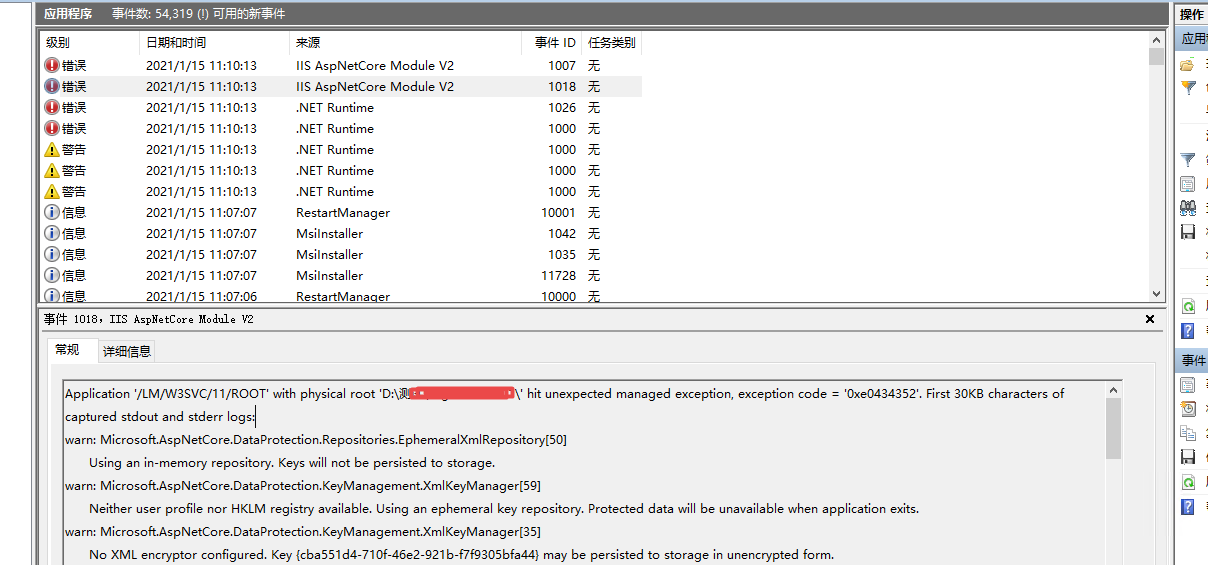
c. Application '/LM/W3SVC/11/ROOT' with physical root 'D:\测试\XXXXXX-01\' hit unexpected managed exception, exception code = '0xe0434352'. First 30KB characters of captured stdout and stderr logs
d. System.InvalidOperationException: Synchronous operations are disallowed. Call WriteAsync or set AllowSynchronousIO to true instead.
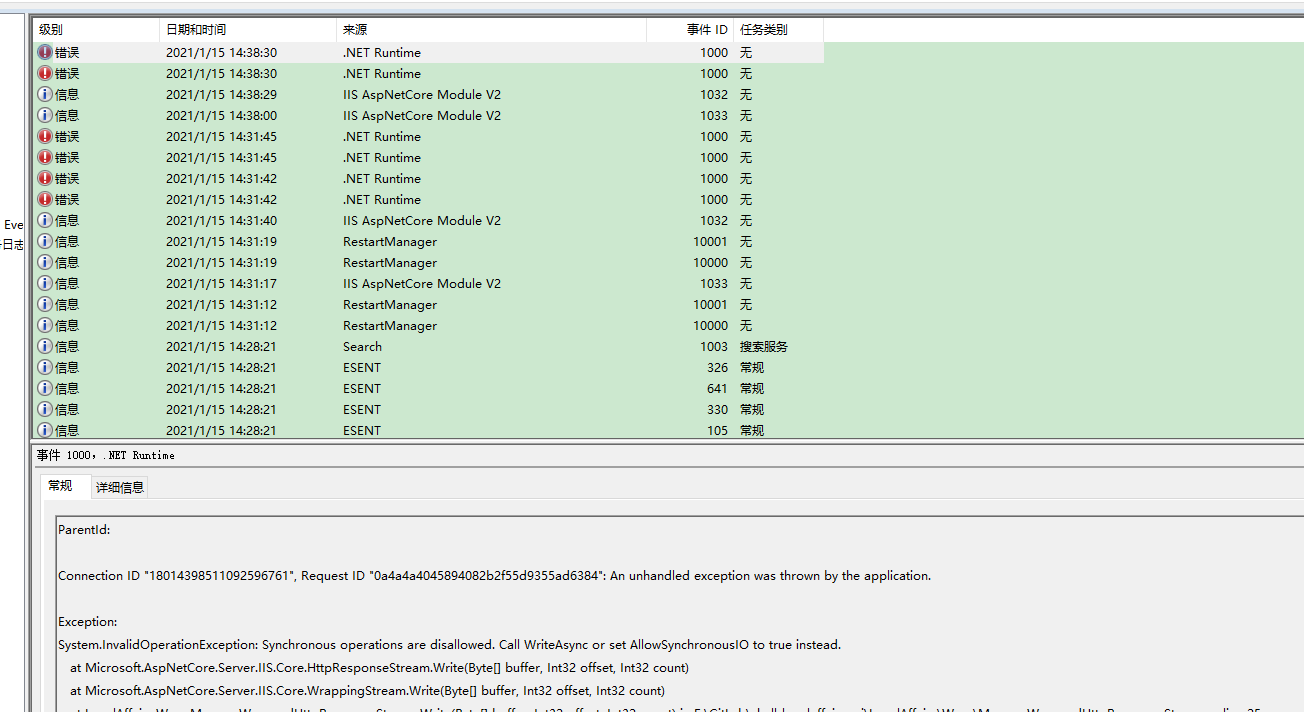
5.解决方式
4-a. HTTP Error 500.30 - ANCM In-Process Start Failure
解决方式:
①.停止iis ,打开:C:\Windows\System32\inetsrv\config\applicationHost.config ,搜索节点AspNetCoreModuleV2
②.修改节点指定加载模式 preCondition="bitness64"
<add name="AspNetCoreModuleV2" image="%ProgramFiles%\IIS\Asp.Net Core Module\V2\aspnetcorev2.dll" preCondition="bitness64" />

<add name="AspNetCoreModuleV2" preCondition="bitness64" />
4- b. System.InvalidOperationException: Application is running inside IIS process but is not configured to use IIS server.
4- c. Application '/LM/W3SVC/11/ROOT' with physical root 'D:\测试\XXXXXX-01\' hit unexpected managed exception, exception code = '0xe0434352'. First 30KB characters of captured stdout and stderr logs:
解决方式:在program.cs中删除:webBuilder.UseKestrel();
 public static IHostBuilder CreateHostBuilder(string[] args) =>
            Host.CreateDefaultBuilder(args)
                .ConfigureWebHostDefaults(webBuilder =>
                {
                    webBuilder.UseStartup<Startup>();
                    //webBuilder.UseKestrel();
                })


    }
4-d .System.InvalidOperationException: Synchronous operations are disallowed. Call WriteAsync or set AllowSynchronousIO to true instead.
解决方式:在startup.cs 中的ConfigureServices方法加入以下代码
public void ConfigureServices(IServiceCollection services)
{
    // If using Kestrel:
    services.Configure<KestrelServerOptions>(options =>
    {
        options.AllowSynchronousIO = true;
    });

    // If using IIS:
    services.Configure<IISServerOptions>(options =>
    {
        options.AllowSynchronousIO = true;
    });
}
此内容由惯性聚合(RSS阅读器)自动聚合整理,仅供阅读参考。 原文来自 — 版权归原作者所有。