惯性聚合 高效追踪和阅读你感兴趣的博客、新闻、科技资讯
阅读原文 在惯性聚合中打开

推荐订阅源

博客园_首页
B
Blog RSS Feed
Microsoft Azure Blog
J
Java Code Geeks
Cyber Security Advisories - MS-ISAC
Google DeepMind News
F
Fortinet All Blogs
V
V2EX
freeCodeCamp Programming Tutorials: Python, JavaScript, Git & More
Engineering at Meta
Engineering at Meta
月光博客
月光博客
阮一峰的网络日志
阮一峰的网络日志
M
MIT News - Artificial intelligence
IT之家
IT之家
博客园 - 【当耐特】
U
Unit 42
云风的 BLOG
云风的 BLOG
L
LangChain Blog
小众软件
小众软件
Microsoft Security Blog
B
Blog
H
Hackread – Cybersecurity News, Data Breaches, AI and More
宝玉的分享
宝玉的分享
N
Netflix TechBlog - Medium

博客园 - SmilingEye

每天5分钟,用碎片时间搞定软考系统架构设计师600词 2025年9月Java后端招聘市场技术风向标:666份招聘数据深度解读 DBLock 面试题:ReentrantLock 实现原理 docker 升级(软件包离线方式) tomcat设置https 使用fastjson时spring security oauth2获取token格式变化 springboot之cookie操作 使用sed将win换行符转linux与linux换行符转win linux修改权限后git pull出现冲突 JWT简介 jenkins之SSH Publishers连接windows Windows安装OpenSSH服务 jenkins从远程服务器下载 重写mybatis的字符串类型处理器 mybatis-sqlite日期类型对应关系 docker安装postgresql docker常用命令 java sqlite docker,sqlite出错
微信小程序PDF签名
SmilingEye · 2023-08-13 · via 博客园 - SmilingEye


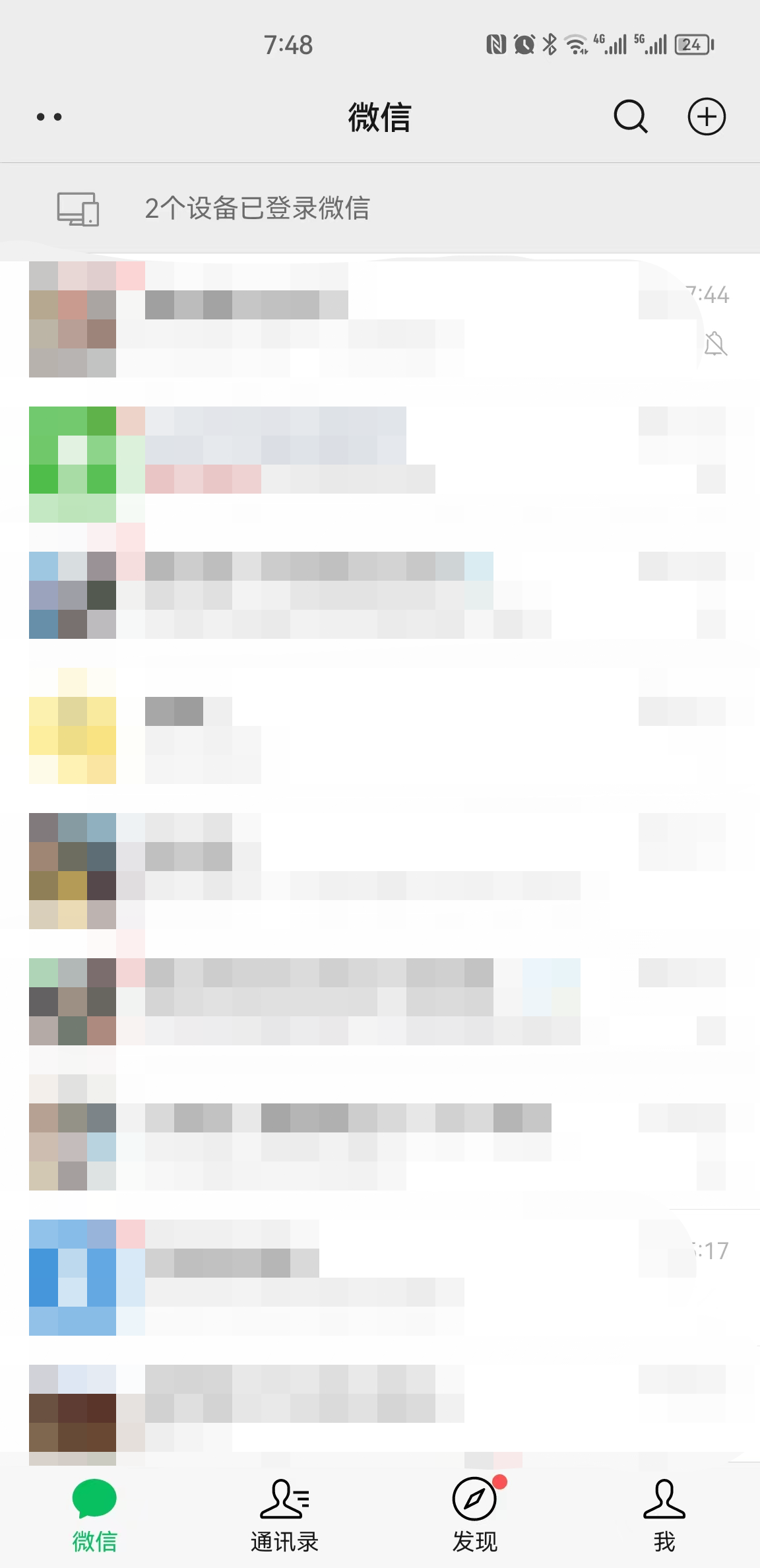
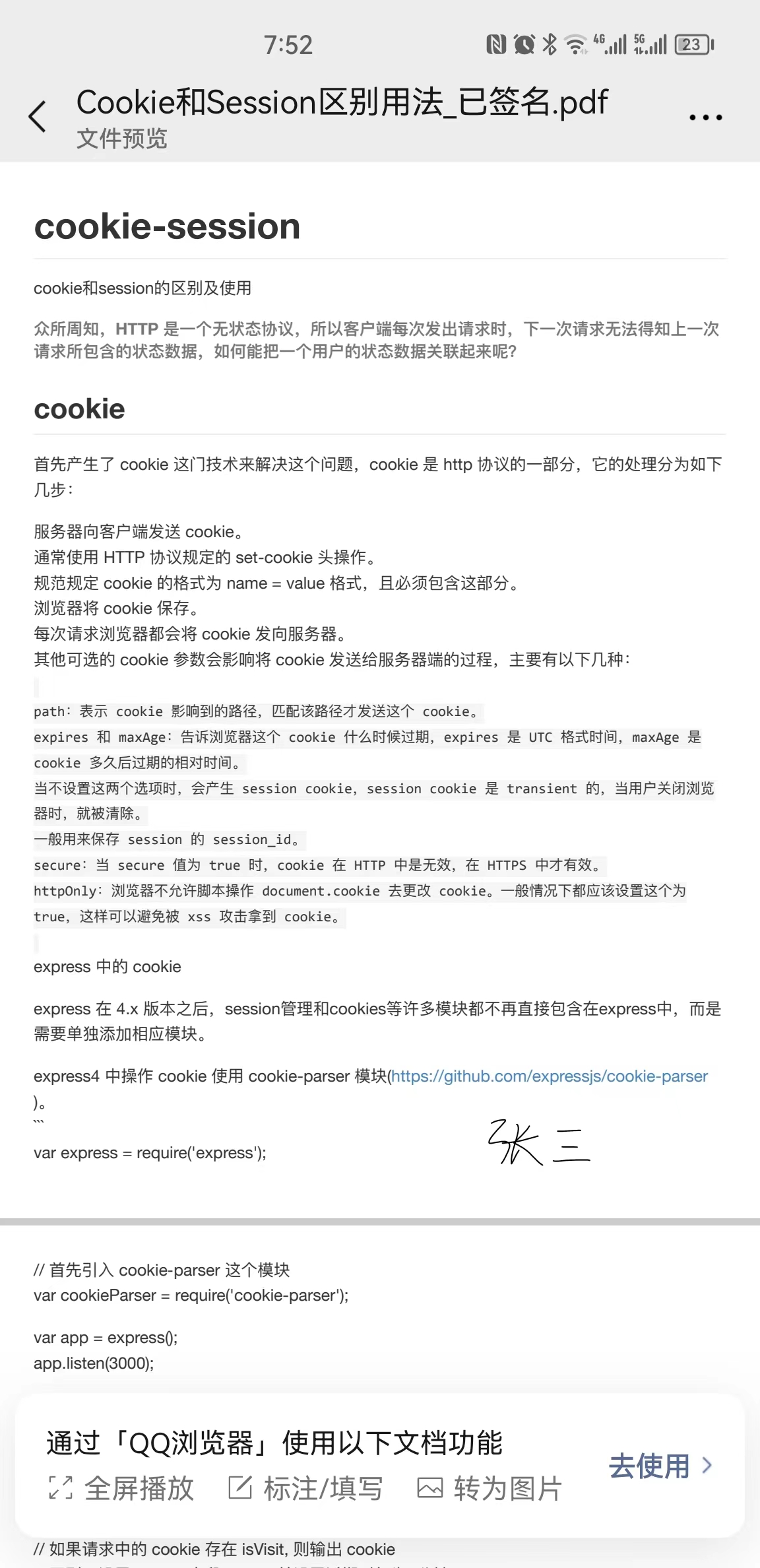
如何在不通过电脑,不下载手机APP的情况下进行PDF签名?打开微信,搜索《简单签名》即可方便快捷进行签名。下面是手机的操作步骤:

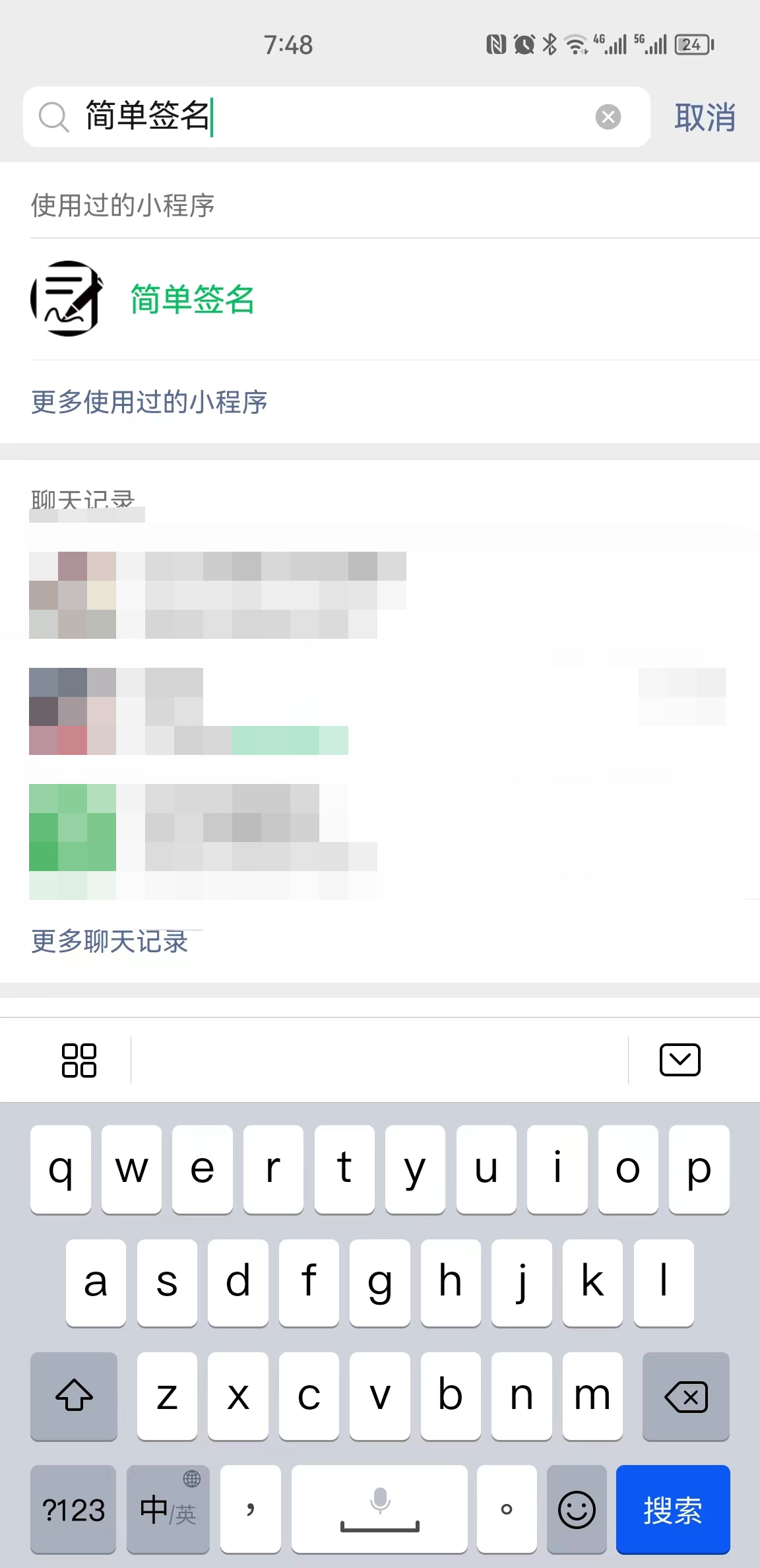
1.微信搜索《简单签名》

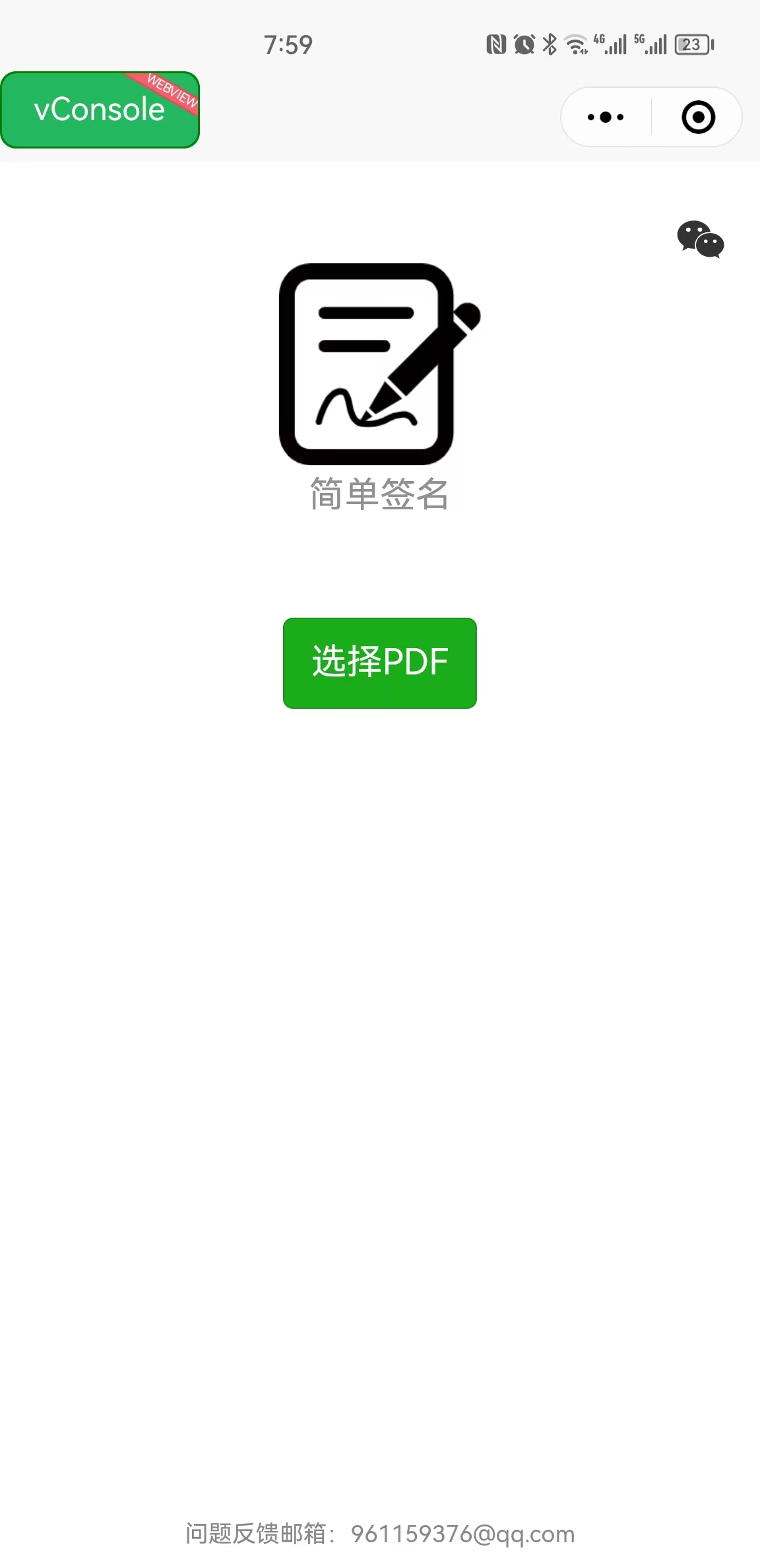
 2.打开简单签名,选择PDF。

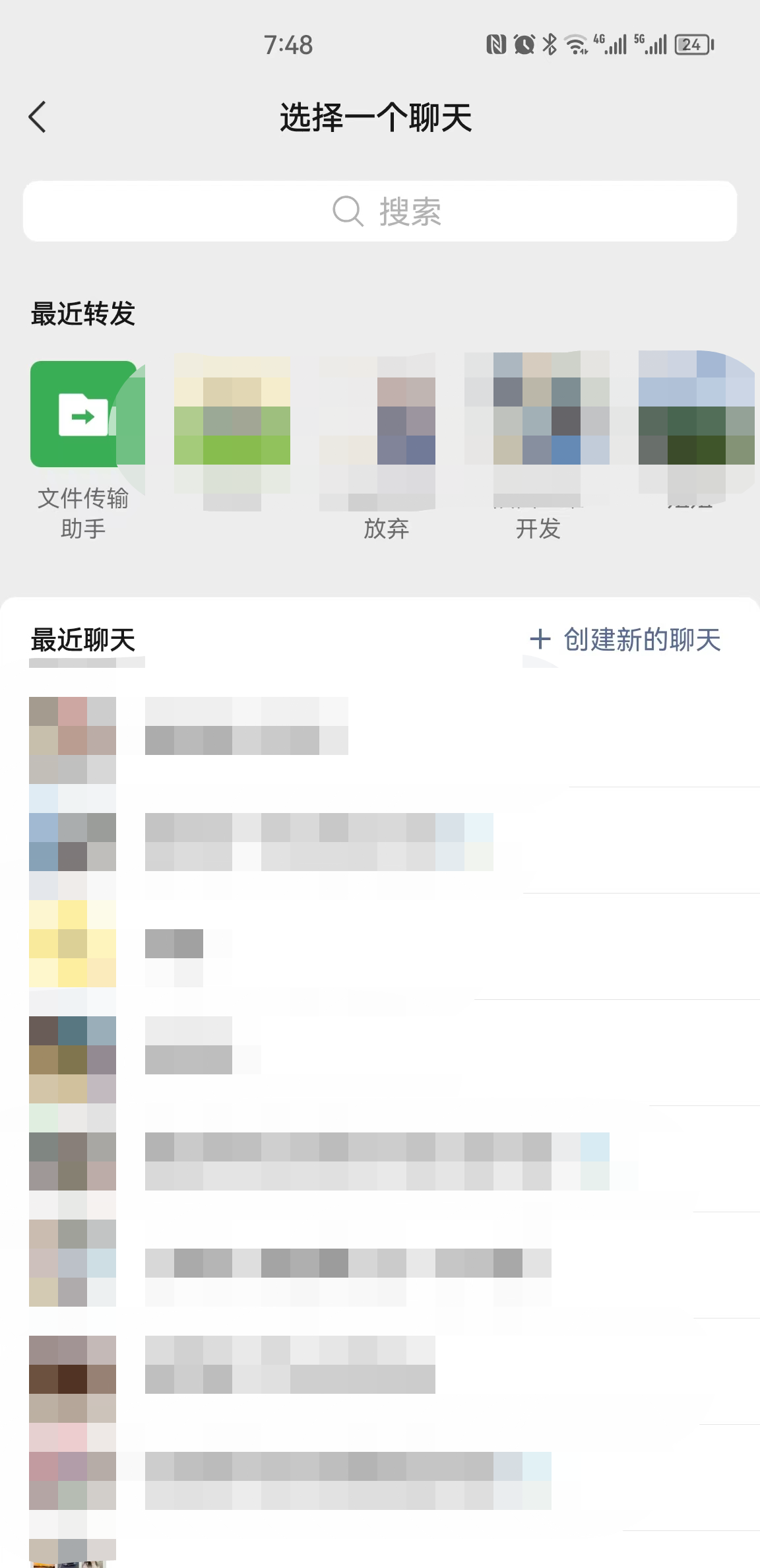
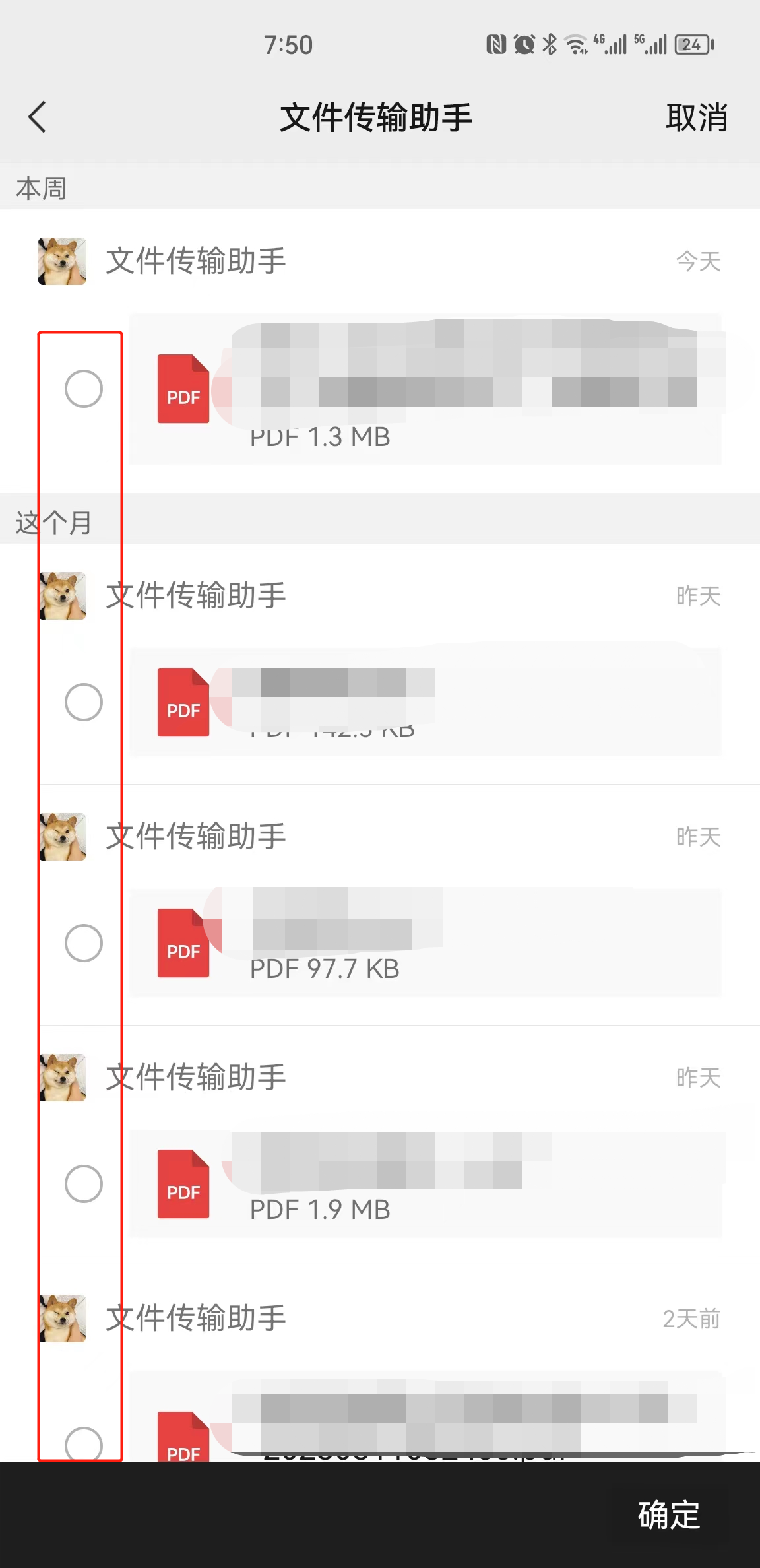
 3.选择聊天对象,这儿以“文件传输助手”为例。

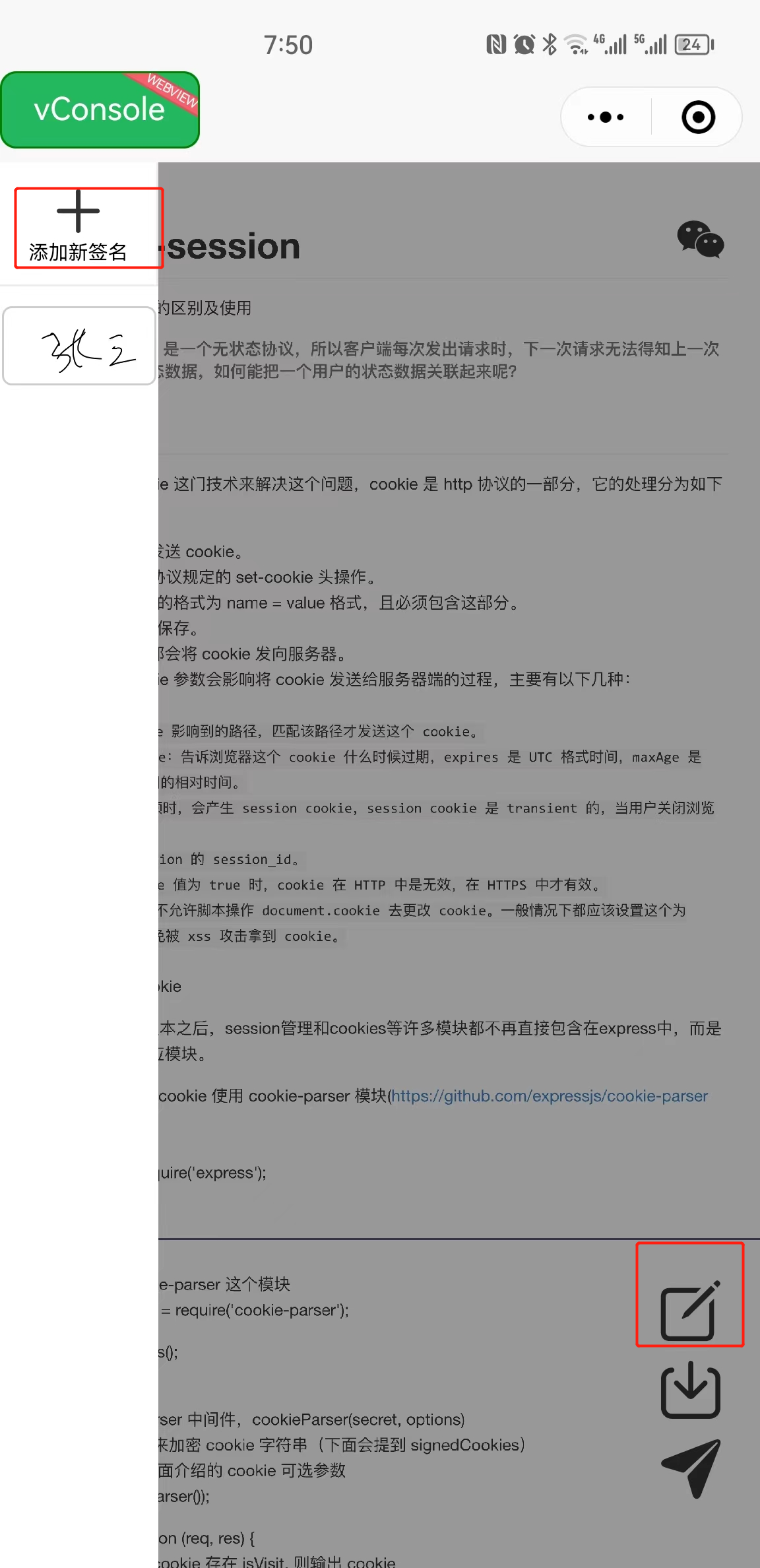
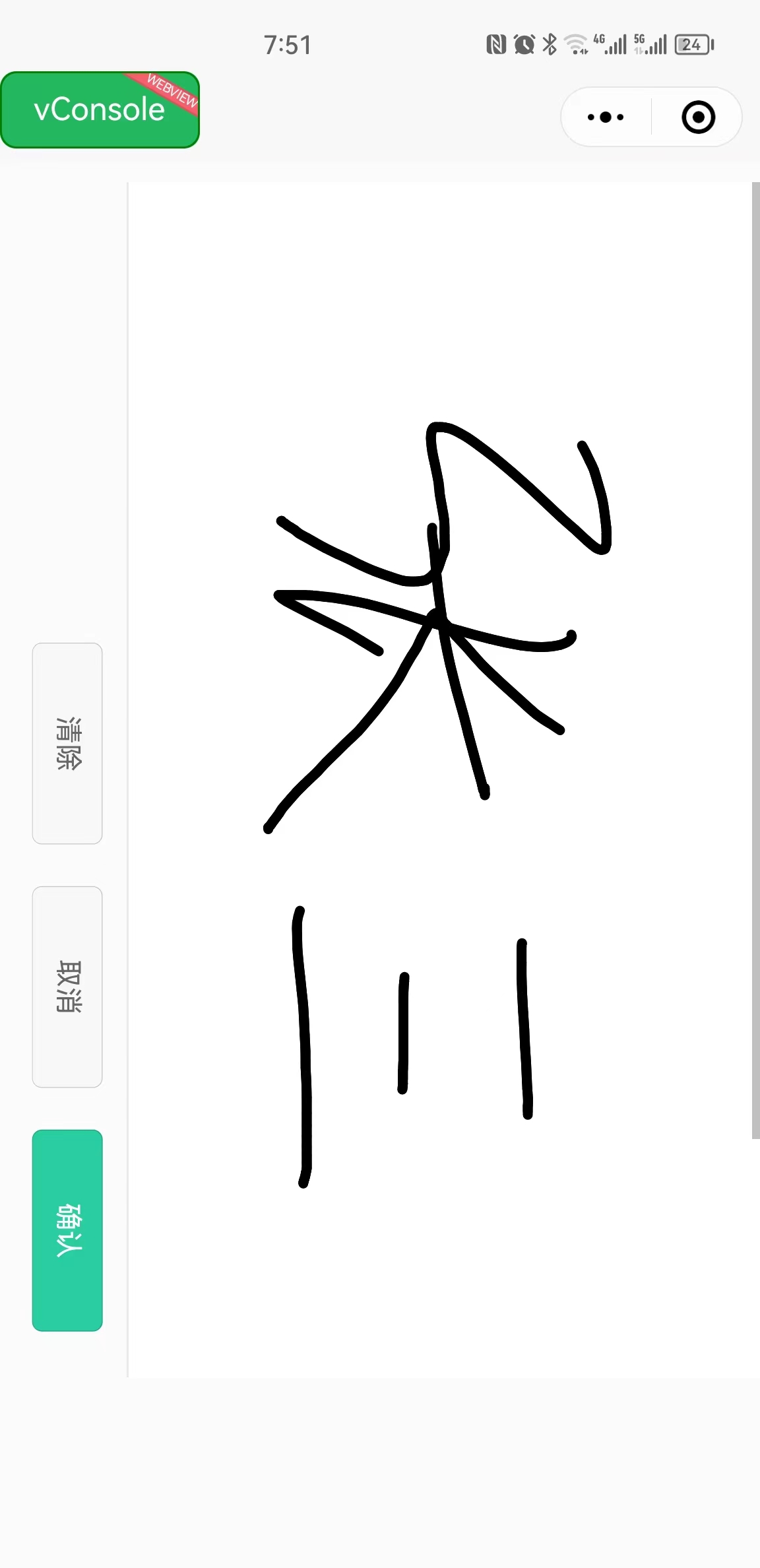
4.签名

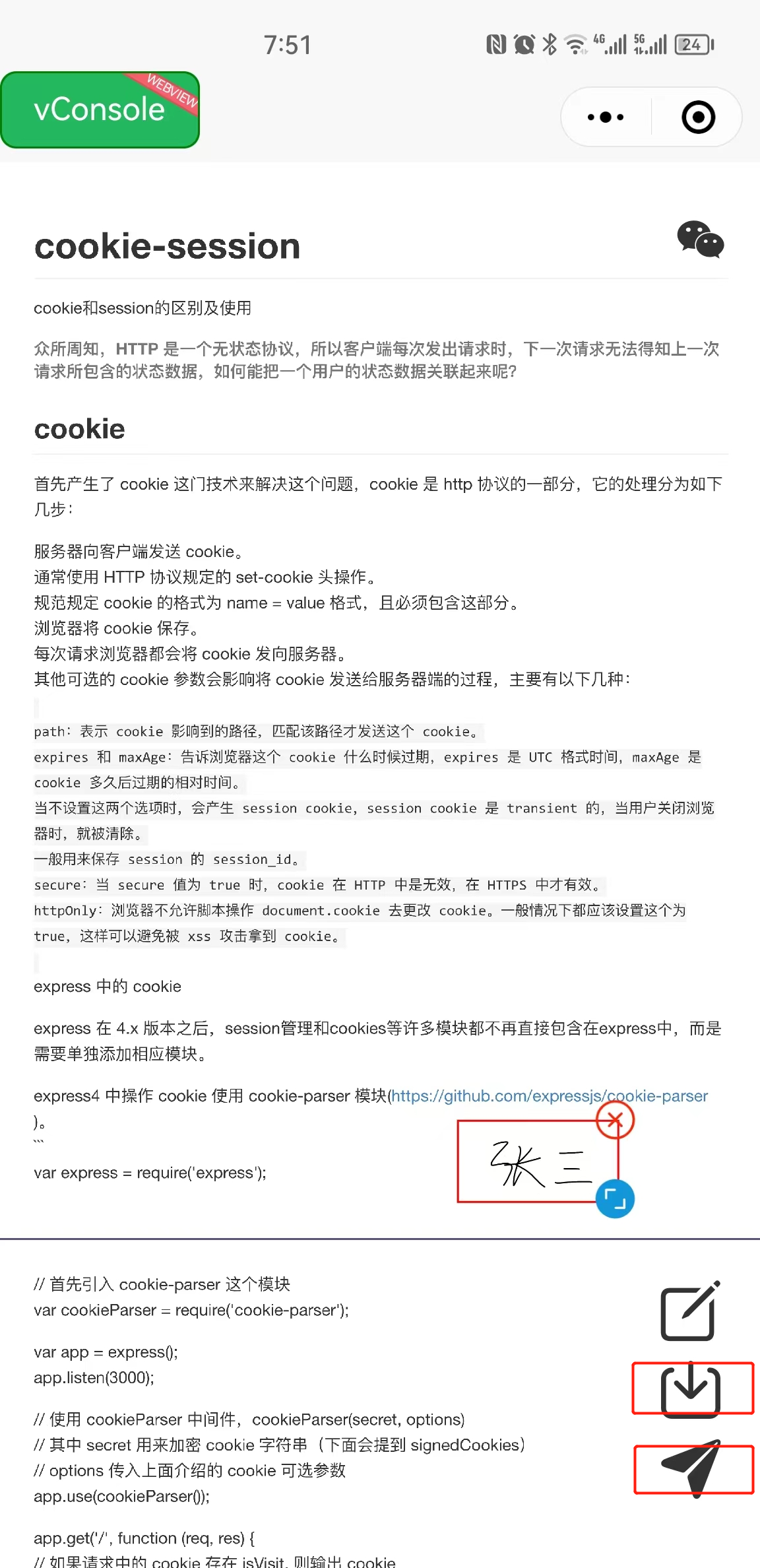
 5.点击“保存”,点击“分享”

 6.检查