惯性聚合 高效追踪和阅读你感兴趣的博客、新闻、科技资讯
阅读原文 在惯性聚合中打开

推荐订阅源

让小产品的独立变现更简单 - ezindie.com
Y
Y Combinator Blog
Blog — PlanetScale
Blog — PlanetScale
H
Hackread – Cybersecurity News, Data Breaches, AI and More
WordPress大学
WordPress大学
B
Blog RSS Feed
A
About on SuperTechFans
V
Visual Studio Blog
J
Java Code Geeks
U
Unit 42
人人都是产品经理
人人都是产品经理
Martin Fowler
Martin Fowler
Recent Announcements
M
MIT News - Artificial intelligence
IT之家
IT之家
The Cloudflare Blog
T
The Blog of Author Tim Ferriss
C
Check Point Blog
博客园 - 叶小钗
P
Proofpoint News Feed
Microsoft Security Blog
B
Blog
S
SegmentFault 最新的问题
Microsoft Azure Blog

博客园 - 乱炖er

CSS/CSS3 Format/Optimize/Minify Tool 在线处理工具 android重复点击问题 macOS下生成pdf报错:No wkhtmltopdf executable found 错误:为 repo 'appstream' 下载元数据失败 : Cannot prepare internal mirrorlist: No URLs in mirrorlist Python爬虫'utf-8' codec can't decode byte 0xxx in position 1: invalid start byte的解决方案 fatal: unable to access 'https://github.com/xxx/': HTTP/2 stream 1 was not closed cleanly before end of the underlying stream Lombok requires enabled annotation processing: Do you want to enable annotation processors? SpringBoot @Column SpringBoot2.6+单元测试 IDEA中SpringBoot热部署 Error: Another program is already listening on a port that one of our HTTP servers is configured to use. Shut this program down first before starting supervisord android studio右侧Gradle不显示Tasks PyCharm OSError: [Errno 48] Address already in use [Swift]扩展UIColor:实现十六进制颜色字符串与UIColor之间的相互转换 photoshop将png图片里的文字改成其他颜色 python json.dumps 中文编码问题 java.lang.RuntimeException: A TaskDescription's primary color should be opaque item2使用pem文件登陆 腾讯云服务器ssh登陆频繁断开链接的解决方案
visual studio code的markdown生成侧边栏目录
乱炖er · 2022-12-30 · via 博客园 - 乱炖er

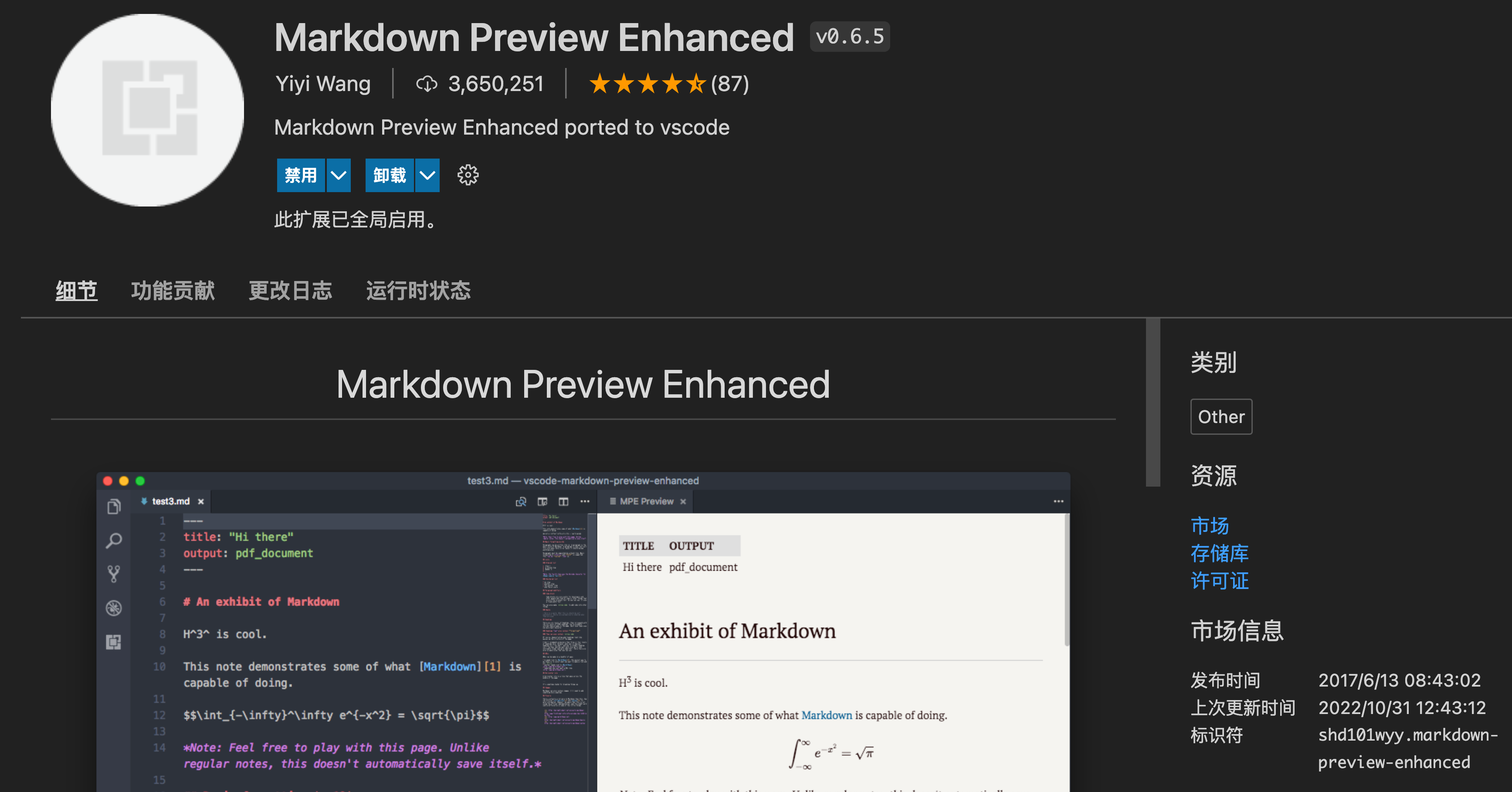
1,安装扩展 Markdown Preview Enhanced
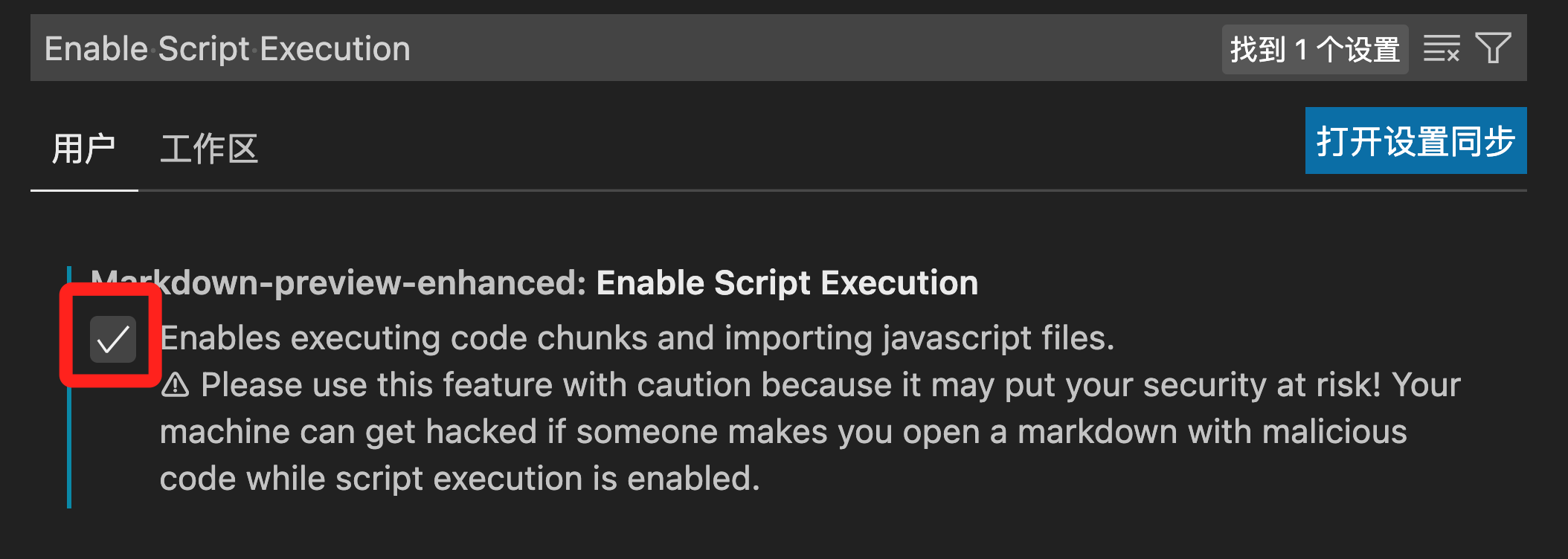
2,设置 Enable Script Execution
3,设置md文件头部

在md文件头部输入以下内容,注意缩进

头部文件规则说明前点击这里

---
html:
    toc: true
    toc_depth: 6
    toc_float: true
        collapsed: false
        smooth_scroll: true
---

4,通过MPE生成html
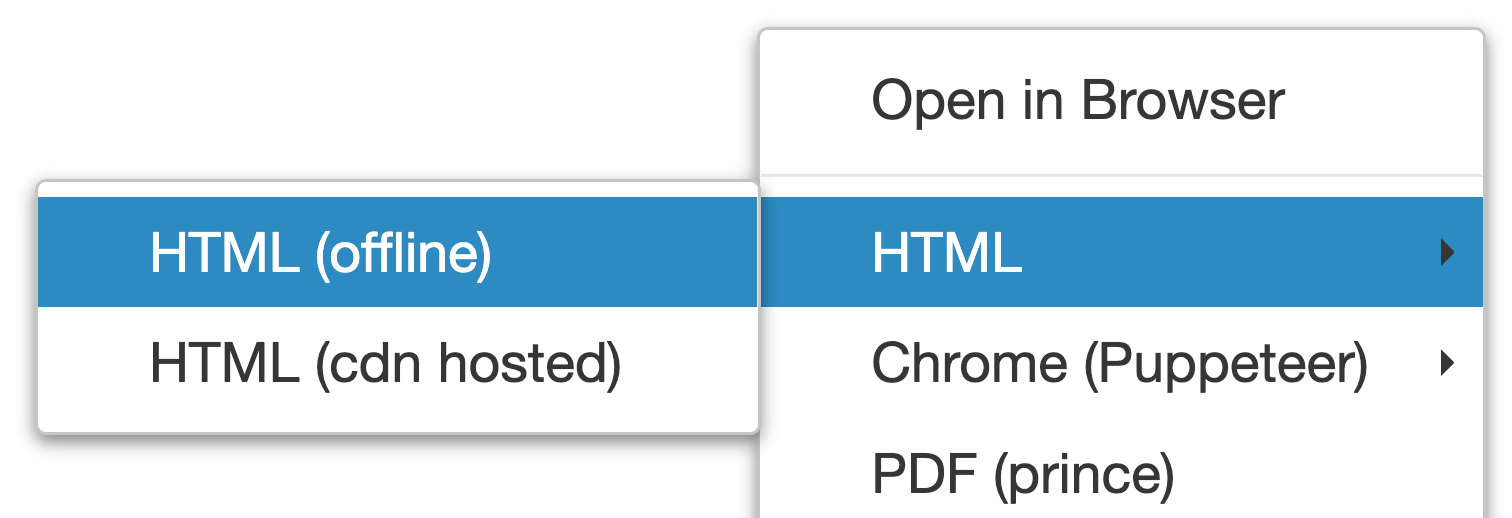
如果生成的html文件没有展开目录,点击html页面左下角的图标即可。图标如下