






On my pages I often want to be able to move an object around in a diagram using the mouse or touch. Last year I spent some time learning about browser mouse+touch events, and wrote a page about event handlers for dragging objects around. I hadn’t realized it at the time, but it was only half the solution.

What was missing was that the events should affect the application state. I had been writing this code for many years, but I never explained it on the event handler page. I decided to write some examples, starting with: drag events should change application state {x,y} which should change the position of an object on the screen, either using positioning or transforms:
The main idea is that the event handlers are independent of the state handlers. The event handlers do not know whether I’m using position:absolute or transform:translate(). The event handlers do not apply snap-to-grid or constraints, like they do in other libraries like jquery-ui-draggable or react-draggable. Instead, the state handler handles those things. That means the same event handlers can be used for a wide variety of dragging behaviors, including non-rectangular constraints and non-grid snapping. The event handlers can work for both svg and html. This structure gives me the flexibility I wanted for my projects. I made some examples to show that this separation allows the kinds of common features other libraries have:
The state handlers do not know whether I’m capturing mouse or touch or pointer events. Only the event handlers handle those things. That means the state handlers can also be connected to other systems, such as animation libraries or text input boxes or scripts.
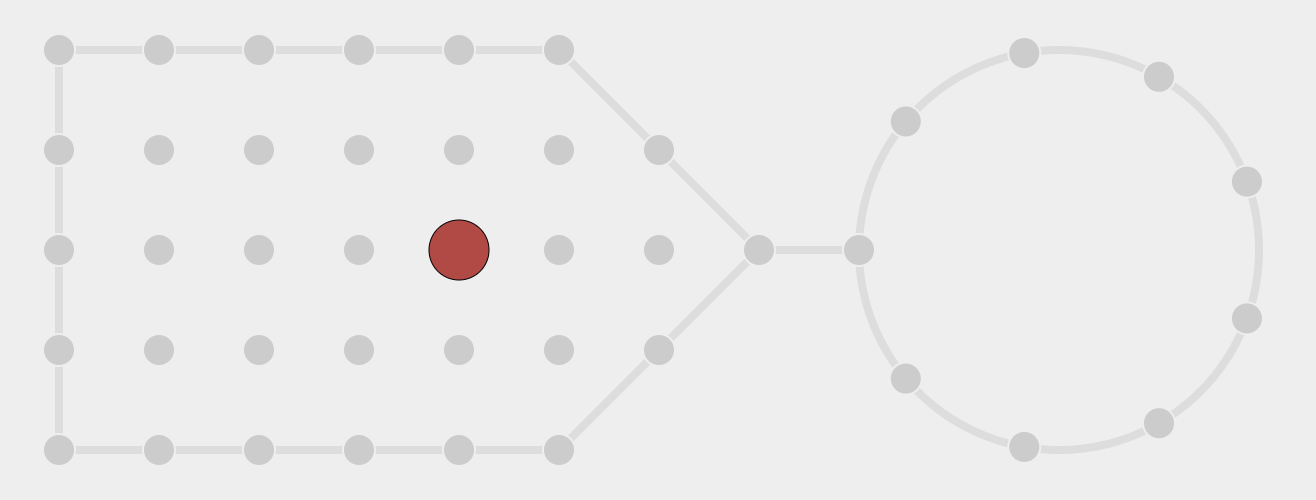
The second idea I wanted to show on this page is that the same event handlers can be used when not dragging an object, so I made some examples:
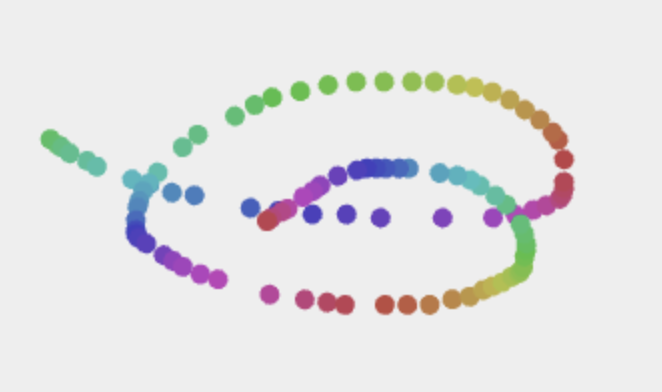
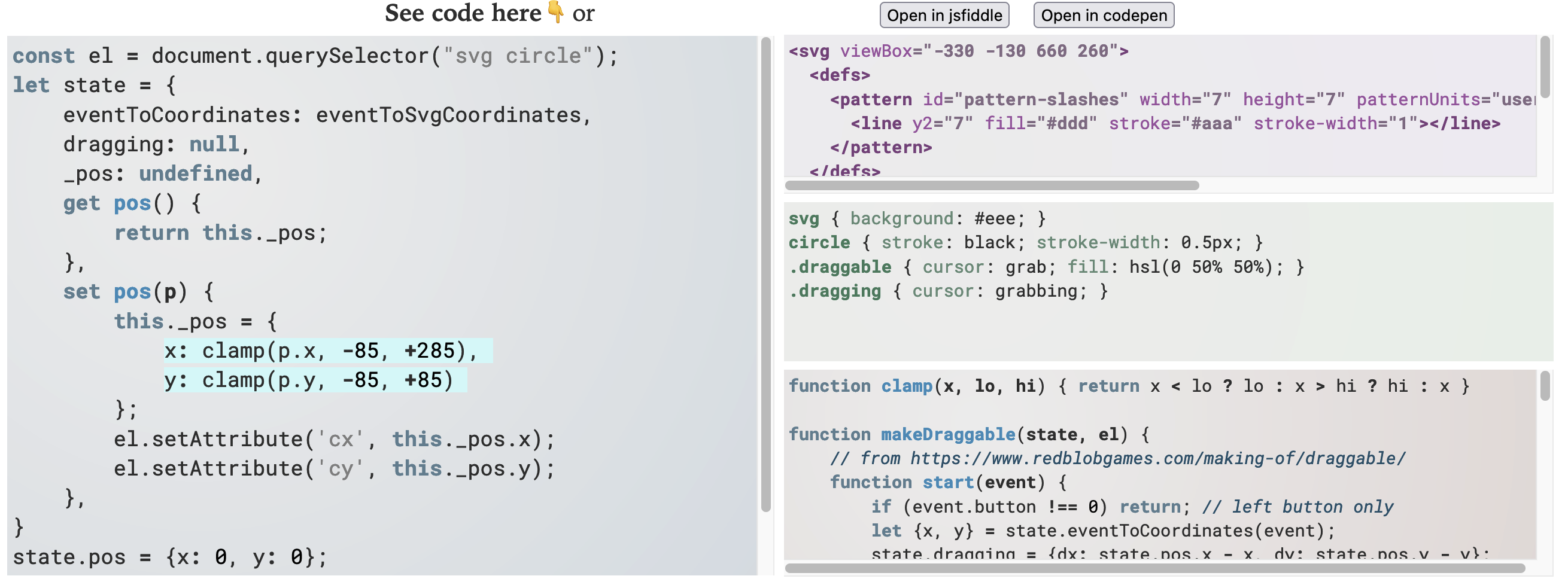
I thought making these examples would take a week or two, but I ended up spending a lot more time on it. I made a code viewer that showed the event and state handlers for each example. I made a custom highlighter that highlighted lines of code to pay attention to. I made a code generator that partially generated the example code, then ran it. I considered making the examples editable, but decided to instead link to live editable editables on jsfiddle and codepen.
Taking longer than a week was ok. Some of my projects are timeboxed[1], and I give myself a week to work on them. I typically use timeboxing when I’m learning something. But this page isn’t one of those. It’s a reference page that I’m willing to spend a lot more time on. I’ll come back to it as I learn more or better ways of doing things. I probably spent 4 weeks on this.
One thing I had wondered about was: why isn’t this a library? I had presented it as a recipe, something to be copied and modified for each situation. But it could’ve been a library, right? But in making these examples I got to see that my own uses are so varied that a library would be overly complicated. The event handlers and state handlers are not fully independent, like I had thought they would/should be. So for now I’ll leave it as a recipe, and revisit it later.
Take a look at the examples and feel free to copy them and use them in your own projects!
此内容由惯性聚合(RSS阅读器)自动聚合整理,仅供阅读参考。 原文来自 — 版权归原作者所有。