


Meet Cline Desktop, an open-source app for open-weight models. Run parallel AI agents, automate recurring tasks, choose from 300+ models, and extend your workflow with plugins, MCP servers, and skills.

Meet Cline Desktop, an early version of our open-source app for open-weight models.
Cline started as a VS Code extension and is now used by more than 11 million developers. We’ve built it around open-source software, open models, and giving developers control over how they work with agents. With the desktop app, we want to make it easier to delegate work to agents and bring Cline to people who don’t spend their day in a code editor.
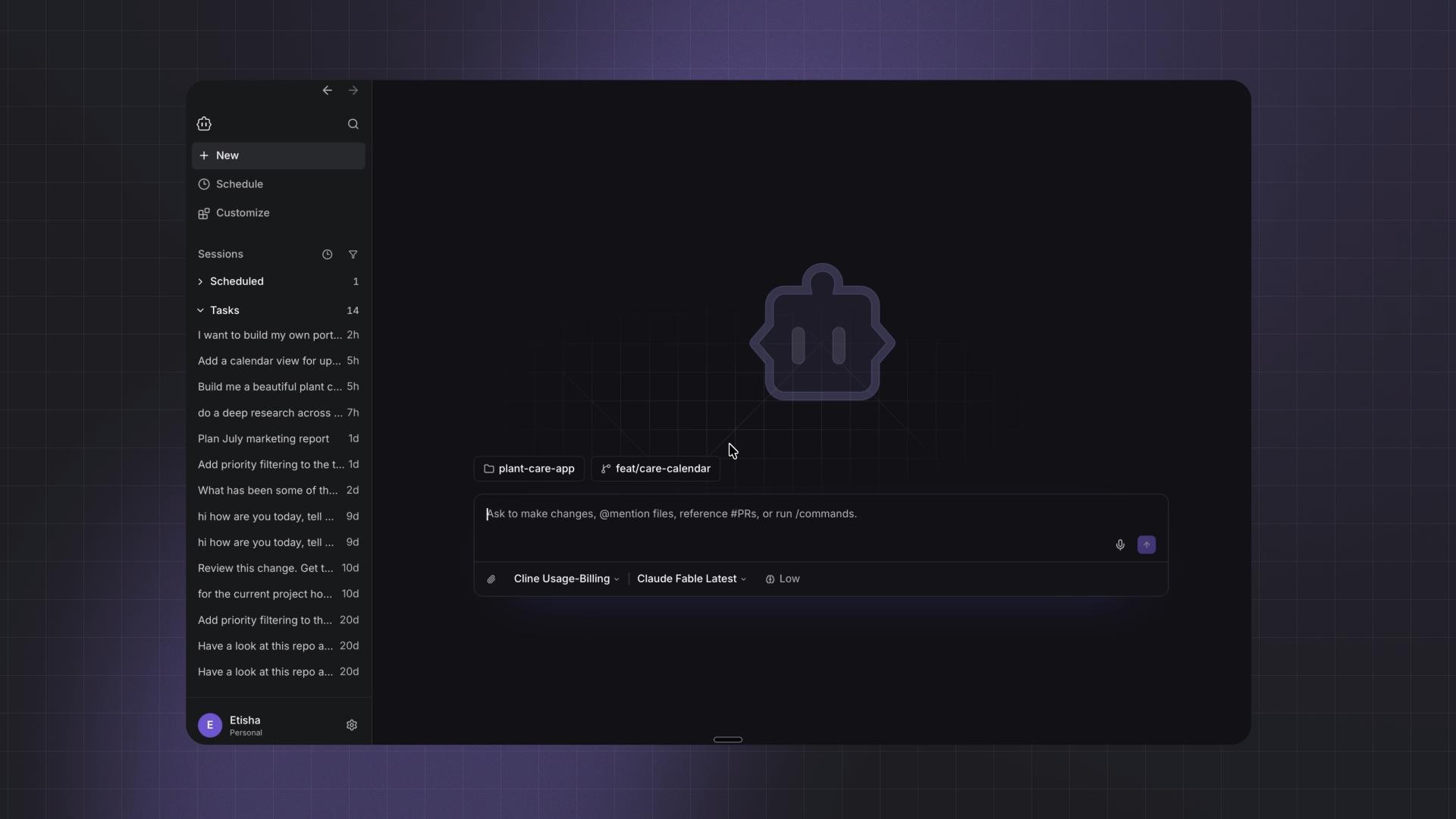
Cline Desktop brings the same agent harness we’ve built for open-weight models to a dedicated workspace, with parallel sessions, scheduled tasks, and a Marketplace for extending Cline with tools and integrations. You can choose your provider and model, or easily import an existing task from another coding agent and keep going in Cline.
The same open harness, your choice of model
Like the extension and CLI, Cline Desktop lets you:
- Access 300+ models through the Cline provider, or use open-weight models through ClinePass.
- Run local models, or bring your own API key and connect to 50+ providers.
- Use different models for Plan and Act, or continue tasks from Claude Code and Codex with an open-weight model.
The Mac app is fully open source, just like the extension and CLI, leveraging the same Cline harness under the hood. All the Cline sessions are connected, you can easily start a task in CLI or extension, and pick it up in the desktop app.
Choosing a model is only part of getting an agent to work well: the harness determines how it uses tools, manages context, and recovers from errors. We rebuilt that foundation around the Cline SDK, where we rewrote the prompts, simplified the agent loop, improved context management and error handling, and redesigned how models discover and call tools.
Open-weight models on Terminal-Bench 2.0
Model | Cline | Hermes | OpenCode |
DeepSeek V4 Flash | 60.67% | 57.3% | 52.8% |
GLM 5.3 Flash | 64.0% | 56.2% | 61.8% |
Kimi K3 | 82.02% | 71.9% | 76.4% |
DeepSeek V4 Pro | 59.6% | 56.2% | 55.1% |
Cline CLI scores are pass@1. Results reproduced from Cline’s September 2 harness-upgrade post; these are harness benchmark results, not a separate Desktop evaluation.
A workspace for coding and everything around it
The industry is still on the journey of exploring the right interaction pattern with agents. While we explore the new shape of interaction patterns, a desktop app gives us room to try more ways of working, including for people who aren’t comfortable in a terminal.
The CLI and VS Code extension work well when you’re focused on a few tasks and human attention is deeply needed. As you delegate more work, keeping track of each agent and its context gets harder. The desktop app gives you a place to manage those tasks together.
You can have several agents working at once: one writing code, another researching in the browser, and another handling a recurring task. Tools and plugins let you extend what each agent can do. The work in the desktop app can go beyond coding be it to prepare a report, review a folder of documents, plan a launch, or track changes over time.
Pick up where another agent left off
Us at Cline jump between models and agents too. We want Cline to be improving and complementary to your current workflow, where you still have the open choice - instead of enforcing it to be your only surface.
0:00
/0:07
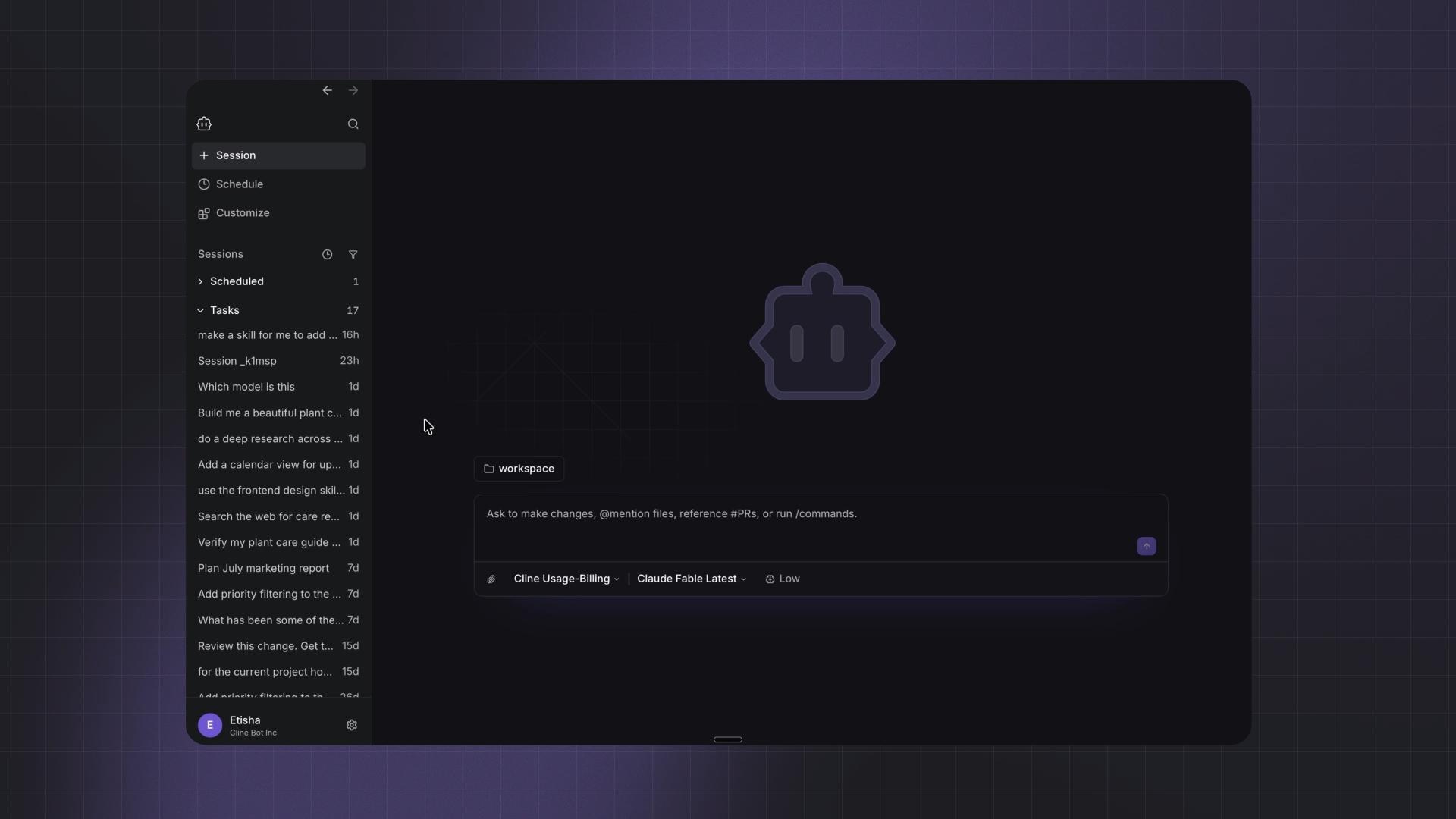
Import a conversation from Claude Code, Codex, or another supported agent, review what’s already been discussed, and continue with your next instruction. This has worked well for early testers and even our own team, especially when we’ve used up our Claude Code or Codex subscription quota! ;)
For example, if you’ve been working through a bug in Claude Code where your subscription quota’s up, you can import that conversation into Cline and use the earlier discussion to continue debugging with cheaper open weights models. Or if you have an implementation done by OpenAI’s Astra model, and looking for another open-weight model to give it a review, picking it up within Cline will fit perfectly for it.
Automate recurring work with Schedule (cron jobs)
Schedule lets you create cron job automations in Cline Desktop. Give an agent a task and a recurring schedule, and it runs the job automatically at those times.
Set the prompt, workspace, provider, and model, then choose how often the job should run. You can also start with suggested automations for finding critical bugs, scanning for vulnerabilities, summarizing recent changes, or keeping documentation up to date.
0:00
/0:11
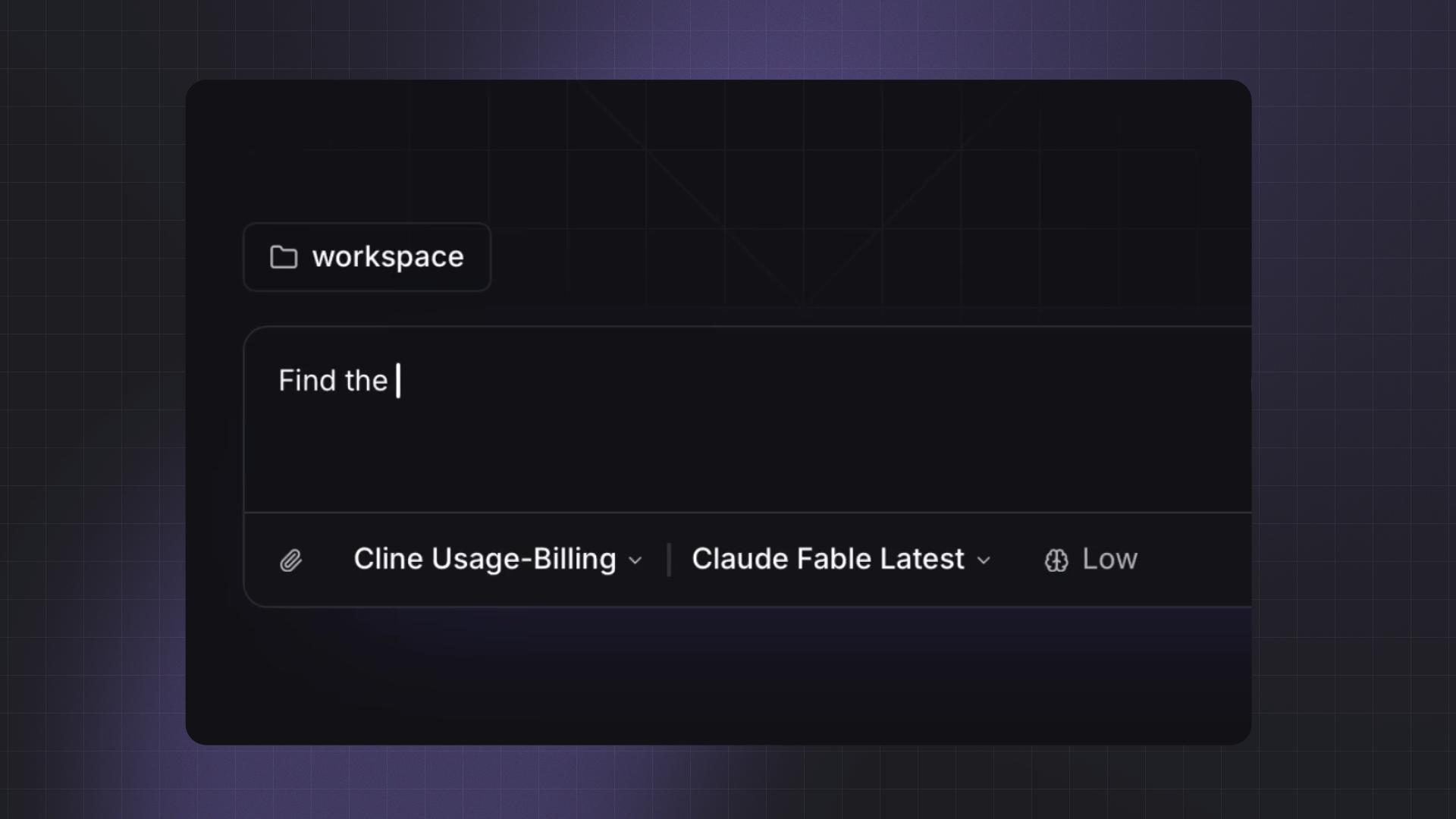
We use these automations for a morning PR review, a nightly repo check, or a weekly documentation update. Set up the job once, and let it handle the same routine each time it runs.
Web Search & Voice Input
Web search helps Cline bring outside context into your work, whether you’re researching a topic, comparing options, or checking something before making a decision.
0:00
/0:14
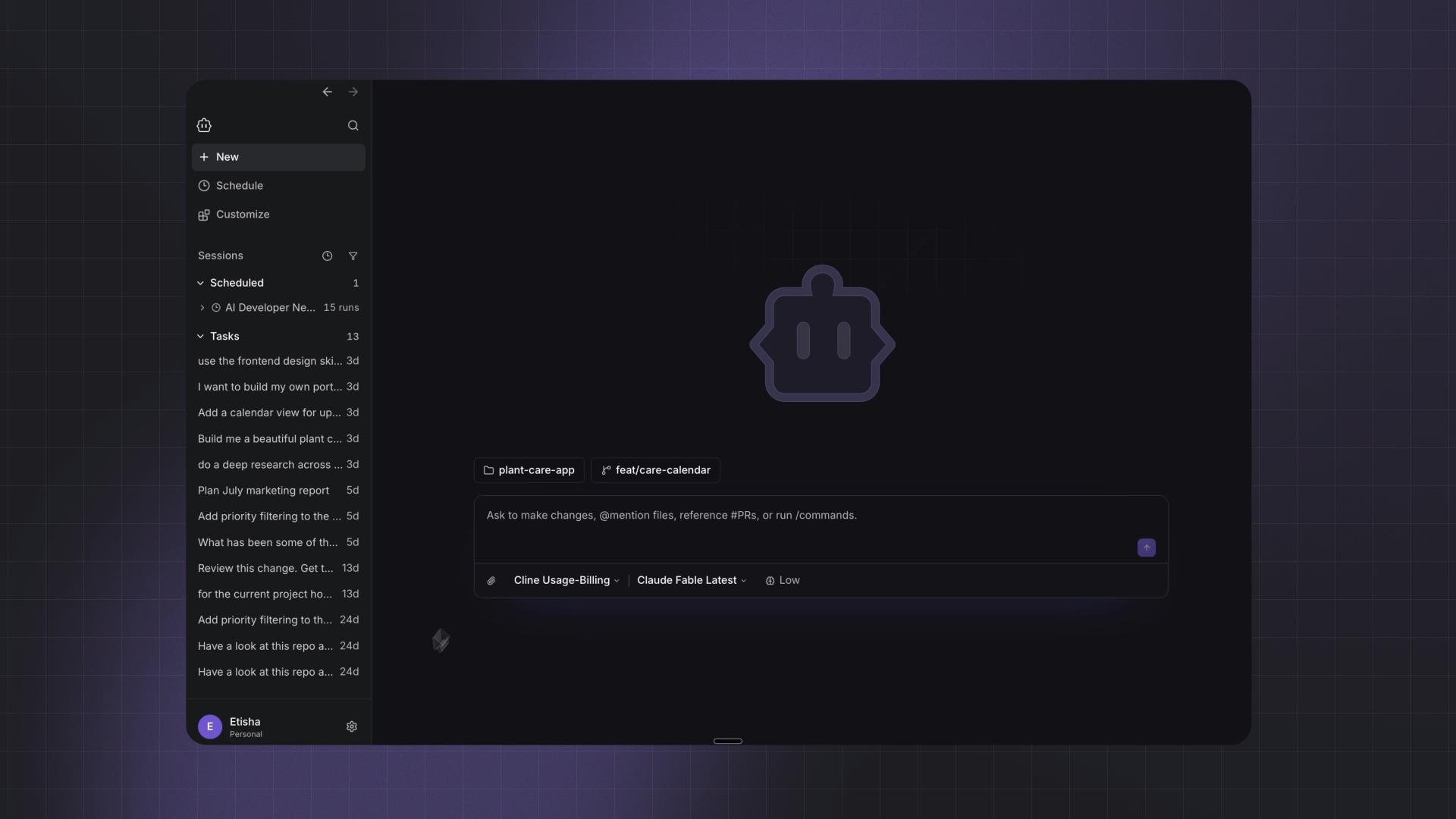
Voice input makes it easier to get your thoughts down: talk through an idea, explain a tricky problem, or give a longer instruction without typing it all out.
0:00
/0:15
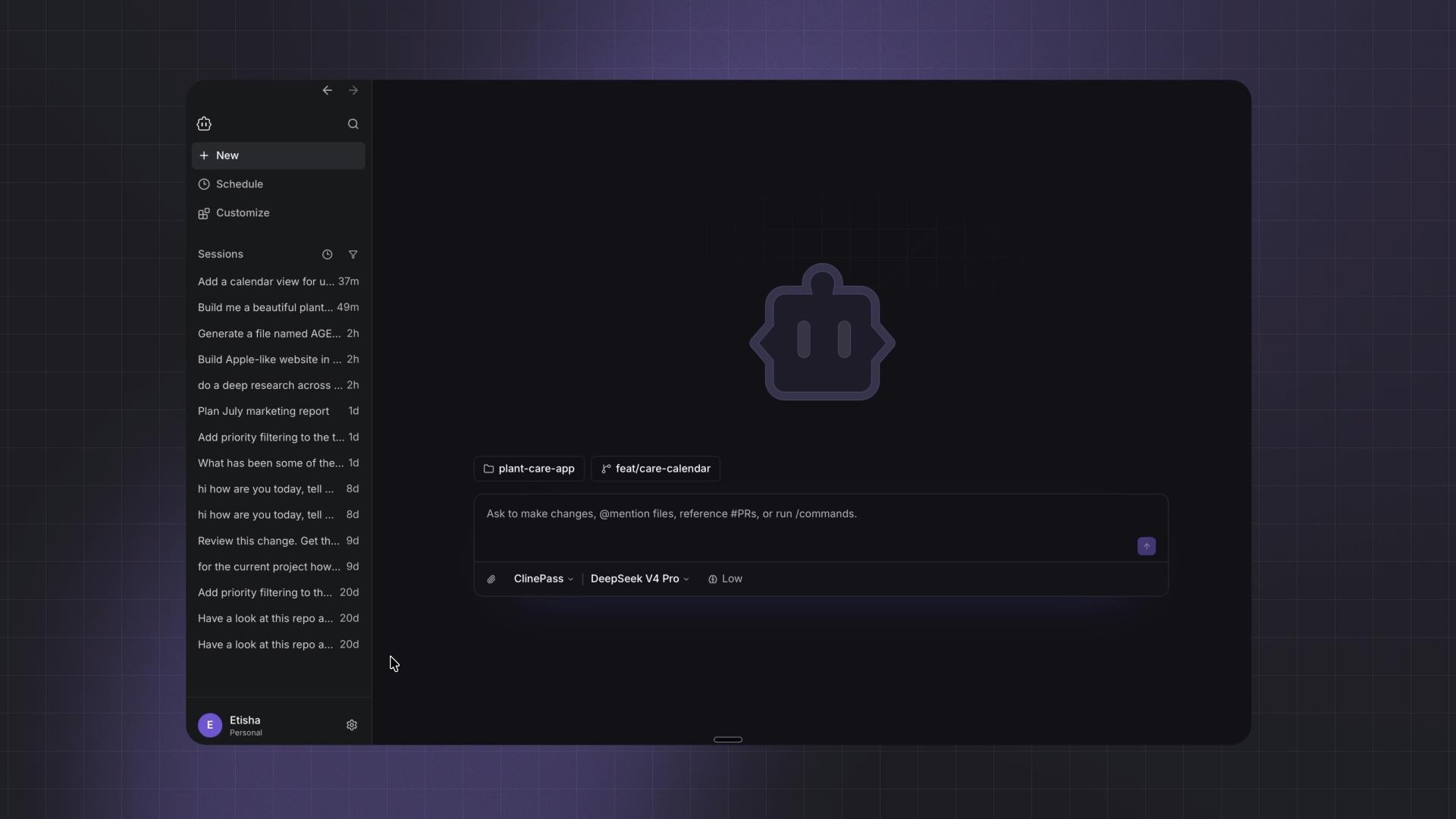
Together, they make Cline useful for the everyday work of gathering information and turning rough thoughts into something you can act on.
Extend it the way you want
Different tasks need different tools. The Marketplace lets you discover, install, and manage agent plugins, MCP servers, and skills without leaving the app.
0:00
/0:18
You can search for what you need or browse by category, with listings that explain what each addition does and any setup it requires. You can also extend the skills you already love and customize them around the way you work.
Getting started
Download Cline Desktop for Mac and Windows (beta) here: https://cline.bot/desktop
Connect a workspace, choose your model, and start working. This is still an early version. Tell us what works for you, what’s missing, and what you’d like us to build next!