

惯性聚合 高效追踪和阅读你感兴趣的博客、新闻、科技资讯
阅读原文 在惯性聚合中打开

推荐订阅源

Forbes - Security
Forbes - Security
T
Tailwind CSS Blog
Hugging Face - Blog
Hugging Face - Blog
Blog — PlanetScale
Blog — PlanetScale
WordPress大学
WordPress大学
aimingoo的专栏
aimingoo的专栏
Y
Y Combinator Blog
U
Unit 42
I
InfoQ
CTFtime.org: upcoming CTF events
V
Visual Studio Blog
B
Blog RSS Feed
Vercel News
Vercel News
F
Fortinet All Blogs
Know Your Adversary
Know Your Adversary
T
Troy Hunt's Blog
博客园 - 【当耐特】
MongoDB | Blog
MongoDB | Blog
大猫的无限游戏
大猫的无限游戏
A
About on SuperTechFans
Jina AI
Jina AI
小众软件
小众软件
T
Threatpost
有赞技术团队
有赞技术团队
人人都是产品经理
人人都是产品经理
The Hacker News
The Hacker News
T
The Exploit Database - CXSecurity.com
C
CXSECURITY Database RSS Feed - CXSecurity.com
Exploit-DB.com RSS Feed
Microsoft Azure Blog
Recent Announcements
酷 壳 – CoolShell
酷 壳 – CoolShell
Scott Helme
Scott Helme
B
Blog
腾讯CDC
Last Week in AI
Last Week in AI
P
Proofpoint News Feed
S
Schneier on Security
N
News and Events Feed by Topic
Microsoft Security Blog
K
Kaspersky official blog
G
Google Developers Blog
T
Tor Project blog
PCI Perspectives
PCI Perspectives
S
Secure Thoughts
Google Online Security Blog
Latest news
Latest news
Google DeepMind News
MyScale Blog
MyScale Blog
罗磊的独立博客

Rat's Blog - h5ai

使用Docker安装Aria2+AriaNg+Filebrowser+Plex,离线BT下载/建立私人影院 - Rat's Blog qBittorrent+Deluge+rTorrent+Transmission+H5ai多功能一键脚本 - Rat's Blog 使用Docker快速安装H5ai网盘、内置HTML5视频播放器DPlayer - Rat's Blog H5ai修改版,带HTML5视频播放器DPlayer,并支持hls切片播放 - Rat's Blog 利用Aria2+AriaNg+H5ai+Google Drive建立离线BT下载/在线播放/无限空间网盘 - Rat's Blog H5ai一键安装脚本 for Debian - Rat's Blog 使用Docker快速安装Aria2+AriaNg+h5ai,可离线BT下载和在线播放 - Rat's Blog 给h5ai开启二维码、搜索、选择功能 - Rat's Blog 安装h5ai后,文件读取不出来的解决方法 - Rat's Blog
H5ai一键安装脚本(基于Nginx+PHP 7),自动配置SSL证书 - Rat's Blog
博主: Rat's · 2018-01-11 · via Rat's Blog - h5ai

说明:之前发过一个h5ai一键安装脚本,参考:h5ai一键安装脚本 for Debian,不过不能自动签发SSL证书还是有点不足的,恰好今天在Github上也发现了一个大佬写的h5ai一键安装脚本,而且还支持自动签发免费的Let's Encrypt SSL证书,很不错。

截图
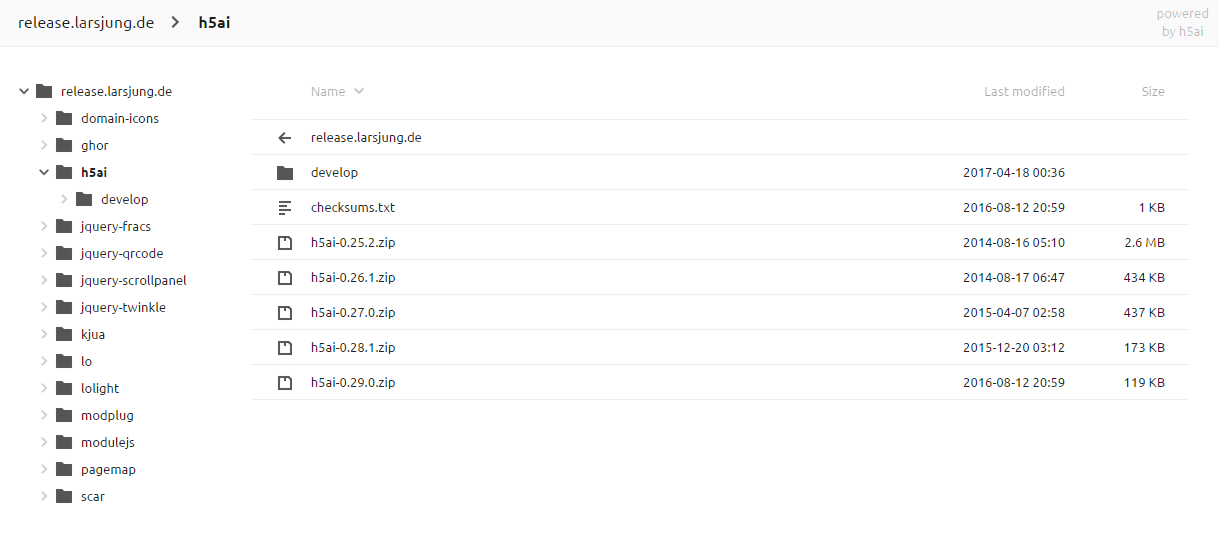
请输入图片描述

更新日志

【2017-12-15】

  • 添加一键SSL配置功能
  • 添加域名IP验证
  • 部分bug修复
  • 相关依赖完善

【2017-12-14】

  • 实现H5AI基本功能
  • 完善安装相关所需依赖

安装

Github地址:https://github.com/wulabing/h5ai_onekey_install-lnp-

系统要求:Debian 8 +,并使用纯净状态的发行版系统安装。还需要提前将你的域名解析到服务器。

运行以下命令:

#下载脚本
apt-get install git -y
git clone https://github.com/wulabing/h5ai_onekey_install-lnp-.git h5ai
cd h5ai

#Debian 8运行命令
bash h5ai.sh

#Debian 9运行命令
sed -i '53,54d' h5ai.sh && bash h5ai.sh

#脚本备份
https://www.moerats.com/usr/shell/h5ai_ssl.sh

安装会要求你输入相应的数字:

input: 请选择安装内容 
1. h5ai
2. SSL
3. h5ai+SSL

选择3即可,安装过程中会要求你输入域名并自动帮你签发SSL证书。

安装路径

Nginx:/etc/nginx
PHP: /etc/php/7.0
h5ai目录:/home/wwwroot/your_domain

版权声明:本文为原创文章,版权归 Rat's Blog 所有,转载请注明出处!

本文链接:https://www.moerats.com/archives/472/

如教程需要更新,或者相关链接出现404,可以在文章下面评论留言。

Vultr新用户注册送100美元/16个机房按小时计费,支持支付宝,【点击查看】。