惯性聚合 高效追踪和阅读你感兴趣的博客、新闻、科技资讯
阅读原文 在惯性聚合中打开

推荐订阅源

奇客Solidot–传递最新科技情报
奇客Solidot–传递最新科技情报
人人都是产品经理
人人都是产品经理
爱范儿
爱范儿
aimingoo的专栏
aimingoo的专栏
博客园 - 叶小钗
H
Help Net Security
Microsoft Security Blog
The Cloudflare Blog
S
SegmentFault 最新的问题
小众软件
小众软件
钛媒体:引领未来商业与生活新知
钛媒体:引领未来商业与生活新知
博客园 - 司徒正美
The GitHub Blog
The GitHub Blog
量子位
H
Hackread – Cybersecurity News, Data Breaches, AI and More
V
V2EX
Martin Fowler
Martin Fowler
博客园 - 【当耐特】
J
Java Code Geeks
D
DataBreaches.Net
云风的 BLOG
云风的 BLOG
F
Fortinet All Blogs
Blog — PlanetScale
Blog — PlanetScale
Last Week in AI
Last Week in AI

Posteo.de - Newsroom

Email green, secure, simple and ad-free - posteo.de Email green, secure, simple and ad-free - posteo.de Email green, secure, simple and ad-free - posteo.de Email green, secure, simple and ad-free - posteo.de Email green, secure, simple and ad-free - posteo.de Email green, secure, simple and ad-free - posteo.de Email green, secure, simple and ad-free - posteo.de Email green, secure, simple and ad-free - posteo.de Email green, secure, simple and ad-free - posteo.de Email green, secure, simple and ad-free - posteo.de Email green, secure, simple and ad-free - posteo.de Email green, secure, simple and ad-free - posteo.de Email green, secure, simple and ad-free - posteo.de Email green, secure, simple and ad-free - posteo.de Email green, secure, simple and ad-free - posteo.de Email green, secure, simple and ad-free - posteo.de Email green, secure, simple and ad-free - posteo.de Email green, secure, simple and ad-free - posteo.de Email green, secure, simple and ad-free - posteo.de Email green, secure, simple and ad-free - posteo.de Email green, secure, simple and ad-free - posteo.de Email green, secure, simple and ad-free - posteo.de Email green, secure, simple and ad-free - posteo.de Email green, secure, simple and ad-free - posteo.de Email green, secure, simple and ad-free - posteo.de Email green, secure, simple and ad-free - posteo.de Email green, secure, simple and ad-free - posteo.de Email green, secure, simple and ad-free - posteo.de Email green, secure, simple and ad-free - posteo.de Email green, secure, simple and ad-free - posteo.de
Email green, secure, simple and ad-free - posteo.de
2023-04-20 · via Posteo.de - Newsroom

New at Posteo: Many Colors and Dark Mode

Created at 20.April 2023, 16:45 | Category: Info
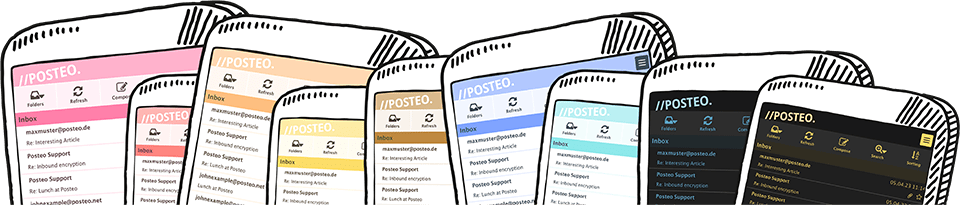
The new colors of Posteo

Dear Posteo customers,

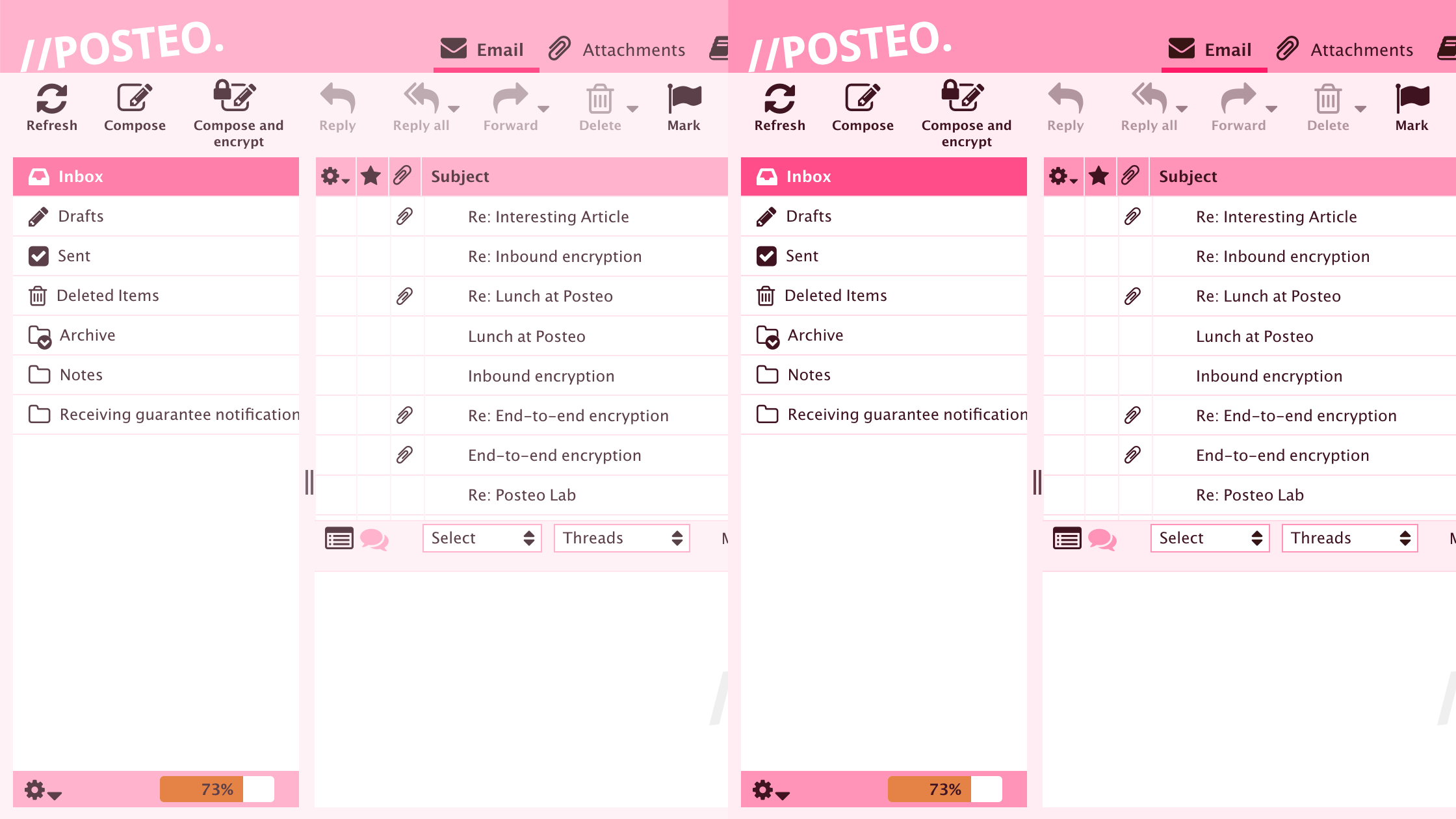
Starting today, we will be gradually releasing new features for you: Just in time for the beginning of spring we are bringing some color to your mailbox – we are now offering our user interface in 10 new variants. Additional updates include dark mode as well as two levels of contrast.
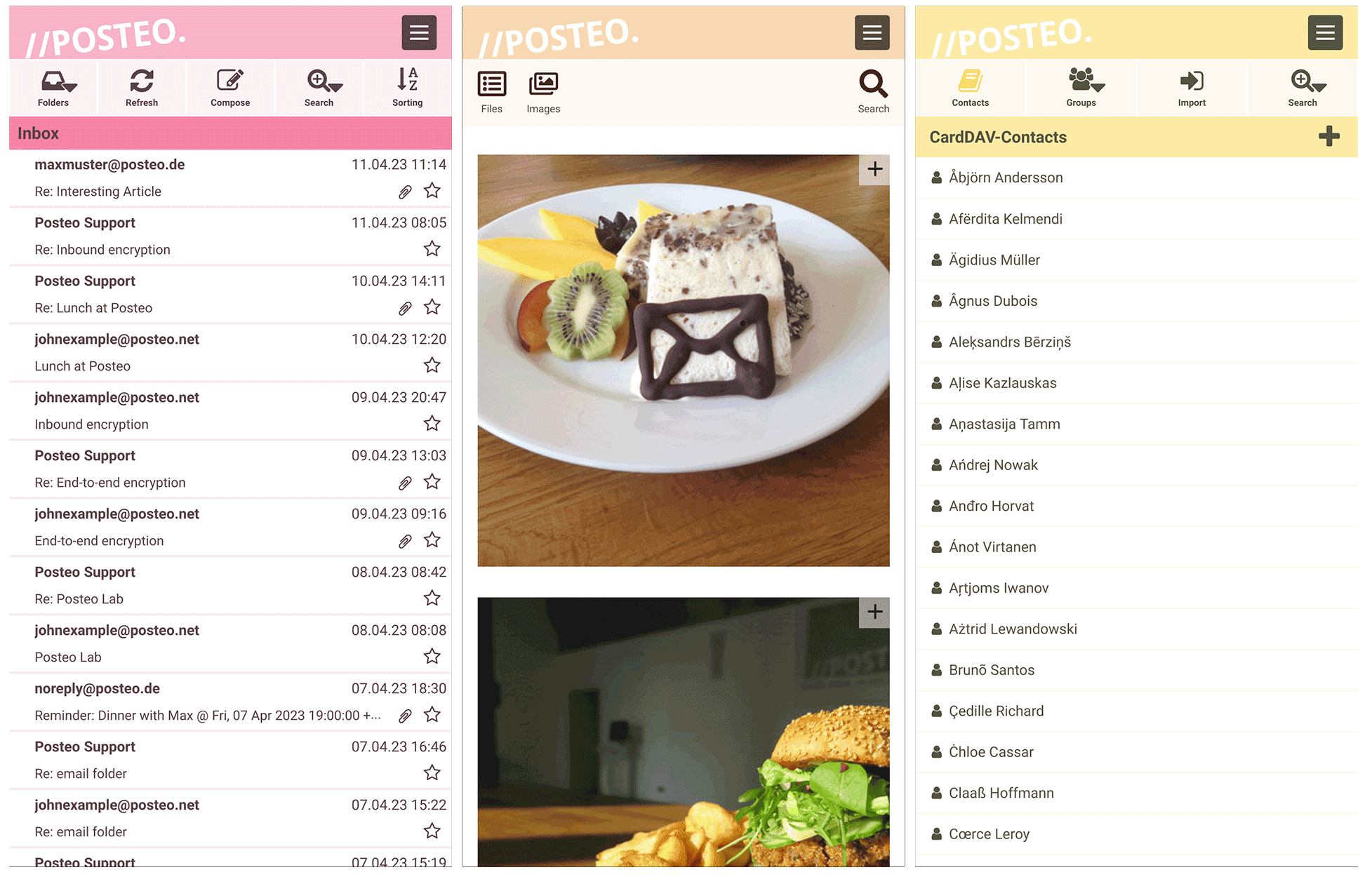
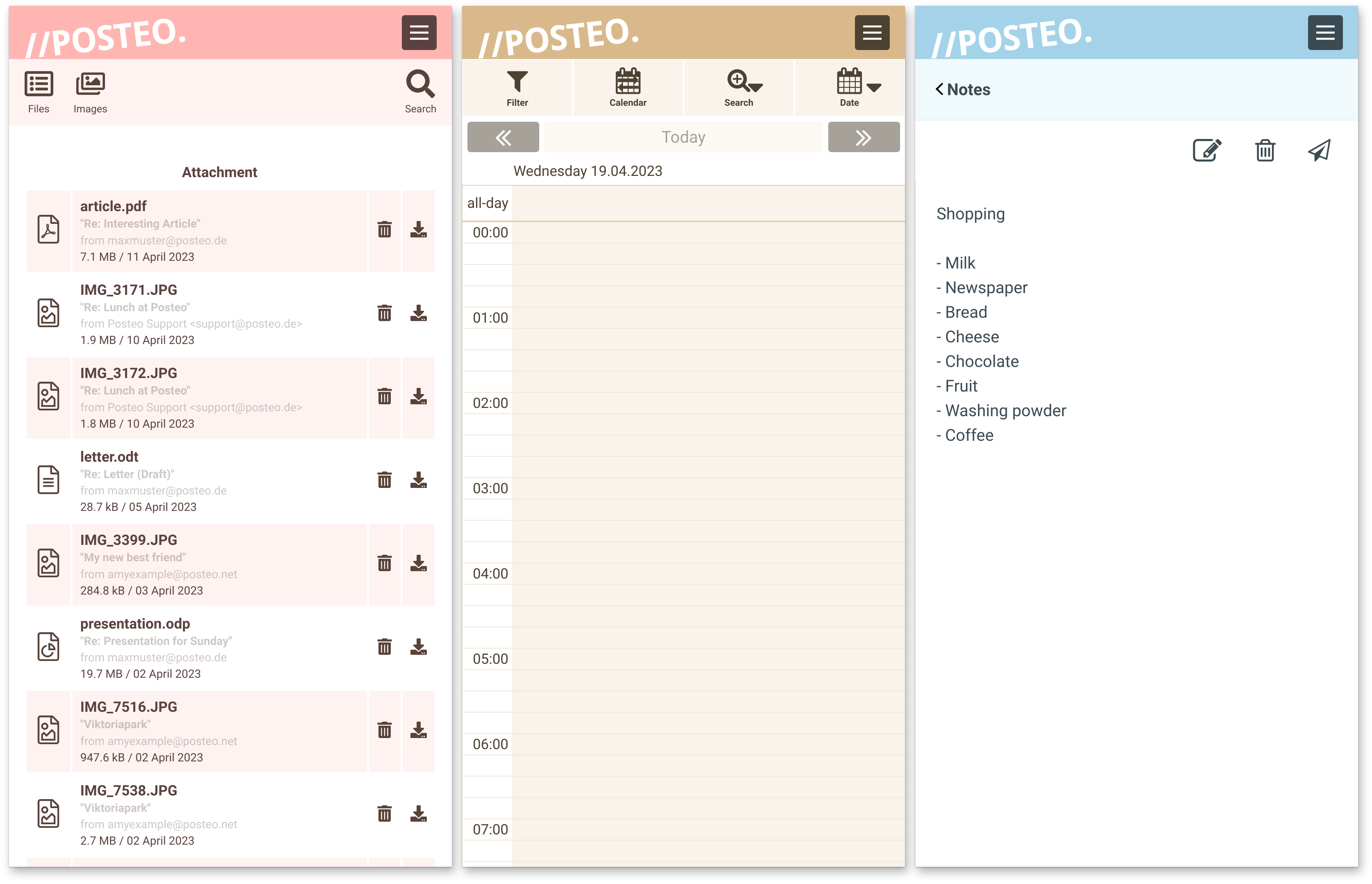
The Posteo Web-App in different colors
Gallery: New colors and contrast levels
The Posteo Web-App in different colors
Gallery: New colors and contrast levels
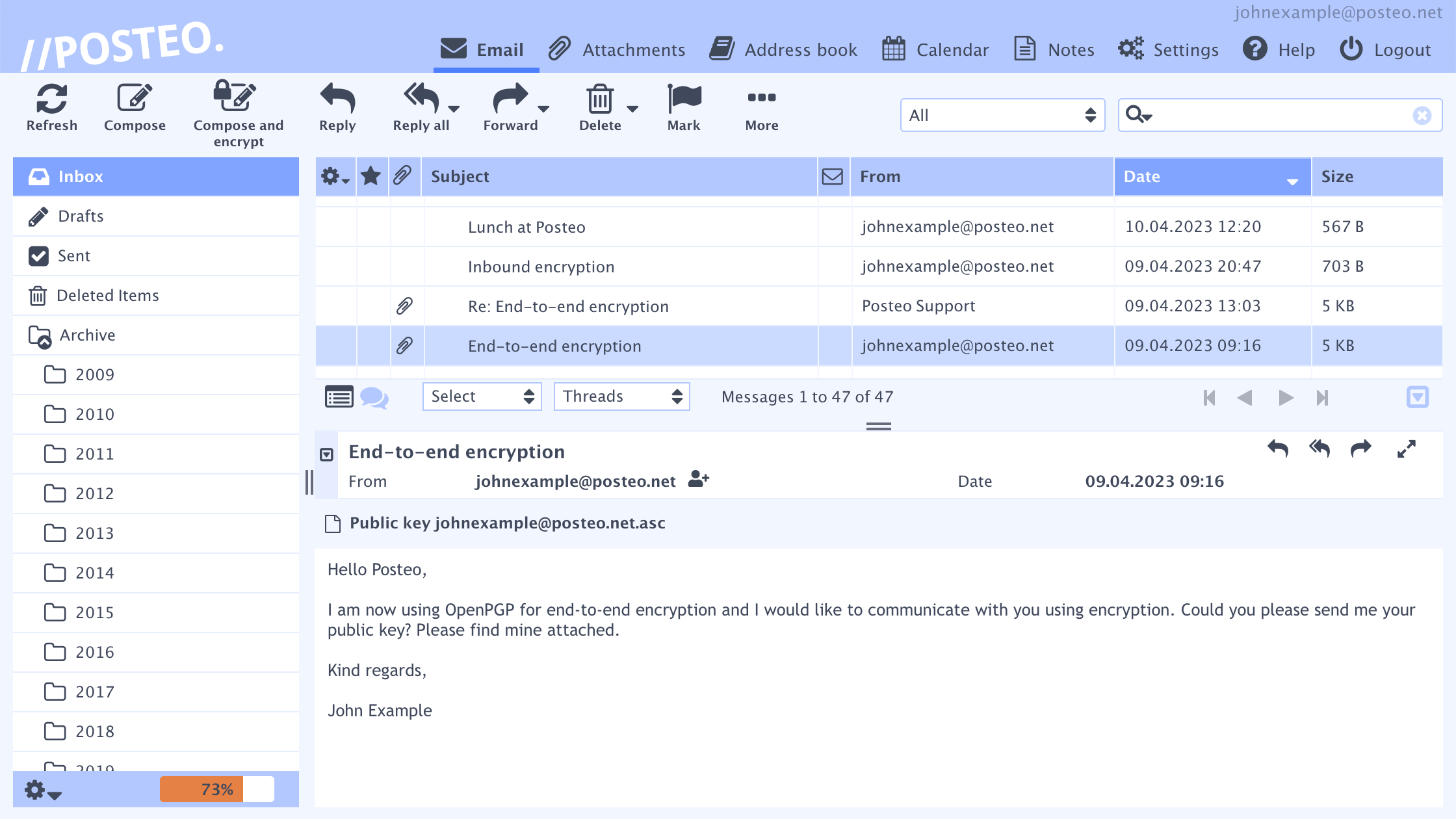
Both contrast levels in comparison
The Posteo Web-App in different colors
Gallery: New colors and contrast levels

Regardless if you prefer yellow, pink, red or neutral colors like beige, brown or blue: From now on, the color of the user interface can be adjusted in the settings. The selected color will be applied to all areas, such as the calendar, notes, the attachment browser or in the Posteo web app.

Each Color in Two Contrast Levels

It is also new that all color variations are now available in two contrast levels. If you regularly work several hours in front of a screen, a color and contrast selection tailored to their own needs can be much more pleasant. Please try it out!
The contrast toggle switch can be found in the settings directly above the color selection.
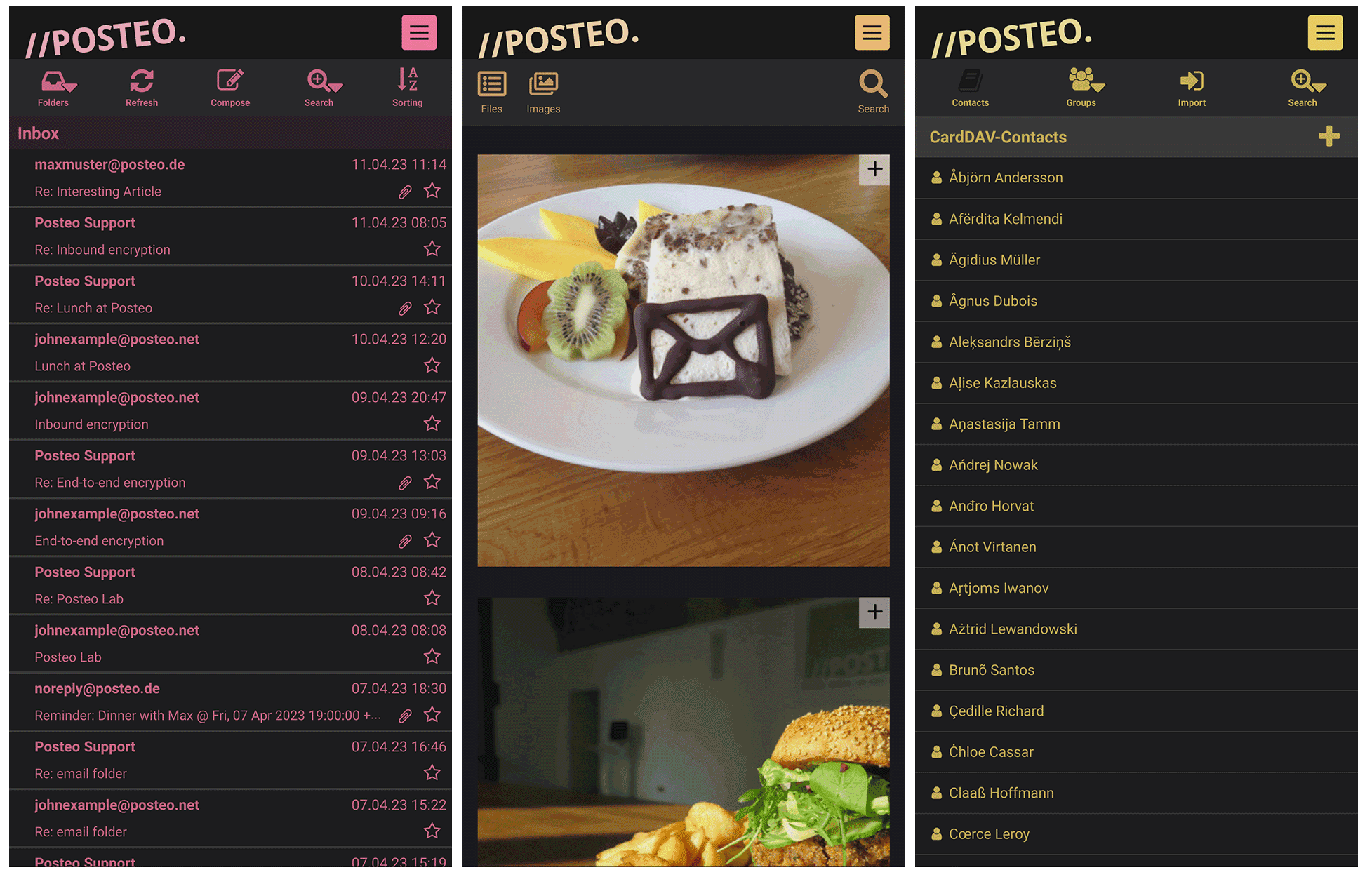
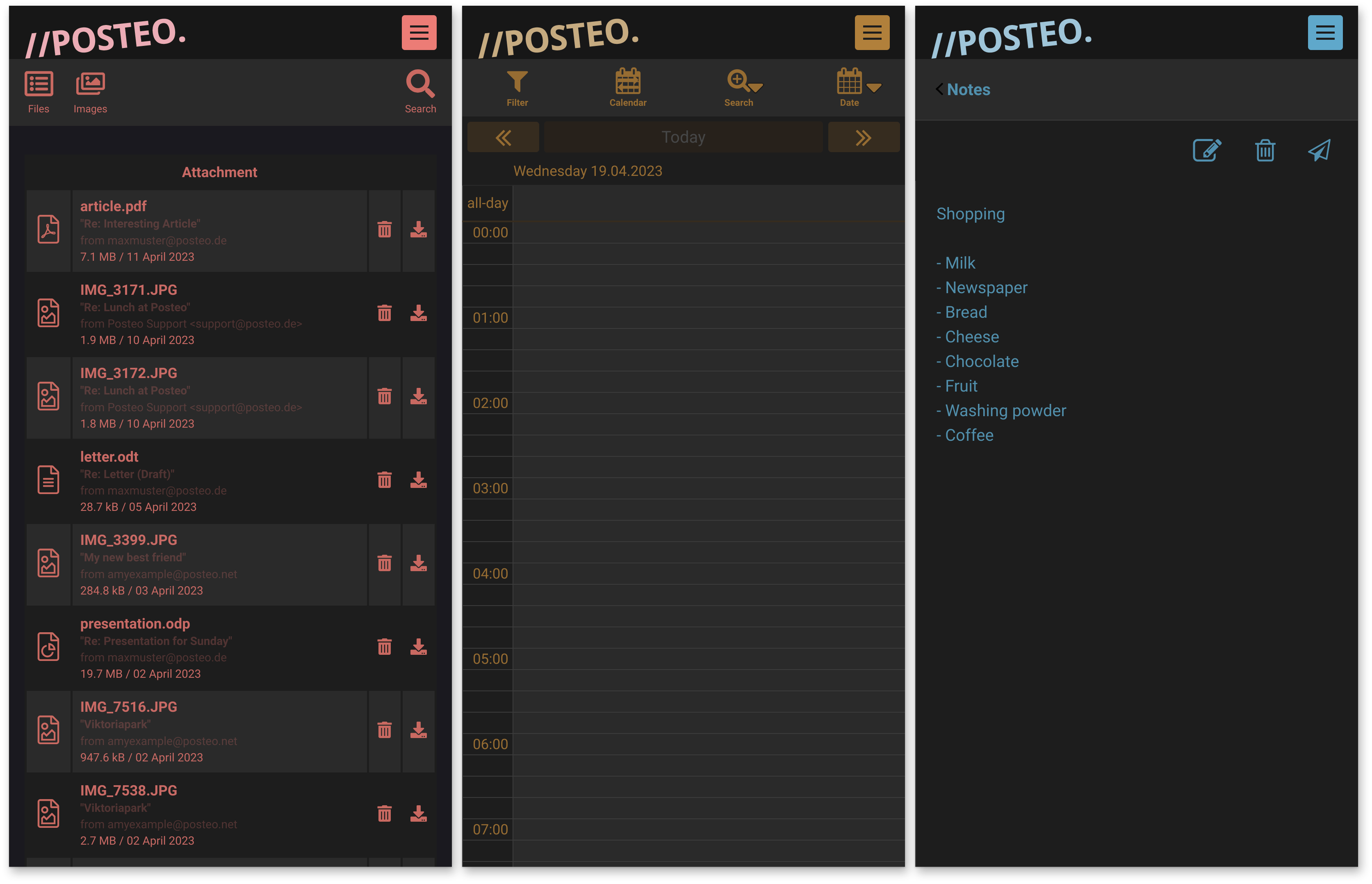
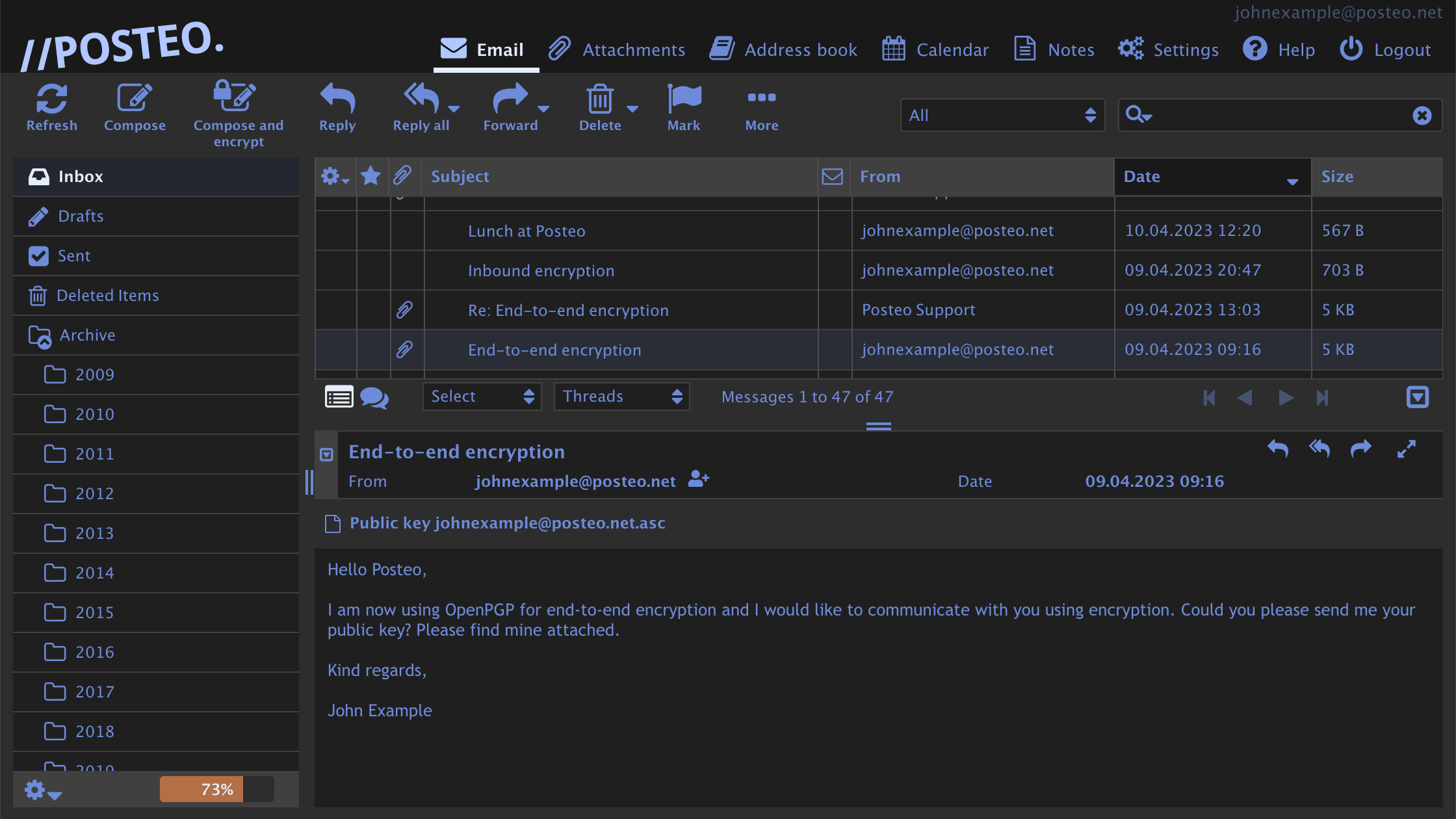
Dark mode in the Posteo web app
Dark mode in the Posteo webmailer

Dark Mode

Another update: Starting now, you can activate dark mode. The background will then be displayed darkened and the text brightened – in the color you have selected. dark mode is especially useful for reading emails in darker settings. Many people also consider this more pleasant on the eyes in general.

Additionally, you have the option to automatically control Light and dark mode based on your operating system settings: The Posteo interface will then adapt accordingly – also on smartphones using the web app.

There is a toggle switch for dark mode and auto dark mode directly above the color selection.

We will gradually release all new features over the next few weeks. As soon as they have been released for your account, you will find the new options in Preferences via “User Interface”. These features are available free of charge without any further action on your part.

Video and Help Guides

In our video, you will learn how to select your personally favorite color and contrast level – and how dark mode works. There are also versions of the video available in French and German.

You can find step-by-step guides in our help section here:
How do I change the color of the Posteo webmail interface?
How do I activate dark mode for my account?
How do I install the Posteo web app?

Best regards,
Your Posteo Team