







I was going OK with Thunderbird and enigmail(though it have many problems). Normally I go through changelogs before updating packages and rarely do a complete upgrage of my machine. Couple of days ago I did a complete upgrade of system which updated my Thunderbird to latest version and throwing of enigmail plugin for using their native openPGP support. There is a blog from Mozilla which I should’ve read earlier. Thunderbird’s builtin openPGP functionality is still in experimental, atleast not ready for my workflow. I could’ve downgrade to version 68. But I chose to move to my secondary MUA, mutt. I was using mutt for emails and newsletters that I check twice in a year a so.
So I started configuring mutt to handle my big mailboxes. It took three evenings to configure mutt to my workflow. Though the basic setup can be done in less than an hour it is the small nitpicks consumed much of my time. Currently I have isync to pull and keep mails offline. Mutt to read, msmtp to send, abook as the email address book and urlview to see the links in mail. I am still learning notmuch and virtual mailbox ways to filter.
There are ton of articles out there to configure mutt and all related things to it. But I find certain configs very hard to get. So I will write down those.
-
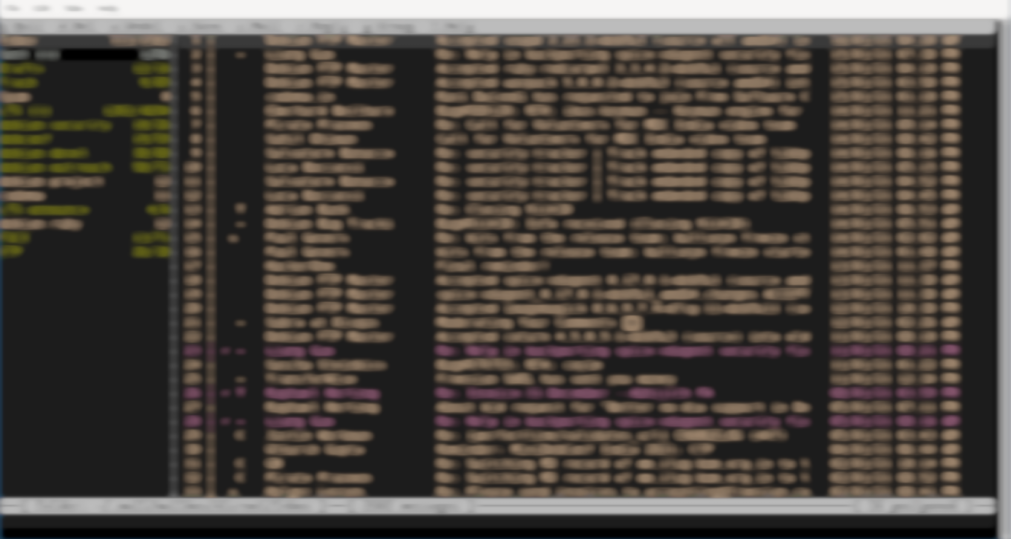
As a long Thunderbird user, I still want my mailbox index to look in a certain way. I used;
 set date_format="%d/%m/%y %I:%M %p"
 set index_format="%3C | %Z %?X?@& ? %-22.17L %-5.50s %> %-22.20D"
This gives following order - serial number, various flags (if there is an attachment, it will shows ‘@’), sender, subject and to extreme right there will be date and time (12h local) of mail
- If use nano to write mails you can use
set editor="nano --syntax=email -r 70 -b"to get 70 char length and mail related syntax highlighting
-
mutt has a way to make new mail notification. The
new_mail_commandcan be used to execute a custom script upon new mail, such as running notify-send. There are many standalone mail notifier such as mailnag, mail notification etc. It all just felt bulky for me. So I ended up making these.#!/bin/sh accounts="$(awk '/^Channel/ {print $2}' "$MBSYNCRC")" for account in $accounts; do acc="$(echo "$account" | sed "s/.*\///")" new=$(find "$MAILBOX/$acc/Inbox/new/" -type f -newer "$MUTT/.mailsynclastrun" 2> /dev/null) newcount=$(echo "$new" | sed '/^\s*$/d' | wc -l) if [ "$newcount" -gt "0" ]; then for file in $new; do # Extract subject and sender from mail. from=$(awk '/^From: / && ++n ==1,/^\<.*\>:/' "$file" | perl -CS -MEncode -ne 'print decode("MIME-Header", $_)' | awk '{ $1=""; if (NF>=3)$NF=""; print $0 }' | sed 's/^[[:blank:]]*[\"'\''\<]*//;s/[\"'\''\>]*[[:blank:]]*$//') subject=$(awk '/^Subject: / && ++n == 1,/^\<.*\>: / && ++i == 2' "$file" | head -n 1 | perl -CS -MEncode -ne 'print decode("MIME-Header", $_)' | sed 's/^Subject: //' | sed 's/^{[[:blank:]]*[\"'\''\<]*//;s/[\"'\''\>]*[[:blank:]]*$//' | tr -d '\n') displays="$(pgrep -a Xorg | grep -wo "[0-9]*:[0-9]\+")" for x in $displays; do export DISPLAY=$x notify-send -i $MUTT/mutt.png -t 5000 "$account received new message:" "$from: <i>$subject</i>" done done fi done touch "$MUTT/.mailsynclastrun"And hooked to mail_new_command. This code snippet is from lukesmith’s mutt-wizard, I barely modified to meet my need. Currently it only look in to ‘Inbox’. I need to modify to check other mailbox folders in future.
So far, everything going okay.
Cons
- some times mbsync throws
EOFandsecret key not founderror. - searching is still a pain in mutt
- nano’s spell checker also check things which I am replying to.
More to come
Well for now I moved mail from part of the Thunderbird. But Thunderbird was more than a MUA to me. It was my RSS reader, calendar and to-do list manager. I will write more about those once I make a complete transition.