





Last updated on
Wise payouts are the recommended payout method for the Ghost referral program, and have no minimum payout amount.
If you don’t have a Wise account, you can create one for free at Wise.com, and get it setup for payouts from the Ghost referral program by following this guide.
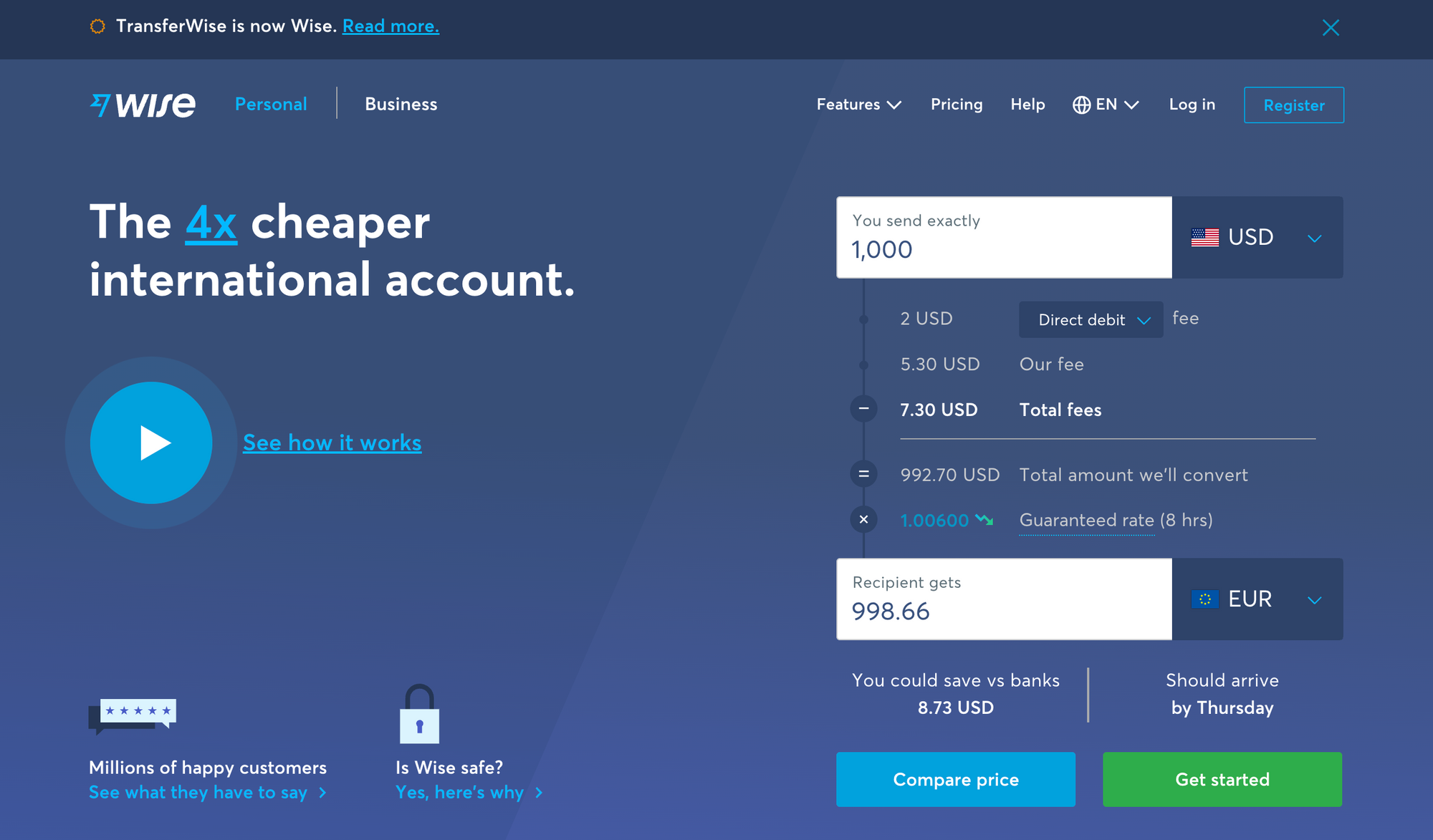
1. Create an account at Wise.com
Open a currency account in the currency you want to receive money in. You can do this from the Wise website or the Wise app, get started by clicking Register.
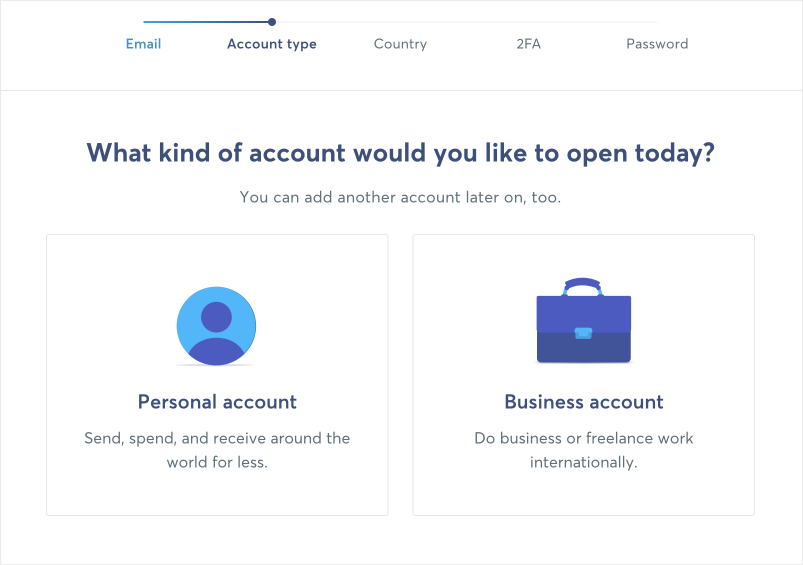
2. Choose an account type
Fill in the required information, including the email address you want to use, the account type you’re setting up, your country, and security options.
3. Create a currency account
In order to receive and hold money in Wise, you'll need to create a currency account. This will be the account that you receive funds into, and offers options to connect a bank account so you can transfer your payouts from Wise to a bank account of your choice.
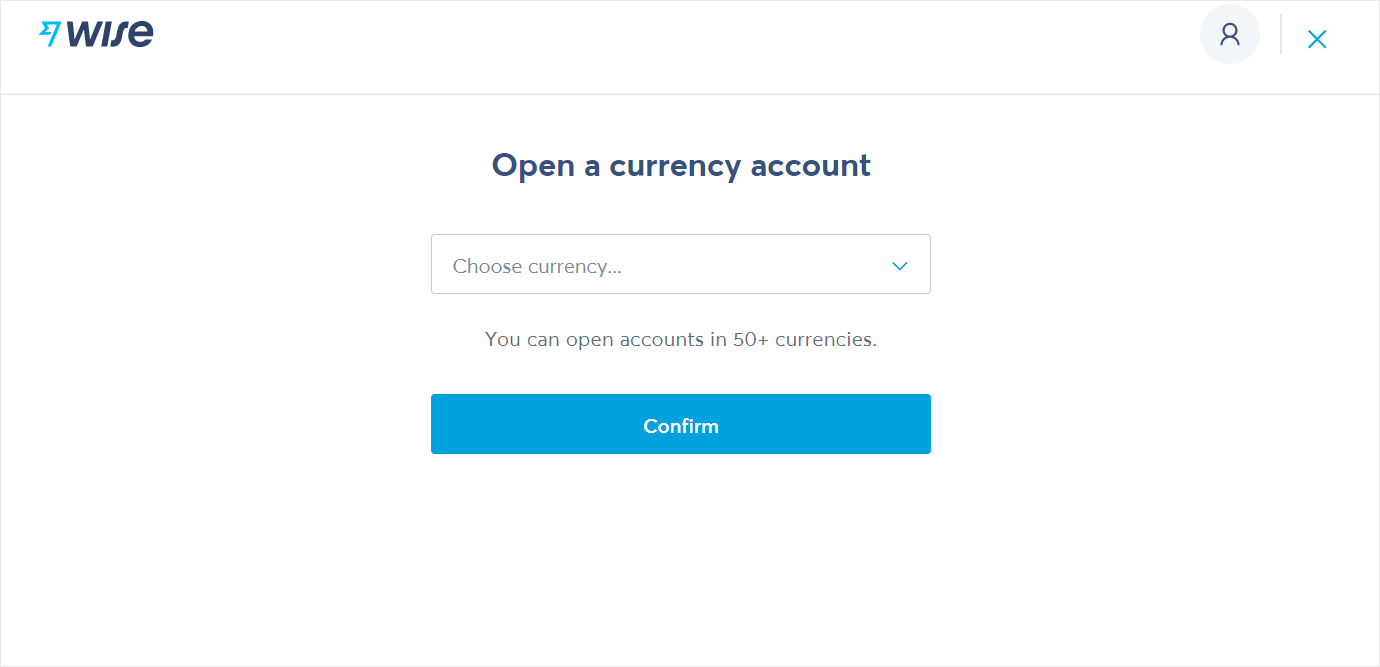
Choose your currency and follow the steps to create the account. Wise sends a confirmation email that you need to open and click to complete this process.
4. Enable payments via email address
From your dashboard, go to Manage → Receiving by email or phone.
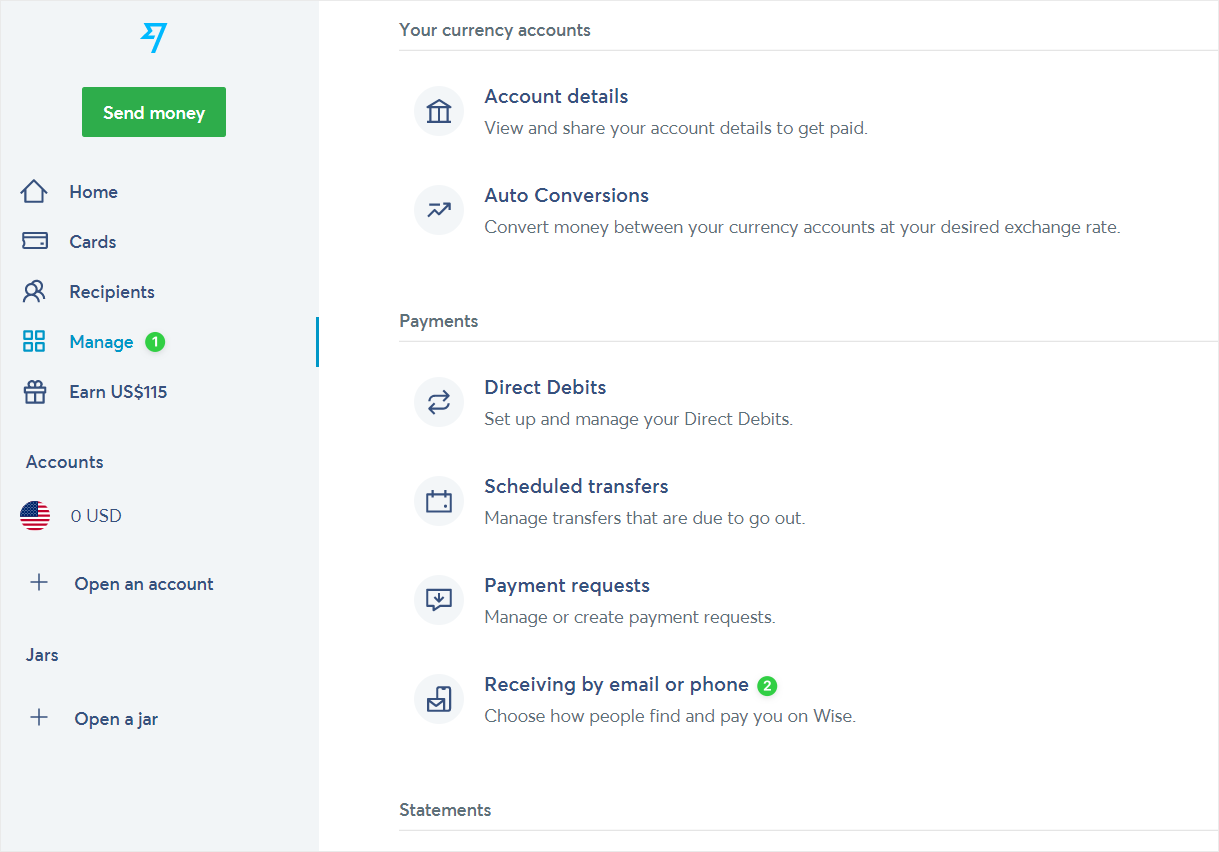
Toggle Email address on and save your settings. This allows people (including us!) to send money to you without needing any bank details.
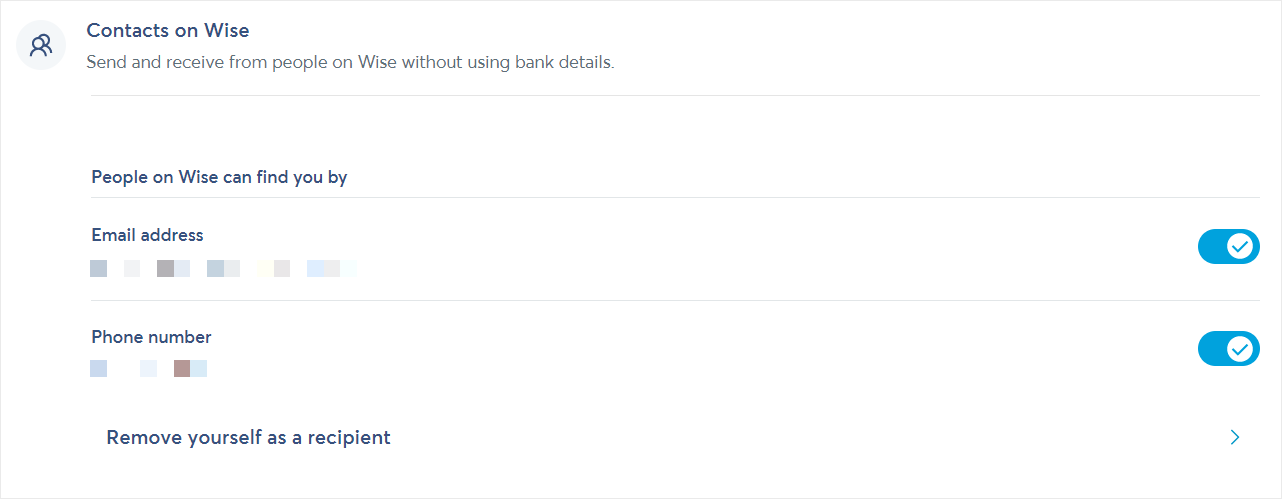
5. Add Wise as a payout method
The final step is to add the email address you use for your Wise.com account to the Payouts section in the Ghost Referral dashboard.
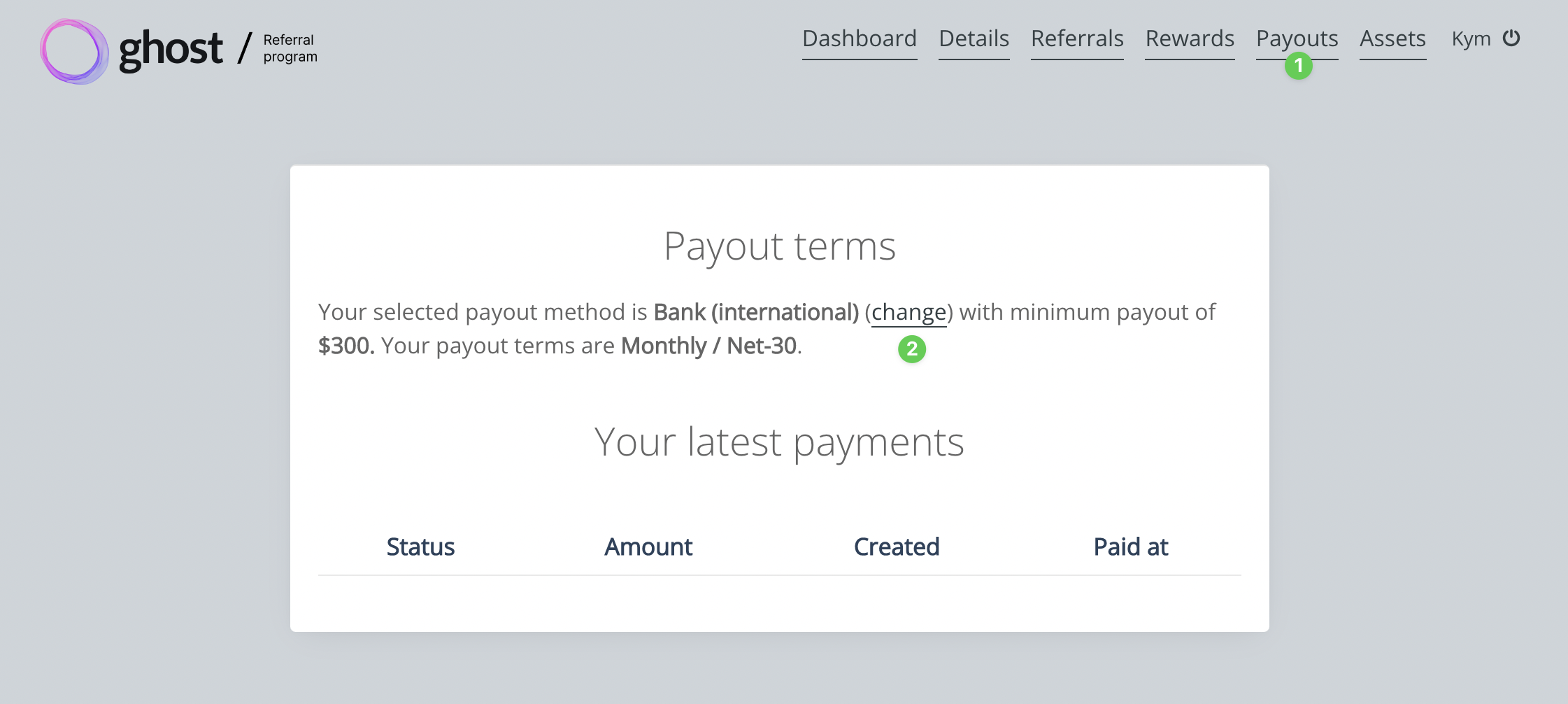
Click Edit on the Wise option, and enter the email address used for your Wise.com account. It's important to use the correct email address!
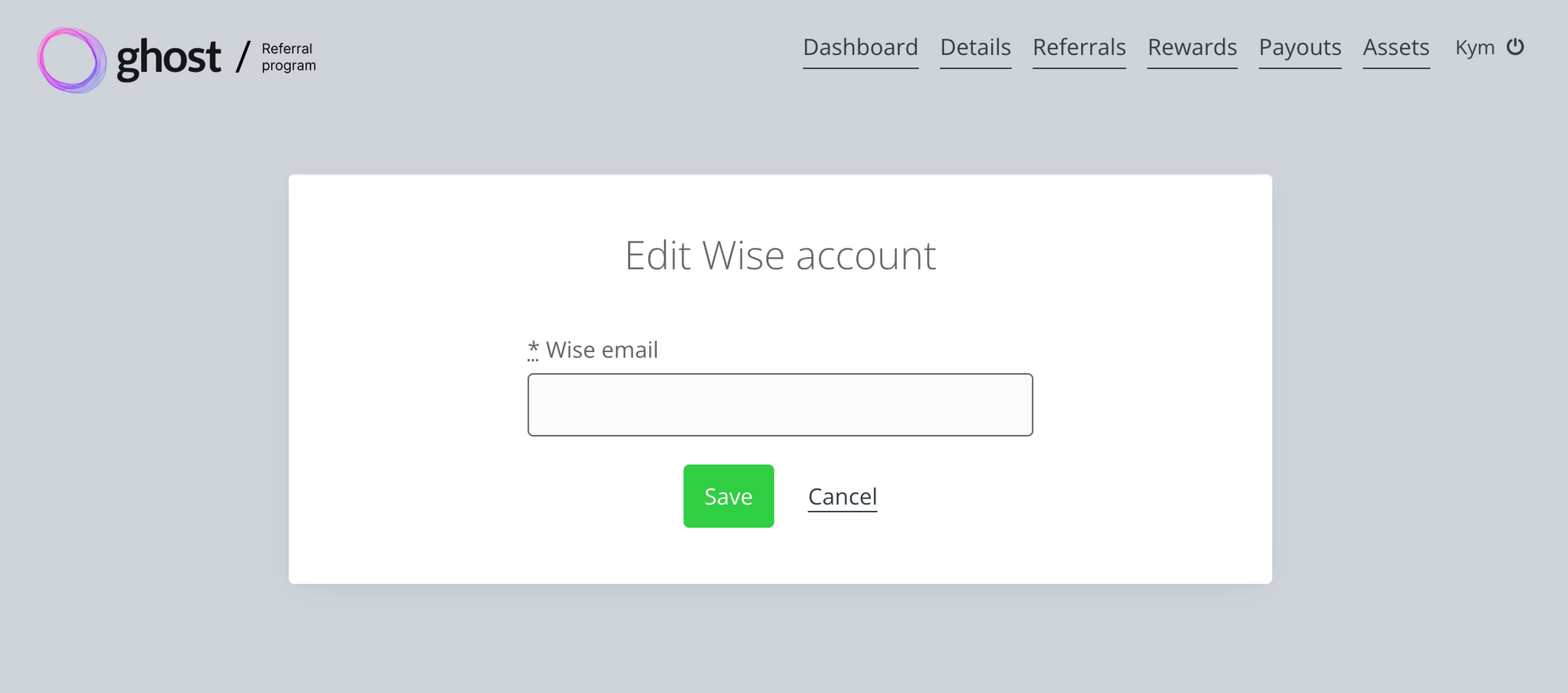
Once you've saved your Wise email, hit Save and then make sure Wise is the Selected payout method:
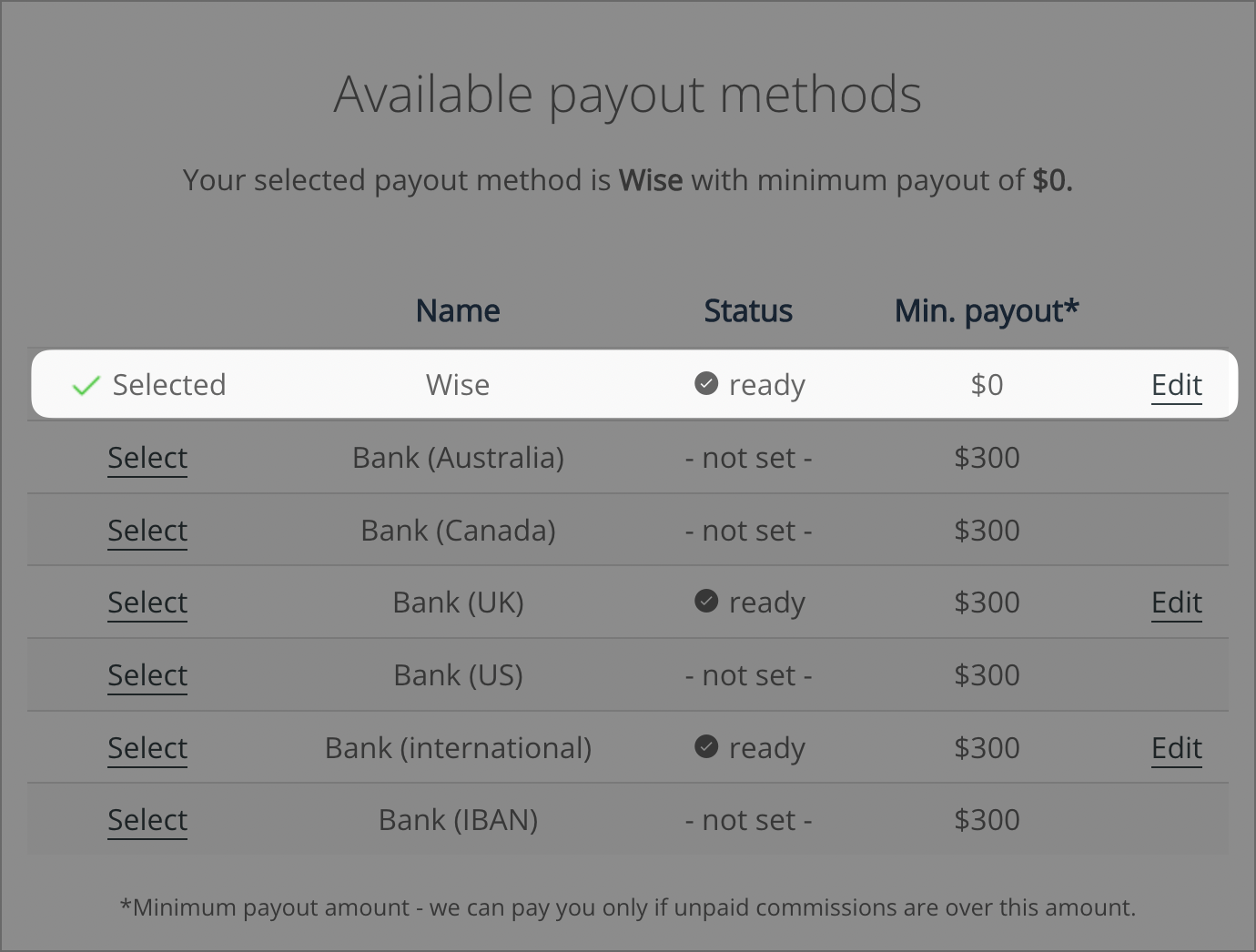
That's it! Once you have created a currency account and enabled email payouts, you're all set.
Related articles
To learn more about getting the most out of Wise email payments, as well as how to add your bank account details so that you can transfer payouts to your bank, check out the Wise help guides:
Can I receive money without sharing my bank details? | Wise Help Centre
If Contact on Wise feature is enabled, other people who know you can sync their contacts and you’ll show up in their Recipients. Or, they can send money with only your email address. If you’ve mark...

How do I mark a primary account to receive money into? | Wise Help Centre
If someone is sending you money using Wise, you don’t have to share your bank details with them. You can set a primary account to receive money into, or have them find you. Then, just give them the...
Wise