








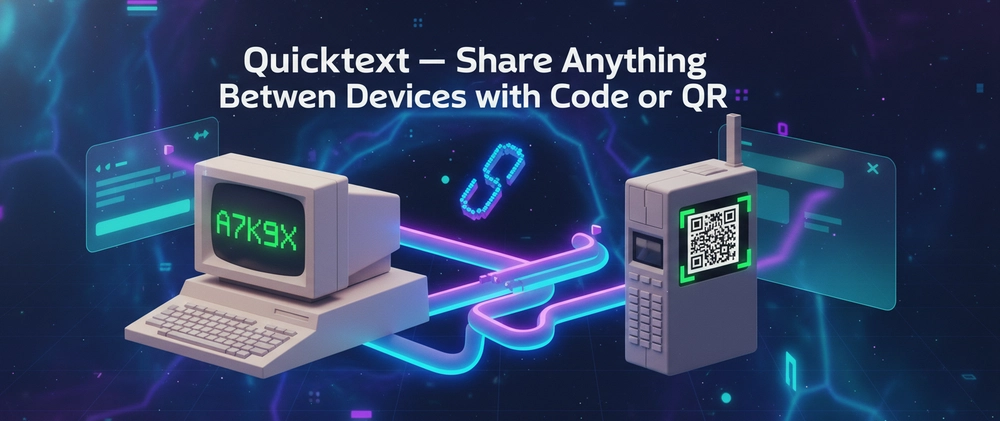

URL - QuickText
Modern apps have made even the simplest tasks unnecessarily heavy. Sending a note, transferring a file, or opening a link on another device often means dealing with logins, apps, sync issues, or distractions.
I wanted something faster. Something that removes friction completely.
So I built Quicktext.
Quicktext is a minimal, temporary sharing tool designed for one purpose: move content between devices instantly using a short code or QR. No accounts. No setup. No noise.
What is Quicktext?
Quicktext lets you share and receive content using a simple system:
- A short 5-character code
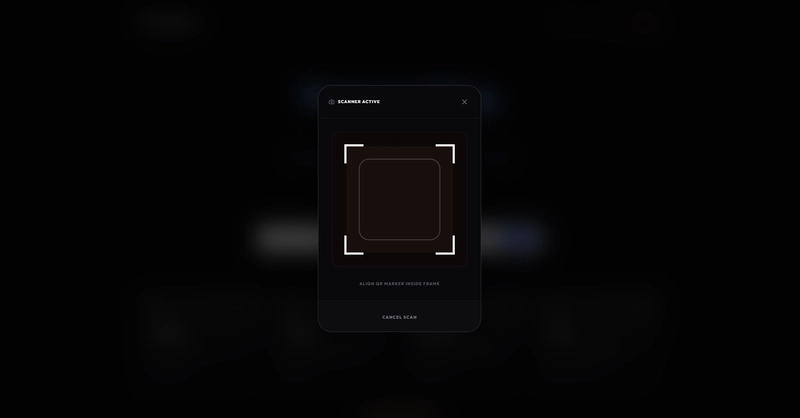
- Or direct QR code scanning
No login, no installation, no waiting.
The idea is simple.
You create something.
You get a code or QR.
You open it somewhere else.
That’s the entire product.
What Quicktext Does
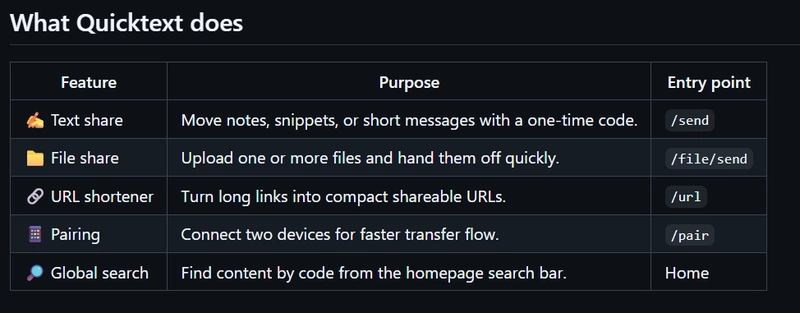
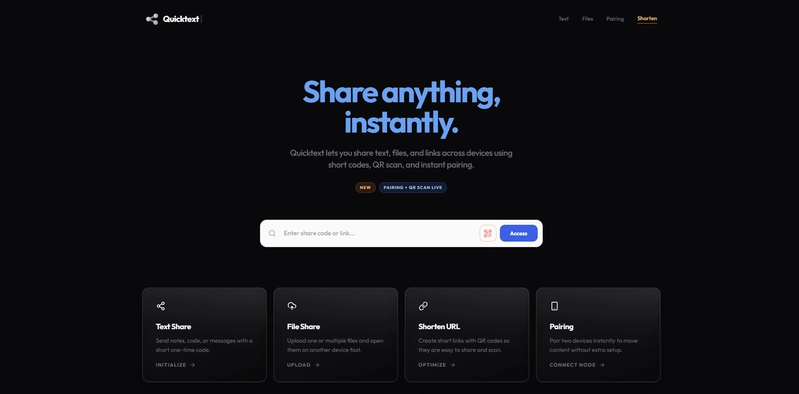
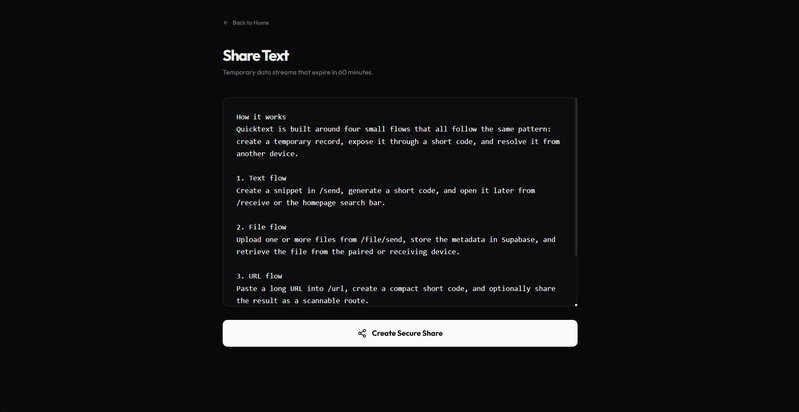
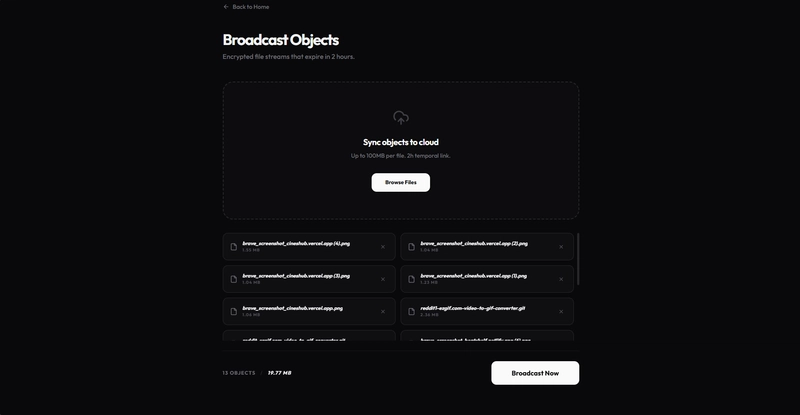
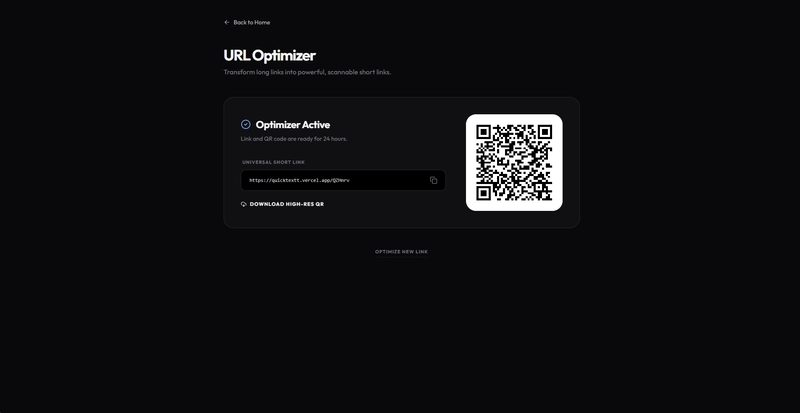
Quicktext is designed to handle everyday sharing in the simplest way possible. You can send text snippets for quick copy-paste workflows, transfer files directly from your browser, and shorten long URLs into clean, shareable links. You can instantly access any shared content using a 5-character code or by scanning a QR code.
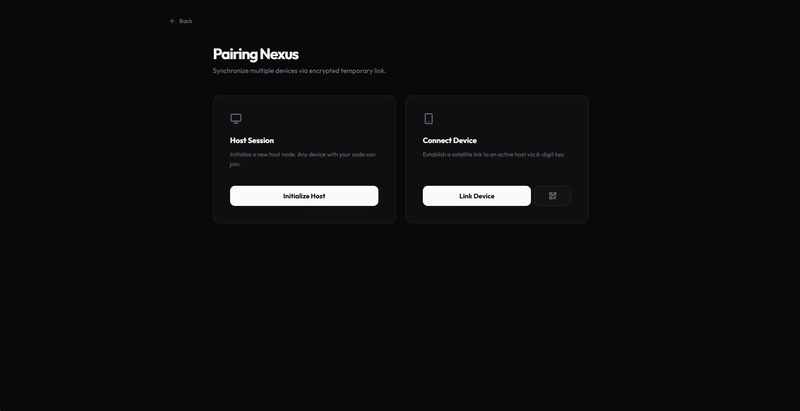
It also introduces a pairing mode, which changes how sharing works.
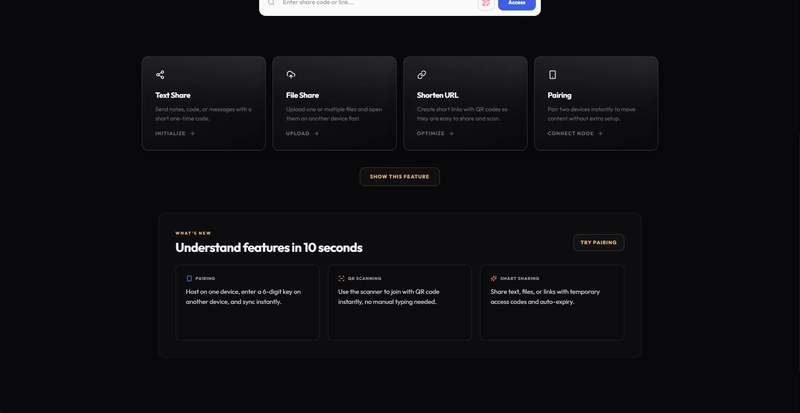
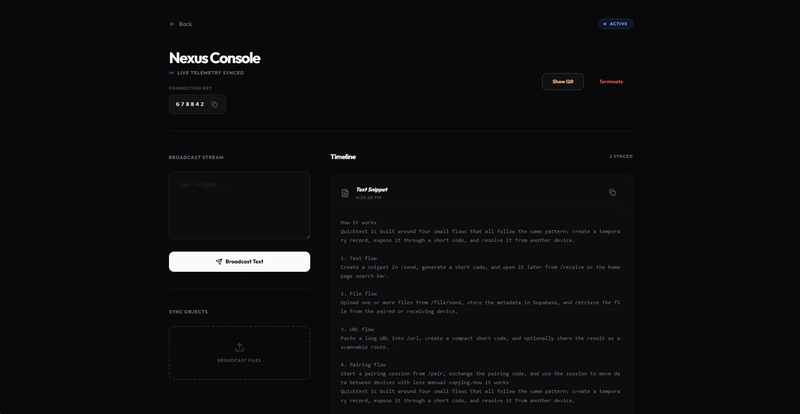
Instead of entering codes or scanning QR every time, you can connect two devices once and keep them linked. After pairing, you can share multiple files, text, or links anytime without repeating the process. One connection, continuous sharing.
How It Works
Under the hood, the system is built around short-lived records that expire automatically. Instead of storing data indefinitely or forcing identity layers, it treats sharing as a temporary interaction. This keeps the experience fast and focused.
Every flow follows the same pattern:
- Create content
- Generate a code or QR
- Access it on another device
Or, if paired:
- Connect once
- Share anytime without codes or scanning
Features
- Text snippets for quick copy-paste workflows
- File transfers directly from the browser
- URL shortening with clean, shareable links
- Access content using a 5-character code
- Instant sharing via QR code scanning
- Pairing mode for continuous multi-device sharing
- Global code search to instantly retrieve content
All flows follow the same pattern, which makes the product predictable and easy to use.
Tech Stack
From a technical perspective, the stack is intentionally modern but not overcomplicated. The frontend is built with Next.js and React, styled using Tailwind, and written in TypeScript. Supabase handles the database layer, while object storage is managed through an R2-compatible system.
Design Philosophy
The more interesting part is not the stack, but the design decisions.
There are no accounts because they slow things down.
There is no permanent storage because most sharing is temporary.
There are no complex flows because users do not need them.
This project is an exploration of reducing software to its essential behavior.
If you are curious about the structure, flows, or implementation details, you can explore the full breakdown here:
I am open to feedback, especially around improving the flow, simplifying further, or pushing this idea in a more ambitious direction.
You can explore the project here: Quicktext
If you find it useful, consider giving it a star on GitHub: Star🌟
Try It Out
Some Screenshots :
But I would love if you check this out: