


惯性聚合 高效追踪和阅读你感兴趣的博客、新闻、科技资讯
阅读原文 在惯性聚合中打开

推荐订阅源

博客园_首页
H
Help Net Security
腾讯CDC
宝玉的分享
宝玉的分享
H
Hackread – Cybersecurity News, Data Breaches, AI and More
L
LangChain Blog
爱范儿
爱范儿
T
The Blog of Author Tim Ferriss
J
Java Code Geeks
让小产品的独立变现更简单 - ezindie.com
MyScale Blog
MyScale Blog
Engineering at Meta
Engineering at Meta
N
Netflix TechBlog - Medium
D
Docker
V
V2EX
Last Week in AI
Last Week in AI
G
Google Developers Blog
IT之家
IT之家
C
Check Point Blog
钛媒体:引领未来商业与生活新知
钛媒体:引领未来商业与生活新知
人人都是产品经理
人人都是产品经理
博客园 - 叶小钗
奇客Solidot–传递最新科技情报
奇客Solidot–传递最新科技情报
博客园 - 聂微东

Inside Nutrient

A guide to the invisible work behind documents Introducing Nutrient Documents for Salesforce: Native document generation and signing Document AI vs. traditional OCR: Choosing between OCR, AI, and hybrid pipelines PDF SDK compliance and security evaluation checklist for enterprise teams (2026) Invariant Corp replaces paper processes with Nutrient Workflow and scales without limits What is process mapping? A complete guide Nutrient vs. Conga Composer for Salesforce document generation (2026) Document routing: How to automate document distribution The CTO’s AI playbook: Why accountability architecture beats orchestration Compliance workflow automation: Why built-in compliance is table stakes Workflow diagrams: Examples, symbols, and how to build one that actually runs Digital forms: Replace paper forms with automated workflows Approval workflow software: How to automate approvals Why document-centric automation is different The CEO’s AI playbook: Why decision architecture beats model selection Nutrient SDK product updates for Q1 2026 PDF redaction verification: How to prove sensitive data is permanently removed What is a VPAT? The complete guide to accessibility conformance reports What is PDF/UA? The accessible PDF standard explained Salesforce eSignatures: Generate, sign, and track documents in one flow Online document viewer: Options, tradeoffs, and how to embed one Document viewer for web apps: React, Vue, Angular (2026) Best document viewers in 2026: A buyer’s guide How to edit a PDF in Python: Add text, images, and annotations Nutrient advances Workflow platform with agentic AI for enterprise-grade speed and consistency in document-heavy operations How to create a Salesforce quote template from opportunity data The business case for accessibility: Five ways it drives enterprise value Python PDF library comparison (2026): 7 libraries for developers Why your AI agent hallucinates PDF table data PDF.js limitations: When to upgrade to a commercial PDF SDK
PSPDFKit for Web 2024.3 updates and enhancements
Miguel Calderón · 2024-04-11 · via Inside Nutrient

With the release of version 2024.3, we’re thrilled to unveil the newest PSPDFKit for Web updates and features, designed to enrich your users’ experience and offer more powerful document processing tools. This release aims to enhance workflows and increase productivity by introducing a new stamps and signing user interface (UI), along with other improvements and features.

New Stamps UI

In response to user feedback, we’ve rebuilt the UI of our stamp annotations feature from the ground up. This redesign not only improves accessibility but also provides greater flexibility for customization, ensuring that stamped annotations meet diverse requirements.
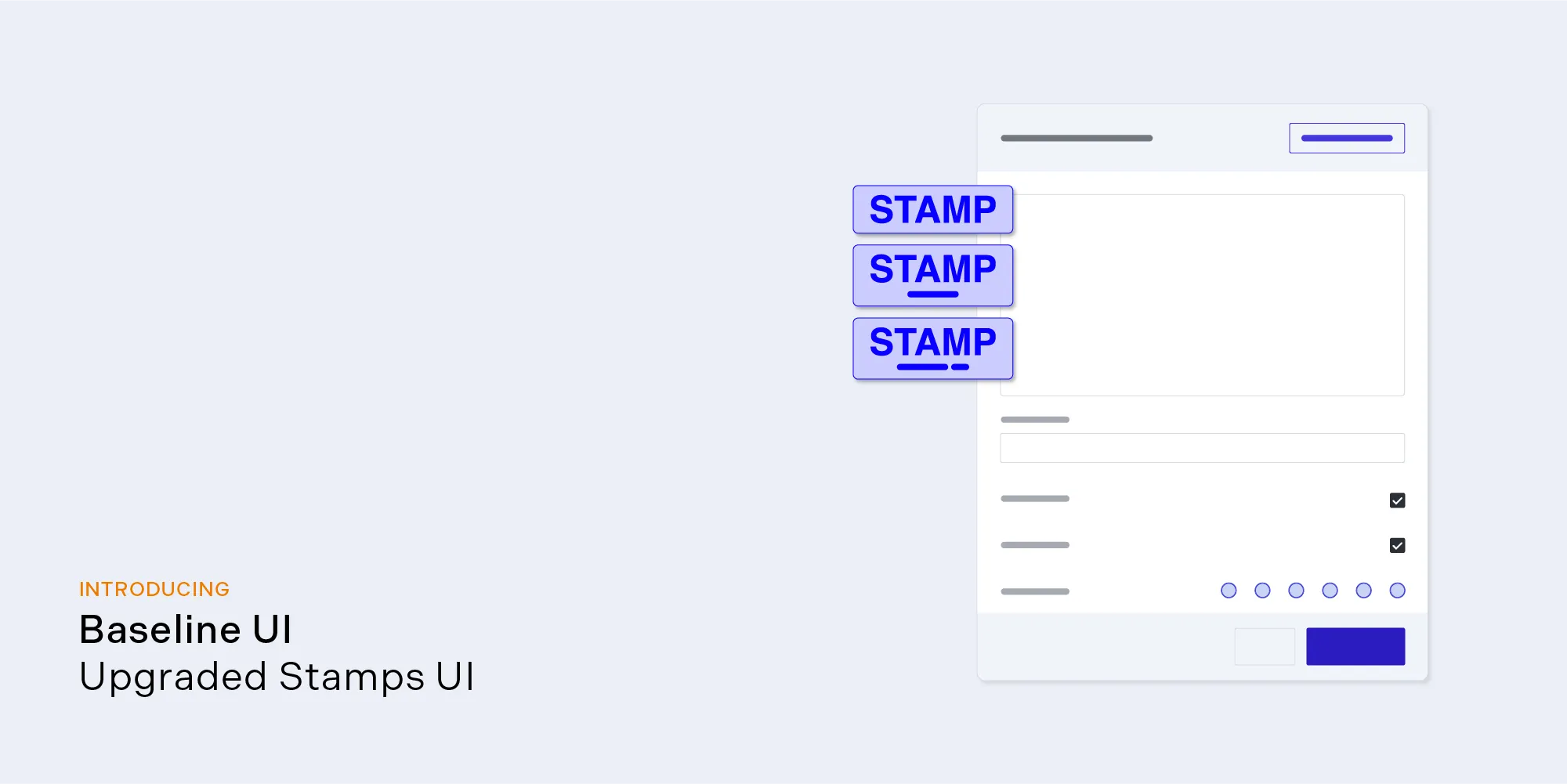
New Stamps UI

New Signing UI

The UI of our Electronic Signatures component has undergone a significant overhaul, prioritizing accessibility and performance, while also enhancing customization options. This revamped interface promises smoother signing experiences for users.
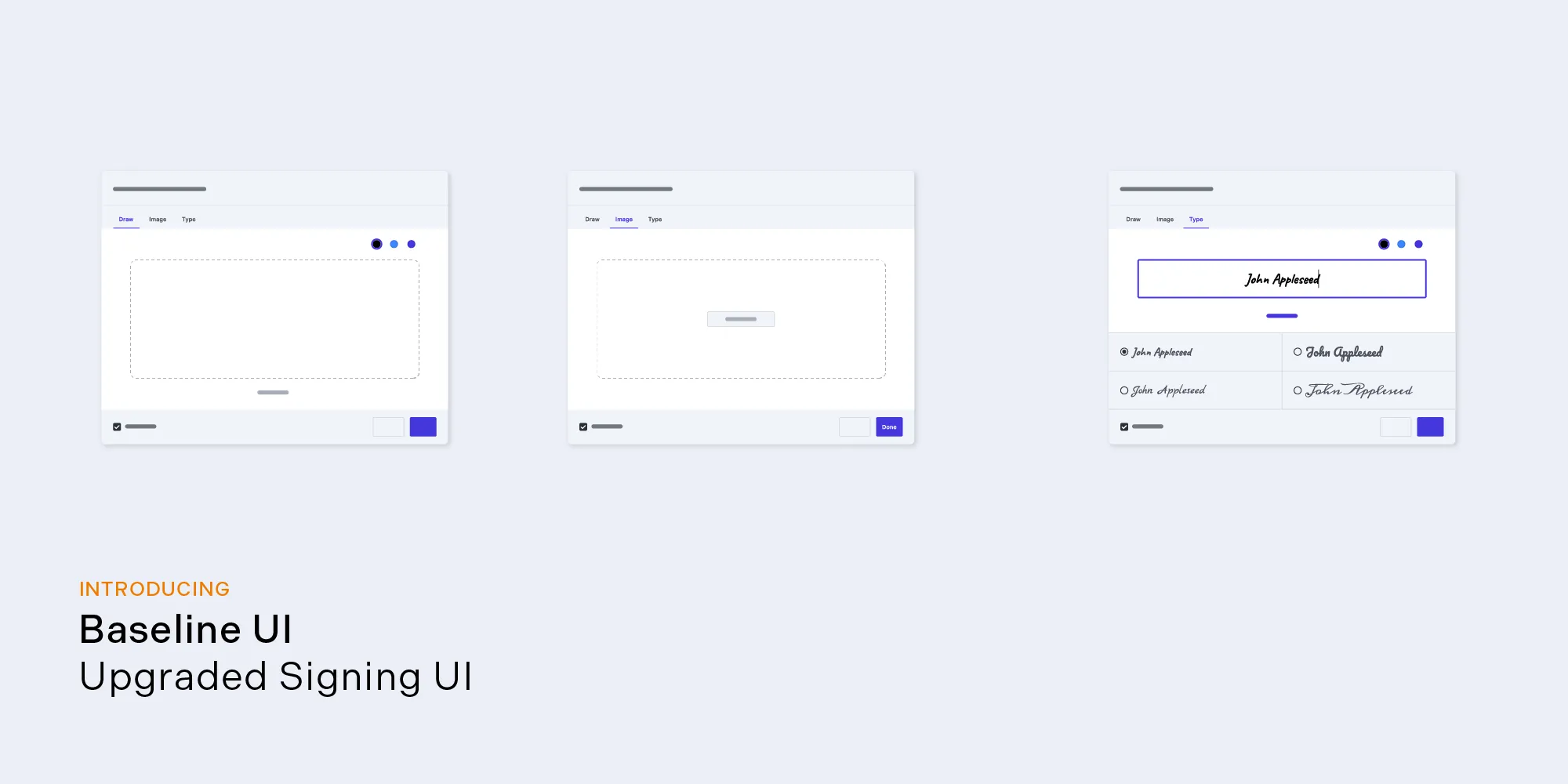
New Signing UI

Exporting to Office Formats

Streamline document sharing and collaboration with the ability to export PDF documents to widely recognized Office formats: PPTX, DOCX, and XLSX. This eliminates the need for third-party conversion tools or manual recreations, saving you valuable time and effort. More importantly, it ensures your documents retain their formatting and structure, guaranteeing a smooth experience for recipients, regardless of their preferred editing software.
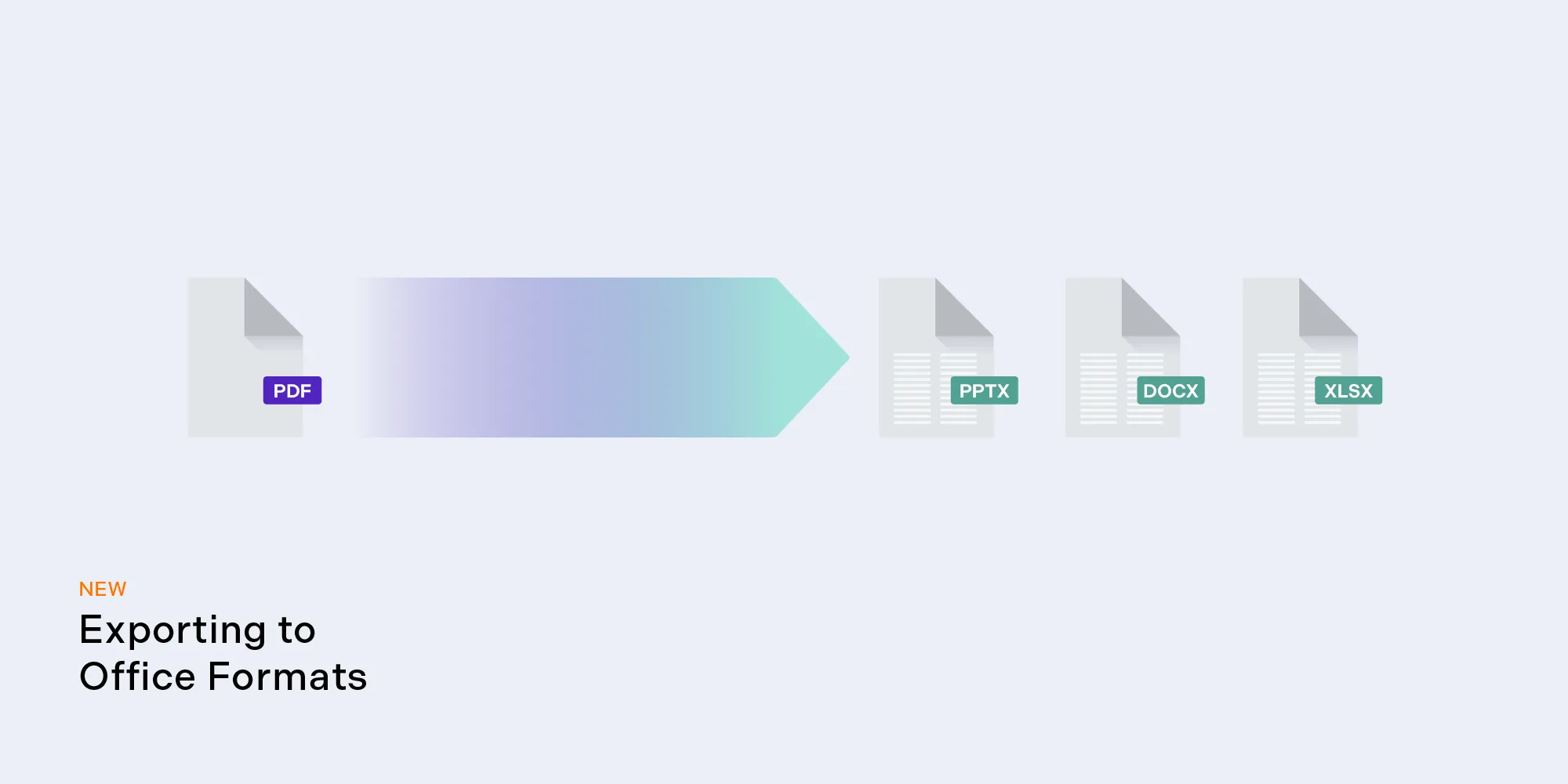
Export to Office

Extended noZoom Annotation Flag Support

Maintain consistent visual sizes for stamp and text annotations, even when zooming in on documents, thanks to expanded support for the noZoom flag. This enhancement ensures that these types of annotations (except for text annotations with the callout object) remain legible and coherent, enhancing the overall user experience.
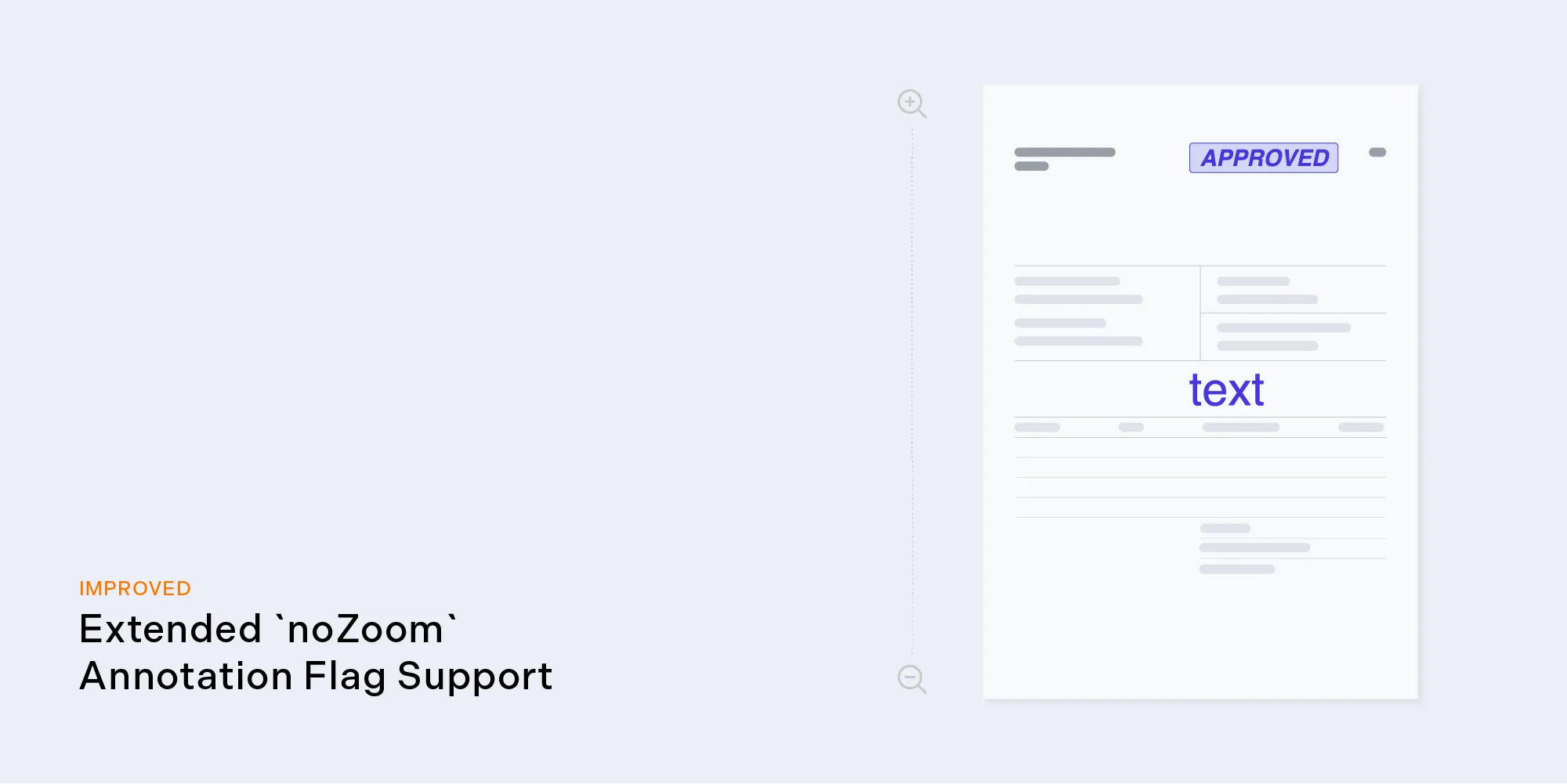
NoZoom flag support for stamps and text annotations

New Document Operation: addPageMargins

Effortlessly tailor page layouts to specific requirements with the addition of a new addPageMargins document operation, available through the Document Editing license component. This functionality enables precise adjustments to page margins, empowering users to create polished documents that align with their preferences.
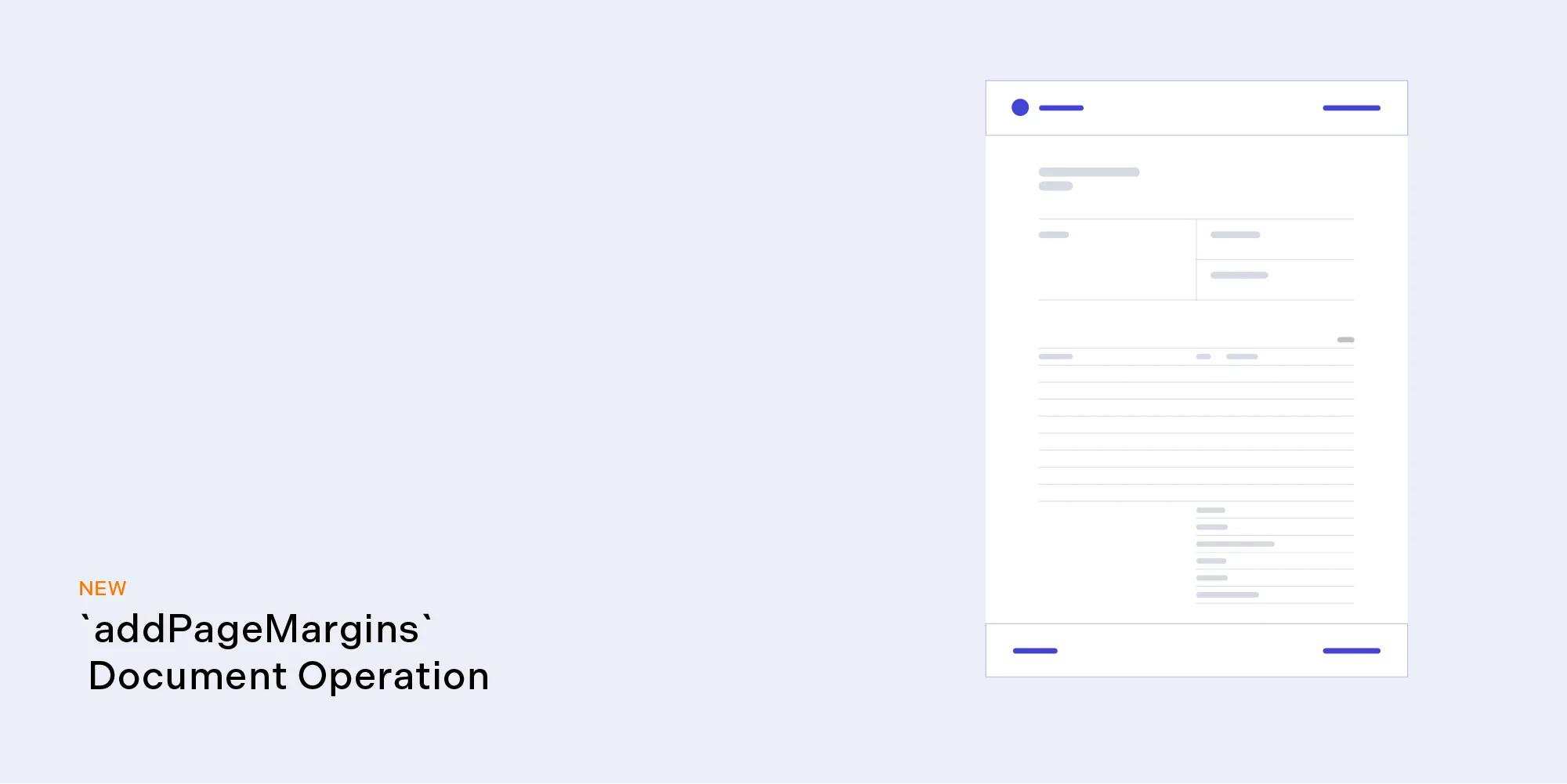
New Document Operation: addPageMargins

Enhanced Visibility for Electronic Signatures

It’s now possible to ensure electronic signatures are visible in any reader by setting the new flattenElectronicSignatures flag when exporting via instance.exportPDF(), thus preventing signatures from being concealed behind signature form fields.

Wrapping Up

With this release, we reaffirm our dedication to providing a powerful, user-friendly, and accessible document processing platform. We’re eager for you to explore the enhancements and new features, and we look forward to your valuable feedback.

For a full list of features and improvements included in this release, please refer to the PSPDFKit for Web 2024.3 changelog and the migration guide. And, as always, don’t hesitate to contact us if you have any questions or feedback.