




惯性聚合 高效追踪和阅读你感兴趣的博客、新闻、科技资讯
阅读原文 在惯性聚合中打开

推荐订阅源

Google DeepMind News
爱范儿
爱范儿
J
Java Code Geeks
L
LangChain Blog
V
V2EX
大猫的无限游戏
大猫的无限游戏
S
SegmentFault 最新的问题
博客园 - Franky
Microsoft Azure Blog
Jina AI
Jina AI
Blog — PlanetScale
Blog — PlanetScale
奇客Solidot–传递最新科技情报
奇客Solidot–传递最新科技情报
The Cloudflare Blog
博客园 - 司徒正美
B
Blog
G
Google Developers Blog
Stack Overflow Blog
Stack Overflow Blog
罗磊的独立博客
OSCHINA 社区最新新闻
OSCHINA 社区最新新闻
Apple Machine Learning Research
Engineering at Meta
Engineering at Meta
MyScale Blog
MyScale Blog
有赞技术团队
有赞技术团队
Hugging Face - Blog
Hugging Face - Blog

Inside Nutrient

A guide to the invisible work behind documents Introducing Nutrient Documents for Salesforce: Native document generation and signing Document AI vs. traditional OCR: Choosing between OCR, AI, and hybrid pipelines PDF SDK compliance and security evaluation checklist for enterprise teams (2026) Invariant Corp replaces paper processes with Nutrient Workflow and scales without limits What is process mapping? A complete guide Nutrient vs. Conga Composer for Salesforce document generation (2026) Document routing: How to automate document distribution The CTO’s AI playbook: Why accountability architecture beats orchestration Compliance workflow automation: Why built-in compliance is table stakes Workflow diagrams: Examples, symbols, and how to build one that actually runs Digital forms: Replace paper forms with automated workflows Approval workflow software: How to automate approvals Why document-centric automation is different The CEO’s AI playbook: Why decision architecture beats model selection Nutrient SDK product updates for Q1 2026 PDF redaction verification: How to prove sensitive data is permanently removed What is a VPAT? The complete guide to accessibility conformance reports What is PDF/UA? The accessible PDF standard explained Salesforce eSignatures: Generate, sign, and track documents in one flow Online document viewer: Options, tradeoffs, and how to embed one Document viewer for web apps: React, Vue, Angular (2026) Best document viewers in 2026: A buyer’s guide How to edit a PDF in Python: Add text, images, and annotations Nutrient advances Workflow platform with agentic AI for enterprise-grade speed and consistency in document-heavy operations How to create a Salesforce quote template from opportunity data The business case for accessibility: Five ways it drives enterprise value Python PDF library comparison (2026): 7 libraries for developers Why your AI agent hallucinates PDF table data PDF.js limitations: When to upgrade to a commercial PDF SDK
PSPDFKit 2.9 for React Native Adds Main Toolbar Customiza...
Erhard Brand · 2024-03-22 · via Inside Nutrient

Table of contents

    We’re excited to announce the release of PSPDFKit 2.9 for React Native. This release introduces the ability to add custom buttons to the main toolbar, persists the document viewer’s configuration options, and introduces an easier way to configure Measurement Tools.

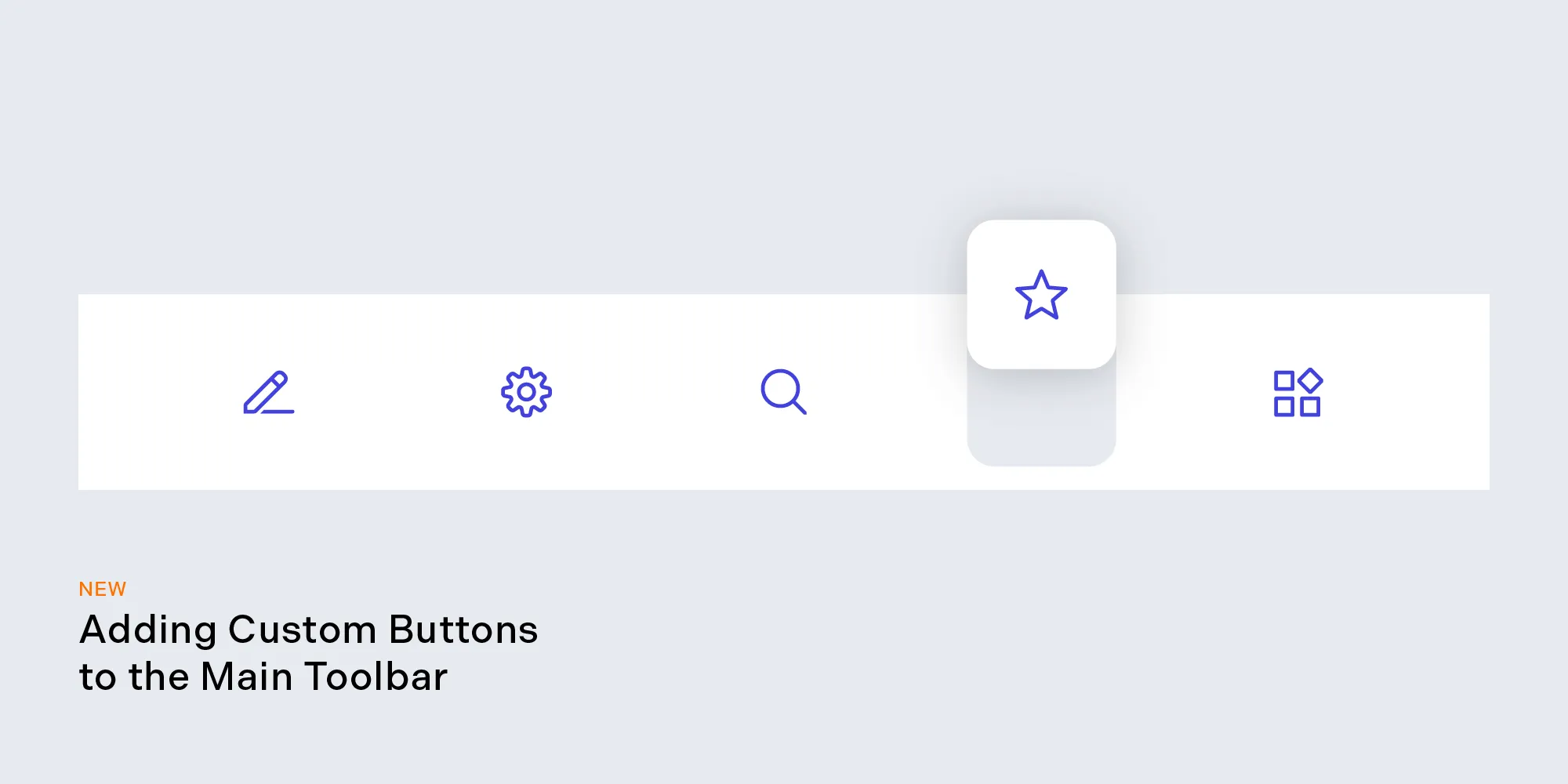
    Adding Custom Buttons to the Main Toolbar
    Toolbar Customization

    In addition to specifying which toolbar buttons should be visible to the user, you now also have the ability to add custom toolbar buttons to the main toolbar. This will allow you to place your own buttons alongside the PSPDFKit toolbar buttons and perform custom actions when they’re tapped. For more information, refer to the main toolbar customization guide.

    Persisting NutrientView Settings

    Persist Settings

    This release adds the ability to query the current document’s configuration options. The configuration can be reapplied to new NutrientView instances to persist the settings, providing your customers with continuity when moving between documents. The configuration is returned as a PDFConfiguration object. You can find out more by reading the configuration guide.
    Configure Measurement Tools

    In this version, we’ve introduced an easier way to configure Measurement Tools. The new MeasurementValueConfiguration object forms part of the PDFConfiguration object passed in when creating a new NutrientView component. It can also be set after the component has been created using the setMeasurementValueConfigurations API. The previously used setMeasurementScale and setMeasurementPrecision methods have been removed.

    Enhancements and Bug Fixes for Native SDKs

    This release also adds the ability to open password-protected PDF documents programmatically and includes other bug fixes and improvements, along with the latest updates from our native iOS and Android SDKs. For more information, please refer to the iOS and Android changelogs. If you’re currently using the Measurement Tools component, you’ll be required to perform some migration steps. Please refer to our React Native 2.9 migration guide for steps on how to migrate.

    More

    For a full list of changes included in PSPDFKit 2.9 for React Native, refer to our changelog.

    Upgrade to PSPDFKit 2.9 for React Native now to take advantage of the latest updates and improvements. For a complete list of features, visit the React Native guides. If you’re interested in PSPDFKit for React Native, contact our Sales team. We’d love to hear about your use case and discuss how to best implement it.

    Explore related topics

    Try for free Ready to get started?

    Related SDK articles

    Explore more