







Table of contents
In this tutorial, you’ll learn how to cryptographically sign PDF documents using the Nutrient Document Web Services API on Zapier. You’ll set up an automated workflow that watches a Google Drive folder for new PDFs, signs them with an invisible CAdES signature, and saves them back to the drive.
What is Zapier?
Zapier(opens in a new tab) is a no-code automation platform that connects your favorite apps and services. You can build workflows — called Zaps — that automate repetitive document handling tasks, like uploading, converting, or signing PDFs.
What is Nutrient DWS Processor API?
Nutrient Document Web Services API is a powerful platform for document automation. With your free account(opens in a new tab), you get 50 credits, which you can use to perform various document operations. Each tool (e.g. conversion, signing, flattening) consumes a different amount of credits depending on complexity.
Nutrient offers more than 30 tools with the ability to:
- Convert images and documents to PDF
- Merge, split, or reorder pages
- Add digital signatures, watermarks, or annotations
- Run OCR, redact, flatten, and more
What you’ll need
- A Zapier(opens in a new tab) account (a pro plan is necessary for multistep Zaps)
- A Google Drive account
- A Nutrient DWS Processor API key — sign up here(opens in a new tab)
- A PDF file in a Google Drive folder
Step 1 — Trigger a new file in a Google Drive folder
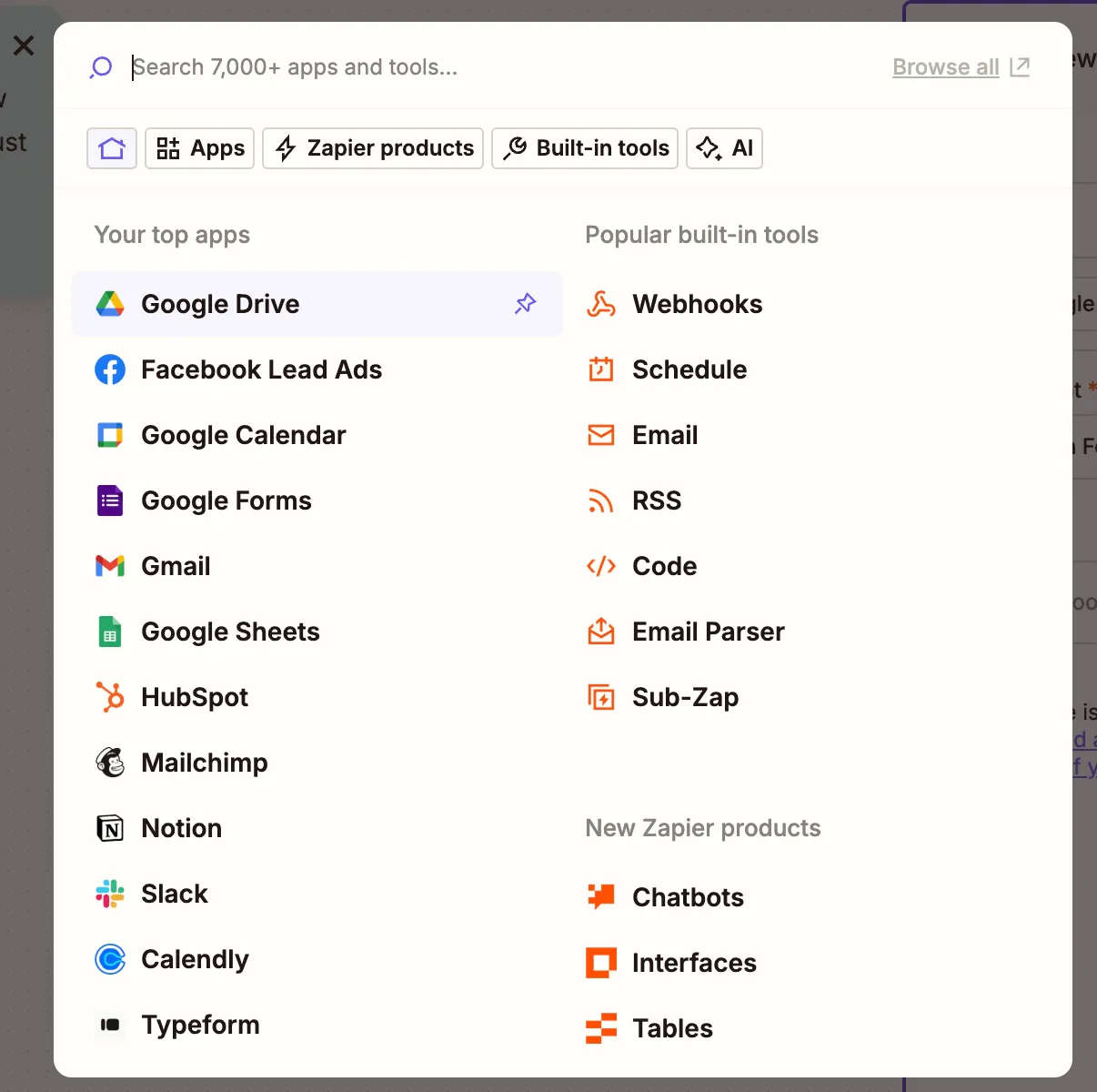
- Select Google Drive as the trigger app.
- Choose the New File in Folder trigger event.
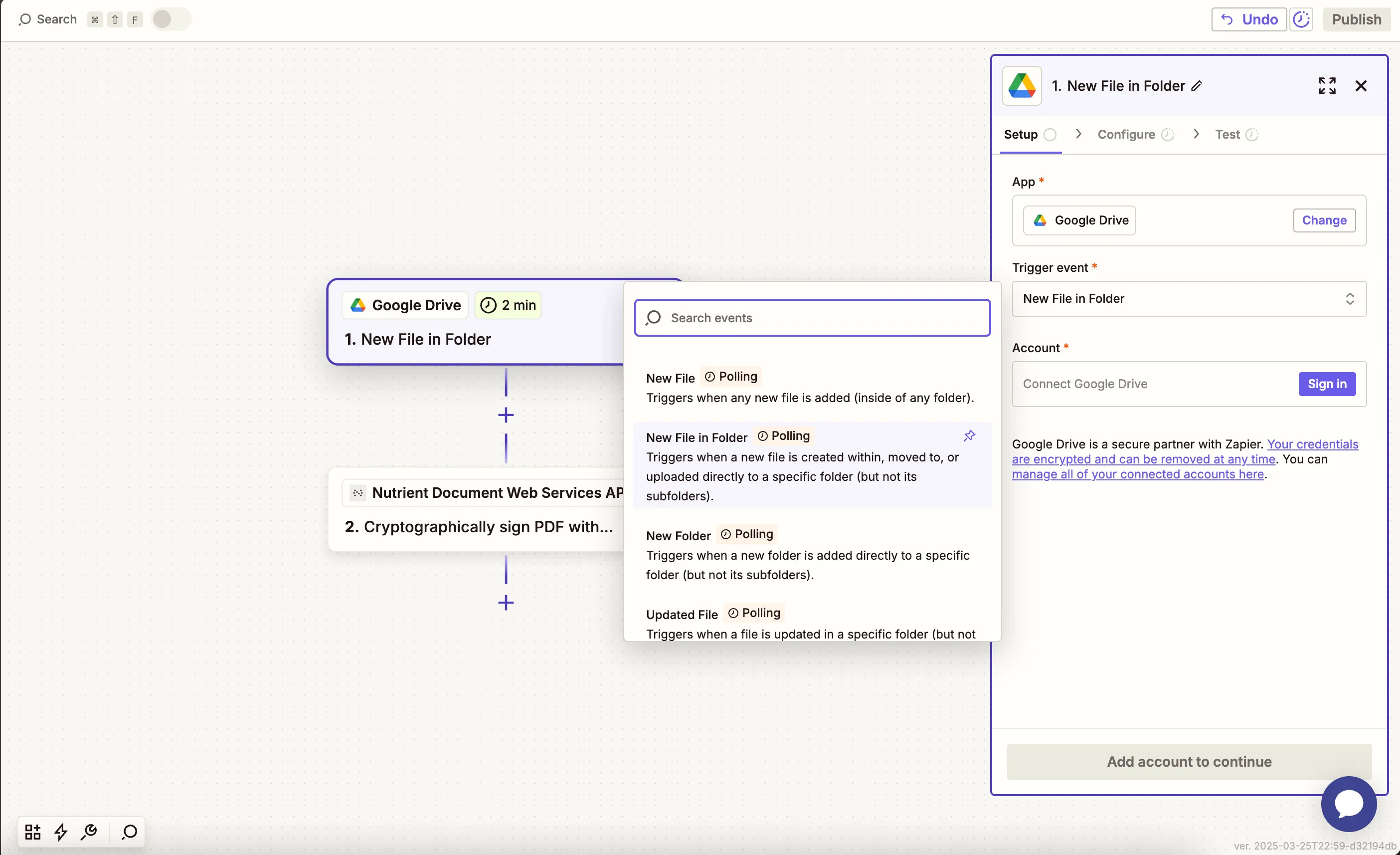
- Connect your Google Drive account.
- Configure the folder you want to watch (e.g.
pdf-signing-inbox):
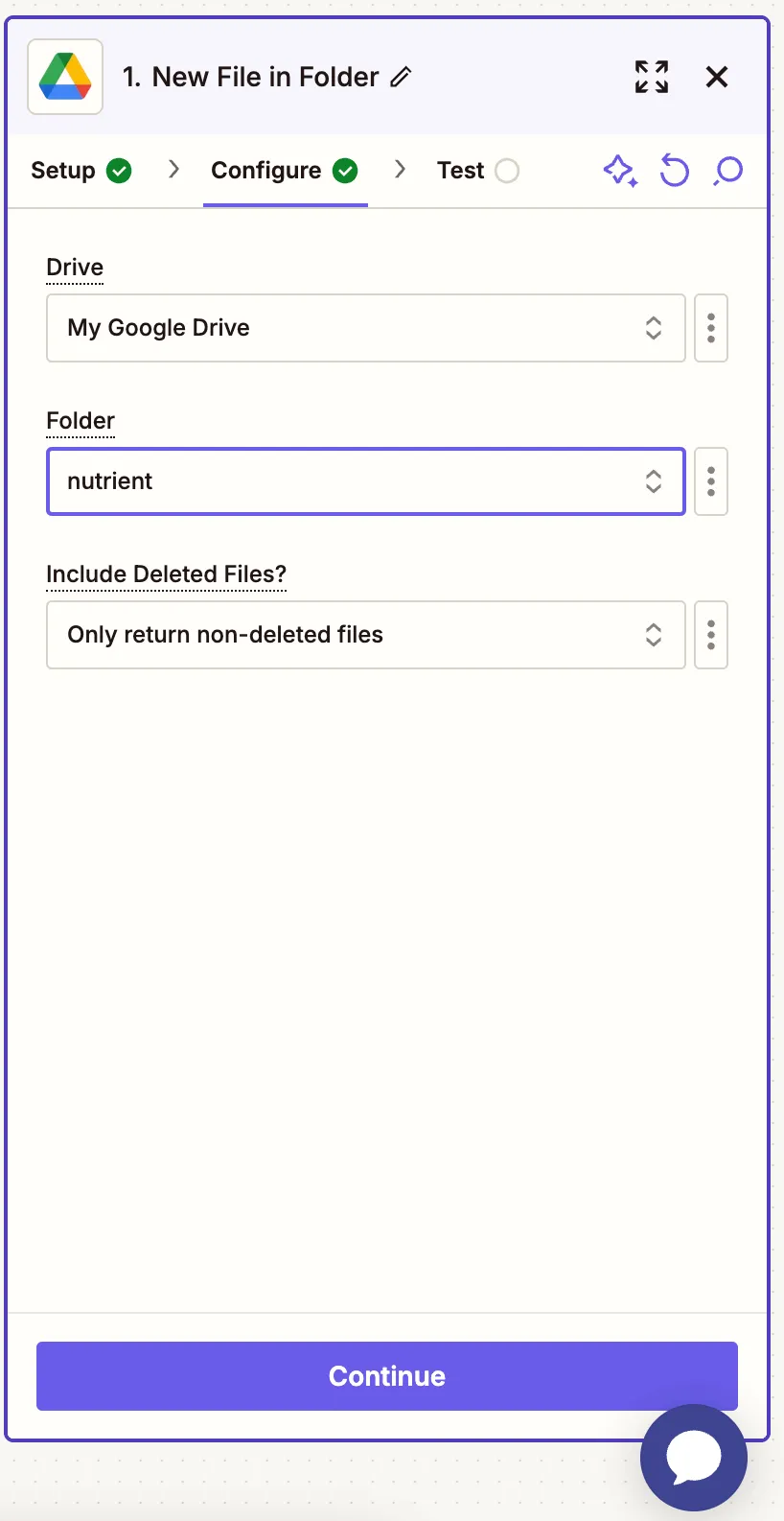
- Test the trigger with a sample PDF file.
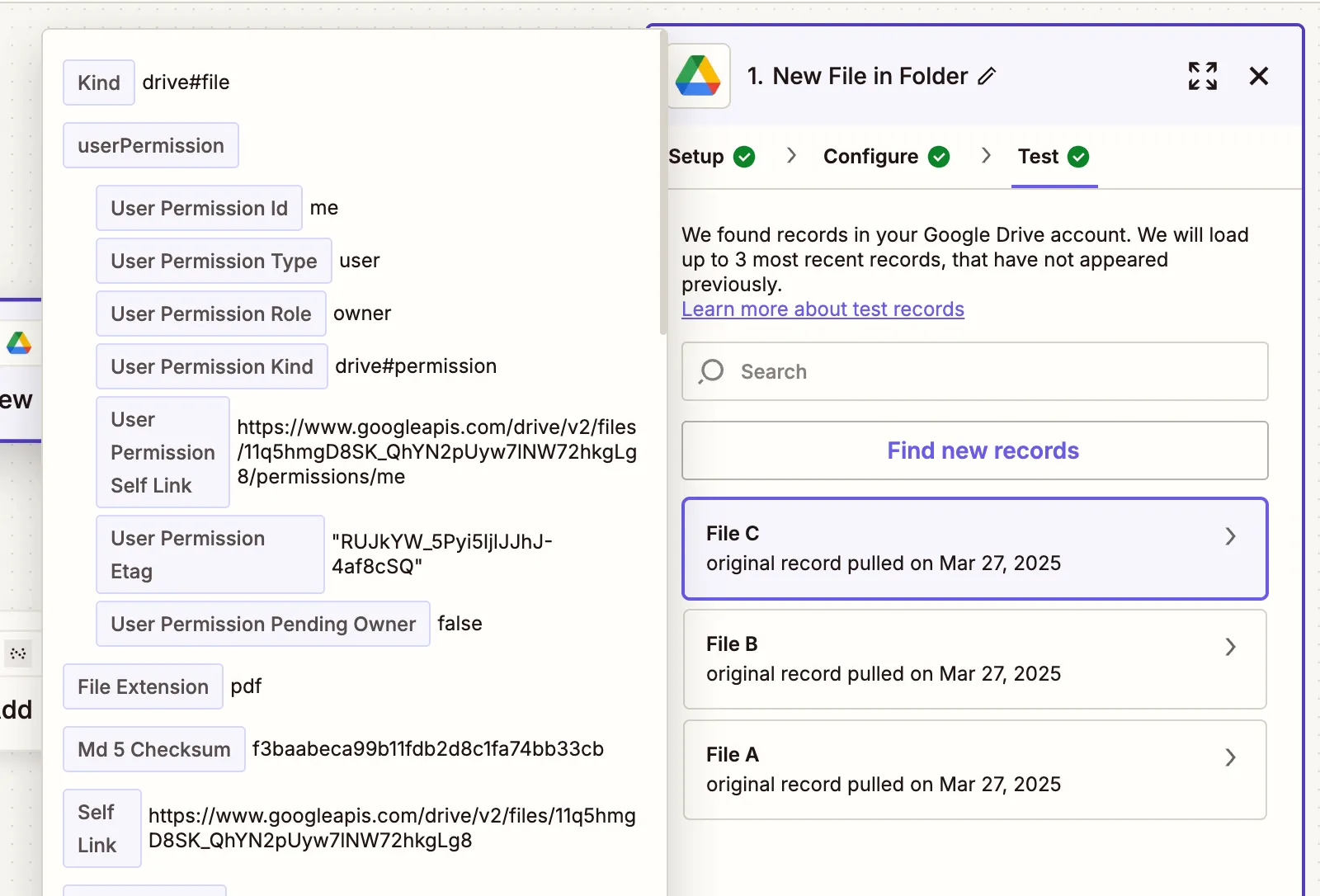
Step 2 — Cryptographically sign the PDF action (Nutrient DWS Processor API)
- Select Nutrient Document Web Services API as the action app.
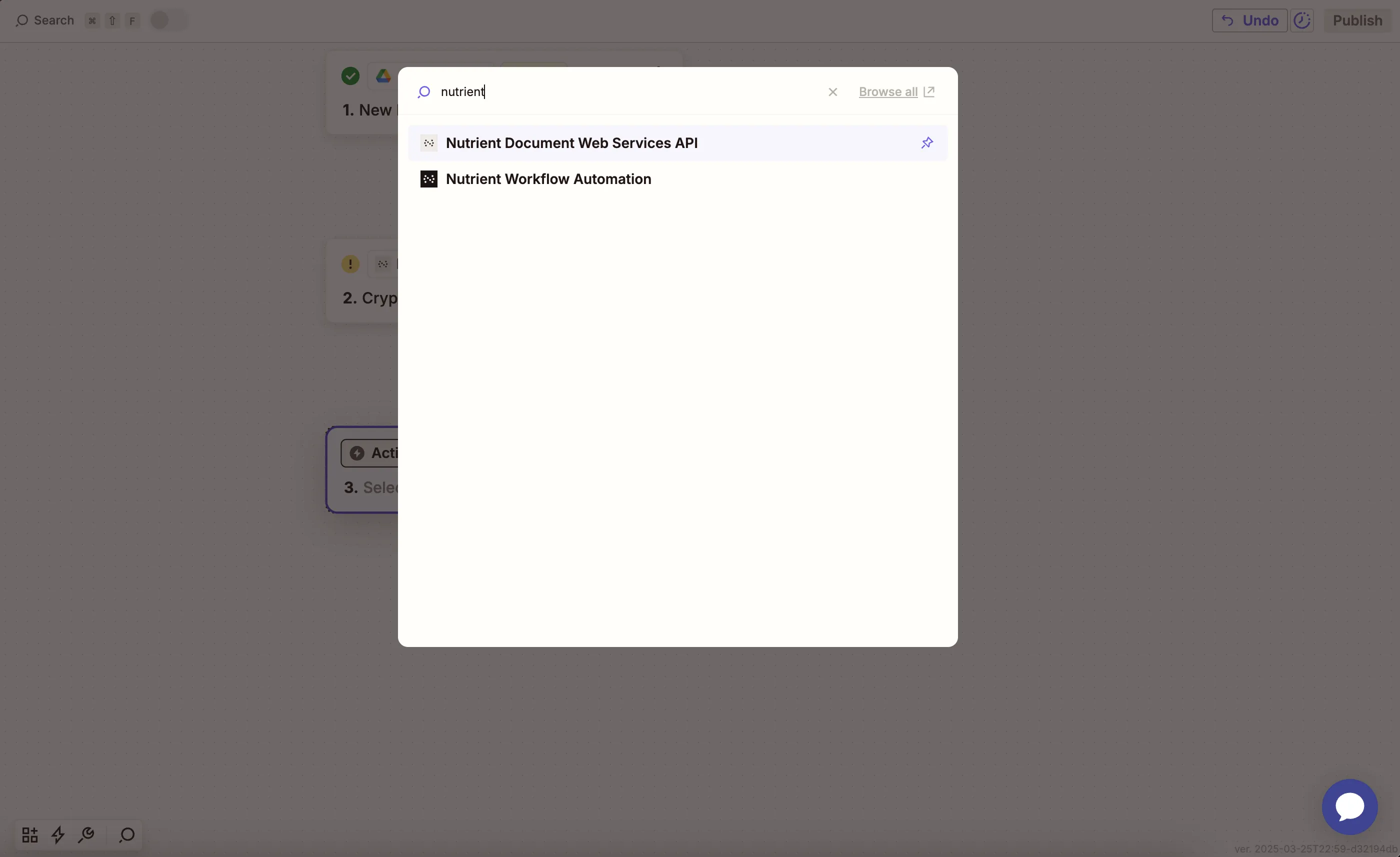
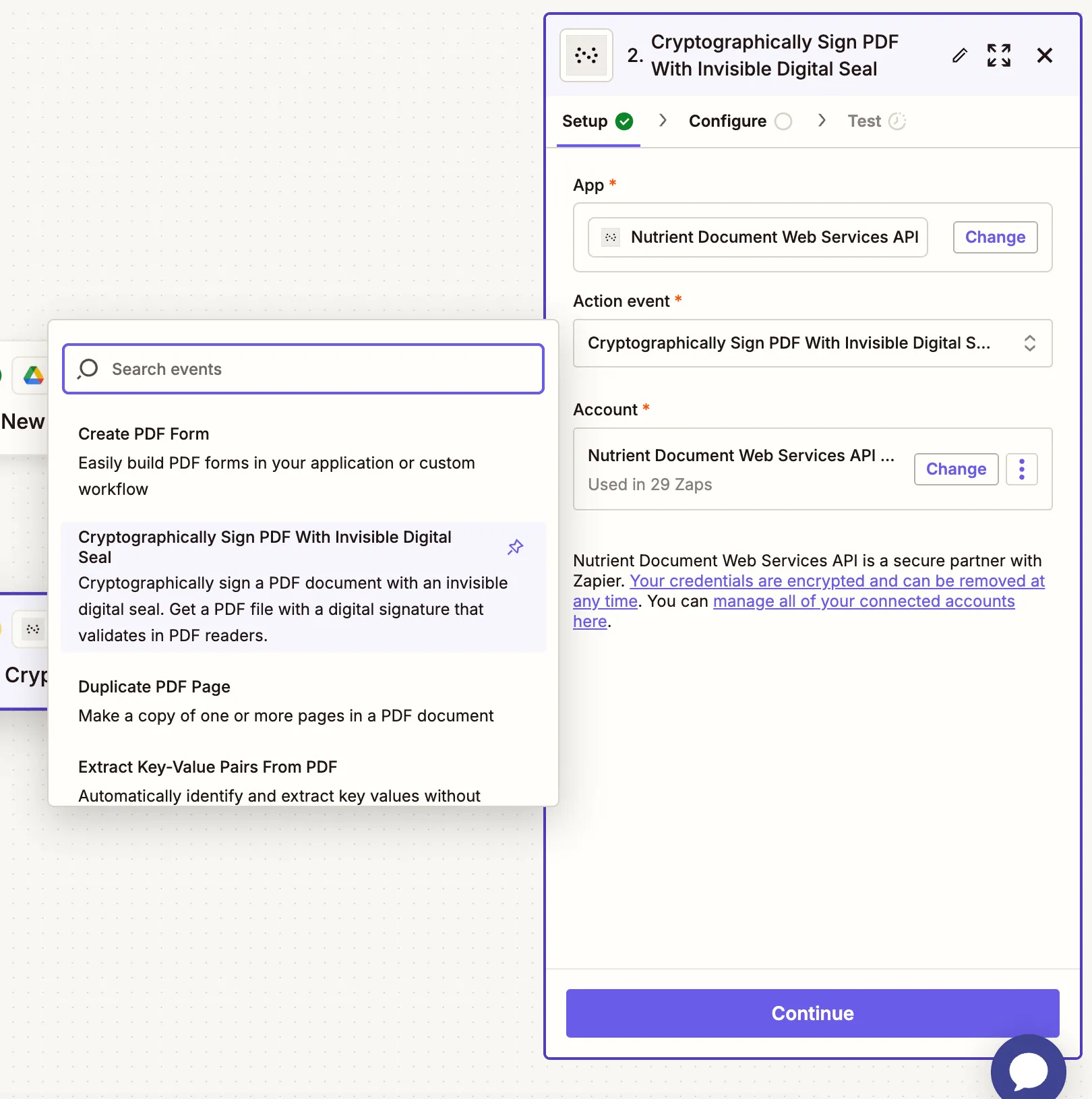
- Choose the Cryptographically Sign PDF With Invisible Digital Seal action.
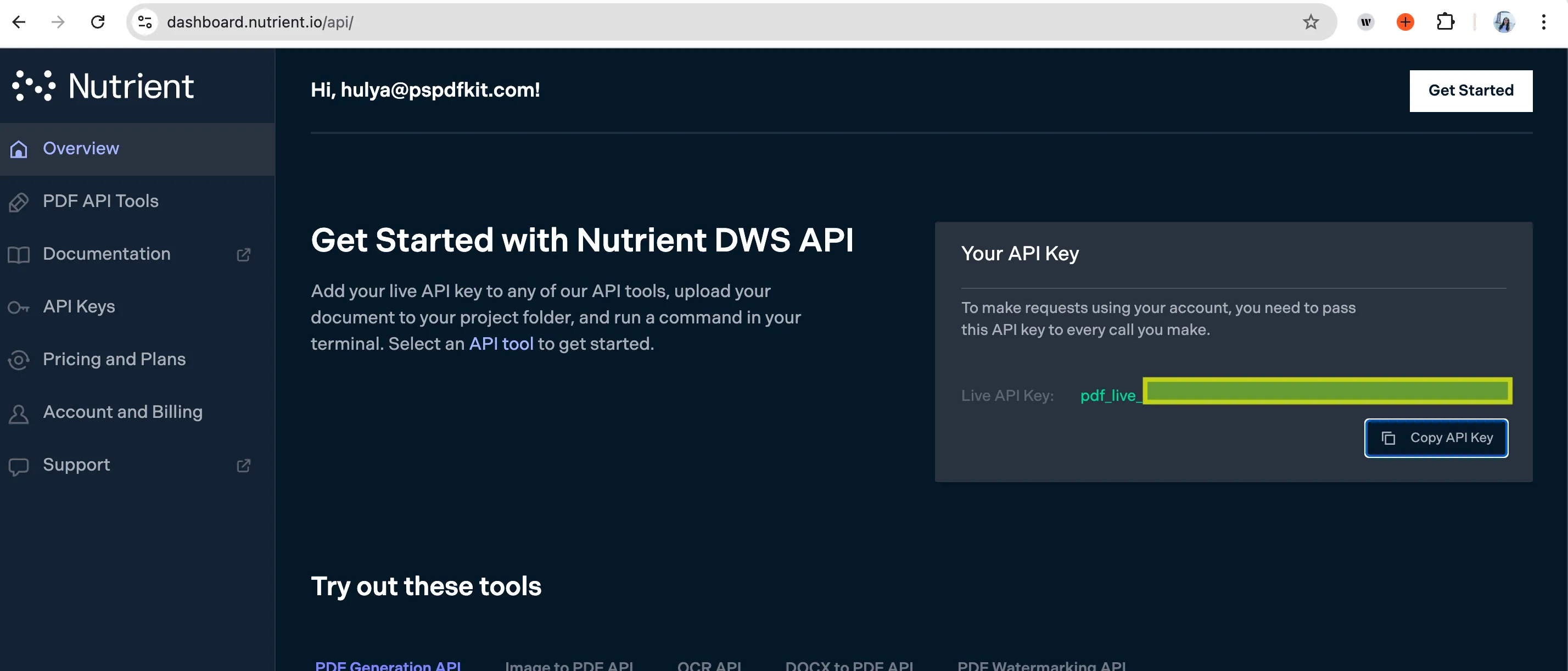
- Connect your Nutrient account using your API key.
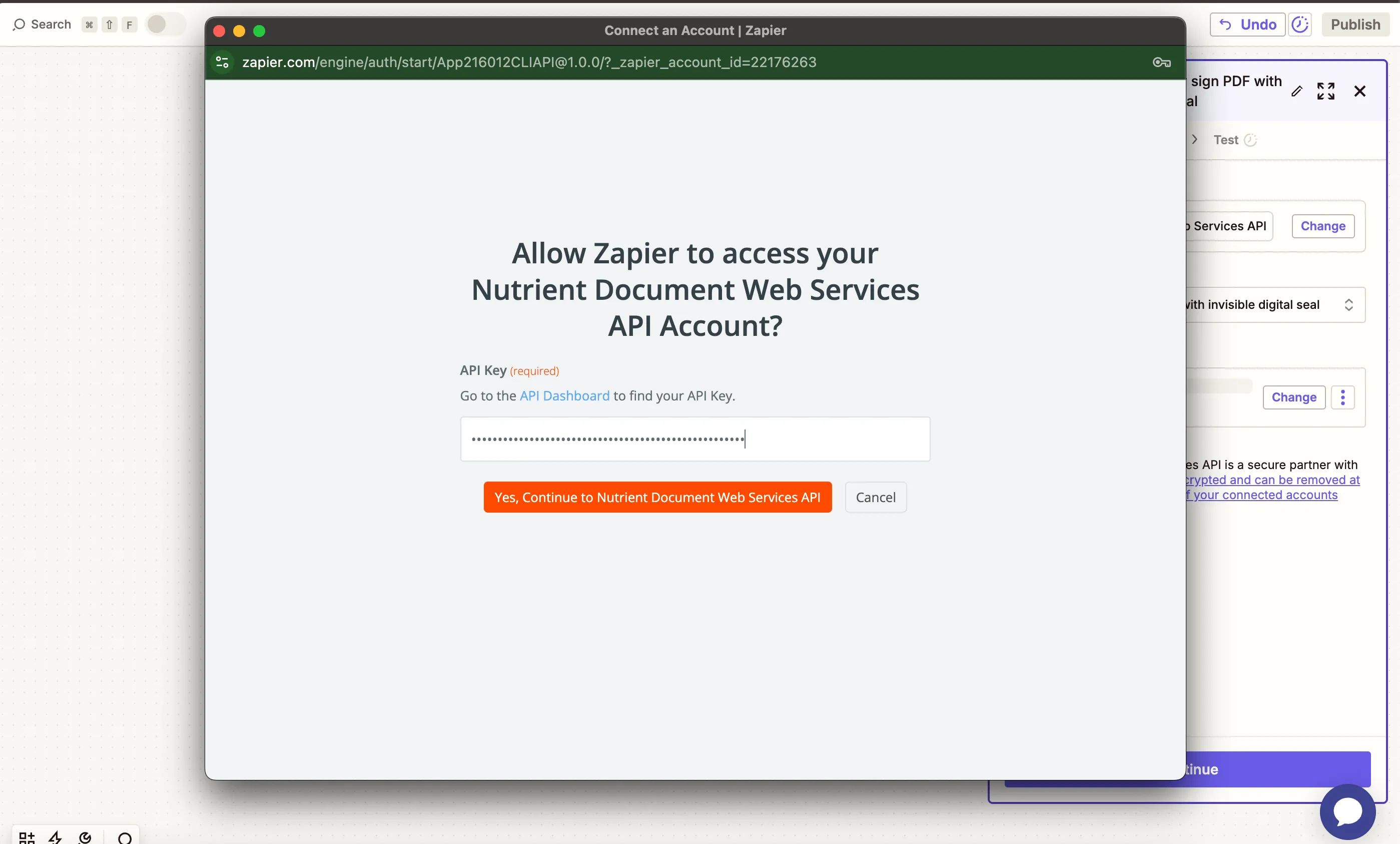
You can find your key in the Nutrient dashboard(opens in a new tab).
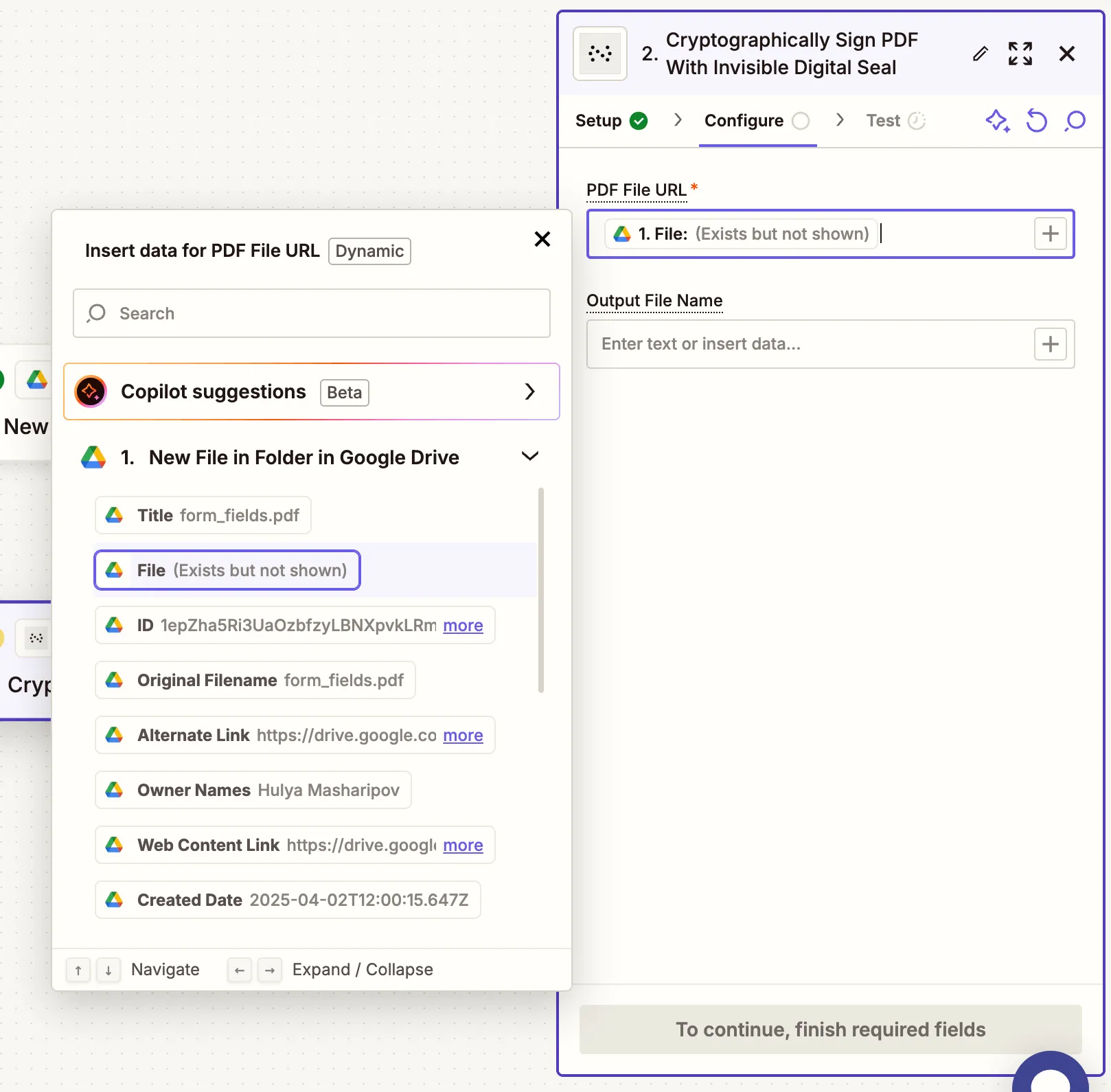
- Fill out the configuration:
- PDF File URL — From step 1 (Google Drive trigger).
- Output File Name — Optional (e.g.
signed_contract.pdf).
This action uses a CAdES digital signature that’s invisible to the viewer but validates in standard PDF readers like Adobe Acrobat.
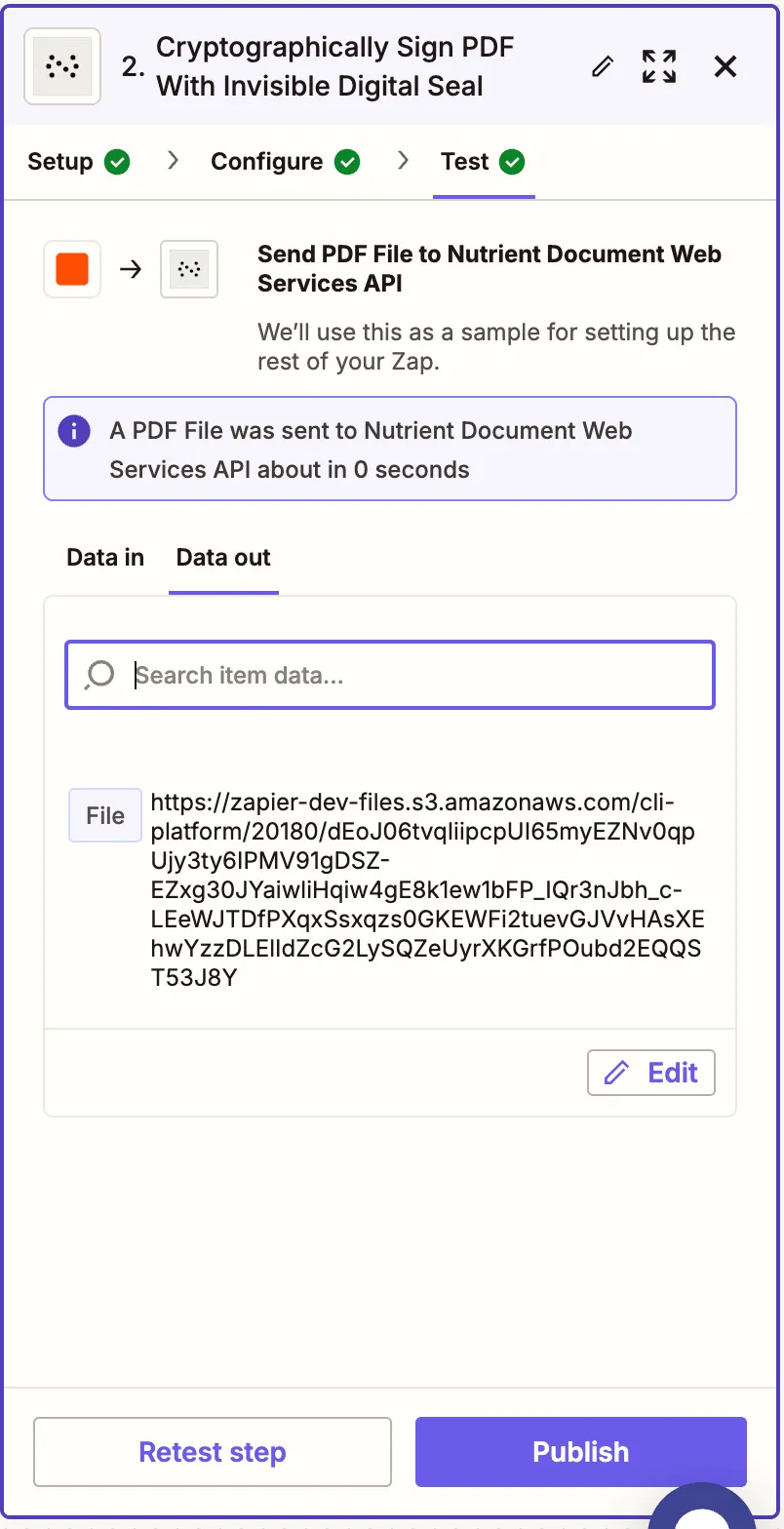
- Test the step to verify successful signing.
Step 3 — Upload the signed PDF to Google Drive
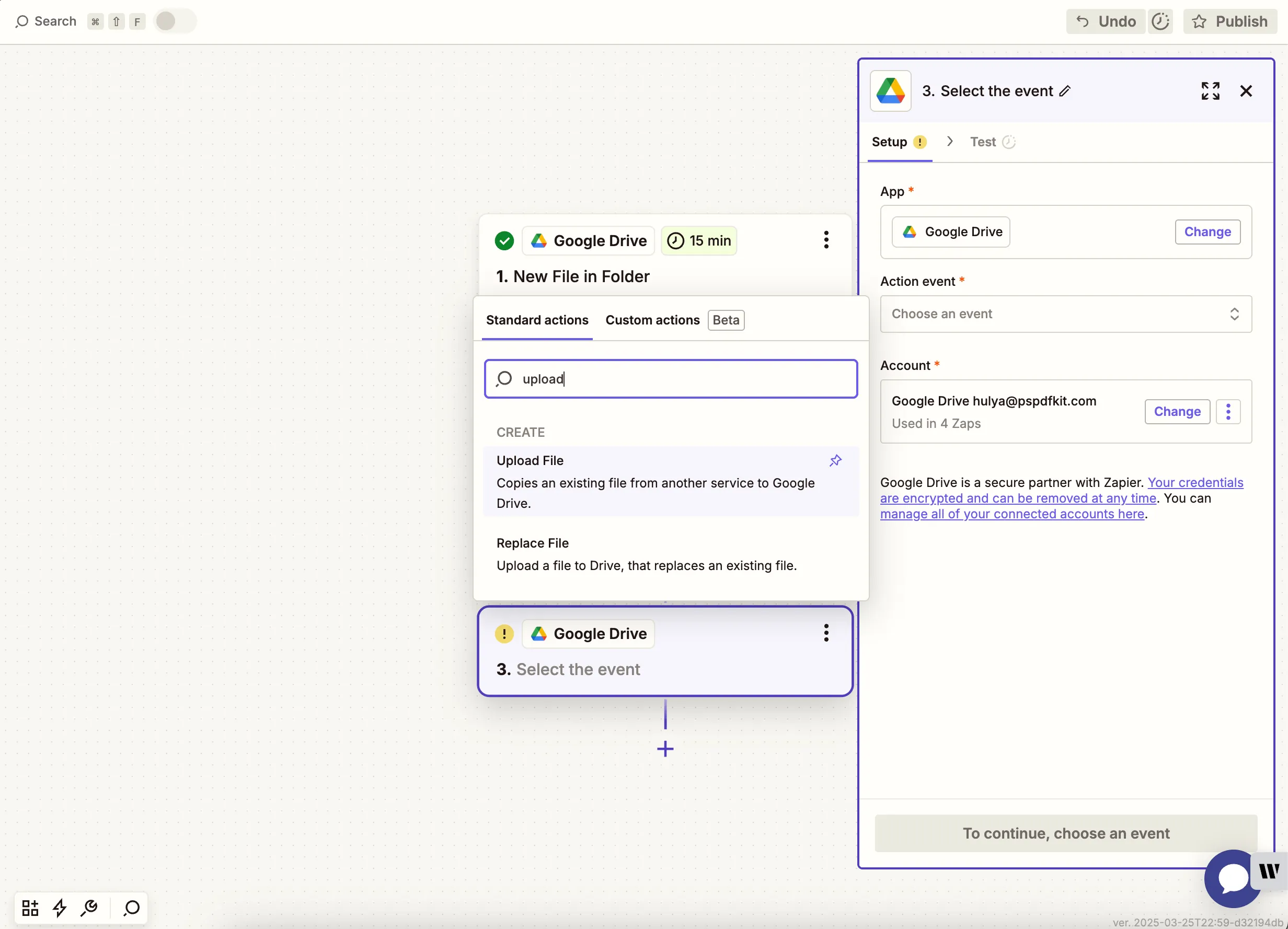
- Add another step and select Google Drive again. Choose Upload File as the action event.
- Map the file from the Nutrient DWS Processor API step to the File field. Select a folder like
pdf-signing-outputas the destination.
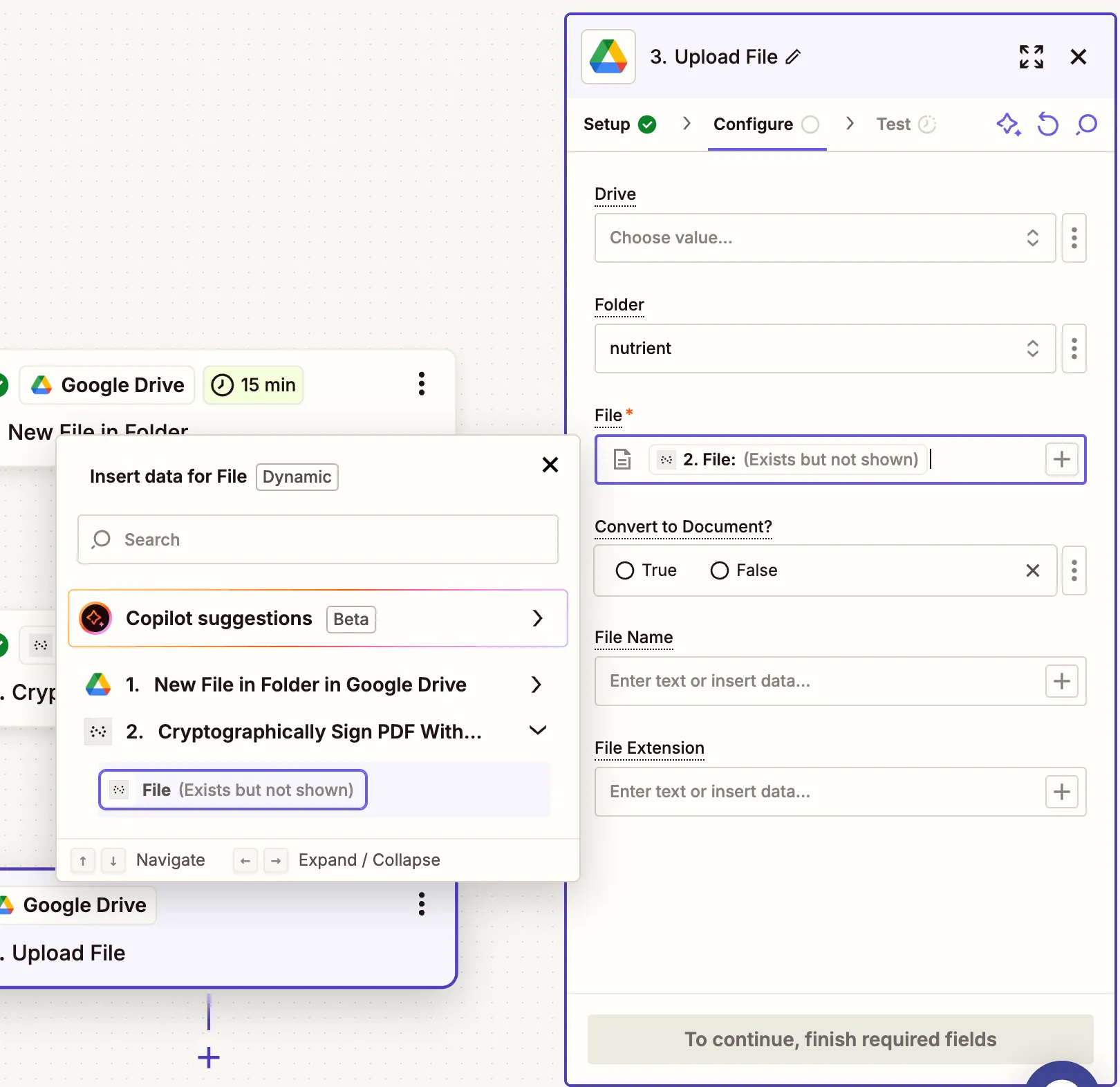
If you’re using the same folder for input and output, Zapier may show a loop warning. Avoid this by selecting a different upload folder.
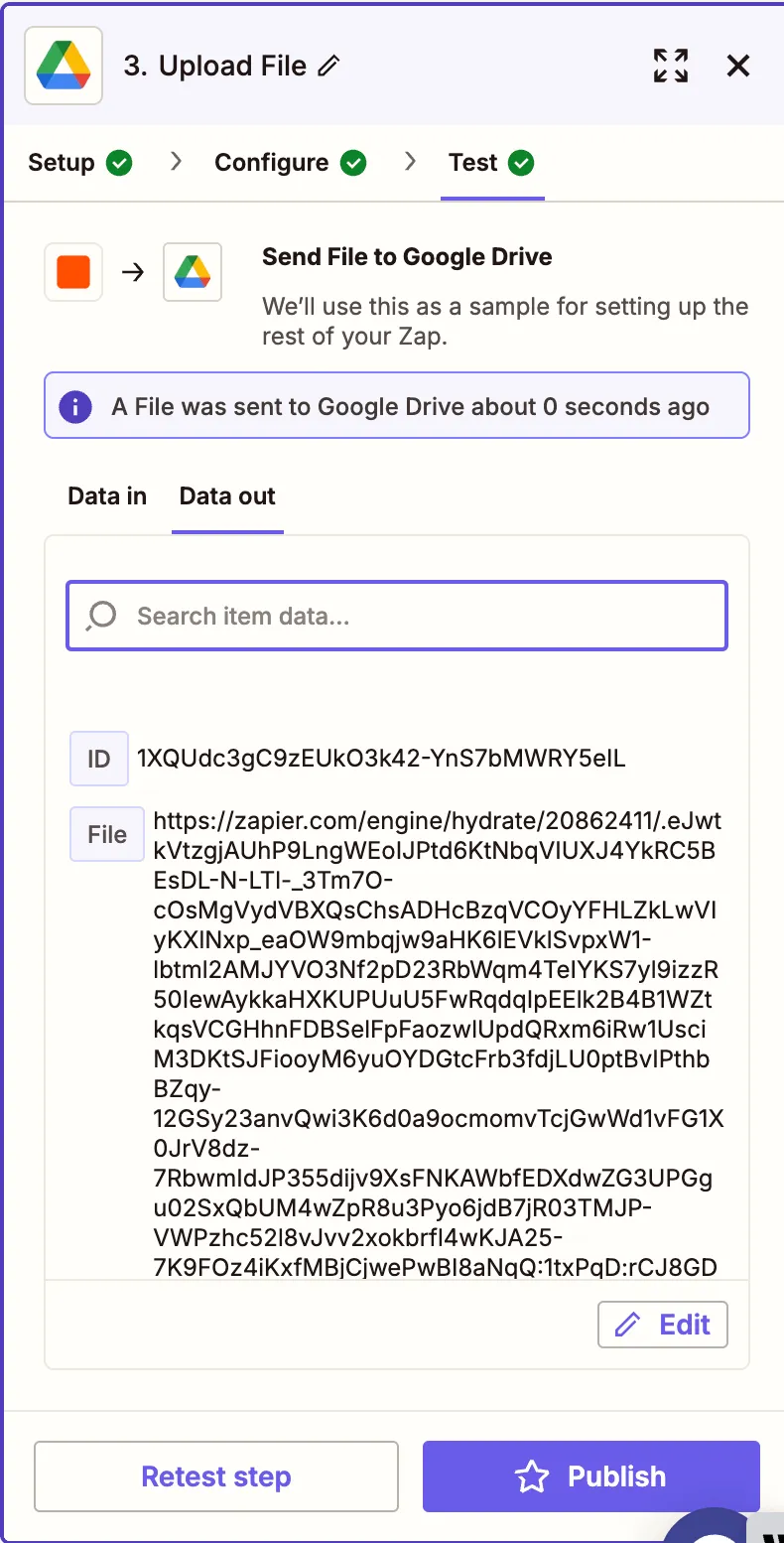
- Test the upload to confirm it works.
Conclusion
With this Zap, you’ve automated the cryptographic signing of PDF documents(opens in a new tab) using an invisible seal that can be verified by any standards-compliant PDF reader. This is perfect for workflows requiring proof of authenticity, non-repudiation, or internal compliance.
You can expand this workflow with additional steps for redaction, PDF/A conversion, or key-value pair extraction.