





Email deliverability can be hard to improve. Why do some emails land in the spam folder and others in the inbox?
Here are our top 10 tips for reaching the inbox.
Prefer watching a video?
The domain you choose to send emails with can significantly impact deliverability. Generally speaking, you should send emails from a subdomain instead of a root domain.
Sending from a subdomain holds a few benefits:
If you use a subdomain, you can separate your reputation. If there's an issue with your marketing subdomain reputation, it's less likely to impact your transactional subdomain.
DMARC is an email authentication protocol that tells mail servers what to do if an email message fails SPF and DKIM.
| Name | Type | Value |
|---|---|---|
| _dmarc.example.com | TXT | v=DMARC1; p=none; rua=mailto:report@example.com; |
In this way, it protects against email spoofing. DMARC record builds trust with mailbox providers, as it allows them to verify that your emails are authorized by your domain.
Ensure that the URLs in the body of your email match the sending domain. Mismatched URLs can trigger spam filters since spammers often use this technique.
In other words, if you send an email from example.com, whenever possible make sure that the URLs in the email are also hosted on example.com.
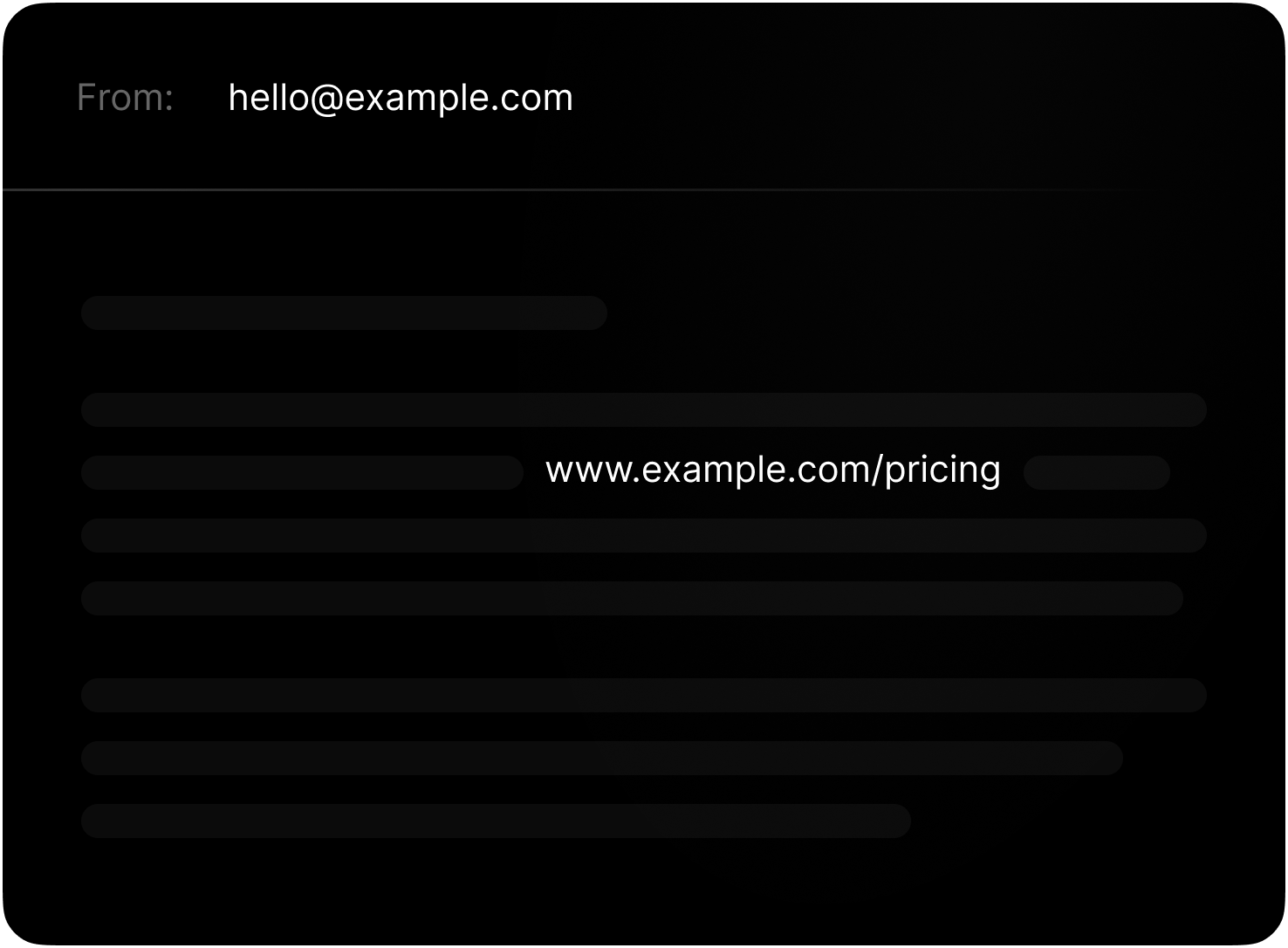
When possible, linked images should also match the sending domain.
While link tracking and open tracking are great to measure the impact of marketing emails, they can actually hurt your deliverability for transactional emails like notifications, magic links, and more.
Mailboxes can see the intent of the email, and when a magic link, for instance, doesn't lead to your domain, it can make the email look suspicious.
Setting up separate subdomains for transactional and marketing emails can often make it easier to include or remove these practices for different email types.
→ Learn about link and open tracking
Gmail has a size limit of 102KB for each email message. Once that limit is reached, the remaining content is clipped.
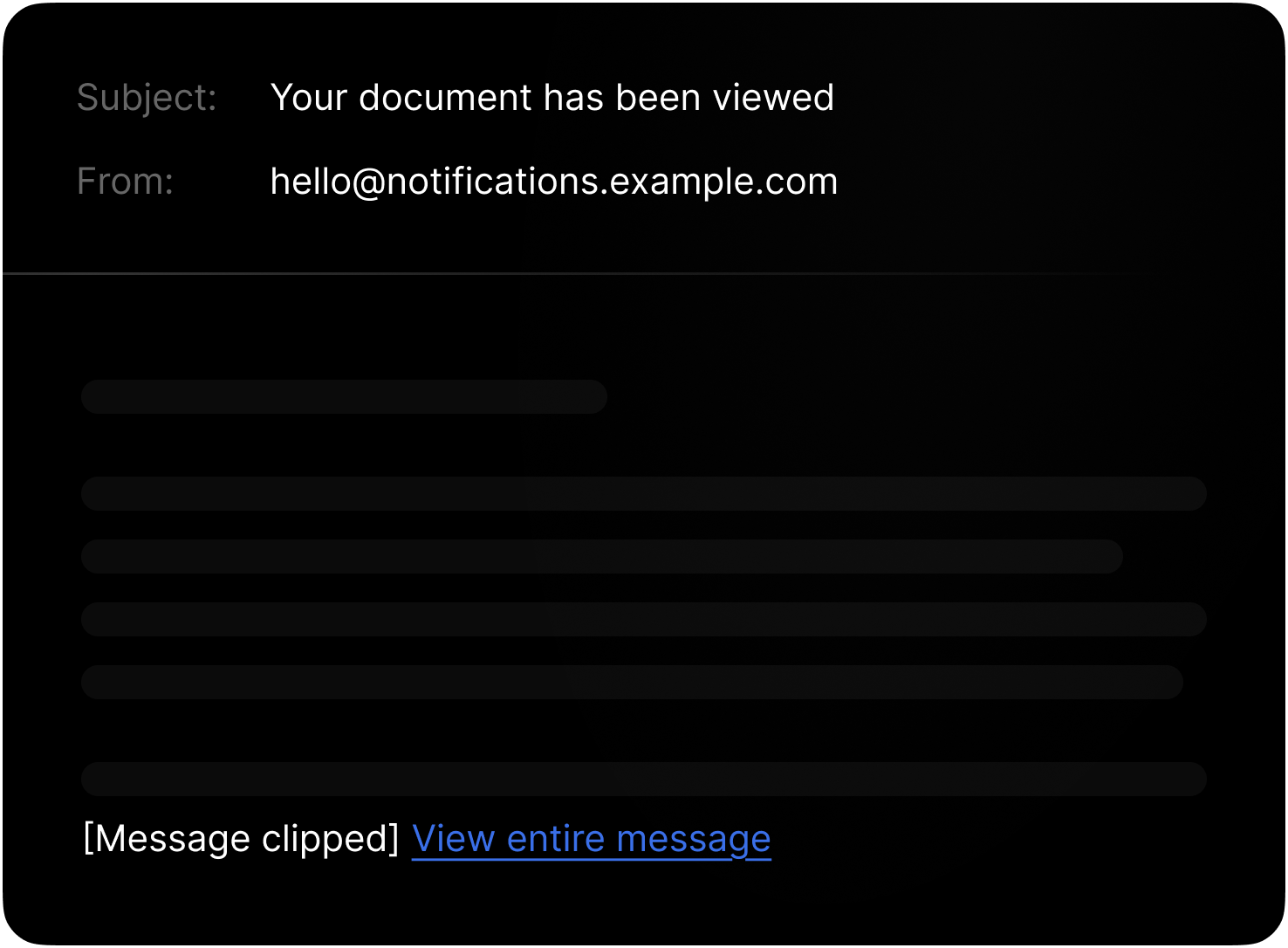
Including a plain text version of your email is also good practice as it ensures that your message is accessible to all recipients, including those who have email clients that don't support HTML.
To help with both email size and accessibility, we recommend avoiding emails with a lot of images.
Spammers often phish from cousin or look-a-like domains, so avoid using them.
For example, if your domain is coca-cola.com, don't use cocacola-mails.com
Instead of registering an email-specific domain, which can cause brand confusion and look like spam, separate your sending using the subdomains method we covered earlier.
When testing, it's tempting to send to fake email addresses to test for bounces, among other things.
While testing is important, intentionally hard-bouncing emails can damage your sending reputation. The bounces are real and will damage your reputation.
Instead, you should use a testing email address provided by your email service or create a testing email account (like testing@[your domain].com).
→ Learn about testing emails on Resend
You should only send to those who've asked to be sent to and don't send to unsubscribers, those who haven't engaged with your content, or those who've marked your previous emails as spam.
Testing should account for all of these scenarios. To keep a clean email list, you can capture bounces or spam complaints using a webhook and remove them from it.
No-reply emails indicate to mailbox providers that the email is one-way communication and decreases trust.
It signals to inboxes that they cannot provide feedback on your emails (like reporting spam).
Mailbox providers are suspicious when you suddenly change the volume of sending.
If you want to send thousands of emails in a few months, you need to warm up your domain by sending them regularly ahead of time. Otherwise, you risk a large bounce rate and a big hit to your reputation, which can be hard to recover from in the future.
此内容由惯性聚合(RSS阅读器)自动聚合整理,仅供阅读参考。 原文来自 — 版权归原作者所有。