






Developers don’t need more complexity — they need tools that help them move faster and build with confidence. At Nutrient, we create the building blocks that enable you to develop, scale, and innovate with less friction. Because great software starts with an exceptional developer experience.
This quarter, we’re doubling down on developer experience in two ways — first, by expanding cloud-based services that give you more options for how you build and deploy document capabilities in your applications. And second, by introducing new tools that streamline your day-to-day workflows — so you can write, test, and ship code faster than ever.
The latest evolution of Nutrient’s document solutions is the expansion of our cloud-based Document Web Services (DWS), starting with the new DWS Viewer API: a seamless deployment option for Web SDK users that delivers backend-grade performance in just minutes. DWS Viewer API is a low-friction onramp to help you unlock powerful server-side capabilities — without needing to spin up infrastructure or manage complex deployments. We also created a new integration between our DWS Processor API and our Web SDK, so frontend developers can take advantage of headless document processing with a simple, document-in/document-out model — no server logic required.
Alongside these cloud-based services, our revamped Web Playground provides developers with a sandboxed web-based lightweight integrated development environment (IDE) for testing and building proofs of concept (POCs) through our examples and seeing the value of building on top of our Web SDK faster. Additionally, Nutrient Copilot — a GitHub Copilot extension that easily integrates into Visual Studio Code and other popular IDEs — brings real-time guidance, documentation, and code suggestions directly to your development environment across any Nutrient SDK.
But it doesn’t stop there. We’re always listening to your feedback, delivering SDK updates and features that help you build more robust document-centric applications for your users.
The latest release brings AI Assistant to iOS and Android, making intelligent document interaction as mobile as your users. And as AI-driven workflows become the future, new PDF-to-Markdown and PDF-to-HTML conversion capabilities ensure the data in your documents is structured, accessible, and digestible for LLM-powered development. Meanwhile, the latest Web SDK and .NET SDK updates give you more tools to ensure your application’s user interface (UI) meets accessibility requirements, so you can build inclusive document experiences that are fully compliant with regulations, without worry.
Lastly, we’re excited to introduce Text Comparison for our Web SDK, which brings more efficient and effortless review of multiple documents to your users, alongside some key upgrades to our Document Authoring SDK that make in-app DOCX viewing and editing more powerful than ever.
More flexibility. More power. Fewer obstacles. Let’s take a closer look.
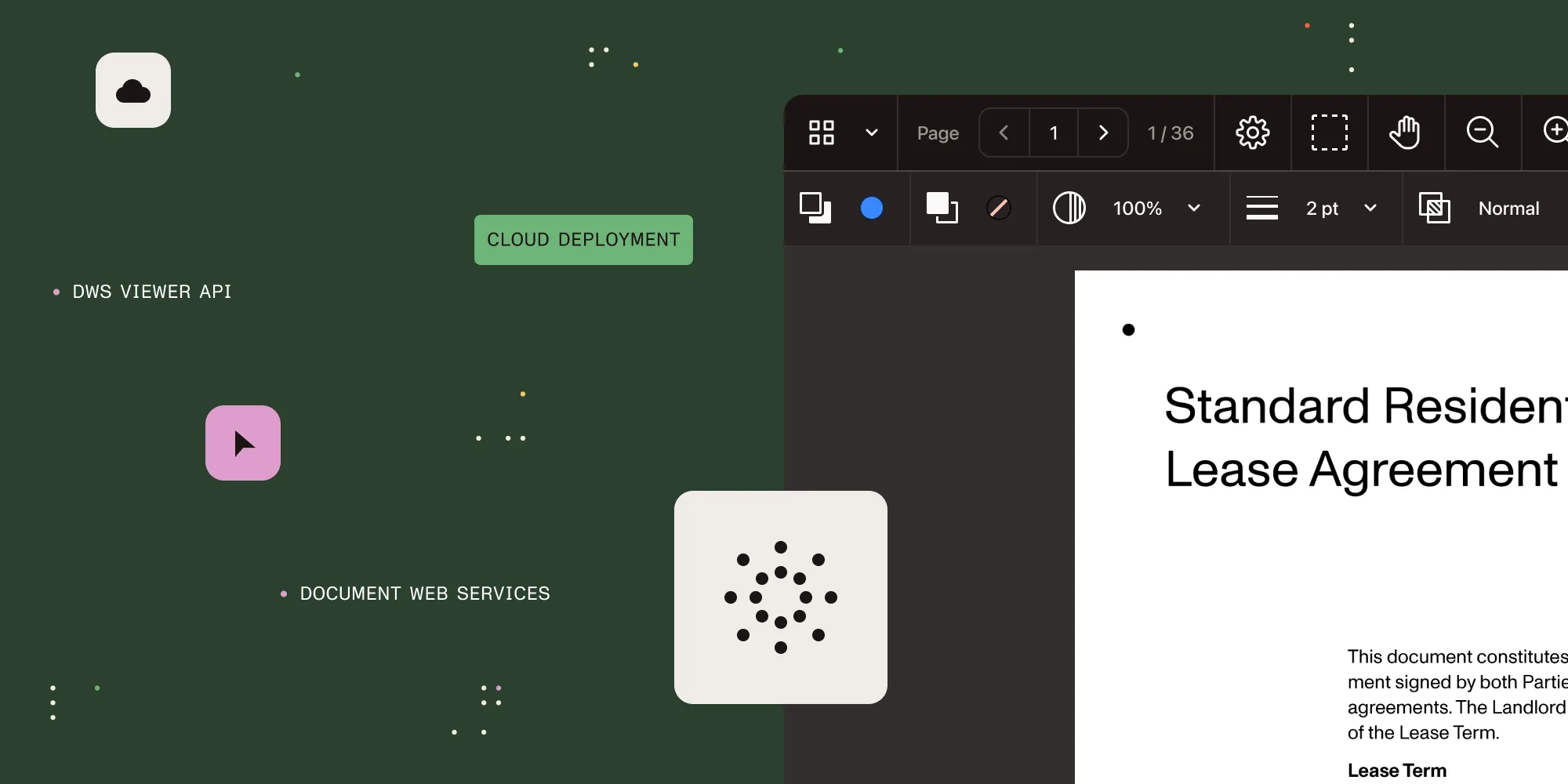
If you’re a frontend developer who’s ever hesitated at the mention of a “backend setup,” our newest Web SDK deployment option, DWS Viewer API (now in public preview), is your new way to access server-side processing — seamlessly via the cloud. You can now offload resource-intensive processing, enhance security, and enable seamless real-time collaboration without the complexity of managing your own infrastructure. DWS Viewer API provides a frictionless way to improve rendering speed, streamline workflows, and leverage powerful document processing capabilities.
Whether you want to boost viewing performance, enhance security by ensuring documents aren’t accessible on local devices, or test advanced processing features, DWS Viewer API is your new entry point.
Why choose DWS Viewer API?
Sign up(opens in a new tab) for the public preview of DWS Viewer API today and start building instantly. Your feedback will help shape the future of developer-centric document management tools.
With DWS Viewer API, we made it easier for developers to tap into server-backed functionality without complex infrastructure. Now, we’re extending that same philosophy with a digital signing service that integrates our Web SDK with our powerful DWS Processor API — removing the inconvenience of managing a backend.
You can now handle digital signing seamlessly by calling DWS Processor API directly via Web SDK. There’s no need to set up and manage your own infrastructure or navigate the complex procurement process to obtain a digital signature certificate. You also have the option to maintain the privacy of your documents by sending only the hash value for signature verification.
With this release, developers leveraging our Web SDK are also able to offload intensive tasks like OCR, compression, and format conversion — giving their users more power with less complexity.
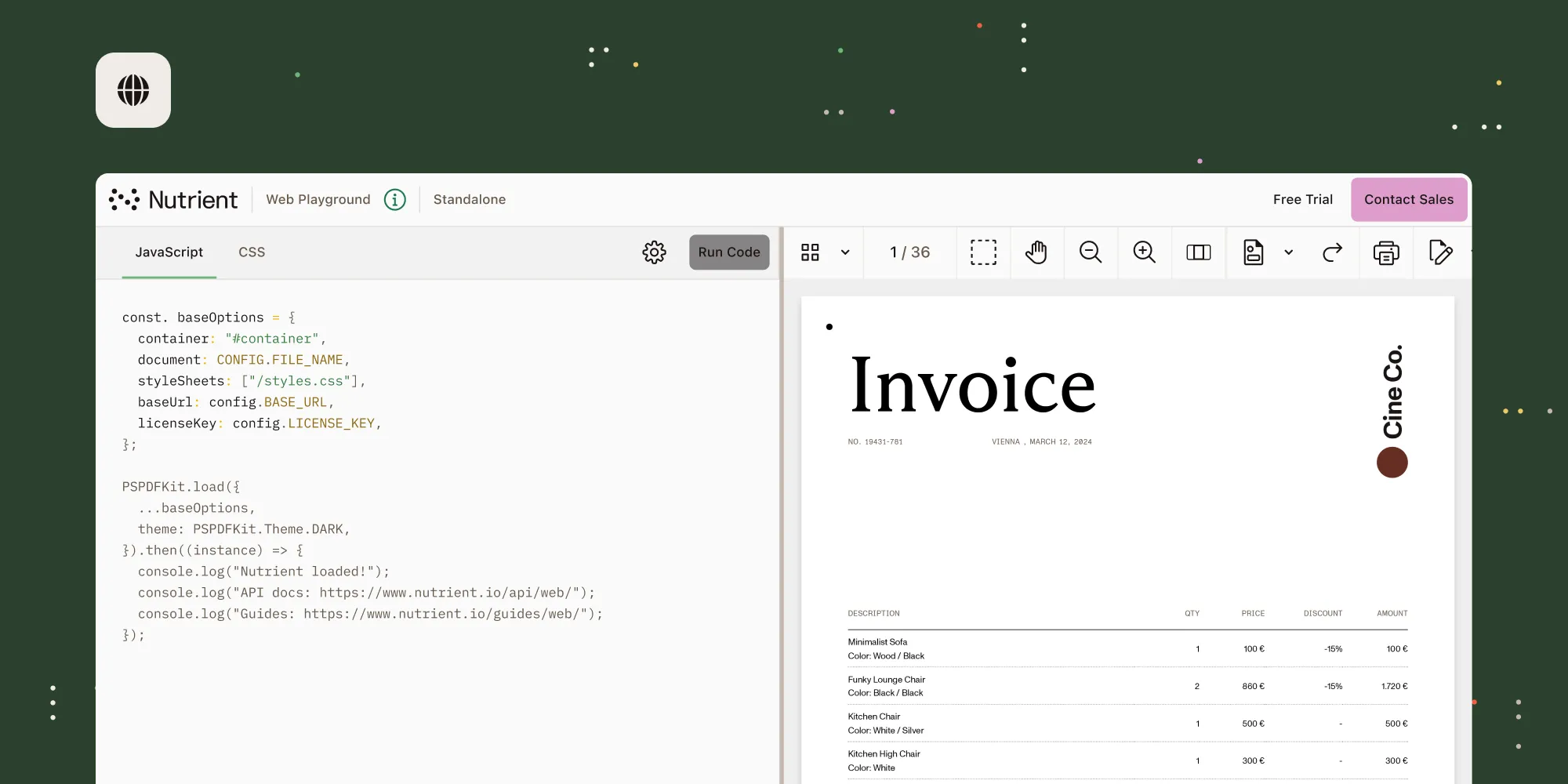
A robust testing environment is key to accelerating innovation and bringing concepts to life faster. Web Playground, our lightweight IDE sandbox for testing our Web SDK, now delivers faster performance, access to different versions, and autocomplete — making development and creating POCs smoother than ever. Instantly spin up an SDK environment, tweak your code, and share live examples with a simple URL. Easily switch between SDK versions to test for smooth upgrades and compatibility — turning Web Playground into a true productivity boost.
Why Web Playground?
Built for speed. Designed for ease. Optimized for you. Try it today and see for yourself.
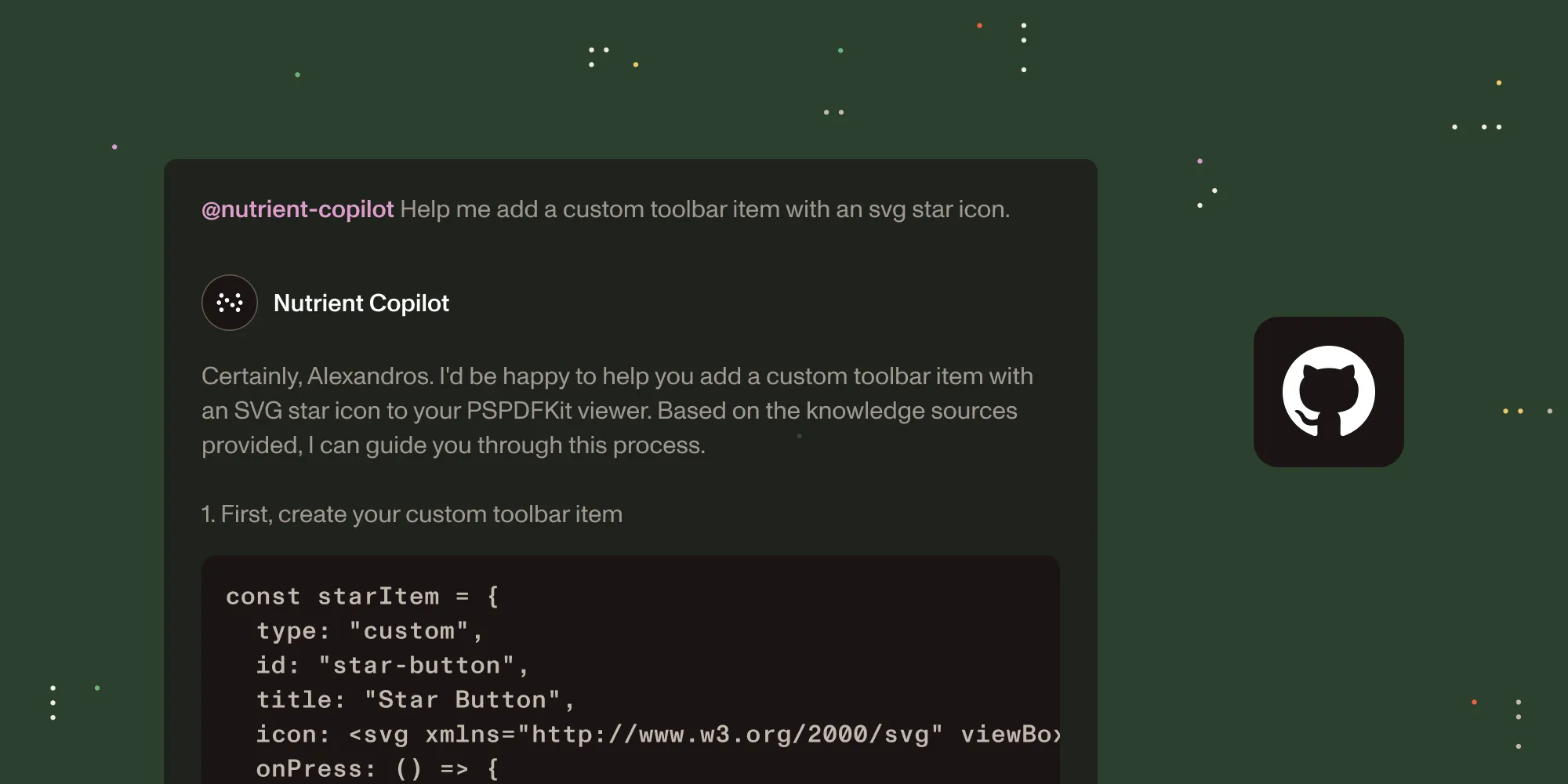
For developers, staying focused and in the flow state is everything — and jumping between documentation, API references, and code snippets slows you down. Nutrient Copilot eliminates those interruptions by bringing everything you need into your coding environment. Built on top of GitHub Copilot, this extension integrates seamlessly with VS Code and connects directly to Nutrient’s official documentation to deliver real-time guidance without breaking your momentum.
Code without disruptions
Ready to try it? Install Nutrient Copilot in minutes by following our instructions for seamless integration with VS Code.
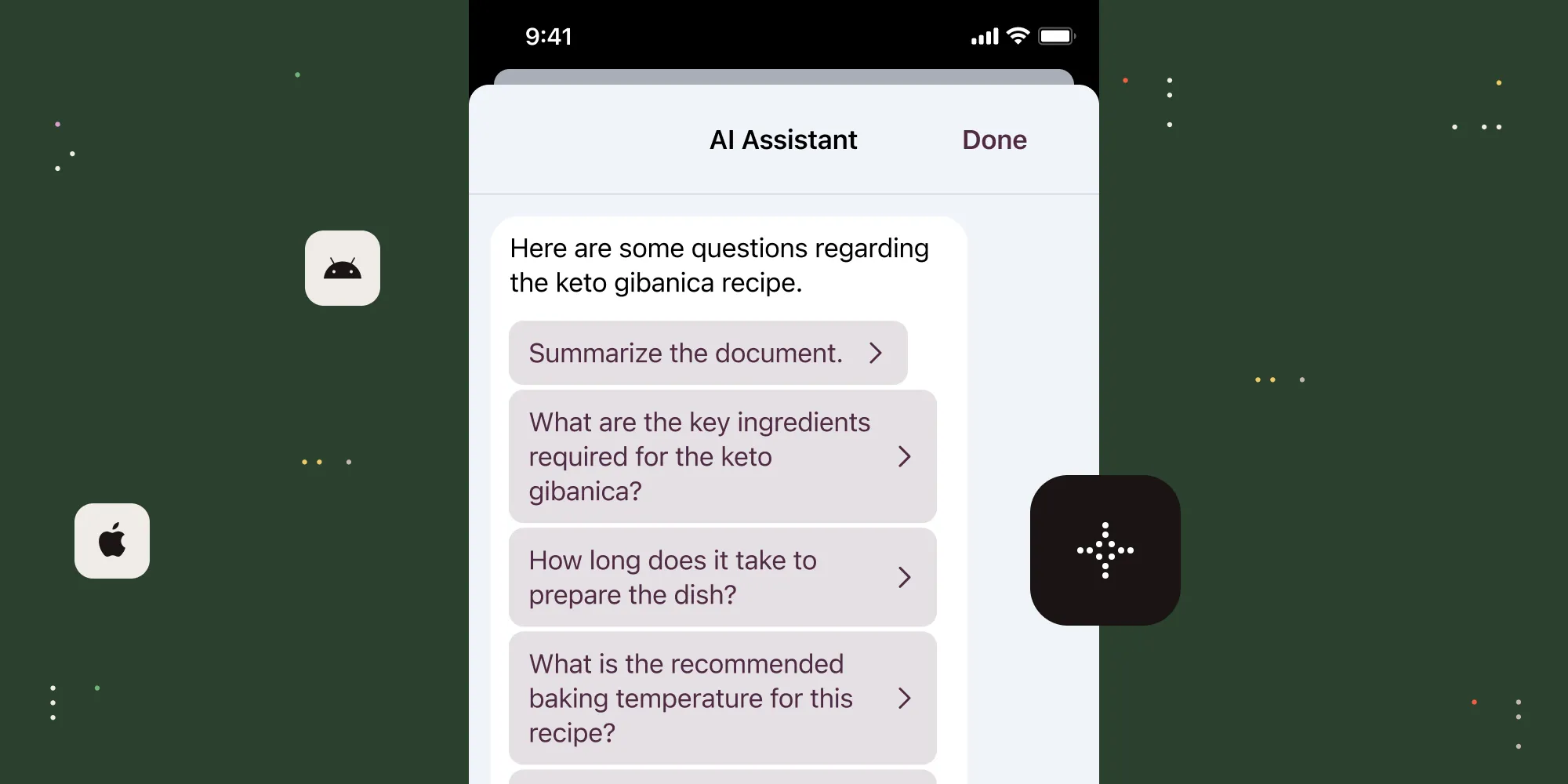
Work happens everywhere — from boardrooms to coffee shops — and your users need a faster, smarter way to understand and interact with documents on the go. Nutrient’s AI Assistant redefined document intelligence for the web, and now we’re excited to bring that power to iOS and Android. With this update, developers can seamlessly integrate AI-powered document insights, instant summaries, and contextual search directly into your mobile apps. AI Assistant works with leading model providers, including OpenAI, Azure AI, AWS Bedrock, and self-hosted LLMs, giving you the flexibility to build AI-powered document workflows on your terms.
Whether your users are reviewing contracts, scanning reports, or extracting key insights from lengthy documents, AI Assistant is now in their pocket, ready to help.
With AI Assistant for iOS and Android, your users can:
Try AI Assistant for iOS and Android today.
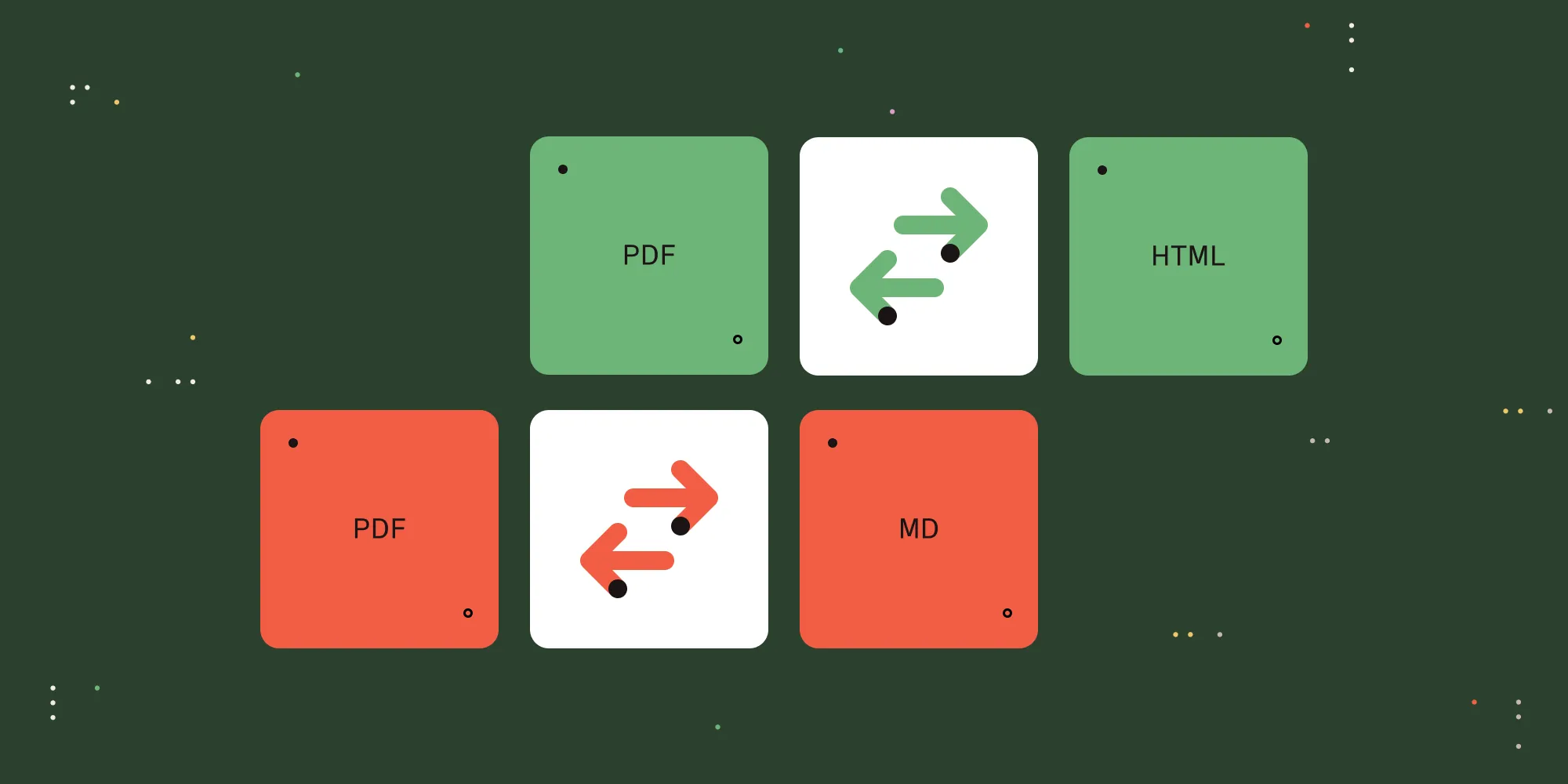
As AI-powered workflows evolve across devices and frameworks, structured, machine-readable content is essential for the large language model (LLM) pipeline. New PDF-to-Markdown conversion functionality in our .NET SDK helps you transform PDFs into clean, structured text optimized for LLMs, natural language processing (NLP) tools, and machine learning (ML) systems. By preserving headers, tables, and lists while eliminating unnecessary complexity, Markdown makes AI-driven content analysis, automation, and extraction more efficient.
PDF-to-Markdown: AI-ready, developer-friendly
While Markdown can power AI-driven workflows, HTML ensures documents are accessible, searchable, and browser-friendly. PDF-to-HTML conversion eliminates common barriers inherent with PDF-centric workflows — all without plugins or additional software — making content instantly viewable, indexable, and easy to integrate.
PDF-to-HTML: Unlocking content for the web
With PDF-to-Markdown and PDF-to-HTML, developers gain the flexibility to prepare content for AI-driven analysis, enhance accessibility, and integrate documents across platforms — all while reducing complexity and improving performance.
Read more about these recent updates to our .NET SDK.

The web should work for everyone. Yet too often, digital documents create barriers — whether for users with disabilities, teams working across different formats, or organizations striving to meet evolving accessibility standards. And with new accessibility regulations taking effect in 2025, organizations need seamless solutions to stay compliant while delivering inclusive experiences.
That’s why we’re introducing new accessibility enhancements across our platform:
Accessibility shouldn’t be a challenge. It should be built in. And with these updates, it is.
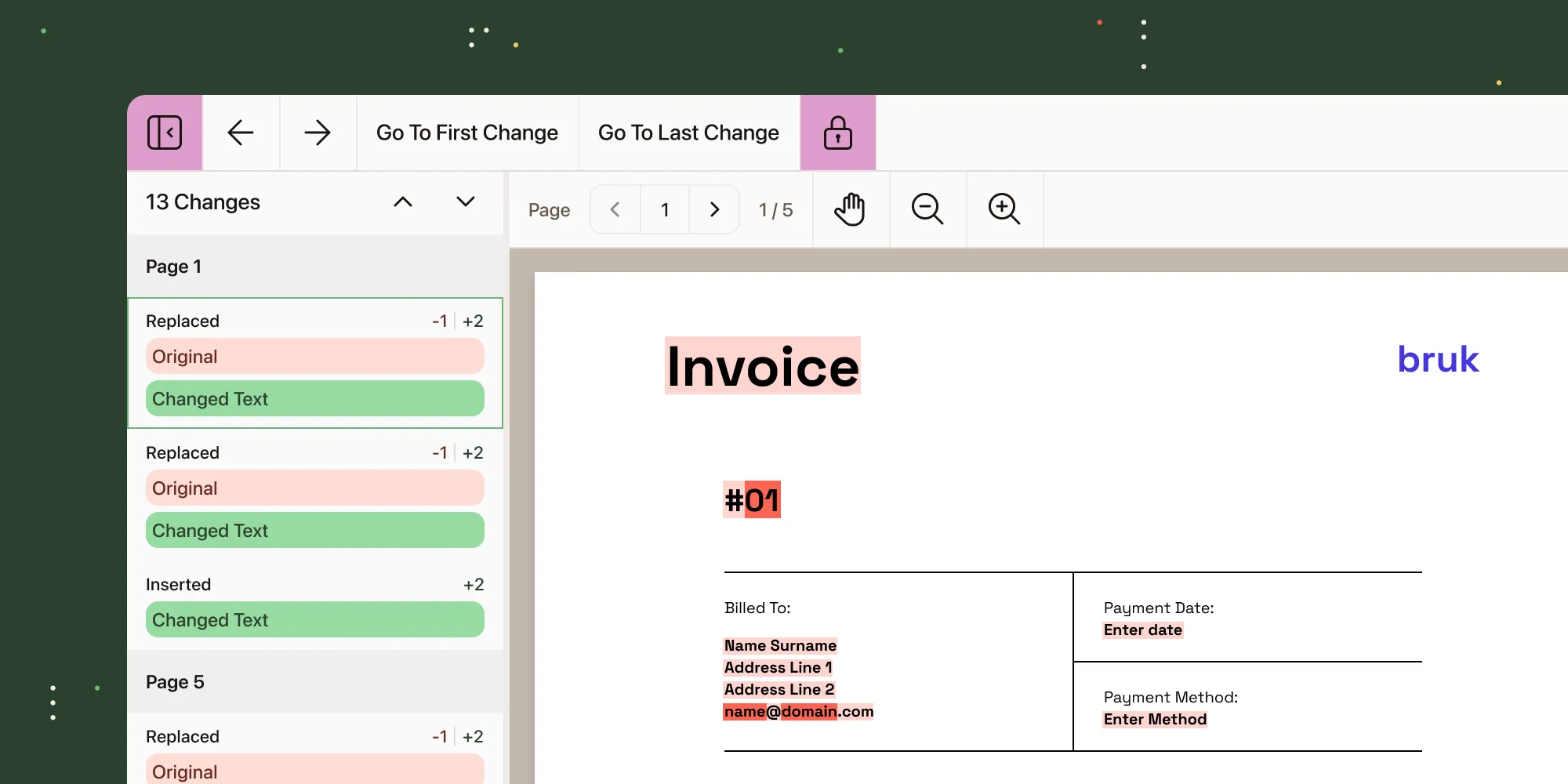
When accuracy matters, comparing text between two different versions of a document needs to be precise, seamless, and intuitive. Text Comparison, the latest addition to Nutrient Web SDK, highlights text insertions, deletions, and modifications with side-by-side views, allowing your users to identify and jump directly to changes with accuracy. No extra tools. No complex setup. Just effortless document review at scale.
Why choose Nutrient?
See Nutrient’s Text Comparison in action today.
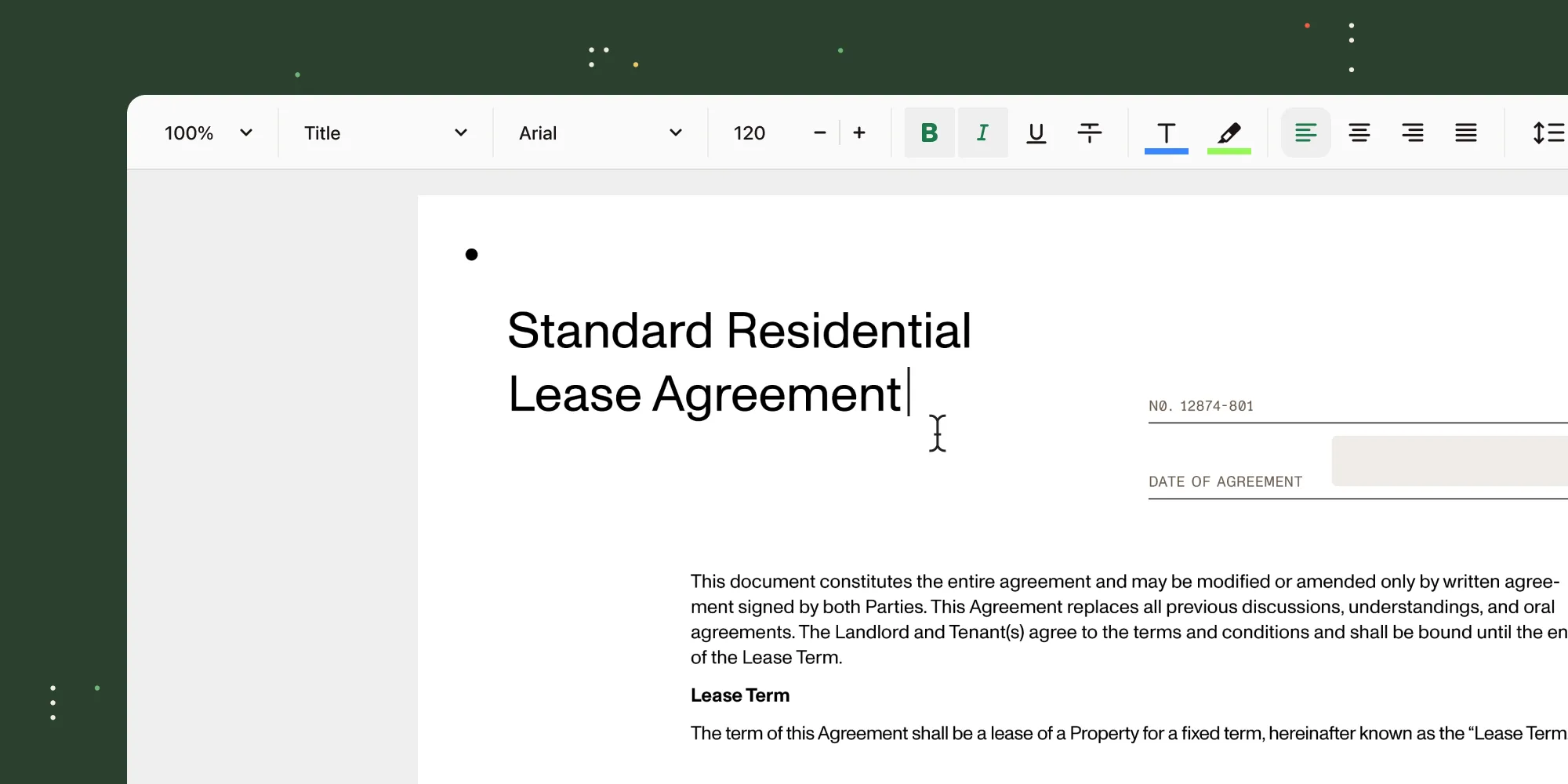
Introduced in late 2024, our Document Authoring SDK is an easy-to-use WYSIWYG editor, similar to Google Docs, that lets you open and edit DOCX files, ensuring perfect fidelity across browsers and in PDFs. Document Authoring delivers unmatched document creation and editing capabilities and goes far beyond what’s possible with other rich text editors. With this most recent round of updates, we introduced:
Experience the next generation of document creation and editing(opens in a new tab) for yourself.
Ready to transform how users interact with your software? Get started now to try our latest features. Want to learn more about our Q1 2025 product update? Watch our webinar on demand!
And if you’re part of our developer community, join our Discord(opens in a new tab).
此内容由惯性聚合(RSS阅读器)自动聚合整理,仅供阅读参考。 原文来自 — 版权归原作者所有。