










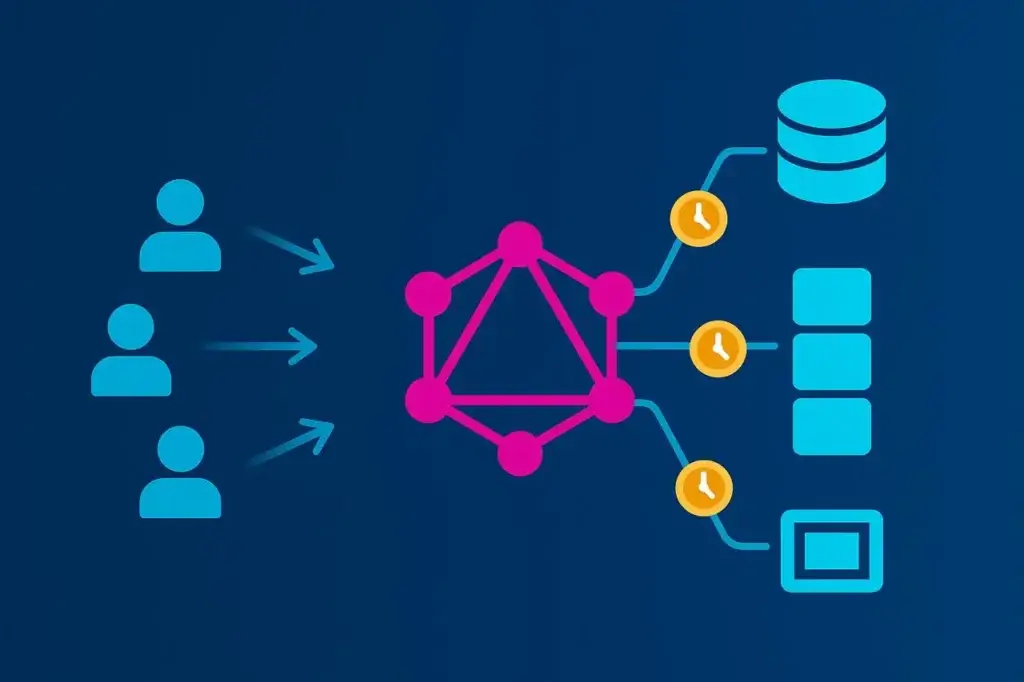
GraphQL changed how frontends consume data—and in doing so, it changed how APIs fail under pressure.
Unlike REST, where each route defines what data returns, GraphQL inverts control. The client decides what fields to fetch, how deep to traverse, and how often to repeat the request. That flexibility is liberating for developers, but it makes performance unpredictable. Two queries against the same endpoint can generate wildly different server workloads.
Traditional load testing assumes consistency: a fixed path, predictable payload, measurable latency. GraphQL shatters those assumptions. To test it effectively, you have to model query variance, resolver depth, and concurrency patterns that mirror real-world use. Otherwise, you’re just testing your cache—not your API.
This article breaks down how to design, execute, and interpret load tests that capture what actually matters in a GraphQL system: resolver cost, backend orchestration, and the tradeoff between flexibility and scalability.
Most load tests are built on repetition. You record one API transaction and replay it at scale, measuring how long it takes to complete. That works fine for REST. Every /api/orders call returns roughly the same payload, exercises the same logic, and costs about the same in compute.
GraphQL, on the other hand, runs a custom query planner for every request. Each client request defines its own workload:
To the load generator, it all looks like a single POST /graphql—but beneath the surface, your servers might be making 50 database queries, fanning out to half a dozen microservices, and serializing hundreds of JSON fields.
That’s why GraphQL load testing can’t be treated as a simple throughput test. It’s not about how many requests per second you can handle. It’s about how query shape drives backend behavior. The “right way” means designing tests that reflect that variability instead of hiding it.
One of GraphQL’s most misunderstood characteristics is how expensive it can get with depth. A seemingly harmless query can turn into a computational bomb once it unrolls through nested resolvers.
Take a basic e-commerce schema:
query GetCustomer {
customer(id: "42") {
name
orders {
id
total
products {
id
name
price
}
}
}
}
On paper, that looks simple. But if every resolver calls a database separately—one for the customer, one for each order, one per product—you’ve just multiplied your query cost exponentially. The infamous “N+1 problem” turns a single client request into a swarm of backend calls.
Now imagine 1,000 virtual users hitting that query in parallel. You’re not load testing one endpoint anymore, instead you’re load testing every database table and microservice downstream. The challenge isn’t just concurrency—it’s understanding where that concurrency manifests.
To make load testing meaningful, you need visibility at the resolver level. Query depth and resolver count must be part of your testing profile, not just response time. Otherwise, you’ll only see the smoke, not the fire.
Performance metrics for GraphQL should be viewed in layers: query, resolver, and system. Each tells a different part of the story.
At the query layer, focus on:
At the resolver layer, collect instrumentation data wherever possible:
At the system layer, tie those metrics back to infrastructure utilization—CPU, memory, thread count, and connection pool saturation. GraphQL servers are often CPU-bound during load spikes due to query parsing and resolver serialization, so your bottleneck may not even live in the database.
Raw response times alone won’t tell you much. Correlating resolver execution with infrastructure telemetry is how you isolate true scalability constraints.
GraphQL isn’t a single API—it’s an interface for dozens. To test it realistically, you have to reflect that diversity.
Start by mining production traffic or access logs for operation names and query signatures. These reveal the actual mix of client behavior—short lookups, deep aggregations, mutations, and occasionally abusive “fetch everything” queries.
From there:
A load test that only replays one query is like a stress test that only hits your homepage—it looks fine until the real world shows up. The more representative your workload, the more valuable your data.
Load testing GraphQL effectively means layering realism and scale. The API’s flexibility demands both controlled, script-based tests and distributed runs that simulate real user conditions across regions.
JMeter remains a strong foundation for GraphQL load testing. Since GraphQL operates over standard HTTP POST requests, you can define queries as JSON payloads, inject variables dynamically, and parameterize tokens or session data within a JMeter test plan.
This approach gives full control over concurrency, headers, and payload structure—ideal for validating backend performance under realistic query mixes. It’s lightweight and repeatable, but it only tells part of the story: response time at the protocol level. It doesn’t account for network latency or browser behavior.
To move from local JMeter runs to production-scale validation, LoadView provides a managed execution layer built specifically for distributed testing. It runs your JMeter scripts across multiple geographic locations, introducing real-world latency and bandwidth variability that local environments can’t simulate.
LoadView extends the same scripting flexibility while handling all the orchestration:
This hybrid approach—using JMeter for test definition and LoadView for distributed execution—offers both precision and scale. Teams can iterate quickly during development, then validate at full load before release, using the same test logic end-to-end.
When GraphQL powers user-facing frontends, it’s worth validating how performance feels at the browser layer. LoadView can also execute browser-based scenarios, rendering pages and triggering GraphQL requests through real browsers. This measures complete transaction times—including rendering, network delays, and caching behavior—offering an end-to-end view of user experience under load.
Used together, these layers—scripted HTTP testing and browser-level execution—create a realistic model of how GraphQL actually performs when hundreds or thousands of users are querying simultaneously.
GraphQL performance testing is littered with traps that make data meaningless. The worst part is that most of them look like success until production disproves them.
One frequent mistake is testing a single static query. It gives clean, consistent numbers—and tells you nothing about how the system handles diversity.
Another is ignoring cache state. The first test run hits the database, and the next five hit Redis, and suddenly performance looks amazing. Always run both cold and warm cache scenarios.
A subtler trap is not accounting for resolver-level variability. Without tracing data, you can’t tell if one slow response came from a heavy query or a transient backend issue. Resolver timing hooks or tracing extensions (Apollo Tracing, GraphQL Yoga, etc.) help separate query cost from infrastructure noise.
Finally, don’t confuse load testing with chaos. The goal isn’t to crash your API—it’s to find the slope where latency starts climbing. Past that point, you’re measuring failure, not performance.
The right mindset is diagnostic, not destructive.
Load testing isn’t just about collecting data, it’s about translating it into decisions.
Start with correlation. If latency spikes align with resolver call counts, you’ve found an N+1 issue. If CPU climbs while database metrics stay flat, your bottleneck lives in query parsing or response serialization.
From there, optimization paths open up:
Once improvements are made, rerun the same load model. Performance tuning without retesting is like debugging without logs—you’re guessing.
A one-off load test is a compliance checkbox. A continuous one is an engineering advantage.
GraphQL schemas evolve constantly as products grow. New fields, new joins, and new client features all shift performance characteristics. Every schema change can subtly alter resolver paths or data volumes.
Integrate scaled-down load tests into CI/CD pipelines—just enough to catch regressions before deployment. Keep your query sets updated as production traffic evolves. Schedule deeper tests monthly or before major launches to validate that optimizations still hold.
Treat performance as part of the schema lifecycle, not a separate phase. In GraphQL, every new field is a potential performance liability until proven otherwise.
GraphQL’s power lies in its flexibility. That same flexibility makes it easy to build an API that looks perfect under light testing but collapses under real-world variety.
The right way to load test GraphQL isn’t about raw numbers—it’s about context. Simulate real queries, measure the cost of their depth and complexity, and trace how each one fans out across systems. Understand the slope where performance starts to degrade, not just the point where it breaks.
For teams running these tests at scale, LoadView helps extend the process beyond the lab. By executing JMeter-based or browser-driven GraphQL scenarios from multiple global regions, it provides a truer picture of performance under live internet conditions—latency, variability, and all.
Used this way, LoadView becomes less a tool and more a proving ground: the environment where flexible APIs meet real-world demand. Do that, and load testing becomes more than a technical ritual—it becomes a map of how your architecture truly behaves when freedom meets scale.
此内容由惯性聚合(RSS阅读器)自动聚合整理,仅供阅读参考。 原文来自 — 版权归原作者所有。