惯性聚合 高效追踪和阅读你感兴趣的博客、新闻、科技资讯
阅读原文 在惯性聚合中打开

推荐订阅源

Simon Willison's Weblog
G
Google Developers Blog
Spread Privacy
Spread Privacy
I
InfoQ
V
V2EX
S
Schneier on Security
小众软件
小众软件
C
CERT Recently Published Vulnerability Notes
博客园 - 聂微东
奇客Solidot–传递最新科技情报
奇客Solidot–传递最新科技情报
Stack Overflow Blog
Stack Overflow Blog
T
Threat Research - Cisco Blogs
L
Lohrmann on Cybersecurity
Recent Announcements
Cyber Security Advisories - MS-ISAC
Attack and Defense Labs
云风的 BLOG
云风的 BLOG
The Hacker News
The Hacker News
S
SegmentFault 最新的问题
C
Cybersecurity and Infrastructure Security Agency CISA
NISL@THU
NISL@THU
OSCHINA 社区最新新闻
OSCHINA 社区最新新闻
GbyAI
GbyAI
Latest news
Latest news
S
Secure Thoughts
Project Zero
Project Zero
MongoDB | Blog
MongoDB | Blog
I
Intezer
Security Latest
Security Latest
Apple Machine Learning Research
Vercel News
Vercel News
N
Netflix TechBlog - Medium
V2EX - 技术
V2EX - 技术
量子位
T
Threatpost
T
The Blog of Author Tim Ferriss
Y
Y Combinator Blog
T
Tor Project blog
A
Arctic Wolf
Microsoft Security Blog
T
The Exploit Database - CXSecurity.com
大猫的无限游戏
大猫的无限游戏
T
Tailwind CSS Blog
freeCodeCamp Programming Tutorials: Python, JavaScript, Git & More
C
Check Point Blog
博客园 - Franky
Google DeepMind News
The Register - Security
The GitHub Blog
The GitHub Blog
L
LINUX DO - 热门话题

YYThemes

Rank Math SEO 好用强大的SEO插件 – YYThemes 网站速度检测工具 – YYThemes 阿里云域名注册流程 – YYThemes WordPress主机推荐 – YYThemes WordPress外贸独立站建站全过程详细教程 – YYThemes YYMarket 主题使用文档 – YYThemes YYStart主题钩子 世界,您好! – YYThemes
Advanced Classic Editor 经典编辑器扩展插件 – YYThemes
显示名称 * · 2024-08-02 · via YYThemes

1年前

Advanced Classic Editor是一个经典编辑器的扩展插件,随着WordPress 5.0版本的推出,Gutenberg编辑器成为了默认的编辑器,但许多用户仍然喜欢使用经典编辑器。这个插件允许用户在WordPress 5.0及以后的版本中继续使用经典编辑器,并提供了一些额外的功能和工具。
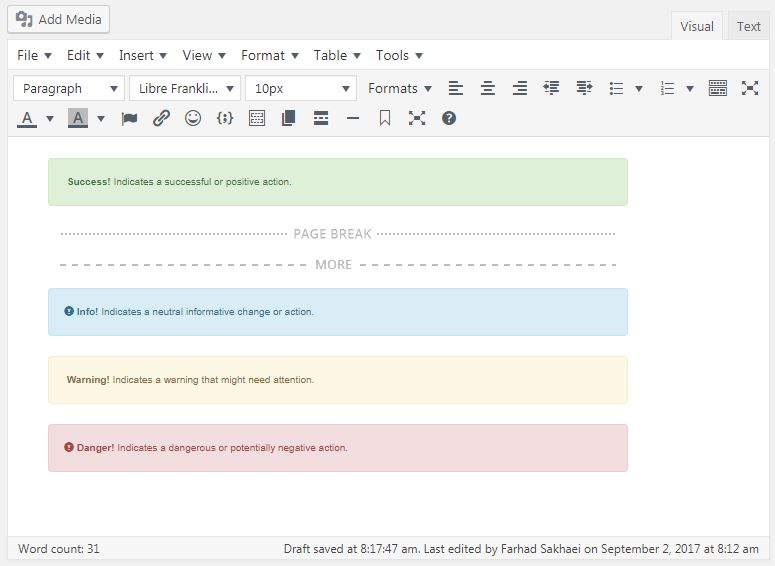
它包括 20 个 WordPress 编辑器 (TinyMCE) 插件

  • 轻松从 Font Awesome Set 插入许多图标,更改其大小或边框!
  • 支持 HTML 模板(我们很快将添加许多预先设计的模板!)
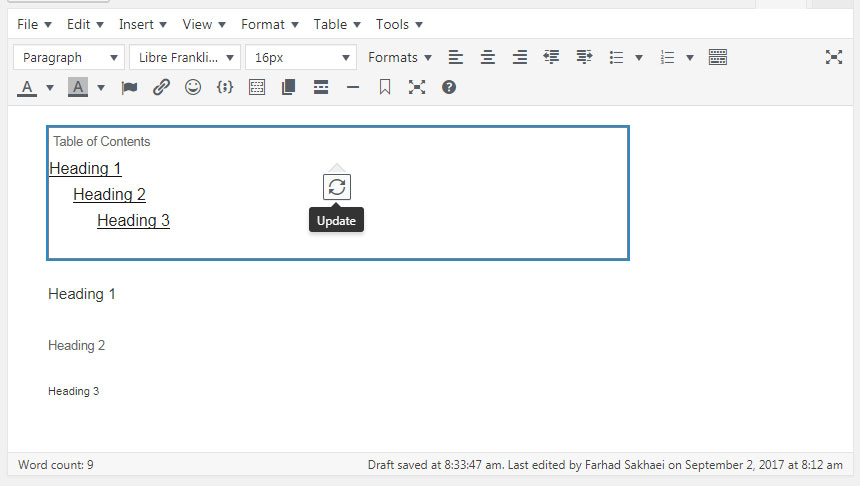
  • 根据标题插入目录
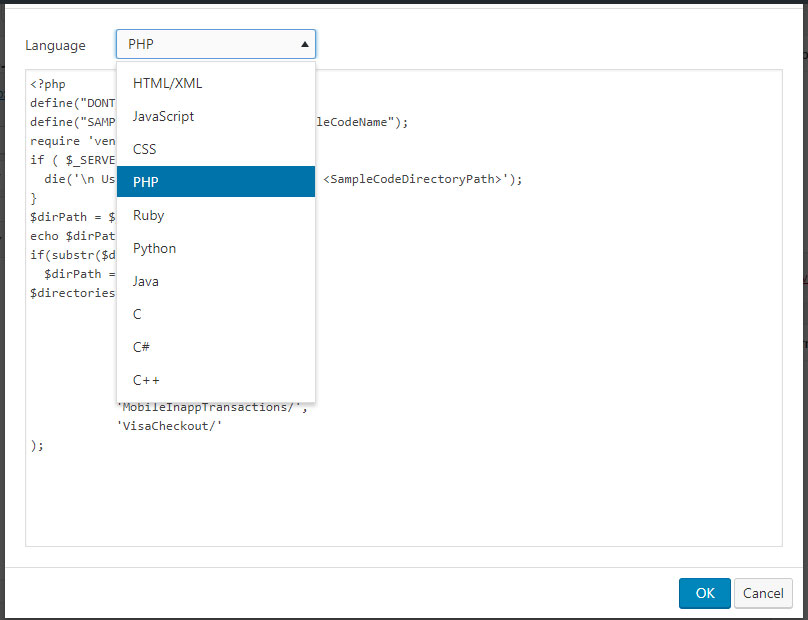
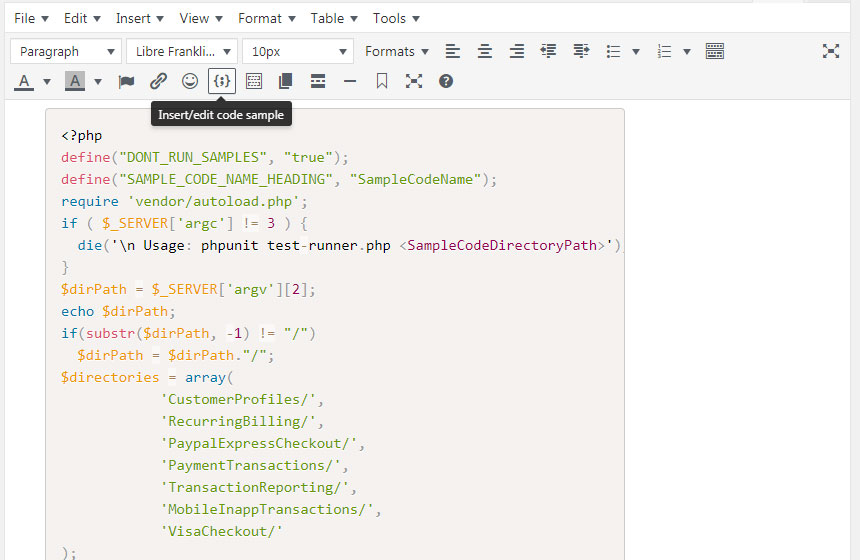
  • 插入代码样本,并为其着色
  • 插入表情符号
  • 更改文本颜色和背景颜色
  • 出色的上下文菜单
  • 打印、粘贴为文本、查找和替换、插入媒体、特殊字符、水平线、阅读更多标签、分页符标签、锚点、日期时间
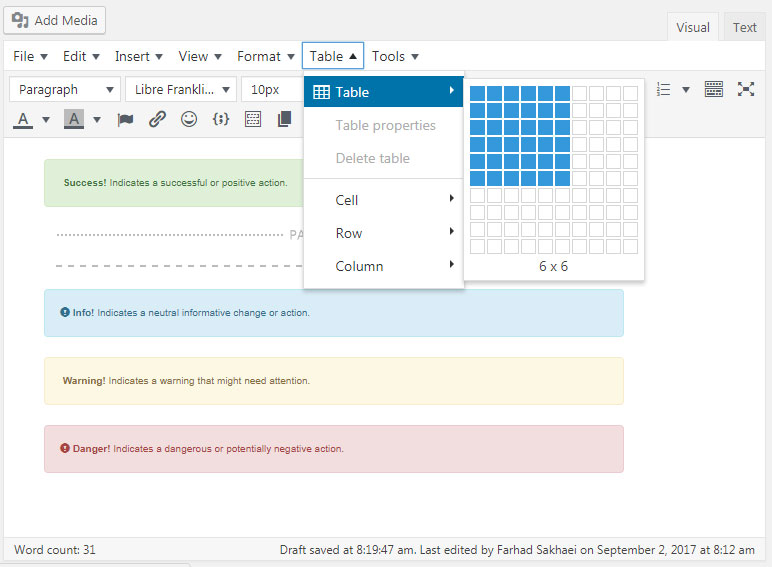
  • 支持创建和编辑表格。
  • 在编辑器中搜索和替换。
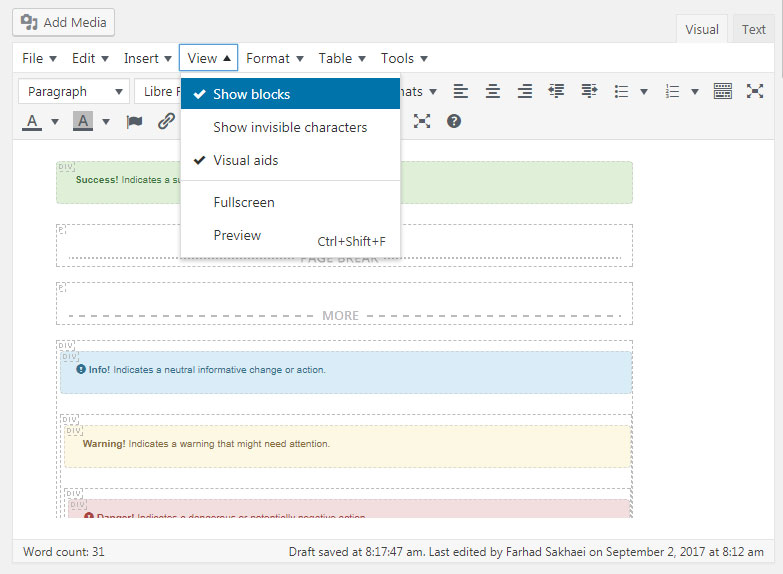
  • 显示块、显示不可见字符
  • 插入预定义样式和清除格式
  • 插入列表时有更多选项。
  • 能够设置字体系列和字体大小。
  • 全屏和预览选项
  • 还有很多其他的。