




Level up your sleep routine with advanced tracking from Fitbit Air, and enjoy delightful discoveries from Pokémon Sleep.

Your browser does not support the audio element.
Listen to article
[[duration]] minutes
This content is generated by Google AI. Generative AI is experimental
Building a consistent sleep routine is one of the best things you can do for your long-term health. But keeping up with your rest and recovery habits isn’t always easy. What if tracking your sleep wasn’t just good for your wellbeing, but could also be a daily adventure?
Enter the Google Fitbit Air Special Edition Pokémon Sleep. 1 This new special-edition tracker combines Google Health and Fitbit Air’s advanced sleep tracking with the playful, rewarding experience of the Pokémon Sleep app. And it’s another way to get in on the fun and celebrate Pokémon’s 30th anniversary this year.
Stay comfortable while you sleep.
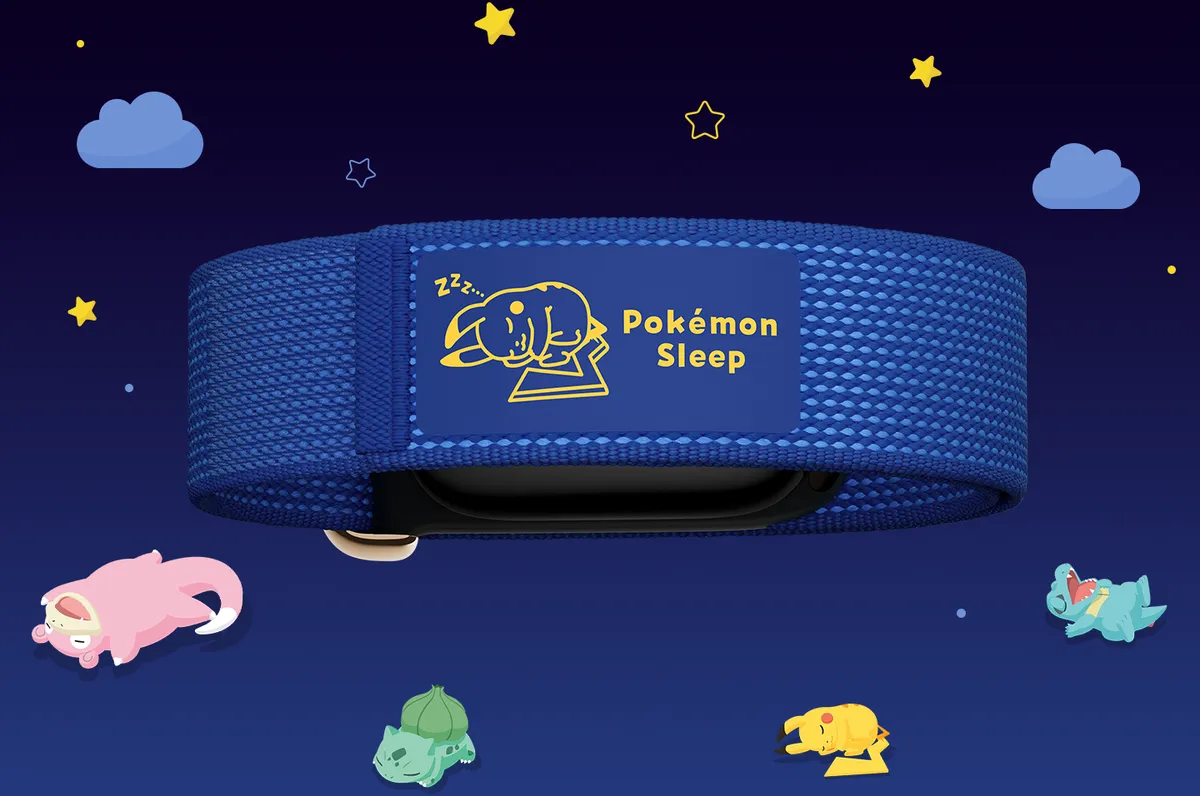
When you’re wearing a device to sleep, it should feel comfortable and weightless. Like the original Fitbit Air, this new Special Edition Pokémon Sleep is crafted to feel light and unnoticeable on your wrist for 24/7 wear. And its micro-adjustable design makes it easy to find a comfortable fit before you head to sleep.
Drawing inspiration from the world of Pokémon Sleep, the special-edition band comes in a serene Sleepy Blue colorway. It features soft blue colors and a custom silk print label of Sleeping Pikachu right on the strap — a subtle nod to a beloved Pokémon featured in the game.
Get powerful Google Health insights.
To improve your sleep, you need easy-to-understand data. That’s where Google Health sleep tracking comes in.
Using advanced algorithms, the Google Health app tracks your light and deep sleep stages each night, translating complex metrics into clear, actionable guidance. 2 And the Google Health Coach analyzes your trends over time to help you identify what makes your sleep routine unique, giving you personalized tips so you can build better habits. 3
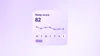
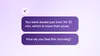
Plus, every purchase of the special-edition band includes a 3-month trial of Google Health Premium, so you can unlock deeper tools and guidance to prioritize your rest. 4
Turn your real-world rest into in-game progress.
When you connect your device to the Pokémon Sleep app, your sleep activity — including your overnight sleep and a nap during the day — unlocks interactive rewards. The app syncs with your Fitbit Air, using Health Connect on Android or Apple Health on iOS to pull your sleep duration stats to fuel your game, 5 and the experience works with all Google Pixel and Fitbit wearables.
- Gather Pokémon around Snorlax: When you wake up, Pokémon with sleep types similar to yours gather around Snorlax. Research their sleeping styles to complete your Sleep Style Dex and befriend new helper Pokémon to your team.
- Calculate your Drowsy Power: The Pokémon you befriend collect Berries to raise Snorlax’s Strength. When you wake up, your Sleep Score, calculated from sleep duration tracked from Google Health, multiplies Snorlax’s Strength to generate “Drowsy Power.”
- Discover rare sleep styles: The higher your Drowsy Power, the more Pokémon — and rare sleep styles — will appear around Snorlax the next day.
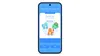
Connect your Fitbit Air to the Pokémon Sleep app.
Getting your Fitbit Air tracker set up only takes a few moments.
- Link your Google Health app to Health Connect or Apple Health: In settings, allow Google Health to link with Health Connect (Android) or Apple Health (iOS). This will enable Google Health to write your sleep data into other apps.
- Pair Google Health to the Pokémon Sleep app: Open the Pokémon Sleep app, navigate to Settings, and pair your device.
- Track your rest to sync your stats: Simply wear your tracker to sleep to automatically record your sleep stages and sleep duration.
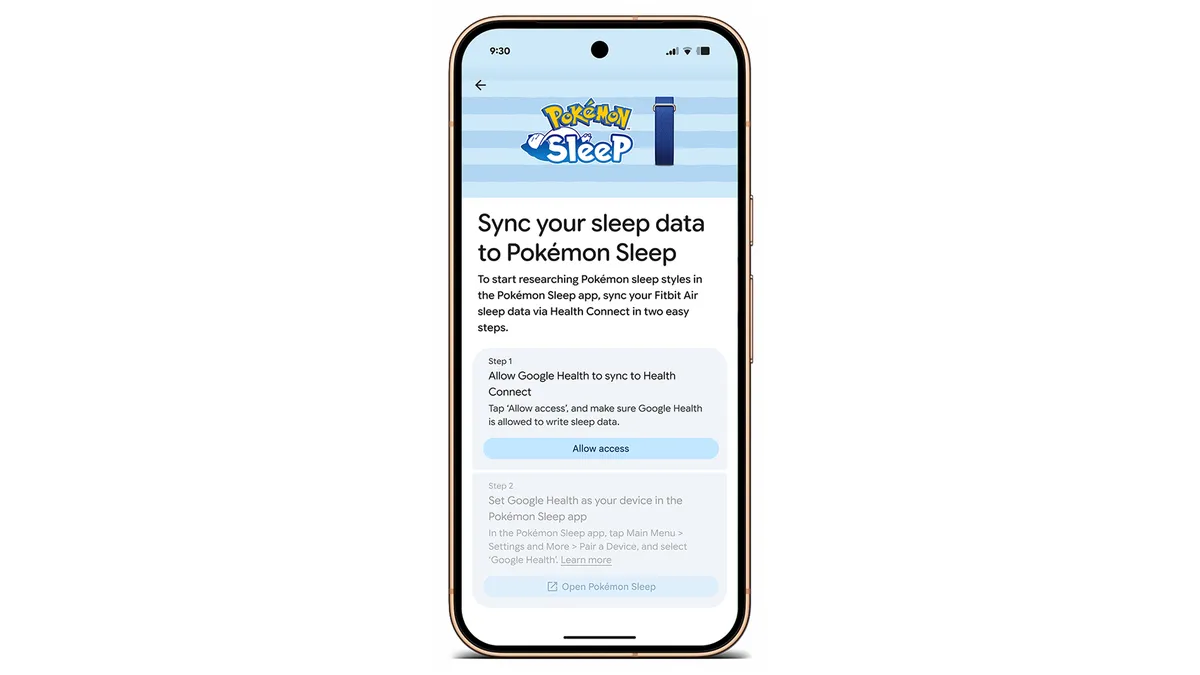
Once linked, your daily Google Health sleep stage and sleep duration data will automatically sync to the Pokémon Sleep app each morning to fuel your Pokémon adventure.
The Fitbit Air Special Edition Pokémon Sleep will be available for preorder starting today online and in-store at the Google Store and Target, and will start shipping September 15.
Get the latest news from Google in your inbox
Sign up for our newsletters with product updates, event information, special offers, and more.
Your information will be used in accordance with Google's privacy policy. You may opt out at any time.