







Published: February 17, 2020
Last updated: May 19, 2020
Recently, working on my Svelte side project (smitty.netlify.com), I came across the need to verify that all object properties in an array of objects were unique.
That’s a little tough to explain in writing, so here’s an example:
const items = [
	{
		name: 'The first object',
		id: 1
	},
	{
		name: 'Another object',
		id: 42
	},
	{
		name: 'Here is a third object',
		id: 100
	},
	{
		name: 'Oops! This one is a duplicate',
		id: 42
	}
	// ...etc.
];
In my case, the IDs were hard-coded (rather than generated programmatically). As such, they were subject to human error, and I discovered that some IDs were duplicated.
This was an issue because the ID numbers were being used for setting the HTML ids in a form; that meant some of the <label> elements were being associated with the wrong input, which is pretty disastrous in a production app!
The solution:
How to find the duplicates though? In my case there were 100 unique objects in the array, so while combing through them manually certainly wasn’t impossible, it was going to be a tedious task. The solution was to use JavaScript’s map method and Set functionality.
maptakes an array, and maps each thing in that array to a new array. (Here, we use it to create a new array with just the original IDs.)Sets in JavaScript create new arrays (technically, sets) with only unique values. (For example, theSetof[0, 0, 1, 1, 2]is[0, 1, 2]
To extract only the IDs of the original array, the code looks like this (where the original array is named items):
const IDs = new Set(items.map((item) => item.id));Now we’ve got an array of only unique IDs. What next?
Well, if we did have duplicate IDs in our original items array, then the length of IDs will be different than the length of the original array. So it’s a quick conditional check, which would seem like this, but beware! We’re missing a step:
IDs.length === items.length;
// Always returns false 🤔
Heads up! That won’t quite work, because Sets and arrays in JavaScript are not the same thing! The above comparison will always return false because, if you check, IDs.length is undefined. (That’s because .length is a method on arrays, not sets.)
To fix the issue, we can just add a bit of ES6 destructuring to convert the set into an array:
[...IDs].length === items.length;
// Now it works!
// true if all IDs were unique, false if not
If you prefer, this is a little more explicit and works the same way; I just prefer the above shorthand, personally:
// Another way to do the same thing:
Array.from(IDs).length === items.length;
Make it reusable
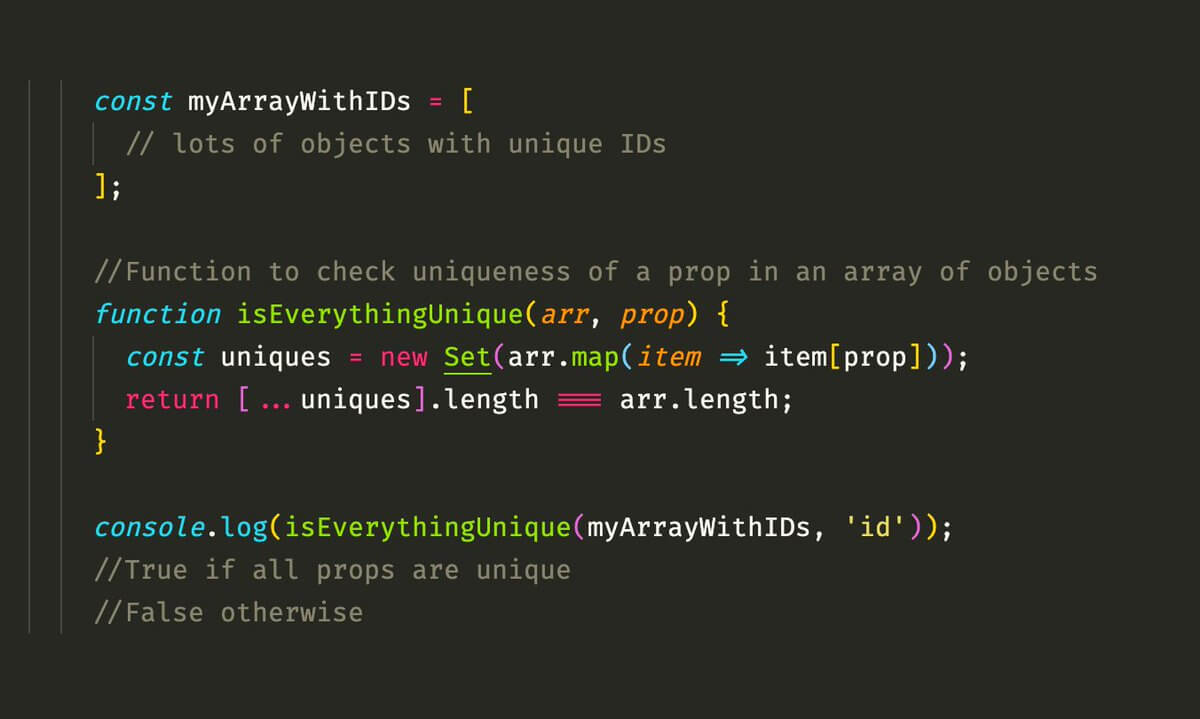
If this is an issue you might run into frequently, you can abstract it to a function like so:
// Reusable function to check uniqueness of keys in an array of objects
const isEverythingUnique = (arr, key) => {
    const uniques = new Set(arr.map(item => item[key]);
    return [...uniques].length === arr.length;
}
And call it with, e.g., isEverythingUnique(items, 'id'); (which would return false in our case, because there are two objects each with id: 42).
If the function returns true, then you know all the keys are unique. Otherwise, you have non-unique keys (IDs).
To find out which ones are duplicates, you can use this handy function which I developed from this Hacker Noon post:
// Reusable function to show the duplicate keys in an array of objects
const getDuplicates = (arr, key) => {
	const keys = arr.map((item) => item[key]);
	return keys.filter((key) => keys.indexOf(key) !== keys.lastIndexOf(key));
};
Call this function just like the one above, e.g., getDuplicates(items, 'id'), which in our case, would get you an array that contains the non-unique IDs, like this:
getDuplicates(items, 'id');

// [42, 42]
Hope you enjoyed! Thanks for reading.