









Great news: Ruby is now installable through the Microsoft Store!
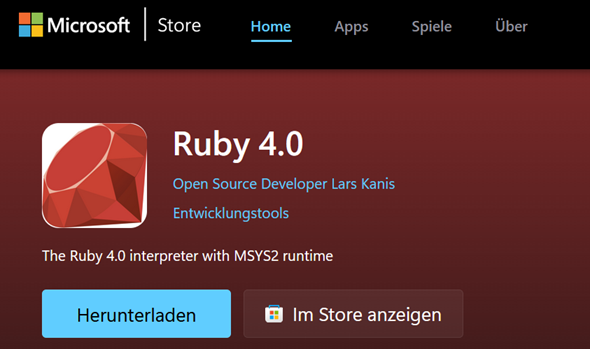
Ruby can finally be installed on Windows per one click in the Microsoft Store.
After download and installation there’s a new folder at C:/Ruby40-x64 which contains the Ruby binaries and sources as usual.
The well known ruby tools, like irb, gem, bundler and rake are added to the PATH environment variable of the current user.
A startmenu entry is added for “Ruby 4.0”:
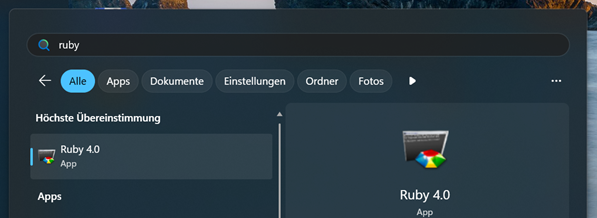
Microsoft recommends only one icon per app and this is why a neat console based start menu pops up, which looks like so:
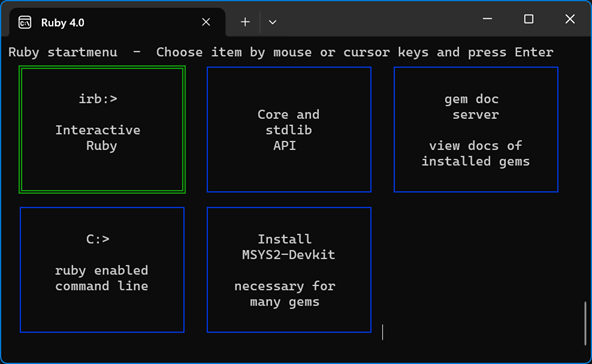
Here is the possibility to install MSYS2-Devkit, which is a precondition to install gems with C extensions.
Future patch versions of ruby-4.0.x will be distributed as app updates and can equally be installed through the store. Installed gems keep untouched in this case - only the ruby base installation is updated.
It’s also possible to install Ruby per winget command like so:
winget install "Ruby 4.0"
… and to remove it like so:
winget uninstall "Ruby 4.0.1-1-x64"
Both the packages for x64 and arm64 architectures are available and selected automatically.
The Ruby installed through the Microsoft Store is not special in any way. It’s a normal user installation without Devkit, executed with user privileges. The following options for unattended installation are used:
rubyinstaller-4.0.1-1-x64.exe /verysilent /currentuser /tasks=assocfiles,modpath
More help to installation issues is available in the RubyInstaller wiki.