

惯性聚合 高效追踪和阅读你感兴趣的博客、新闻、科技资讯
阅读原文 在惯性聚合中打开

推荐订阅源

腾讯CDC
Schneier on Security
B
Blog RSS Feed
aimingoo的专栏
aimingoo的专栏
P
Proofpoint News Feed
A
About on SuperTechFans
Recorded Future
Recorded Future
Recent Announcements
Microsoft Security Blog
L
LangChain Blog
Hugging Face - Blog
Hugging Face - Blog
The GitHub Blog
The GitHub Blog
Google DeepMind News
T
Tailwind CSS Blog
Vercel News
Vercel News
H
Hackread – Cybersecurity News, Data Breaches, AI and More
MyScale Blog
MyScale Blog
V2EX - 技术
V2EX - 技术
N
Netflix TechBlog - Medium
F
Fortinet All Blogs
V
Visual Studio Blog
Martin Fowler
Martin Fowler
K
KPMG report finds enterprise disconnect between AI and its ROI | CIO
博客园 - Franky
freeCodeCamp Programming Tutorials: Python, JavaScript, Git & More
T
The Exploit Database - CXSecurity.com
F
Full Disclosure
Scott Helme
Scott Helme
H
Heimdal Security Blog
博客园 - 叶小钗
Google DeepMind News
Cyberwarzone
Cyberwarzone
Application and Cybersecurity Blog
V
Vulnerabilities – Threatpost
Blog — PlanetScale
Blog — PlanetScale
Security Latest
Security Latest
WordPress大学
WordPress大学
Cyber Security Advisories - MS-ISAC
T
Troy Hunt's Blog
S
SegmentFault 最新的问题
Forbes - Security
Forbes - Security
Jina AI
Jina AI
S
Securelist
小众软件
小众软件
Simon Willison's Weblog
J
Java Code Geeks
AWS News Blog
AWS News Blog
N
News and Events Feed by Topic
博客园 - 三生石上(FineUI控件)
量子位

记录生活,精彩一刻 - 软件

MusicFree-高颜值播放器 开源 无广告(推荐) Ookla Speedtest 6.6.1 纯净测速软件 微信好友检测软件【真实好友】【已测好用】 WHMCS V7.8.0原版下载及破解补丁安装教程
解决宝塔面板后台访问卡顿软件商店加载不出来问题
Huo · 2025-01-09 · via 记录生活,精彩一刻 - 软件

宝塔

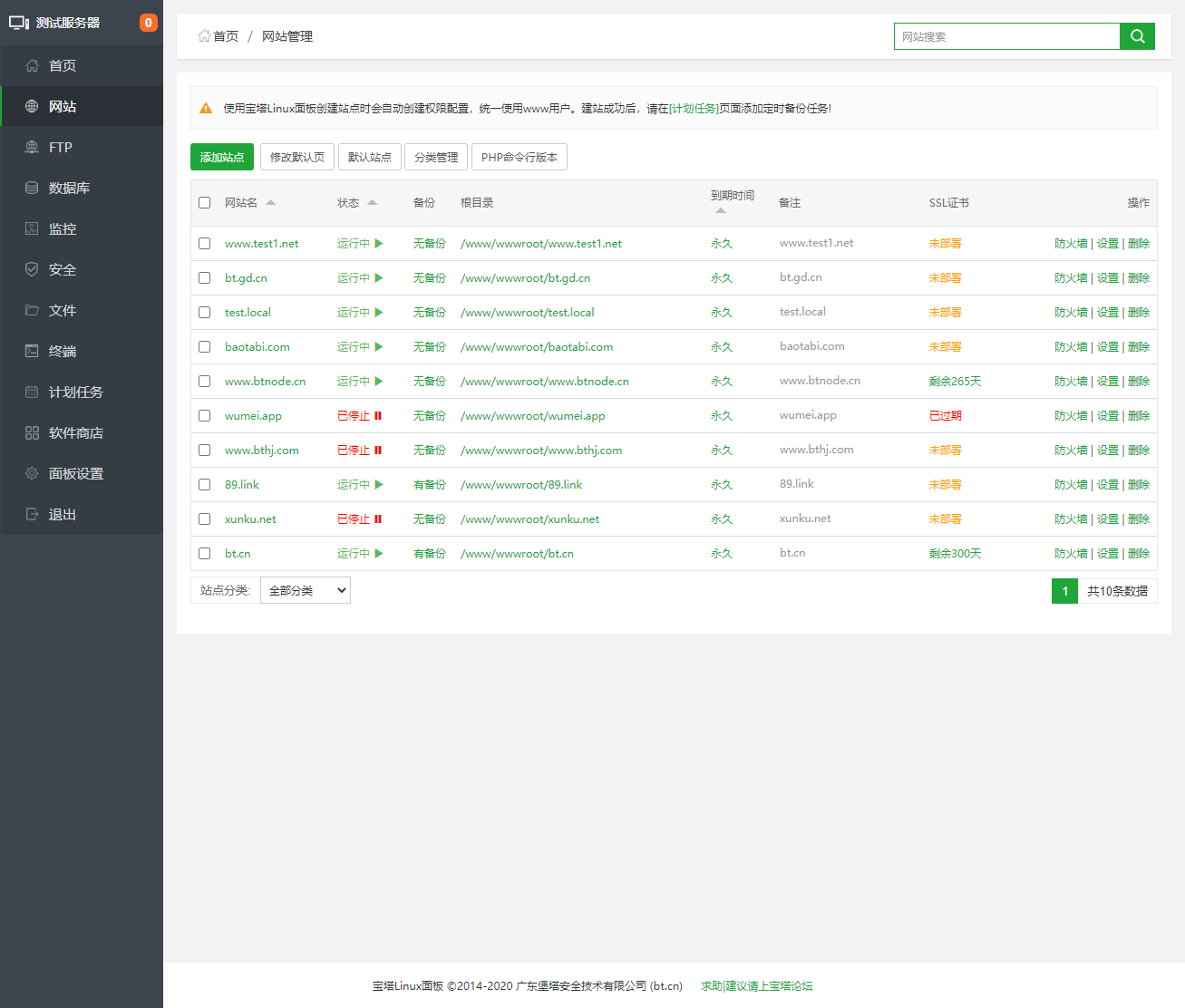
今天看到一个网友反馈自己很长时间没有登录的宝塔面板后台访问很慢,而且打开左侧菜单后加载也是比较慢的。同时,在打开软件商店的时候软件列表加载不出来。当然这个时候服务器中的网站是可以访问的,问题应该在于宝塔面板。这里我先考虑的是给他升级到BT面板最新版本,点击右上角升级的时候也是无法加载。

然后查看其他说明,告知是服务器的DNS和宝塔面板的兼容问题,这里需要修改DNS。

1、国内云服务器

如果我们是大陆和香港服务器,更换这个DNS。

优先选择这条命令执行

sed -i "/bt.cn/d" /etc/hosts
echo "116.10.184.232 www.bt.cn download.bt.cn api.bt.cn dg1.bt.cn dg2.bt.cn" >> /etc/hosts

2、国外云服务器

如果我们是国外的云服务器,执行这个脚本。

sed -i "/bt.cn/d" /etc/hosts
echo "128.1.164.196 www.bt.cn download.bt.cn api.bt.cn dg1.bt.cn dg2.bt.cn" >> /etc/hosts

如果还是无法解决的话,执行命令:

wget http://125.90.93.52/tools/auto_fix.sh && bash auto_fix.sh

修复后再试试。