



https://github.com/prometheus-operator/kube-prometheus
包含功能:
Desktop 4.12.0 开启 K8s 1.25
bash
# clone 对应的版本 release v0.11.0
git clone git@github.com:prometheus-operator/kube-prometheus.git
# 先安装CRD资源
kubectl apply --server-side -f manifests/setup
# 检查CRD安装情况
until kubectl get servicemonitors --all-namespaces ; do date; sleep 1; echo ""; done
# 替换为国内镜像,搜索 quay.io,如 image: quay.io/prometheus/node-exporter:v1.5.0,
# 替换为 quay.dockerproxy.com/prometheus/node-exporter:v1.5.0
# 参见: https://dockerproxy.com/docs
# 如果是Mac系统,注释 nodeExporter-daemonset.yaml 中的 mountPropagation: HostToContainer
kubectl apply -f manifests/
# 检查安装情况
kubectl get pod -n monitoring
# 进到dashboard页面
# kubectl --namespace monitoring port-forward svc/prometheus-k8s 9090
# grafana 用户名密码 admin admin
kubectl --namespace monitoring port-forward svc/grafana 3000
kubectl --namespace monitoring port-forward svc/alertmanager-main 9093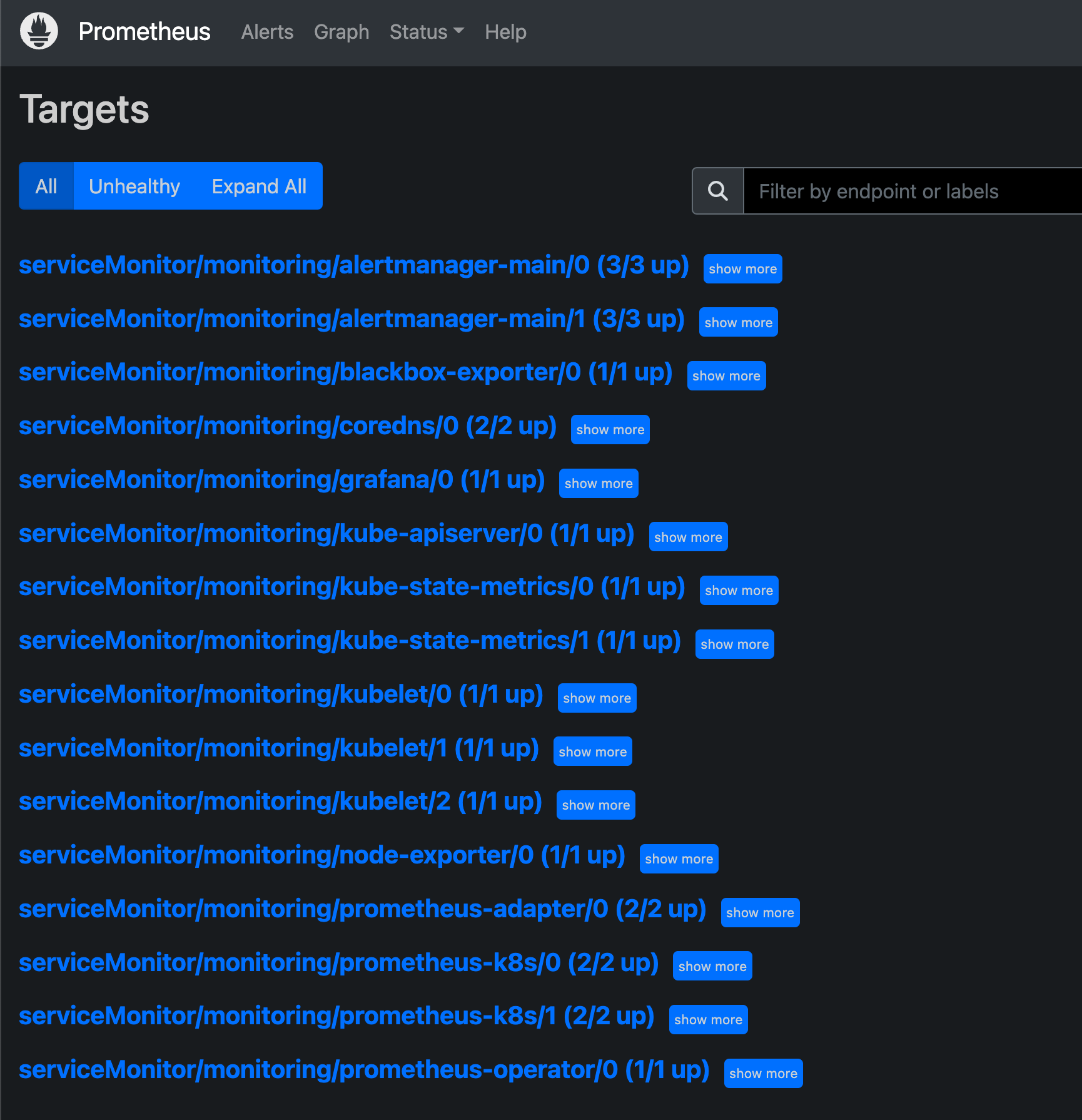
Grafana 已经内置了很多面板 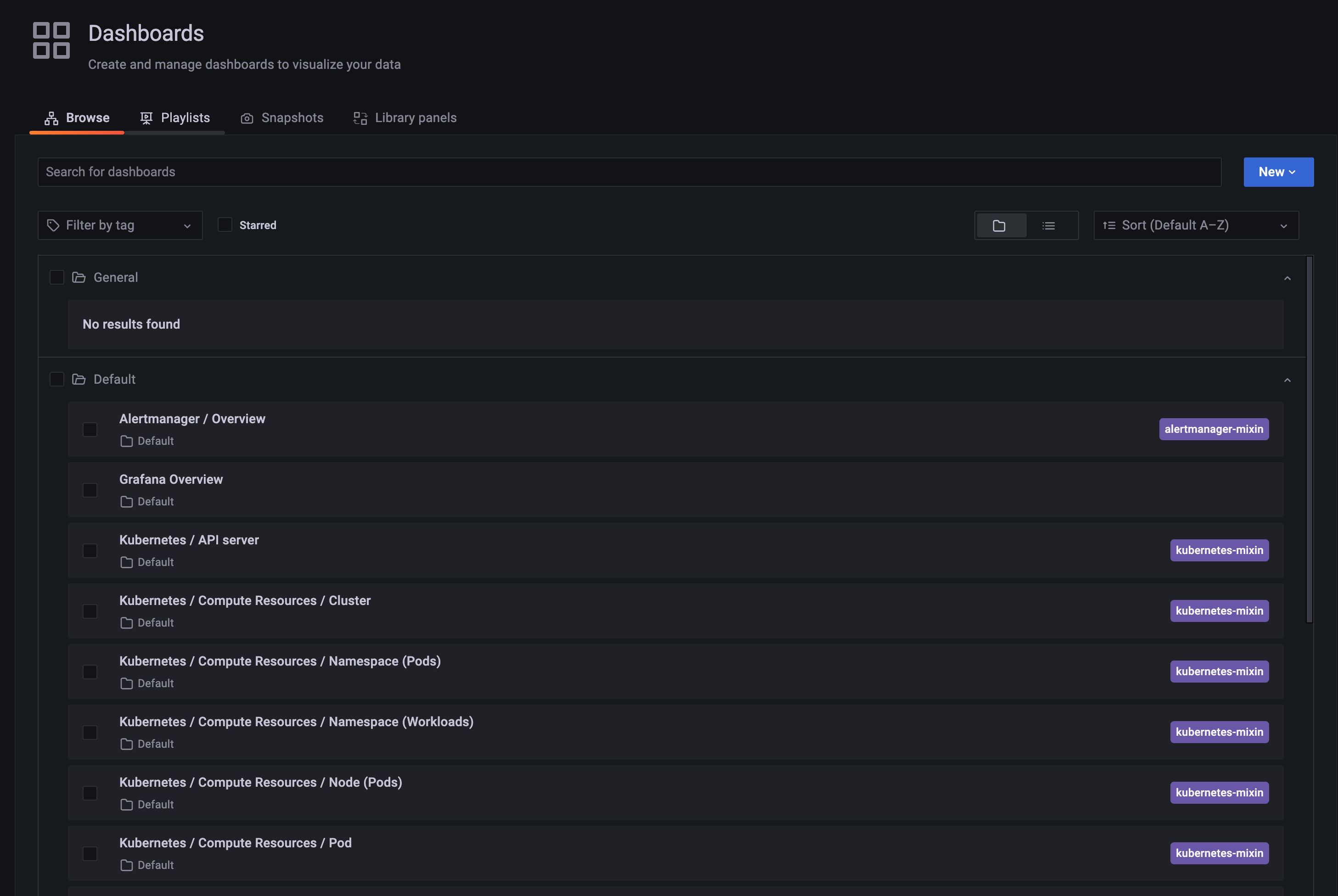
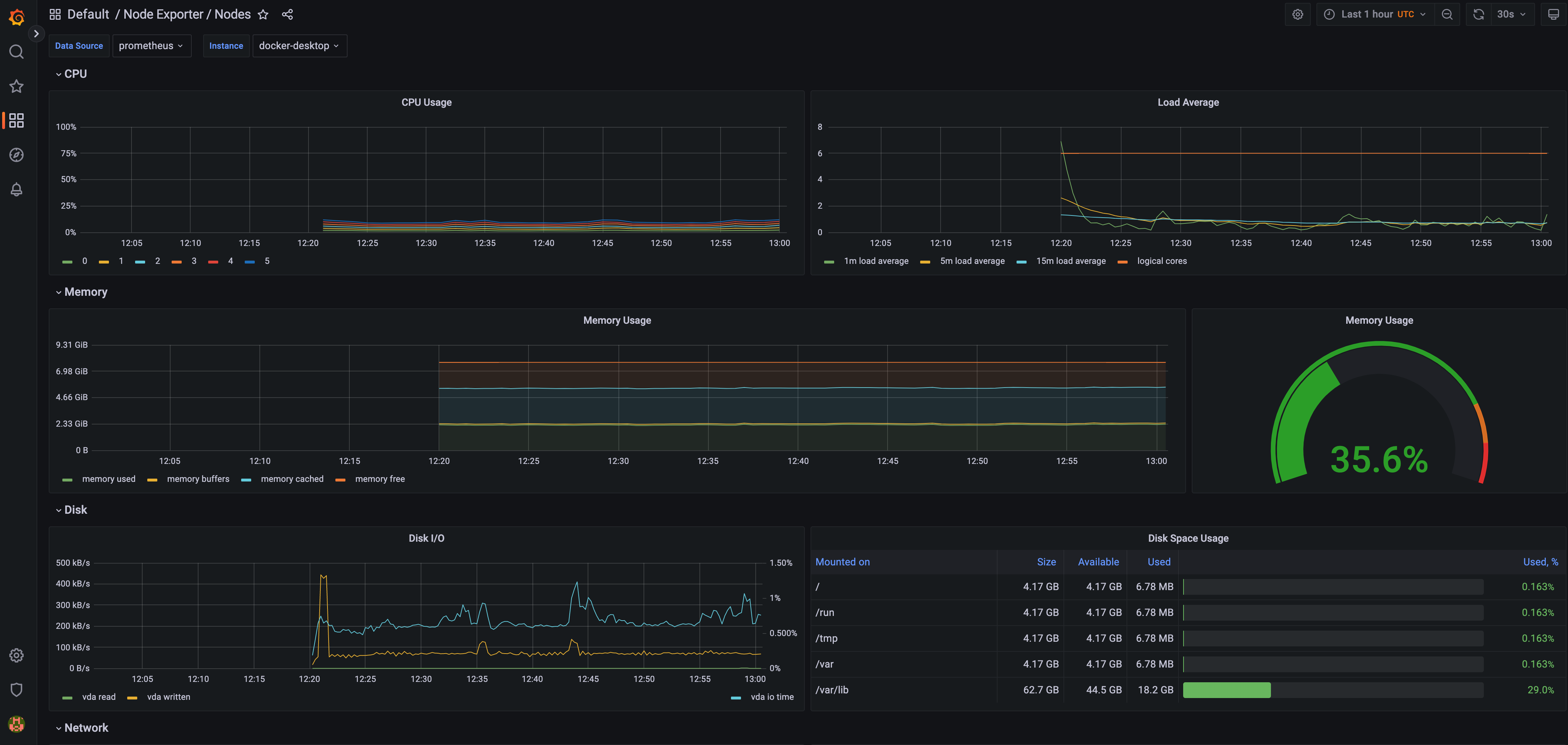
failed to try resolving symlinks in path "/var/log/pods/monitoring_node-exporter-6hq8f_433e74b9-f343-42da-9293-beca9bdb6987/node-exporter/4.log": lstat /var/log/pods/monitoring_node-exporter-6hq8f_433e74b9-f343-42da-9293-beca9bdb6987/node-exporter/4.log: no such file or directory
k logs node-exporter-6hq8f  -n monitoring kube-rbac-proxy

Flag --logtostderr has been deprecated, will be removed in a future release, see https://github.com/kubernetes/enhancements/tree/master/keps/sig-instrumentation/2845-deprecate-klog-specific-flags-in-k8s-components
W0108 10:10:43.193481   63974 kube-rbac-proxy.go:152]
==== Deprecation Warning ======================

Insecure listen address will be removed.
Using --insecure-listen-address won't be possible!

The ability to run kube-rbac-proxy without TLS certificates will be removed.
Not using --tls-cert-file and --tls-private-key-file won't be possible!

For more information, please go to https://github.com/brancz/kube-rbac-proxy/issues/187

===============================================

I0108 10:10:43.193618   63974 kube-rbac-proxy.go:272] Valid token audiences:
I0108 10:10:43.193682   63974 kube-rbac-proxy.go:363] Generating self signed cert as no cert is provided
I0108 10:11:38.849433   63974 kube-rbac-proxy.go:414] Starting TCP socket on [192.168.65.4]:9100
I0108 10:11:38.849787   63974 kube-rbac-proxy.go:421] Listening securely on [192.168.65.4]:9100
I0108 10:11:41.850336   63974 log.go:198] http: proxy error: dial tcp 127.0.0.1:9100: connect: connection refused
I0108 10:11:52.534207   63974 log.go:198] http: proxy error: dial tcp 127.0.0.1:9100: connect: connection refused
I0108 10:11:56.079702   63974 log.go:198] http: proxy error: dial tcp 127.0.0.1:9100: connect: connection refused
I0108 10:12:07.346623   63974 log.go:198] http: proxy error: dial tcp 127.0.0.1:9100: connect: connection refused
在Mac或Win上安装会有一些问题
需要注释 mountPropagation: HostToContainer
此内容由惯性聚合(RSS阅读器)自动聚合整理,仅供阅读参考。 原文来自 — 版权归原作者所有。